Skip to content
prompset

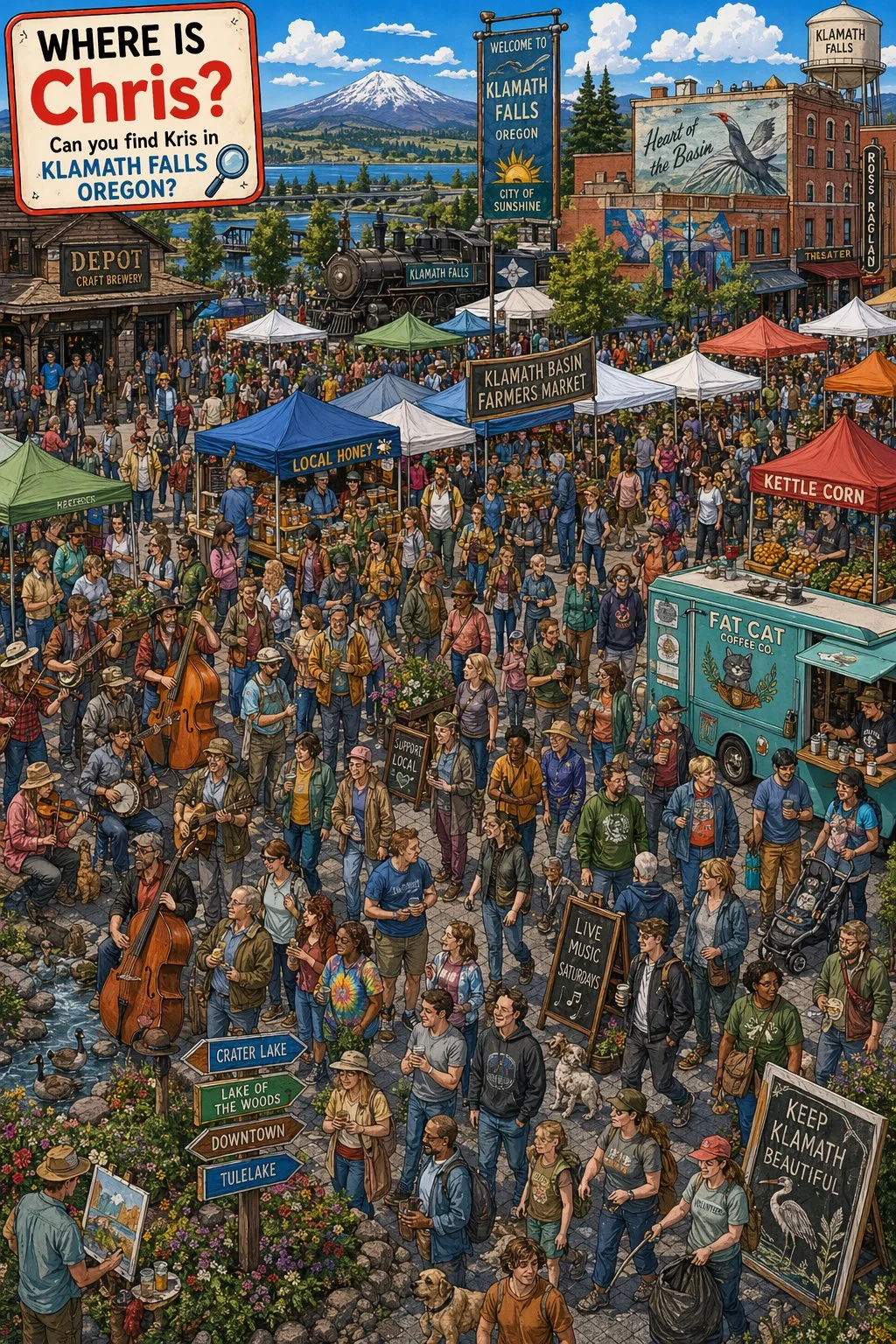
Search-and-find crowd at Klamath Falls market
Search-and-find crowd at Klamath Falls market
0
views
0
copies
Download
JPG · 1024 × 1536
Likes
0
Views
0
Copies
0
Saved
0
Download
JPG · 1024 × 1536

Prompt

Model
GPT Image 2
Mode
Text to image
Resolution
1024 × 1536
Aspect
2:3

Highly detailed, hand-drawn crowded search-and-find illustration, vertical composition. Scene: Klamath Falls, Oregon in a lively, busy moment — a Saturday street market. Filled with hundreds of small characters doing unique activities: street musicians playing guitars, food vendors serving hot dogs and pretzels, tourists taking photos, dogs on leashes, cyclists riding through, performers juggling, kids running, artists sketching, shoppers browsing stalls. Include dense environmental storytelling: signs, vehicles, architecture details, storefronts, props, textures. Main goal: hide a specific character ('Chris') naturally within the crowd. Chris description: short brown hair, friendly face vibe, wearing a blue hoodie with a graphic print, jeans, walking and smiling. Chris should be visible but not obvious, not centered compositionally, similar scale to surrounding characters, blending into the environment. Add a playful title panel in the corner: 'WHERE IS Chris?' Subtext: 'Can you find Chris in Klamath Falls, Oregon?' Style: colorful, dense, highly detailed, clean linework, expressive characters, slightly exaggerated proportions, packed composition with minimal empty space. Camera: wide angle, slightly elevated perspective, everything in focus. Lighting: bright daylight, cheerful tones.

About this prompt

A dense search-and-find illustration of a bustling farmers' market with buskers, food stalls, dogs and shoppers, plus a title panel asking viewers to find Chris. Useful as a prompt for interactive puzzle posters, activity sheets or crowd-scene illustrations.

Prompt breakdown

Made by AI · Click a part to highlight it in the prompt

Made by AI · Click a part to highlight it in the prompt

How to use this prompt

Three steps from this page to your own image.

  1. 01

    Copy the prompt

    Copy the text as it is, every detail and any text on the image included.

  2. 02

    Match the settings

    Open GPT Image 2 on a platform that offers it and use the same settings: text to image, 1024 × 1536, 2:3.

  3. 03

    Make it yours

    Change the subject or the style, or let Studio adapt it for you.