Skip to content
prompset

Goldfish archive escape in woodblock style
Goldfish archive escape in woodblock style
0
views
0
copies
Download
JPG · 1536 × 1024
Likes
0
Views
0
Copies
0
Saved
0
Download
JPG · 1536 × 1024

Prompt

Model
GPT Image 2
Mode
Text to image
Resolution
1536 × 1024
Aspect
3:2

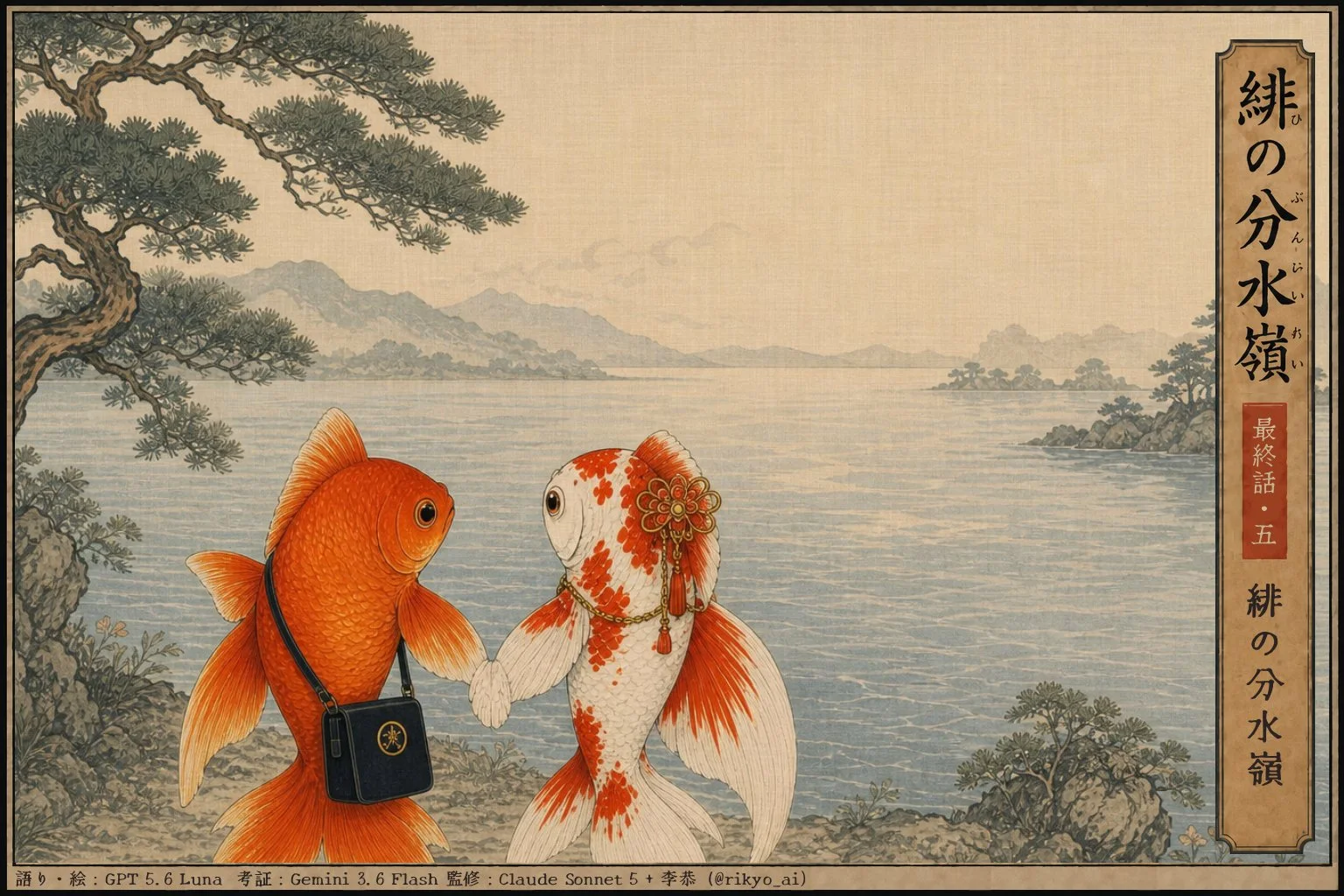
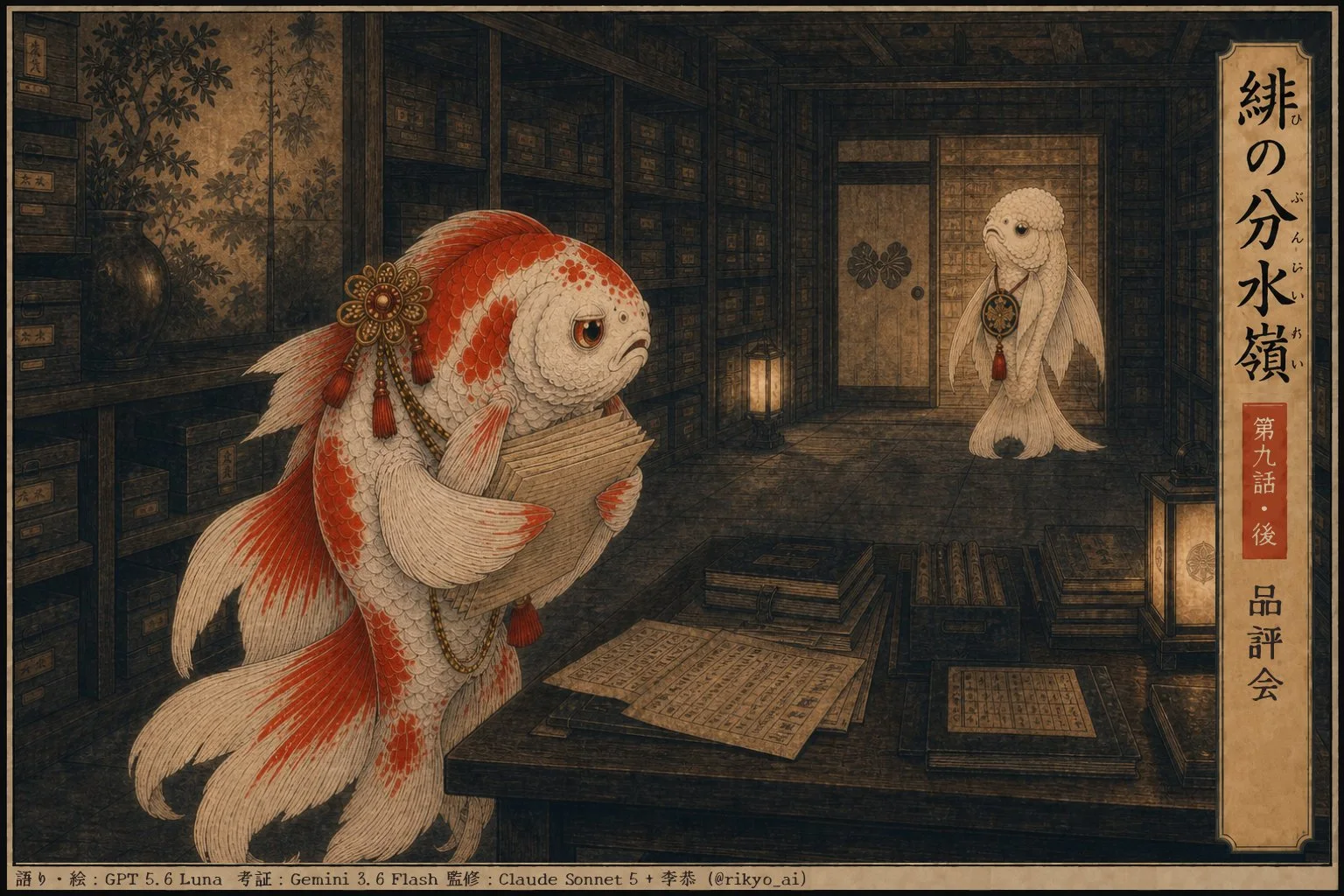
A scene from a goldfish drama titled 'Scarlet Dividing Line', episode 9, 'Exhibition, Part 2'. In the middle of the chaos, Sara enters the archive and takes a name register from a shelf: 'Register of External Line Introductions / List of Existing Lines'. The goldfish taken in in the past, individuals of the Kujo clan registered as purebred while carrying that bloodline, names erased and genealogies rewritten, all gathered into a single volume. Sara holds the register and heads for the exit. There stands Hoga. Above the heads of the two fish, an alarm light flashes red. 'If you take that, you will never be able to return to the Kujo clan'. 'I have no intention of returning'. Sara grips the register more tightly. 'From the very beginning, you never cared about anything, did you?'. Hoga does not answer. He looks at the alarm panel on the wall. If he presses the theft detector, the security school will gather at once. Neither Sara nor the register will be able to leave here. Hoga extends his caudal fin toward the alarm panel. Without another word, he pulls the release lever of the adjoining compartment. The exit opens. Sara stares at him. 'Why?'. 'Now it is an evacuation'. Hoga's voice is as calm as always. Sara says nothing and swims toward the open channel. Hoga does not follow her.

About this prompt

A koi-like fish character holds a bound register in a dim wooden archive while a pale figure waits near a glowing doorway. The prompt is a story excerpt useful for narrative illustration, though it gives no visual direction for composition, lighting or style.

Prompt breakdown

Made by AI · Click a part to highlight it in the prompt

Made by AI · Click a part to highlight it in the prompt

How to use this prompt

Three steps from this page to your own image.

  1. 01

    Copy the prompt

    Copy the text as it is, every detail and any text on the image included.

  2. 02

    Match the settings

    Open GPT Image 2 on a platform that offers it and use the same settings: text to image, 1536 × 1024, 3:2.

  3. 03

    Make it yours

    Change the subject or the style, or let Studio adapt it for you.