Skip to content
prompset

Photo to pastel lavender ink fashion sketch
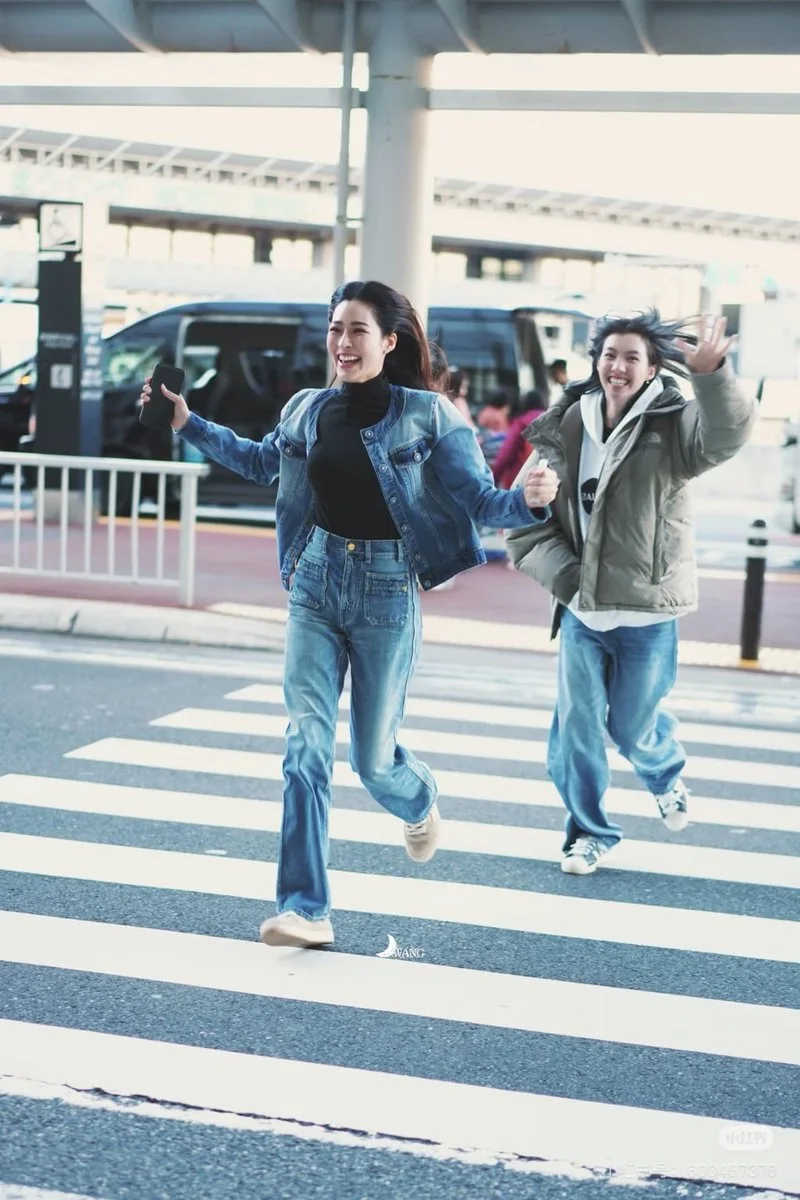
Photo to pastel lavender ink fashion sketch
0
views
0
copies
Download
JPG · 800 × 1200
Likes
0
Views
0
Copies
0
Saved
0
Download
JPG · 800 × 1200

Prompt

Model
GPT Image 2
Mode
Image edit
Inputs
1 image
Resolution
800 × 1200
Aspect
2:3

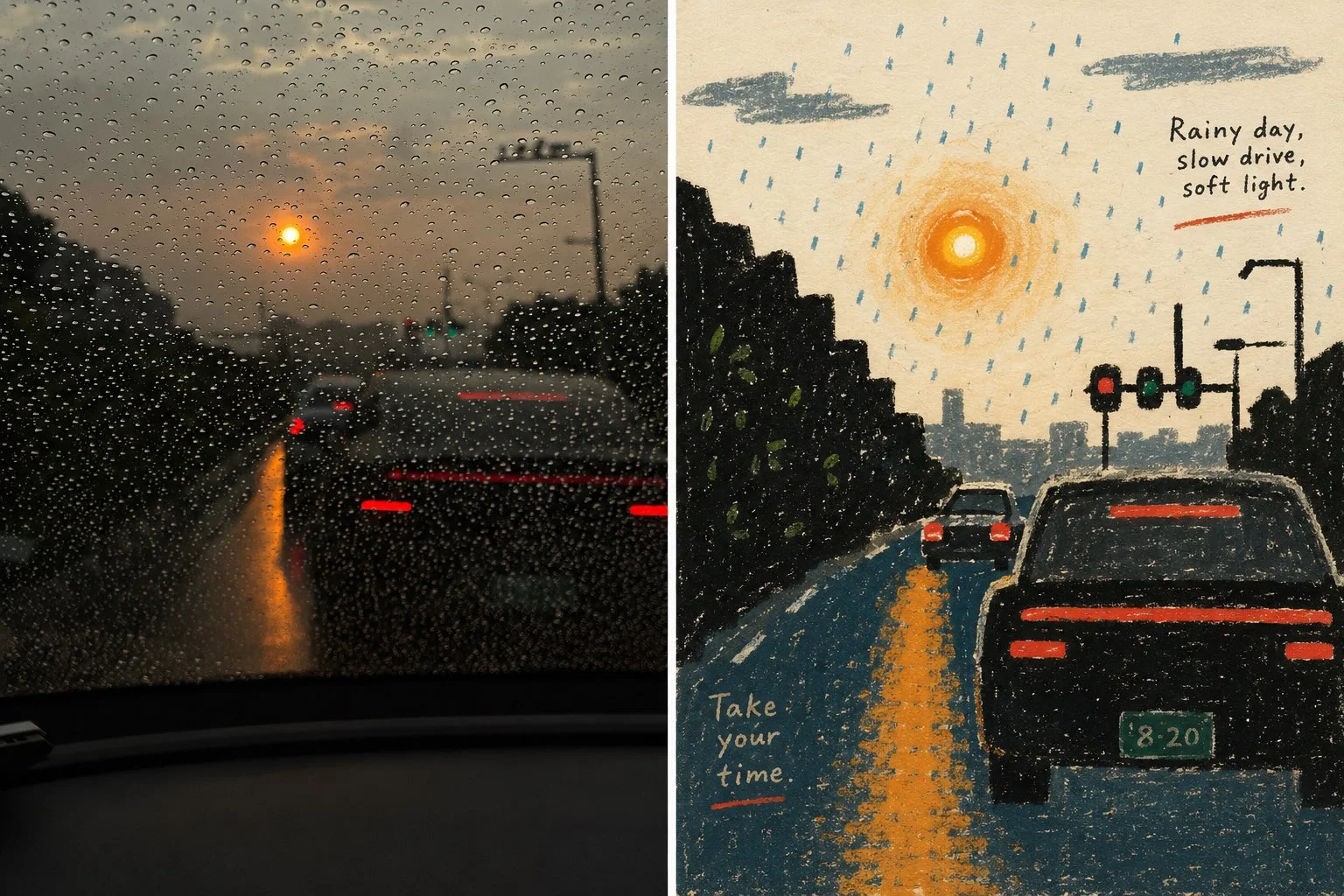
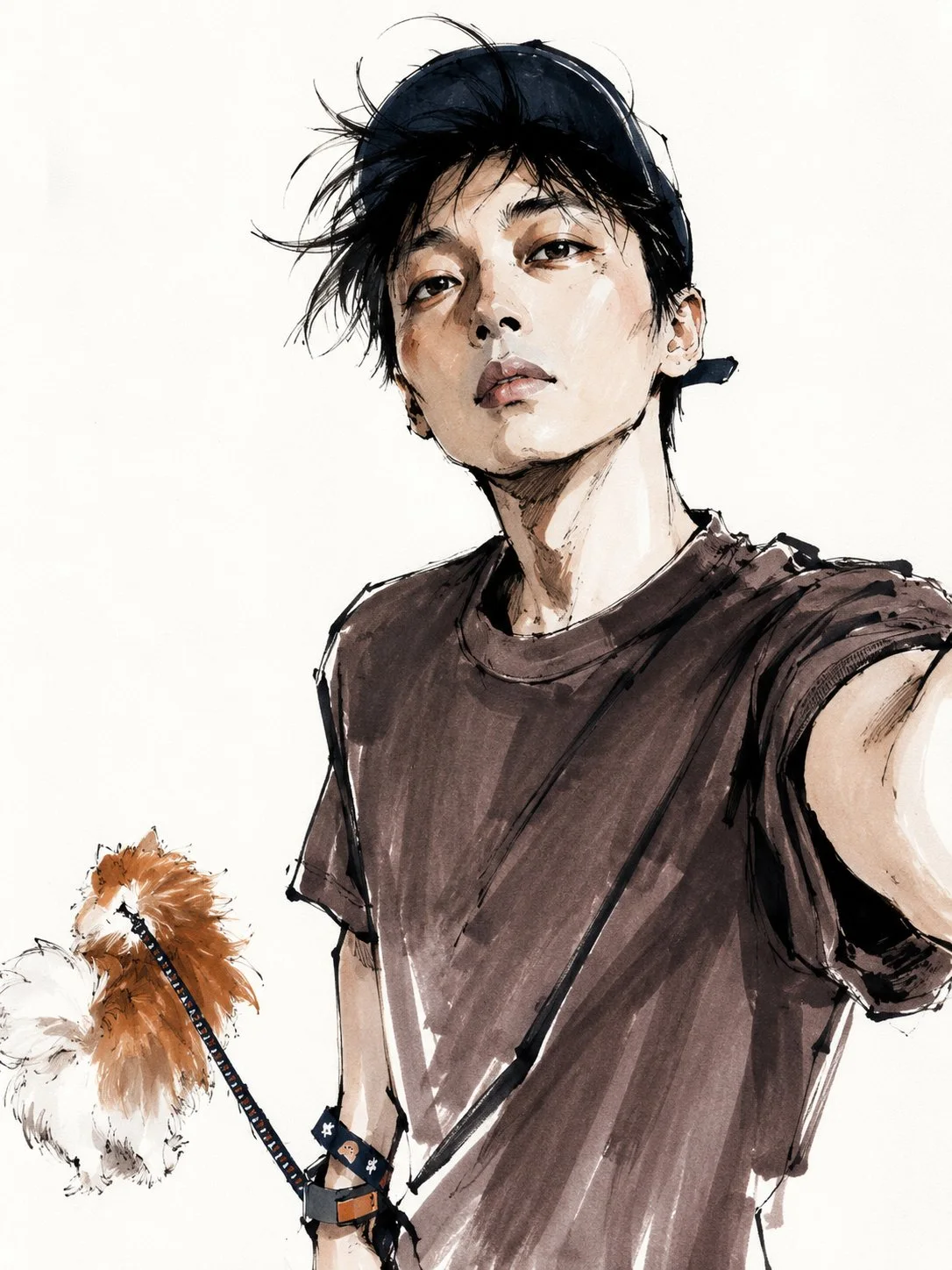
Transform the uploaded photo into a charming hand-drawn fashion illustration while faithfully preserving the original scene and composition. Keep the same people, number of people, poses, body positioning, facial expressions, clothing, accessories, hairstyles, objects, and overall framing. Do not add or remove important elements. Convert the photo into a minimal Japanese/Korean-inspired lifestyle sketch using loose, confident deep forest-green ink linework with subtle hand-drawn imperfections. Use a soft muted pastel lavender background (#E6E0EE). Keep it light, creamy, romantic and slightly vintage — not bright purple or pink. Simplify realistic textures, shadows and surroundings into expressive linework and selective cross-hatching, while keeping enough environmental detail to recognize the original scene. Style: cute editorial illustration, Japanese stationery aesthetic, Korean lifestyle illustration, fashion sketch, slice-of-life manga, imperfect pen strokes, clean negative space, subtle vintage feel. Color palette: pastel lavender + deep forest green, with minimal secondary tones. No photorealism, 3D rendering or glossy digital painting. Preserve the original composition, perspective, camera angle, poses, proportions, clothing and key objects. It should look like the exact photograph was directly redrawn by an illustrator, not redesigned into a different scene.

About this prompt

Two adult women run across a crosswalk, one in a denim jacket and one in a green puffer jacket. The prompt asks for a soft pastel hand-drawn fashion sketch of the uploaded photo, keeping the same scene, people and composition.

Prompt breakdown

Made by AI · Click a part to highlight it in the prompt

Made by AI · Click a part to highlight it in the prompt

How to use this prompt

Three steps from this page to your own image.

  1. 01

    Copy the prompt

    Copy the text as it is, every detail and any text on the image included.

  2. 02

    Match the settings

    Open GPT Image 2 on a platform that offers it and use the same settings: image edit, 1 image, 800 × 1200, 2:3.

  3. 03

    Make it yours

    Change the subject or the style, or let Studio adapt it for you.