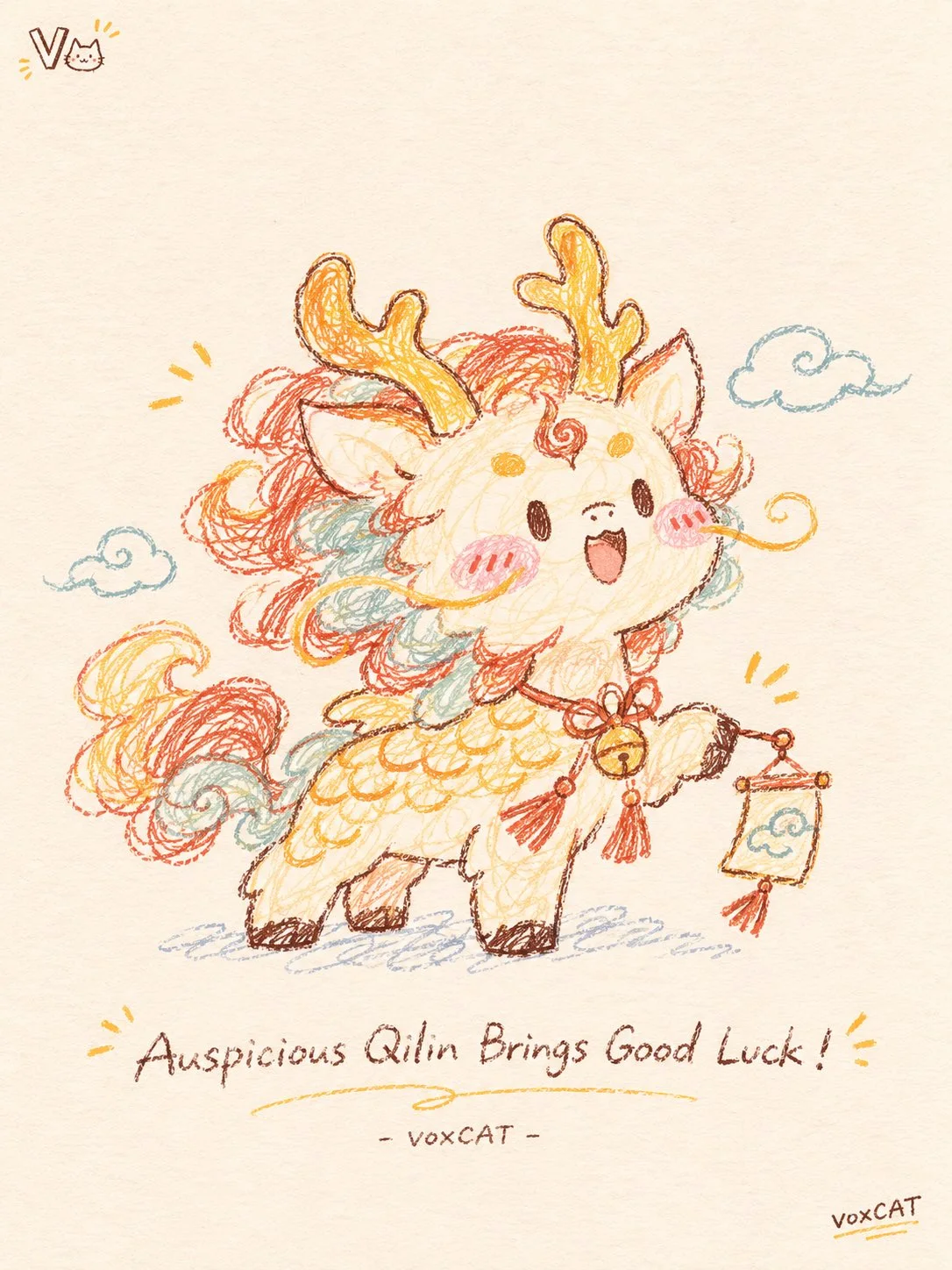
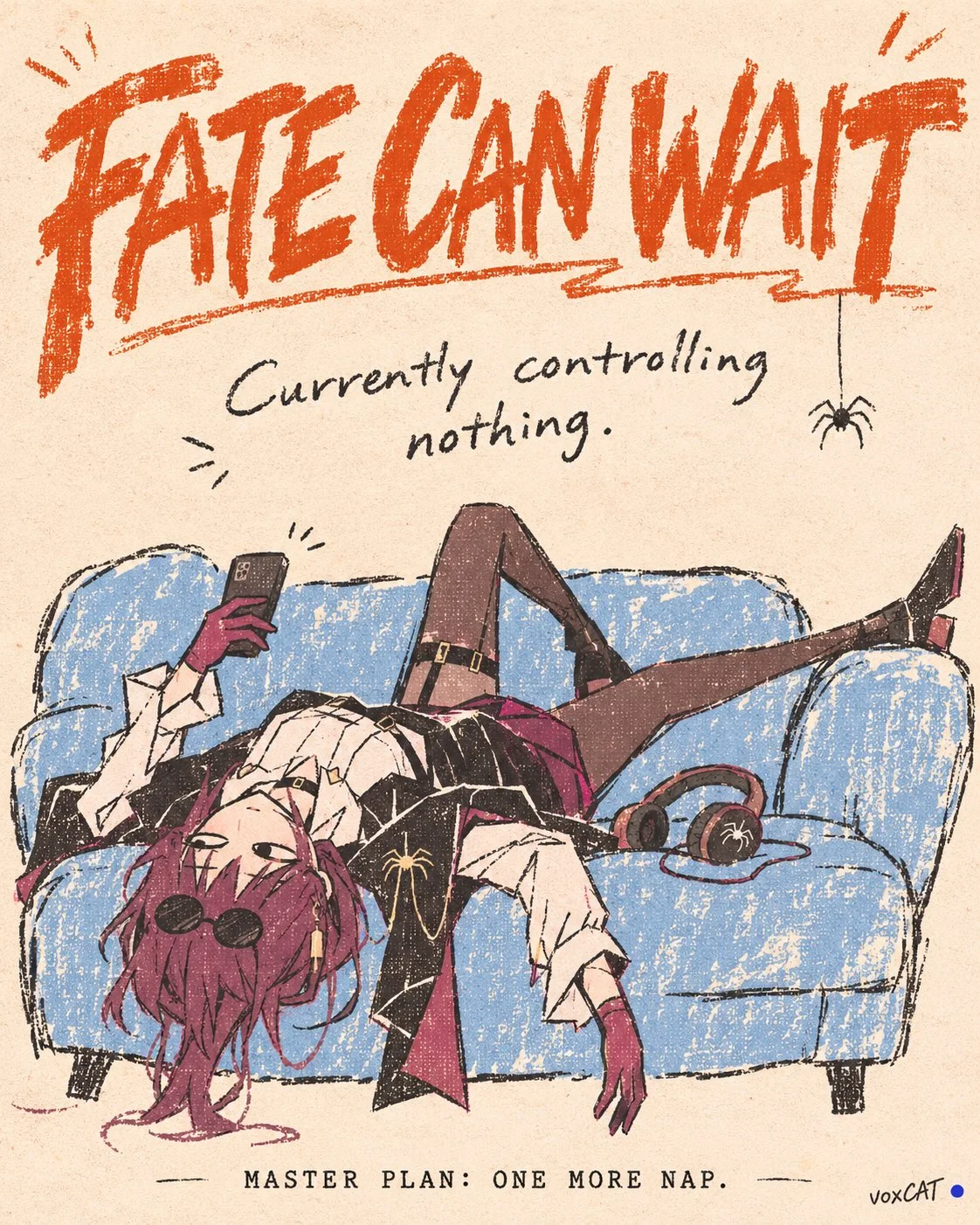
【Character】, retaining its signature hairstyle, silhouette, colour scheme, costume and identity traits, rendered as a naive, childlike hand-drawn character.
Naïve Doodle Art × Childlike Scribble Illustration × Loose Continuous Line Drawing × Minimalist Hand-drawn Poster.
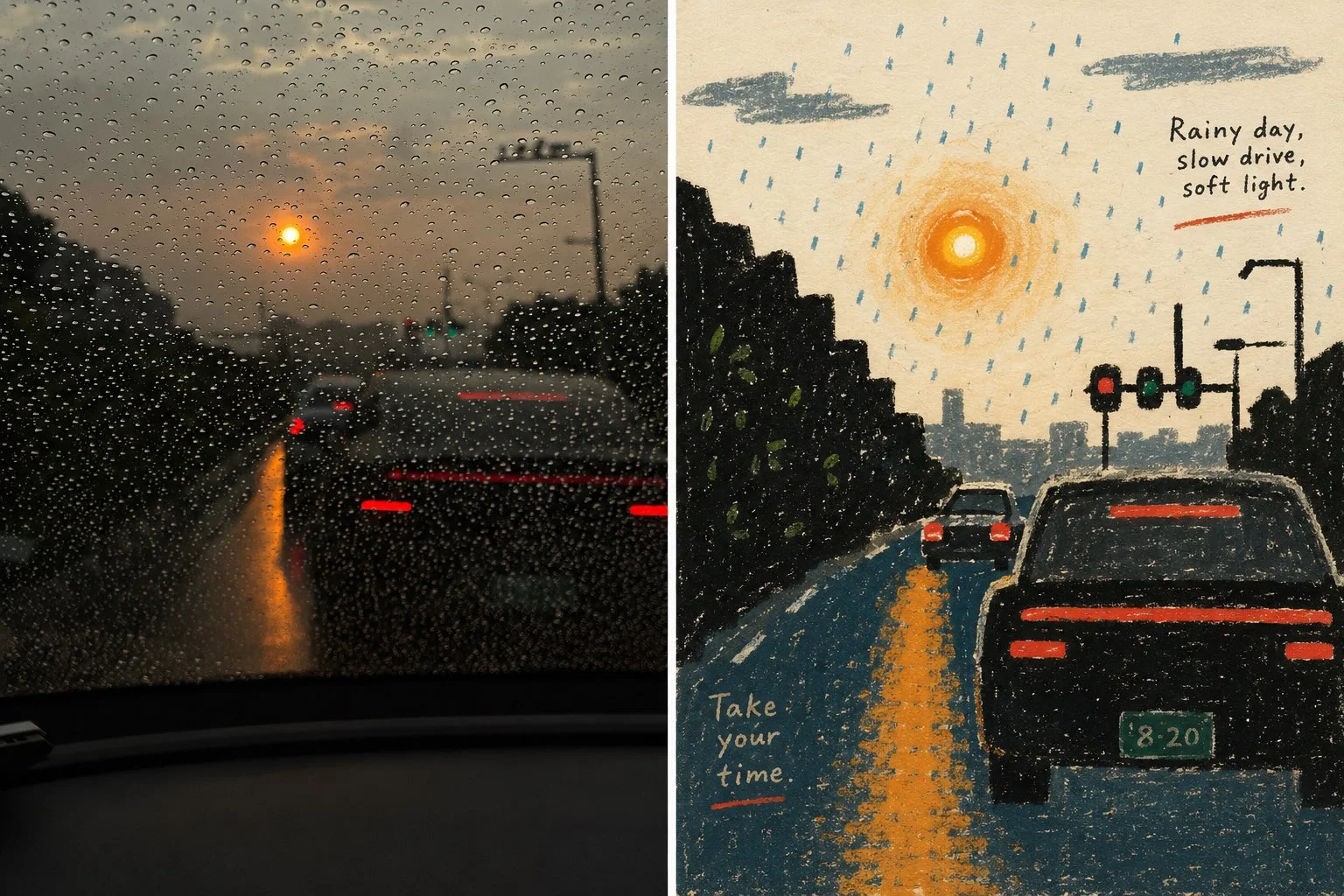
3:4 vertical minimalist illustration poster, warm off-white paper background with large areas of clean negative space. The character sits in the centre-lower area of the frame, moderate overall size, in a slightly sideways full-body composition, with a line of loose handwritten English phrases arranged beneath it; the text content is created automatically according to the character's temperament.
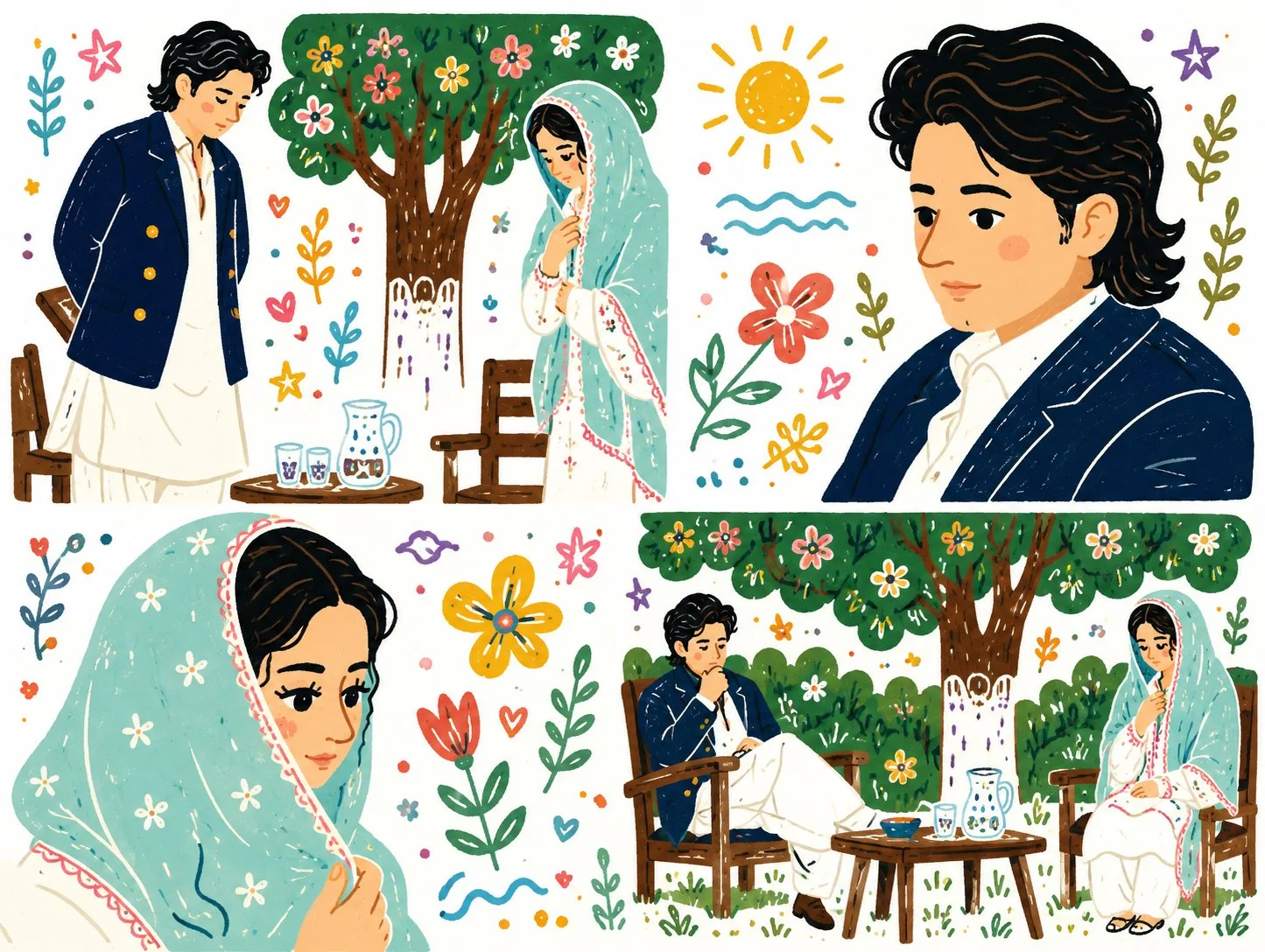
The character uses exaggerated, naive cartoon proportions: a slightly oversized head, the body simplified into a round or slender basic outline, short limbs, and movements that are casual, clumsy and cute. Humans, animals and fantasy characters each keep their core defining features, uniformly translated into a loose, playful doodle form.
Use free hand-drawn lines mixing crayon and ballpoint pen. The main body is built from many continuous, overlapping, curled, back-and-forth tangled irregular loops. The lines are loose, with natural hand-drawn wobble, breaks, thickness variation and partial colouring that spills over the edges, creating a fluffy, light, furry visual impression. The outer contour is sketched with a few dark, quick strokes; the facial features are expressed with minimal dots, small ovals and short arcs, with an innocent, dopey expression and a touch of comedy.
The colour scheme is designed automatically based entirely on the original visual features of the 【character】. Extract the character's most recognisable primary colour, secondary colour and identity accent colour, and convert them into low-complexity coloured doodle loops. Use the primary colour as the main filling lines for the body, darker tones of the same hue or complementary colours to outline the facial features and local contours, and a small amount of accent colour for the eyes, hair ornaments, clothing or signature props. Overall keep about 3–5 harmonious colours, so that the character's recognisability and the childlike hand-drawn feel both hold.
A minimal small prop related to the character's identity may be added around the character, drawn with the same scribbly hand-drawn lines. Some lines naturally extend and curve, creating a lively rhythm across the picture.
Beneath the character, add a line of casually scribbled English handwriting, with letters of varying sizes and a slightly undulating baseline, giving the friendly feel of something jotted down with a ballpoint pen.
The background keeps a warm light paper surface, preserving a fine, subtle paper texture. The image is expressed through flat colour and hand-drawn lines; the lines are clearly discernible, the overlaps of the doodles look natural, and the whole has an effortless, clumsy charm.
Overall the image is clean, light, naive, humorous and healing, with a clear subject outline, sound hand and foot structure, accurate limb count, stable detail, and line randomness typical of free hand-drawing, maintaining large areas of pure negative space and restrained doodle density.