Skip to content
prompset
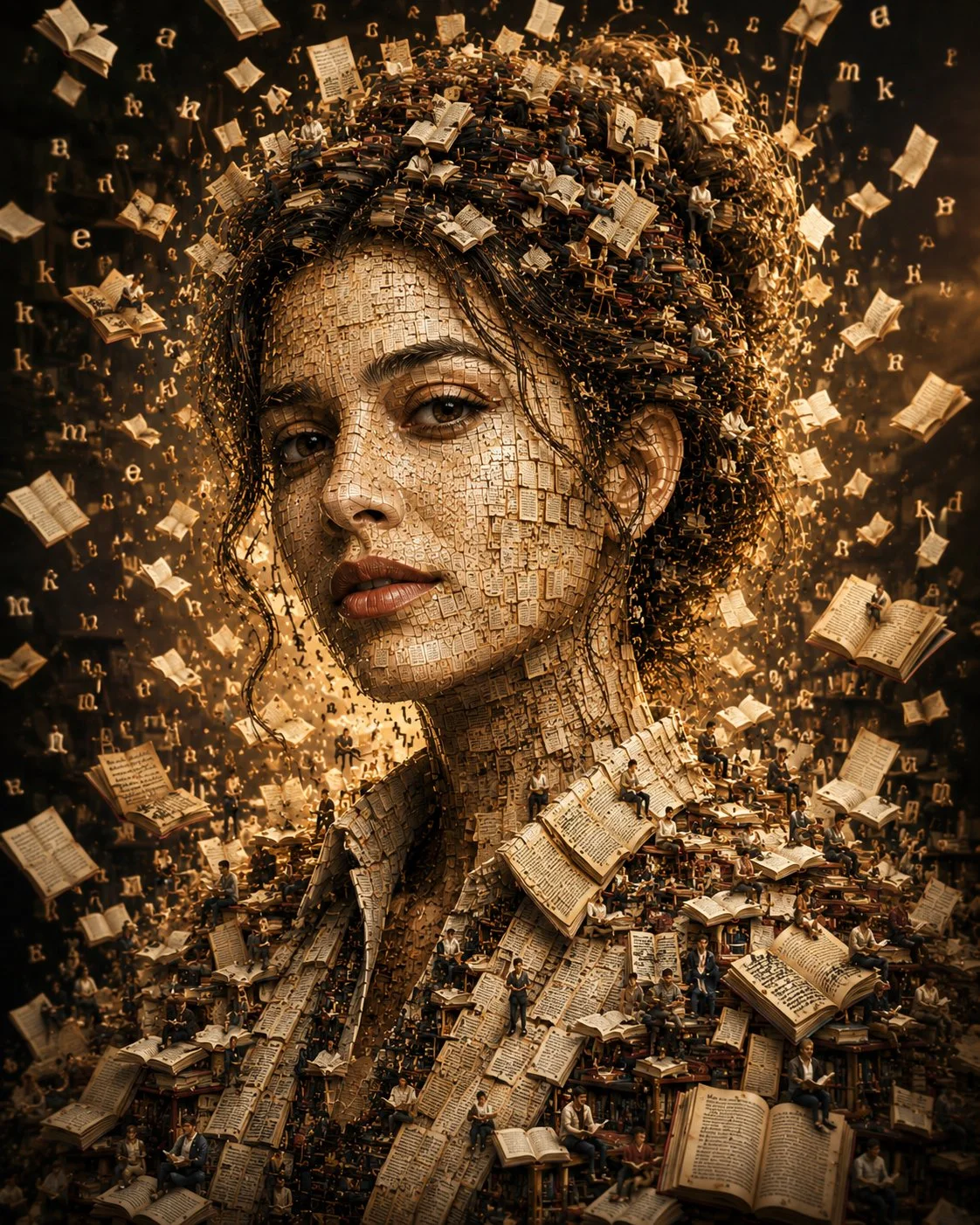
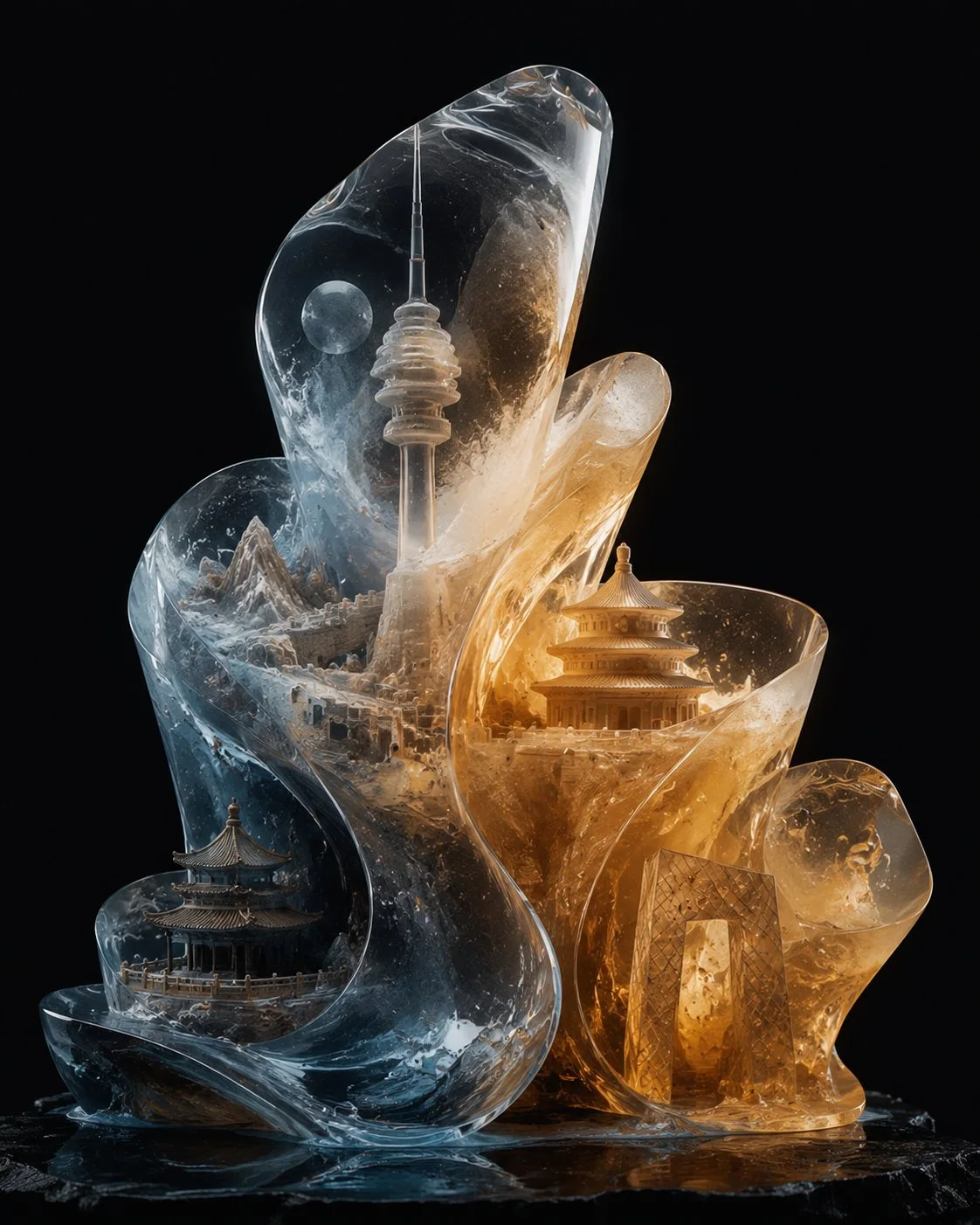
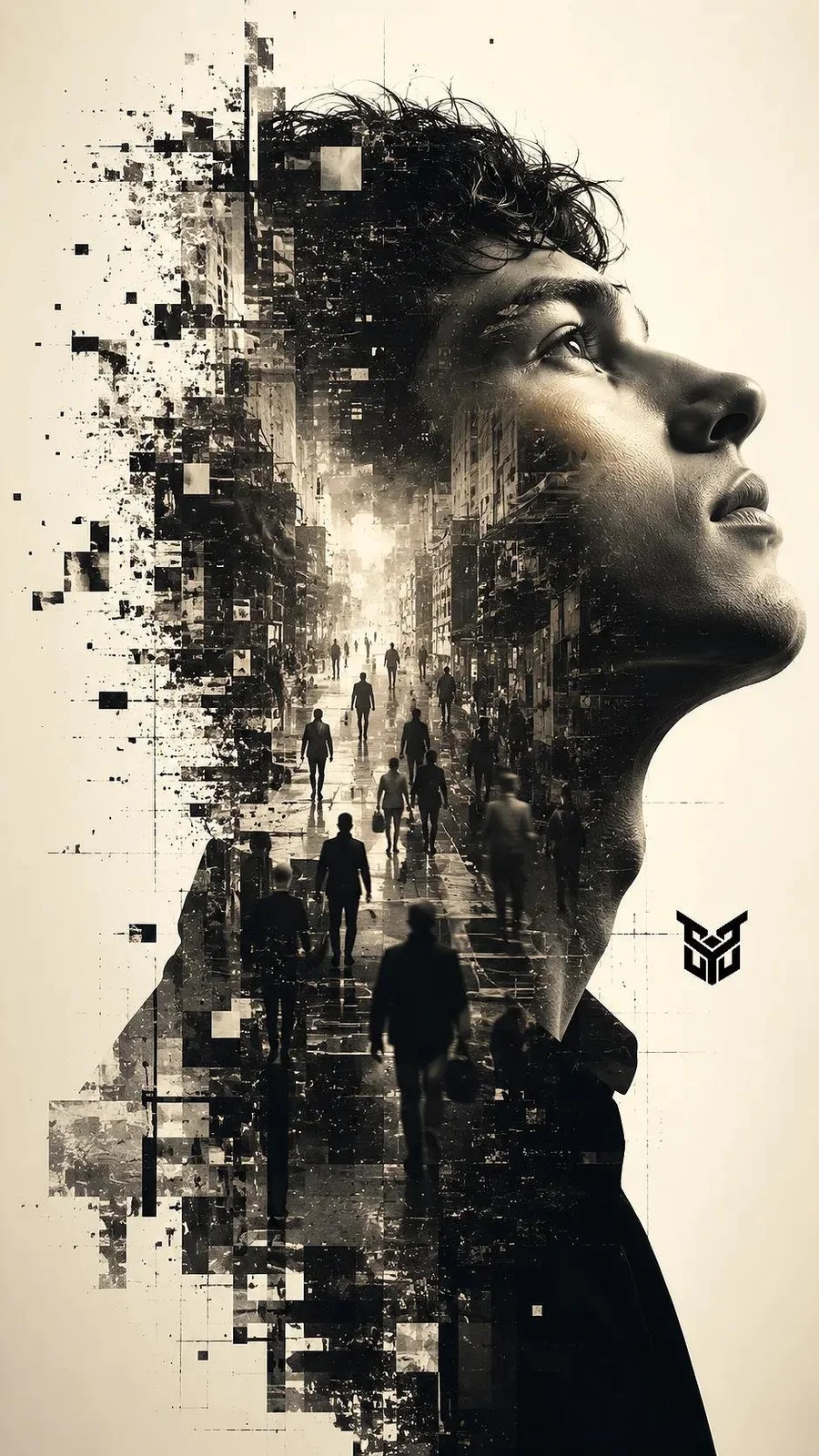
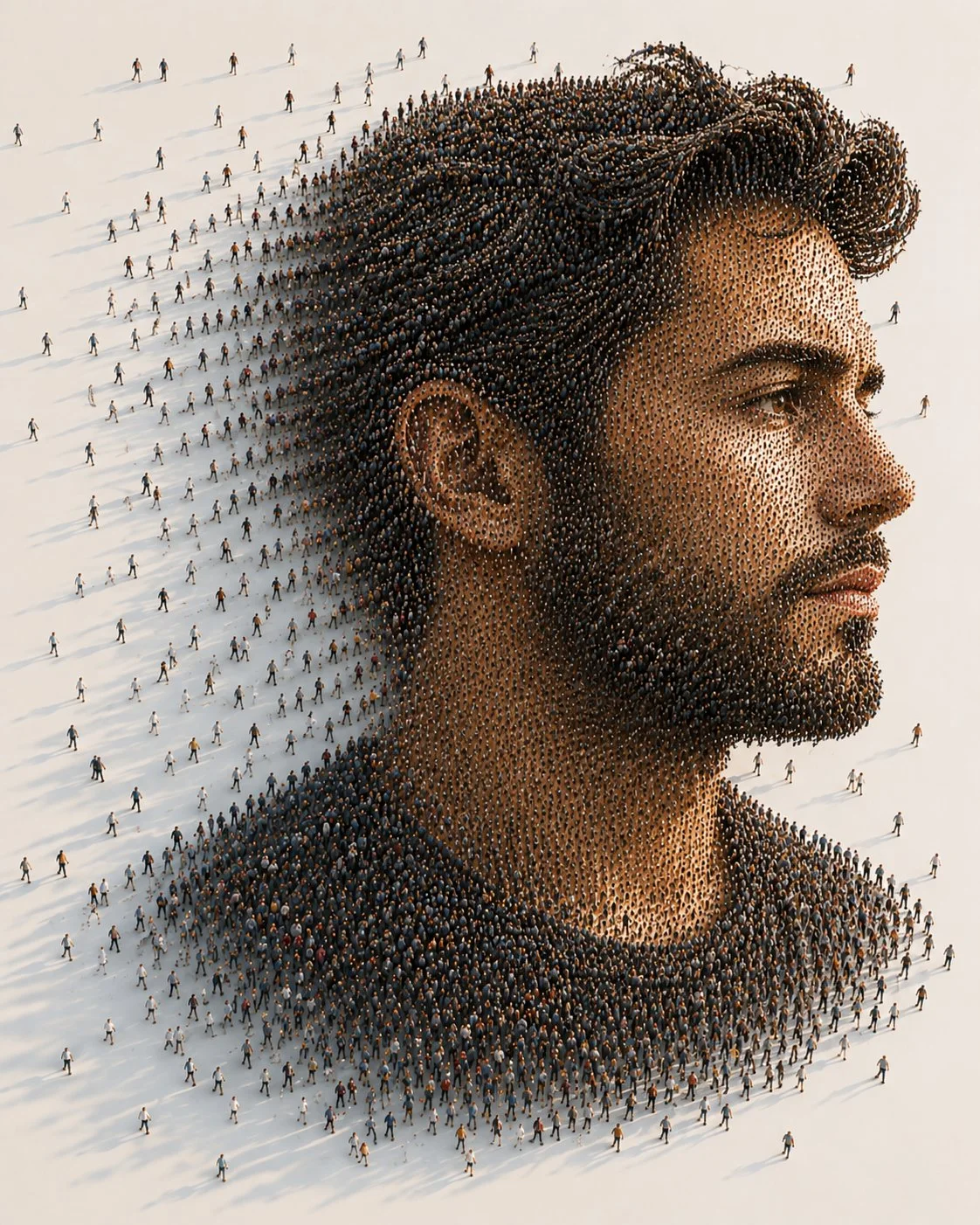
Side-profile portrait formed by a crowd
0
views
0
copies
Download
JPG · 1122 × 1402
Likes
0
Views
0
Copies
0
Saved
0
Download
JPG · 1122 × 1402

Prompt

Model
GPT Image 2
Mode
Image edit
Inputs
1 image
Resolution
1122 × 1402
Aspect
4:5

A surreal conceptual digital artwork using the uploaded photo as the main face reference. Preserve the person's facial identity, facial structure, age, expression, hairstyle, facial hair if present, glasses if present, clothing style, and recognizable features as closely as possible. Create a side-profile portrait entirely formed by thousands of tiny human figures standing closely together. The crowd should seamlessly shape the person's face, hair, neck, shoulders, and clothing. Individual people must be clearly visible in different clothing colors, sizes, and poses. Some people should appear to be walking outward from the silhouette, creating a dynamic dissolving effect, as if the portrait is slowly breaking apart into a crowd. The scene should be viewed from a slightly elevated angle on a clean white background, with dramatic long shadows cast across the ground by warm directional sunlight. The composition should be minimalistic yet highly detailed, symbolizing collective identity, society, humanity, and human connection. Ultra-realistic, cinematic lighting, intricate crowd details, photorealistic textures, soft neutral tones, high depth of field, realistic shadows, premium conceptual art style, masterpiece quality, 8K resolution. Do not change the person's gender. Do not change the person's age. Do not change the hairstyle, facial hair, glasses, or main identity details from the uploaded image. No text, no watermark, no logo, no signature.

About this prompt

The image shows a man's side profile built entirely from small crowd figures, with some figures spilling away from the silhouette. The prompt suits conceptual portraits and surreal composite artwork.

Prompt breakdown

Made by AI · Click a part to highlight it in the prompt

Made by AI · Click a part to highlight it in the prompt

How to use this prompt

Three steps from this page to your own image.

  1. 01

    Copy the prompt

    Copy the text as it is, every detail and any text on the image included.

  2. 02

    Match the settings

    Open GPT Image 2 on a platform that offers it and use the same settings: image edit, 1 image, 1122 × 1402, 4:5.

  3. 03

    Make it yours

    Change the subject or the style, or let Studio adapt it for you.