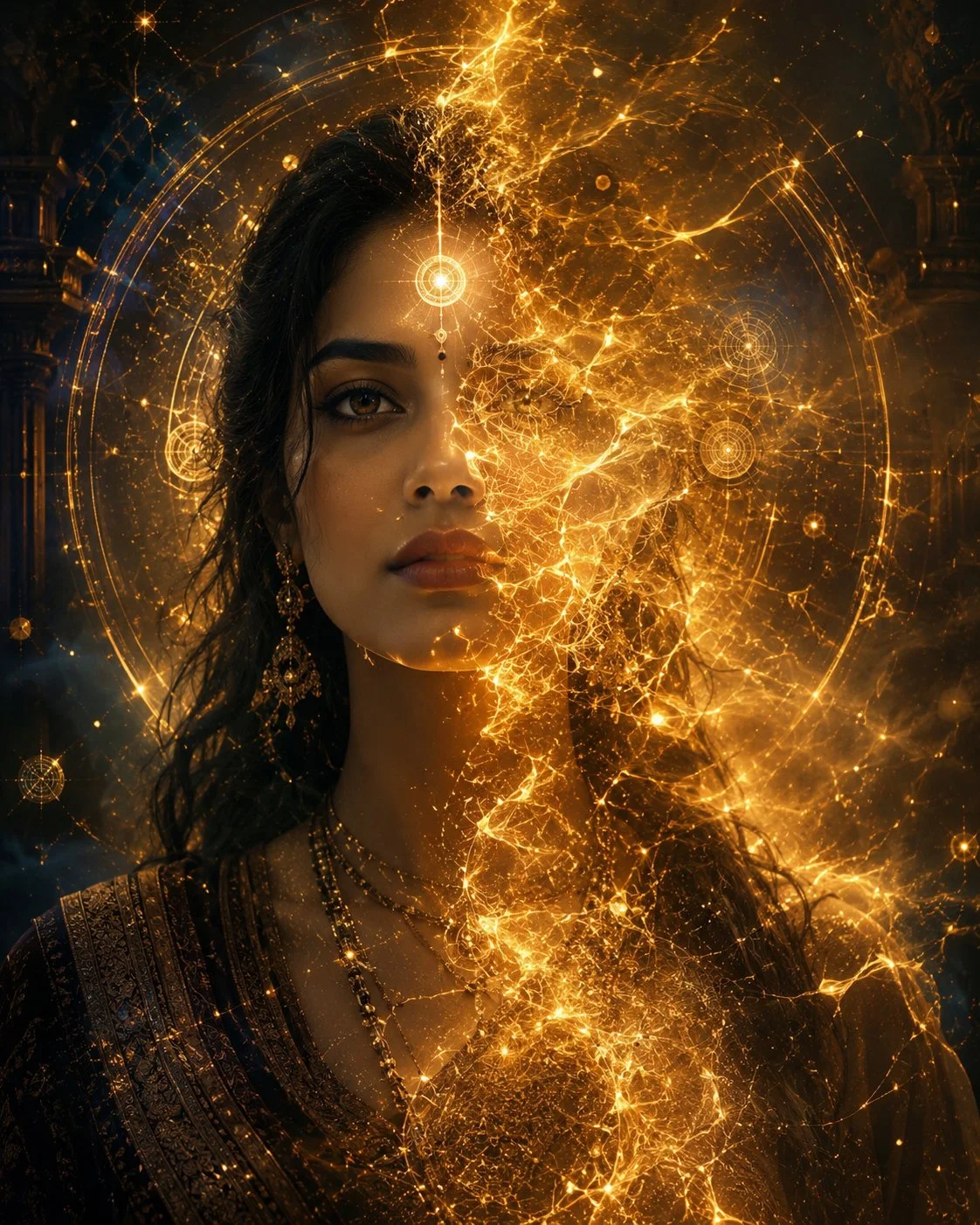
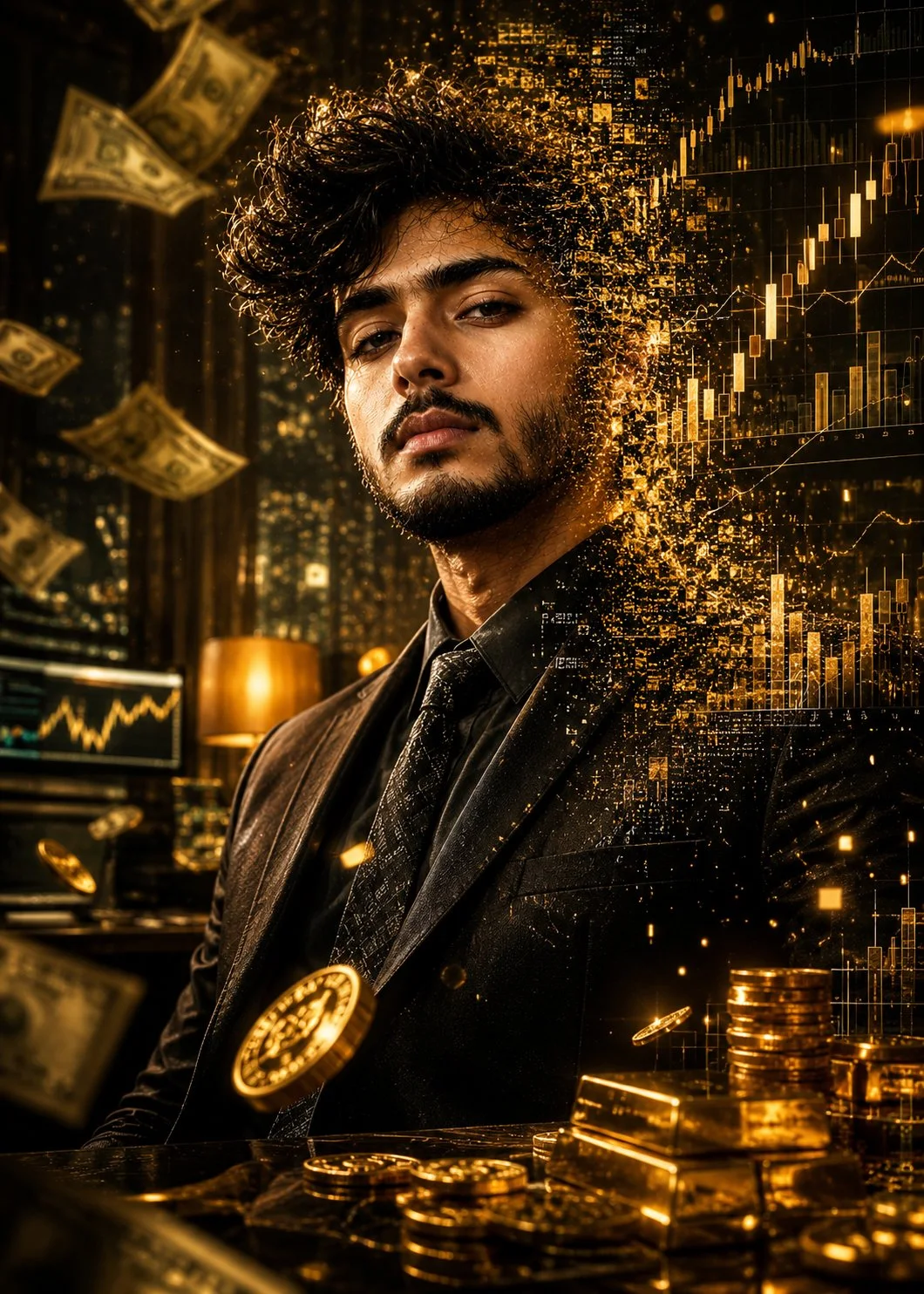
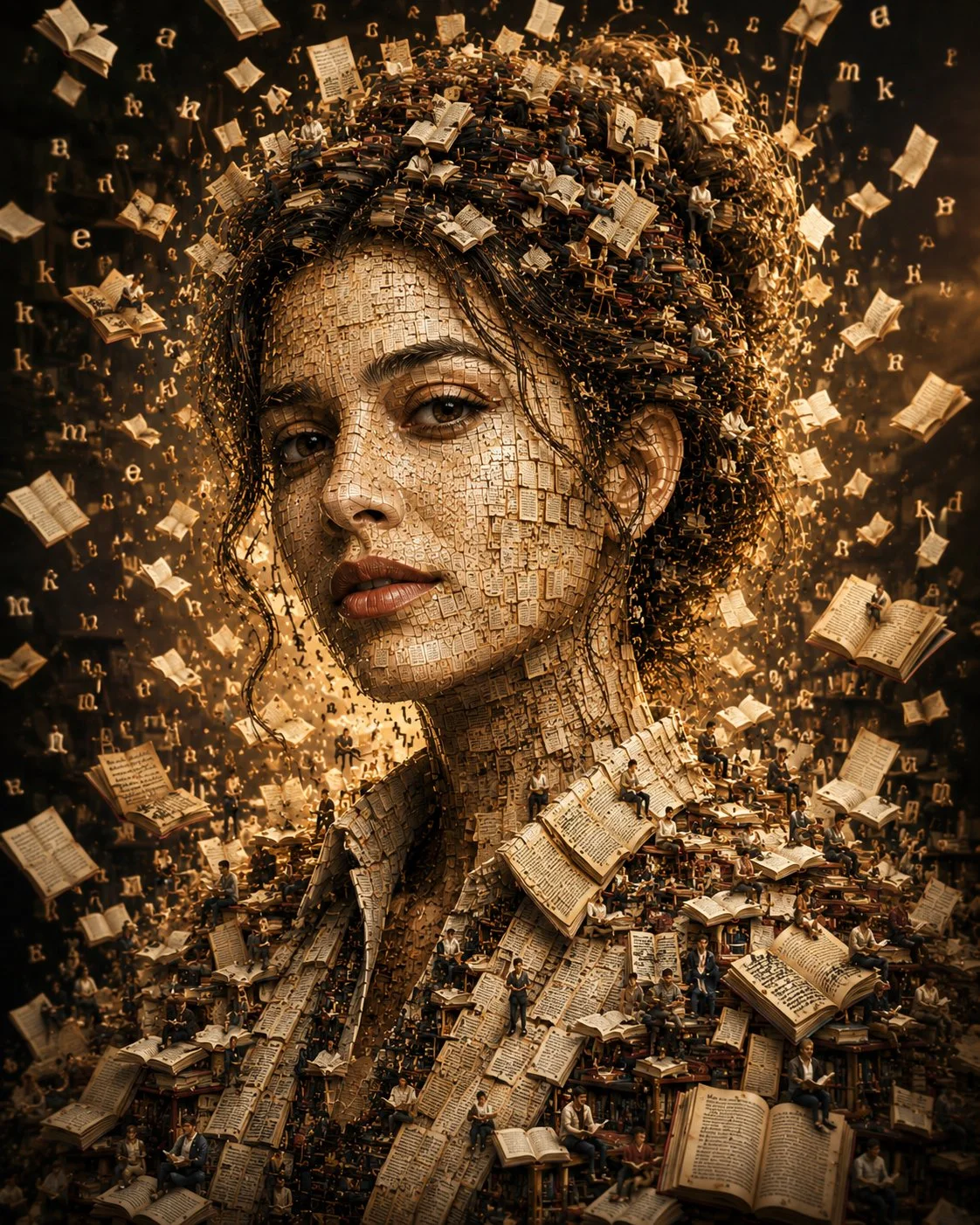
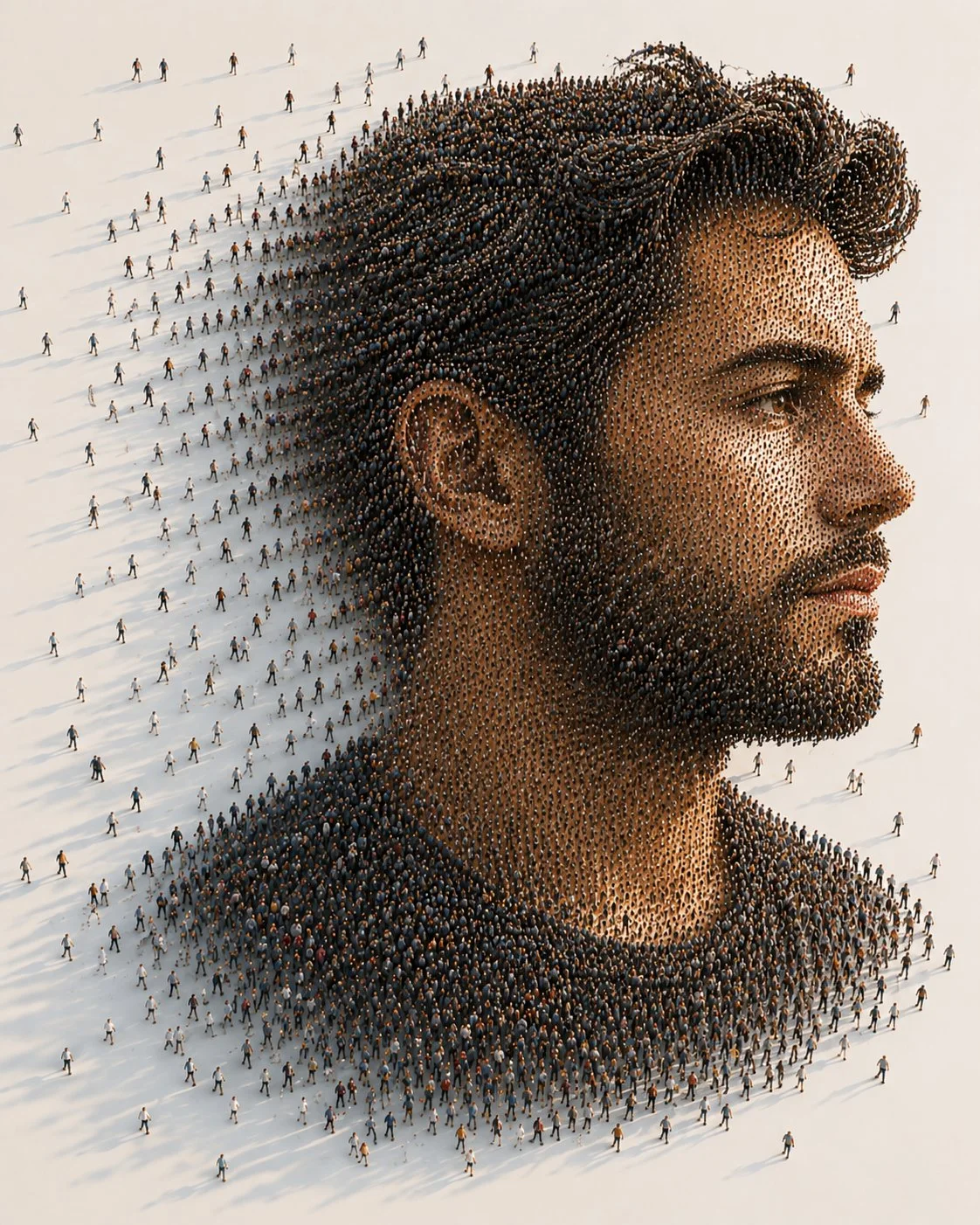
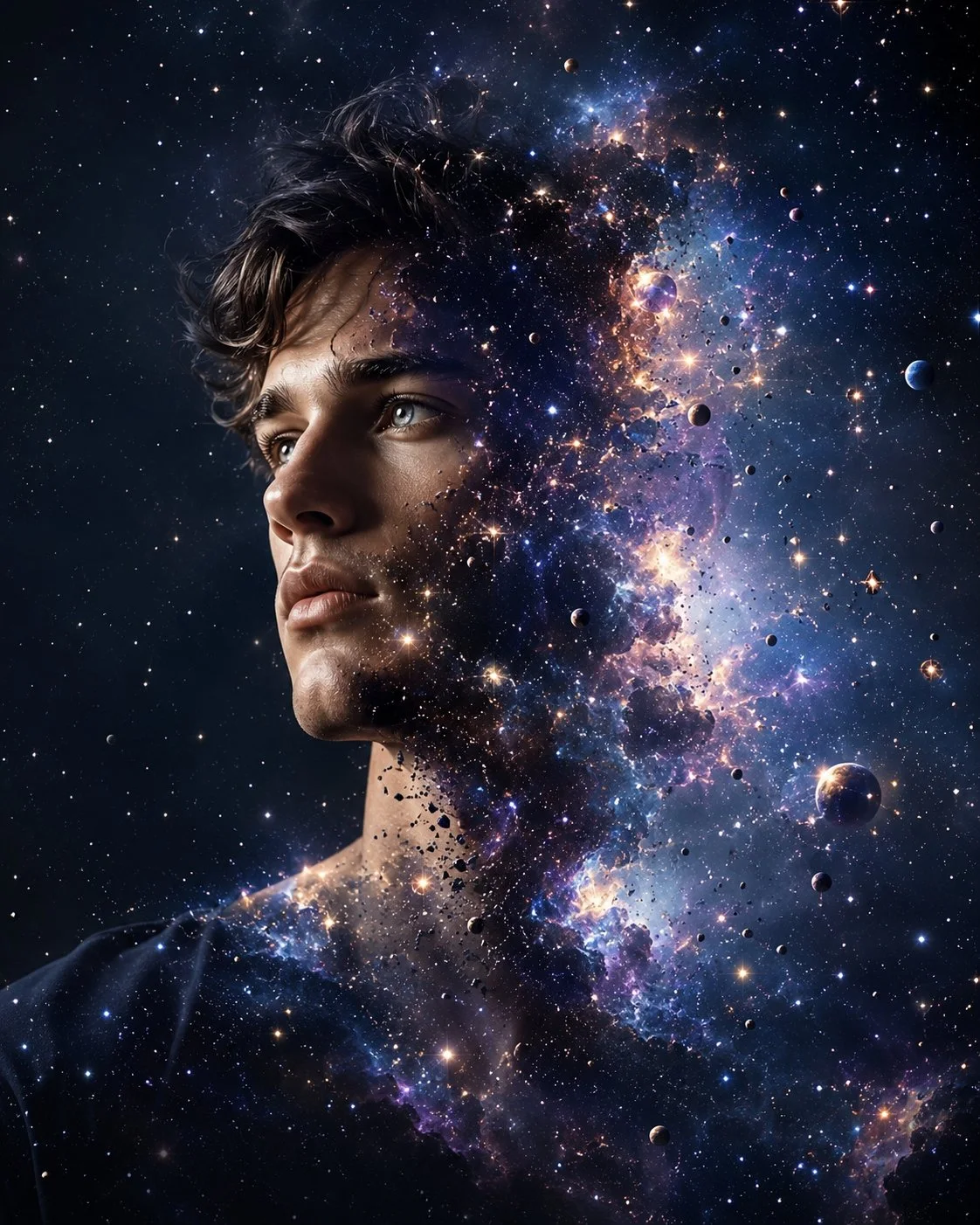
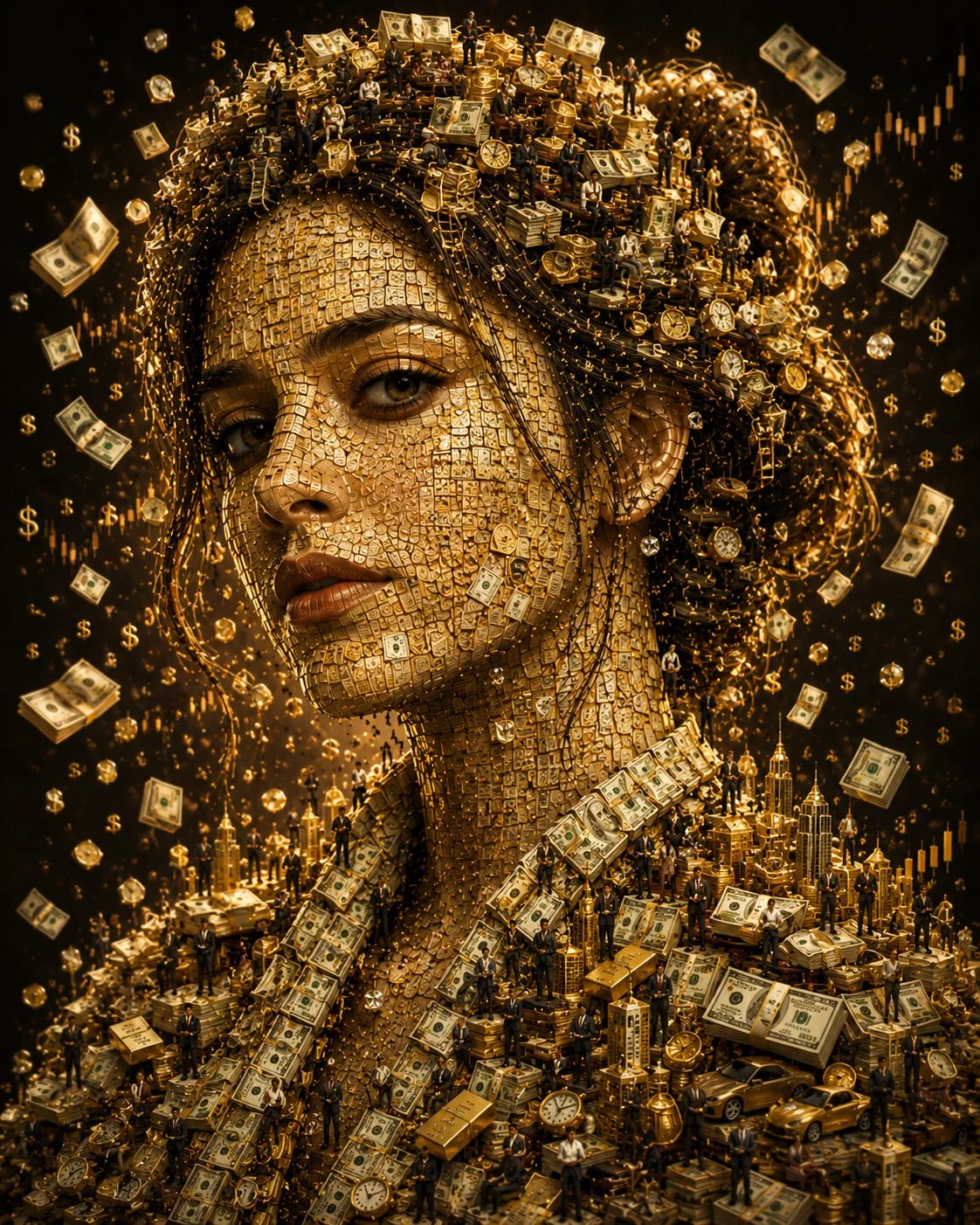
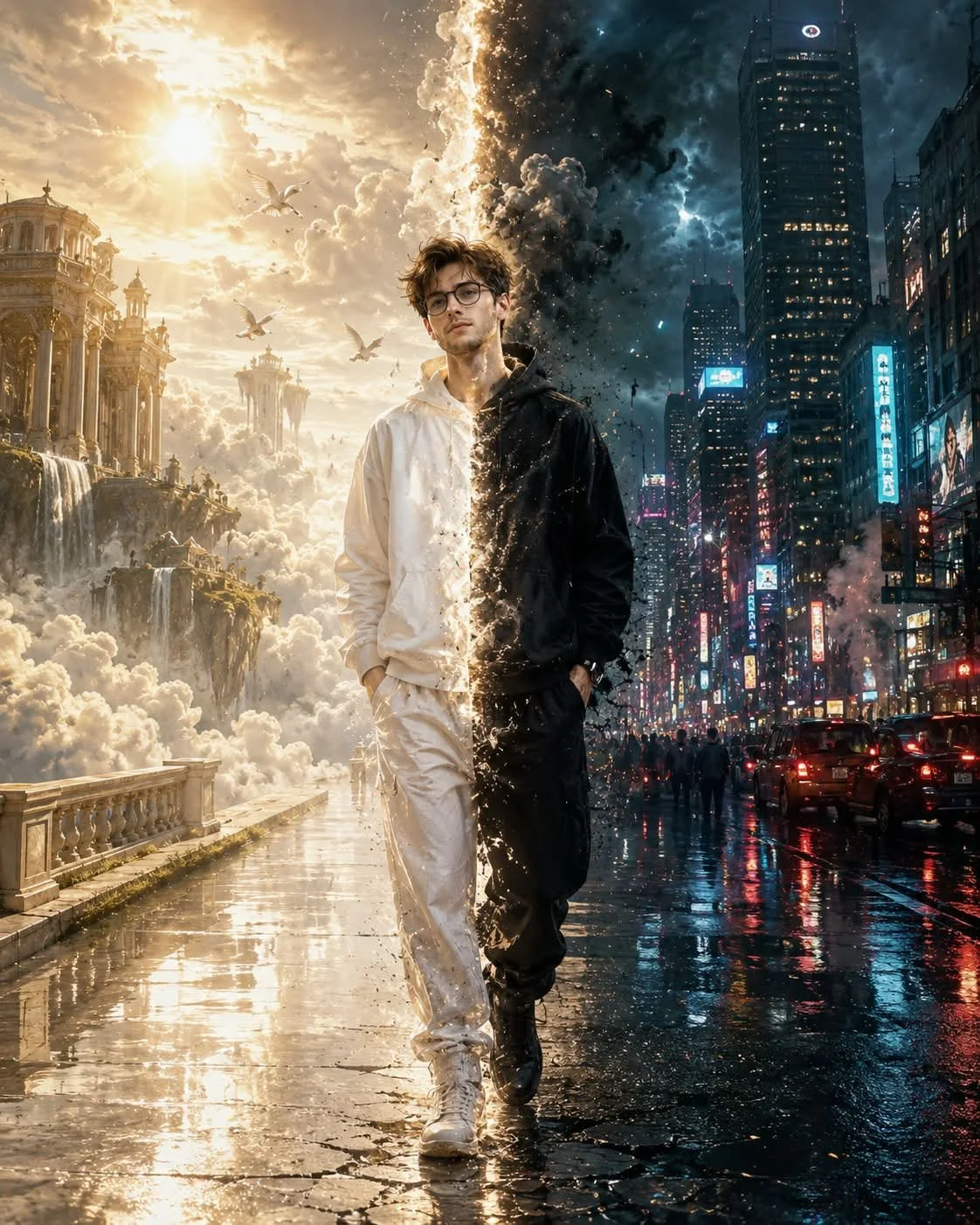
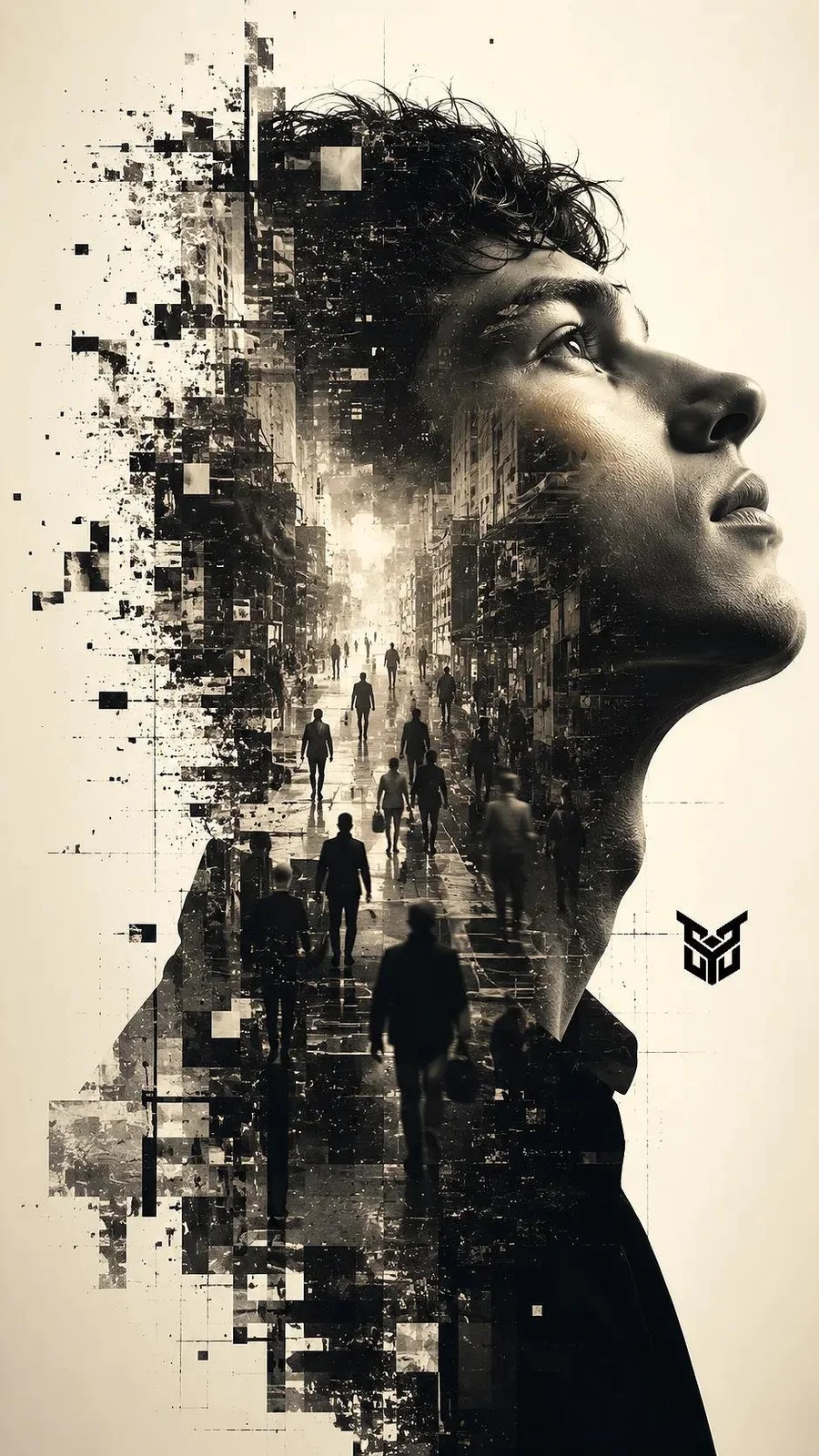
A surreal cinematic digital artwork using the uploaded photo as the main face reference. Preserve the person’s facial identity, facial structure, age, expression, hairstyle, facial hair if present, clothing style, and recognizable features as closely as possible. Transform the person into a god-level aura portrait. The person should appear powerful, divine, mysterious, and cinematic, surrounded by glowing golden energy, cosmic light, sacred symbols, floating particles, radiant aura rings, and dramatic spiritual power. One side of the portrait should remain realistic and detailed, while the other side gradually transforms into divine light fragments, golden energy waves, celestial particles, and glowing cosmic aura. The aura should naturally follow the contours of the face, hair, shoulders, and clothing. Use a dramatic dark background with warm golden lighting, soft blue shadows, cinematic smoke, glowing particles, heavenly light beams, and atmospheric depth. Add subtle temple-like details, cosmic energy, sacred geometry, and premium fantasy realism. The composition should feel powerful, majestic, spiritual, and artistic, symbolizing destiny, inner power, divine energy, transformation, and greatness. Ultra-realistic, cinematic lighting, intricate aura details, photorealistic textures, premium fantasy concept art style, masterpiece quality, high depth of field, 8K resolution. Do not change the person’s gender. Do not change the person’s age. Do not change the hairstyle, facial hair, or main identity details from the uploaded image. Do not add glasses unless the uploaded reference photo clearly has glasses. If the reference person has no glasses, keep the face without glasses. No text, no watermark, no logo, no signature.