Skip to content
prompset

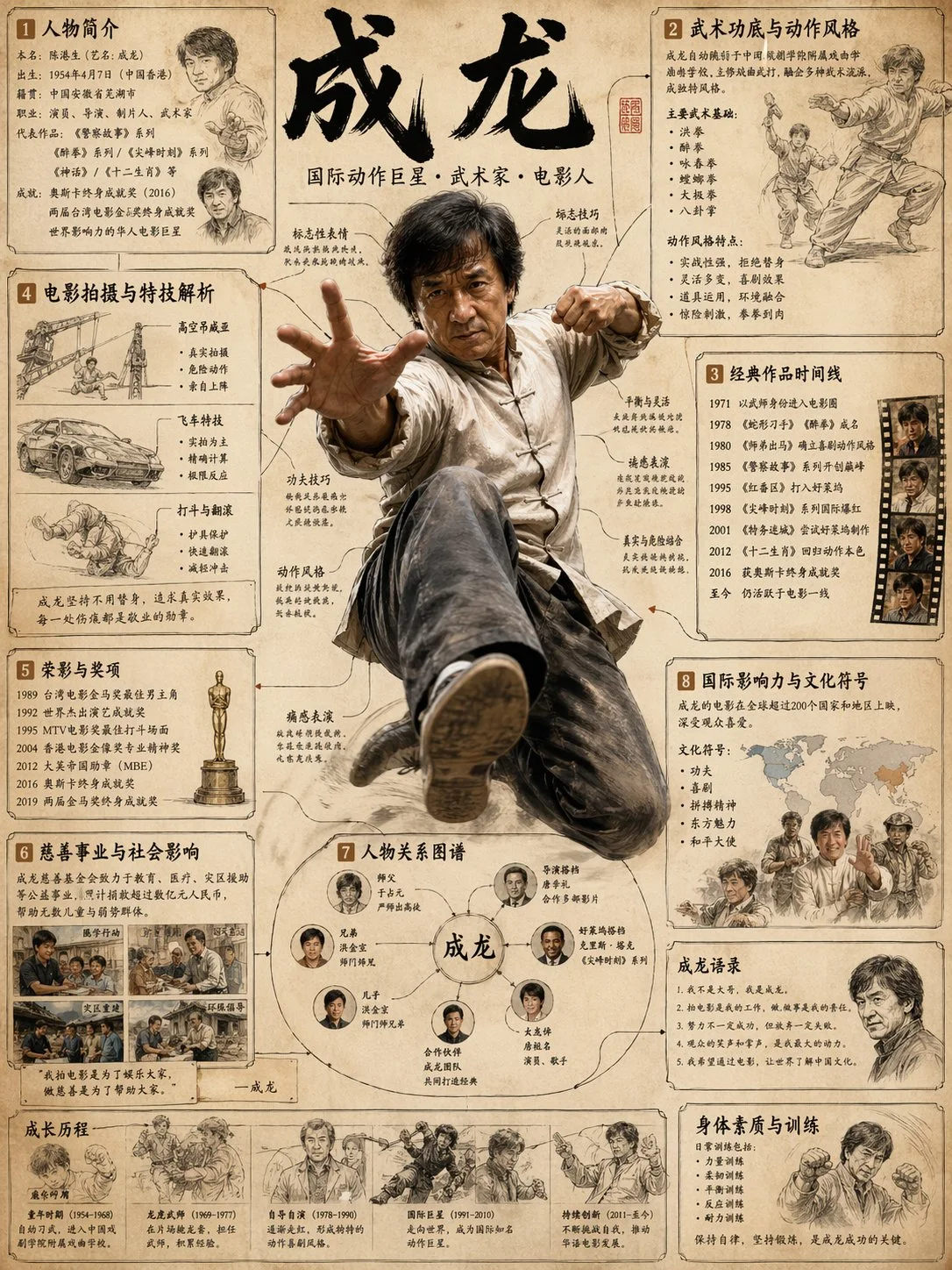
Chinese family relationship chart with timeline
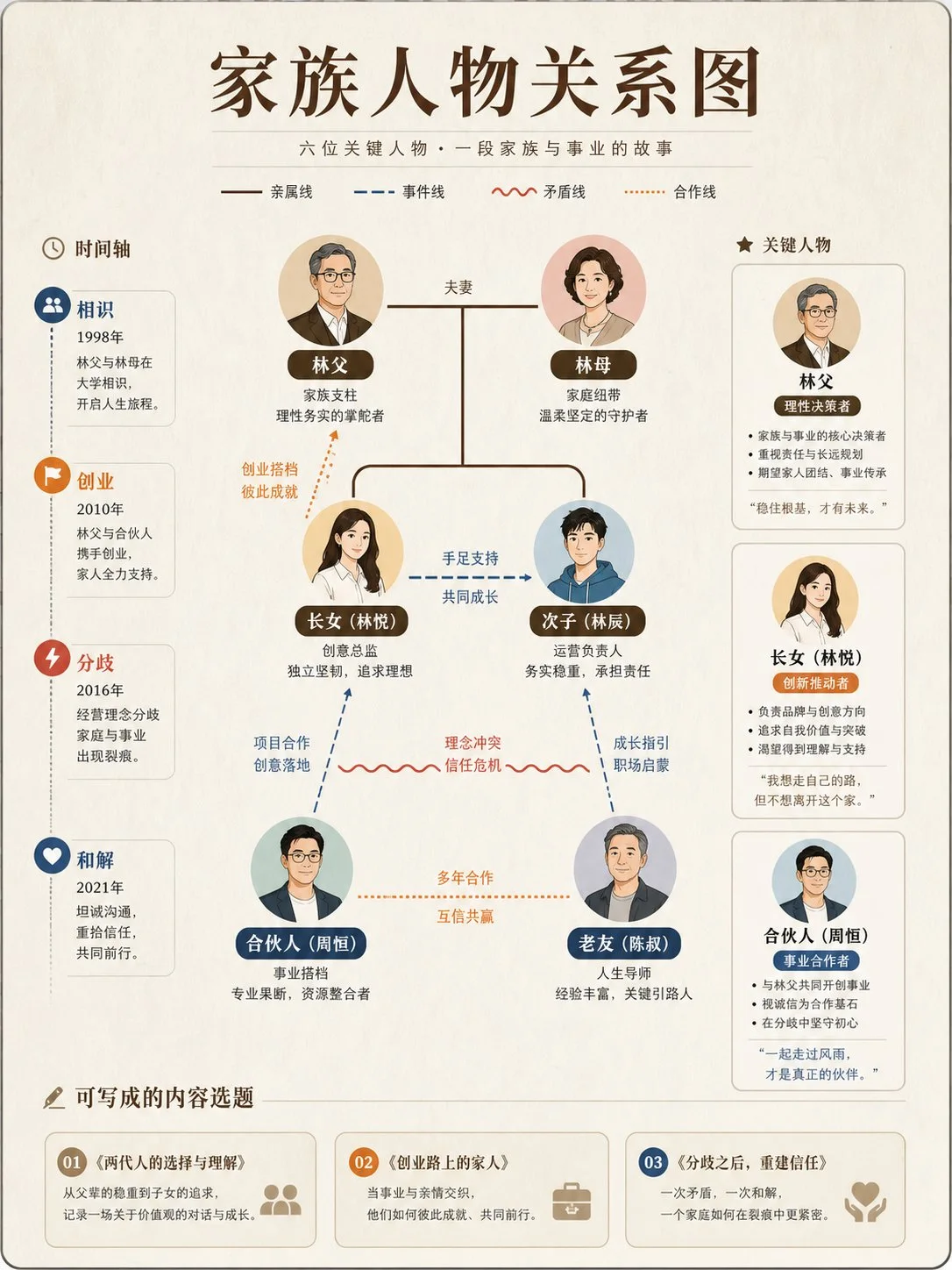
Chinese family relationship chart with timeline
0
views
0
copies
Download
JPG · 1086 × 1448
Likes
0
Views
0
Copies
0
Saved
0
Download
JPG · 1086 × 1448

Prompt

Model
GPT Image 2
Mode
Text to image
Resolution
1086 × 1448
Aspect
3:4

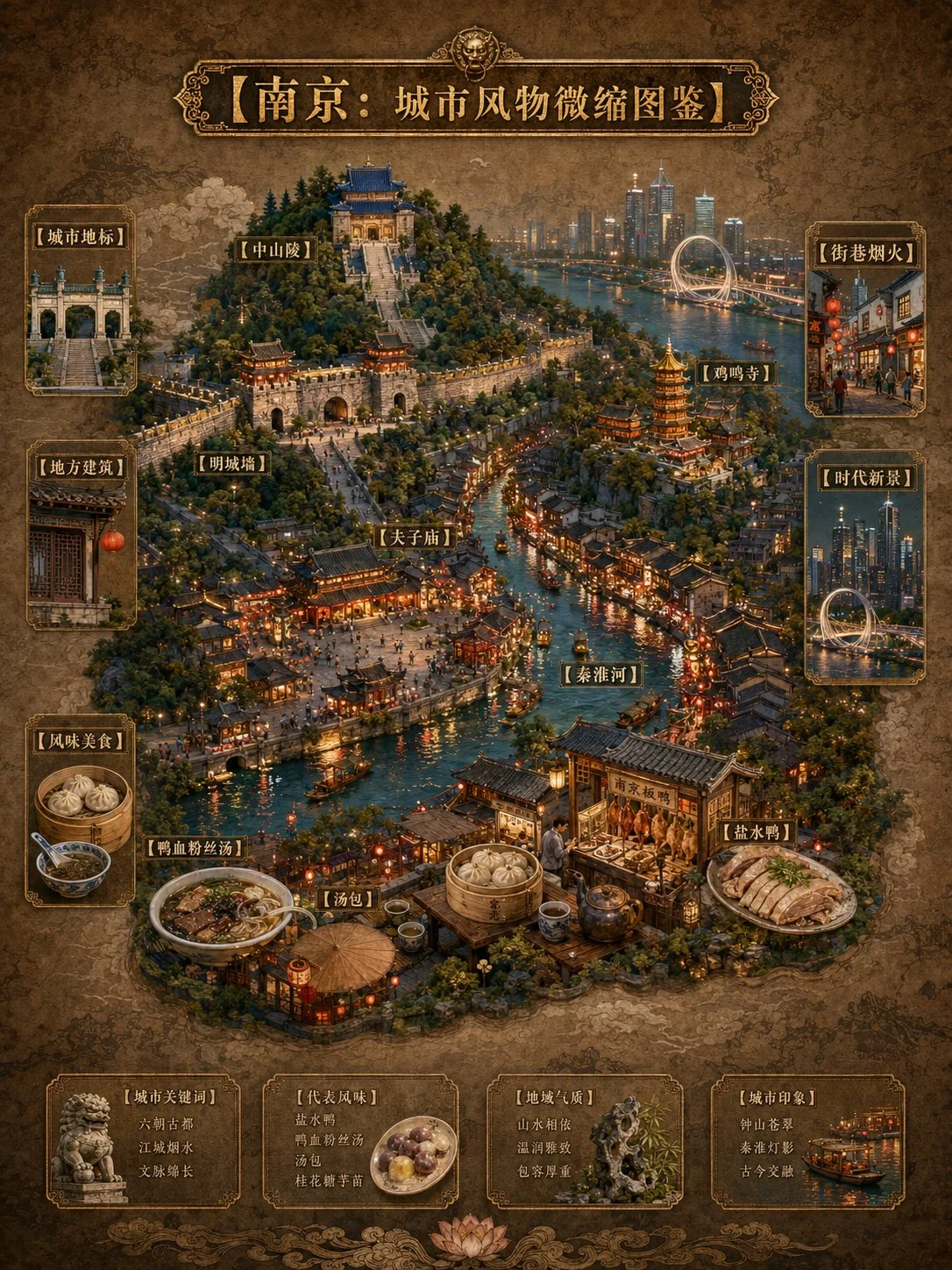
Vertical 3:4 Chinese information-design chart page titled 《人物关系图内容报告》. The top is a large title area with a simple English short-label relationship graph. The central main relationship chart uses nodes, connecting lines and grouped colour blocks to show relationships between people and organisations, uses 2–4 main colours to distinguish cooperation lines, conflict lines, upstream/downstream lines and content collaboration lines, and includes a legend. A key-figure card section shows 3–5 core people, each with identity, role and a relationship entry point. A relationship-line explanation area labels the different relationship types by category. An event timeline links 3–5 nodes in sequence. A content-topic area lists 3 self-media topic angles. The bottom risk reminder notes that it was compiled based on the materials provided. Overall the information is clear, the lines are orderly, there is ample white space, and the cards, numbering, labels and timeline layout are professional. It suits mobile reading and presents a vertical relationship-graph result page of professional content-editing delivery, not a tutorial page or course handout.

About this prompt

The image shows a Chinese family and business relationship chart with illustrated portraits, connecting lines, a timeline, key-figure cards and a list of content topics. The prompt is a generic brief for a vertical relationship-map infographic page, useful for editorial or self-media layouts.

Prompt breakdown

Made by AI · Click a part to highlight it in the prompt

Made by AI · Click a part to highlight it in the prompt

How to use this prompt

Three steps from this page to your own image.

  1. 01

    Copy the prompt

    Copy the text as it is, every detail and any text on the image included.

  2. 02

    Match the settings

    Open GPT Image 2 on a platform that offers it and use the same settings: text to image, 1086 × 1448, 3:4.

  3. 03

    Make it yours

    Change the subject or the style, or let Studio adapt it for you.