Skip to content
prompset

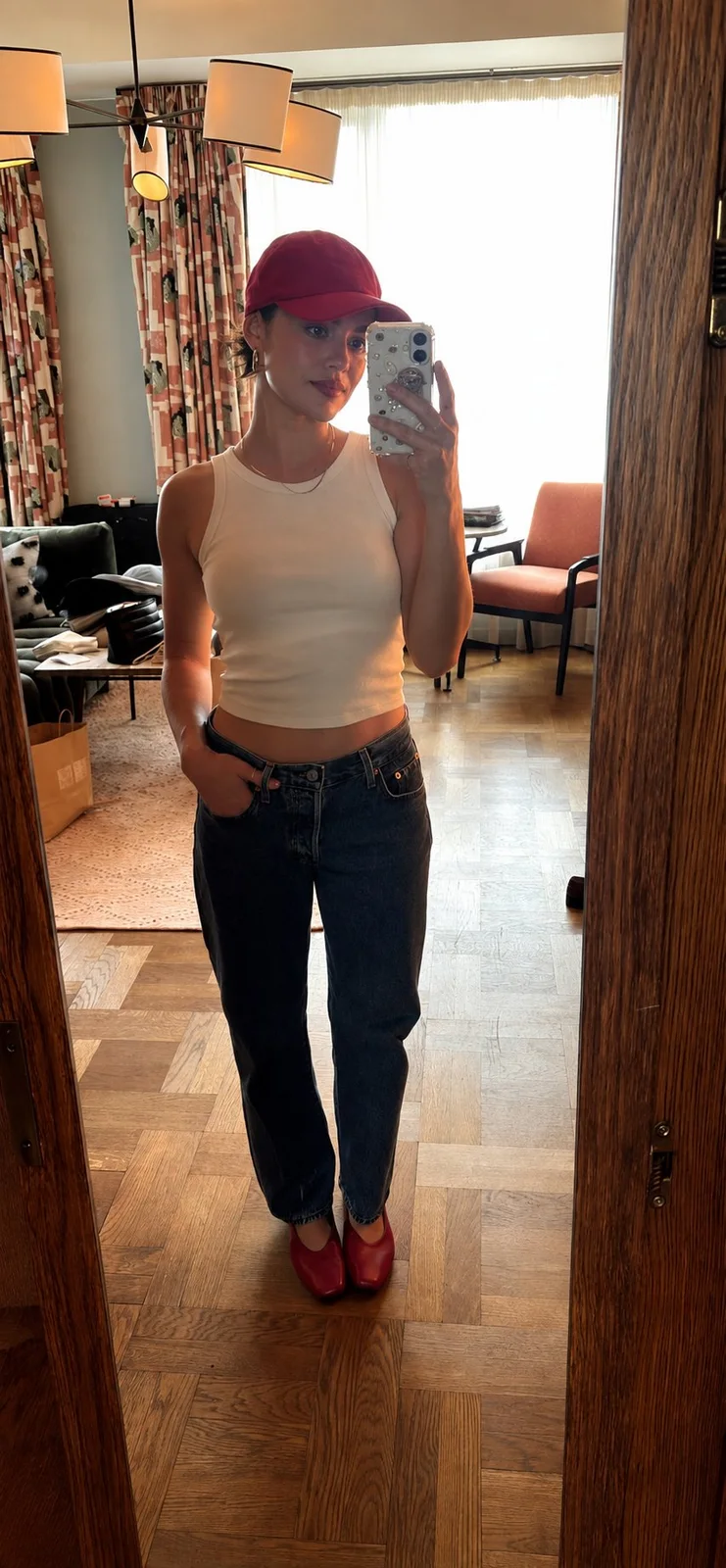
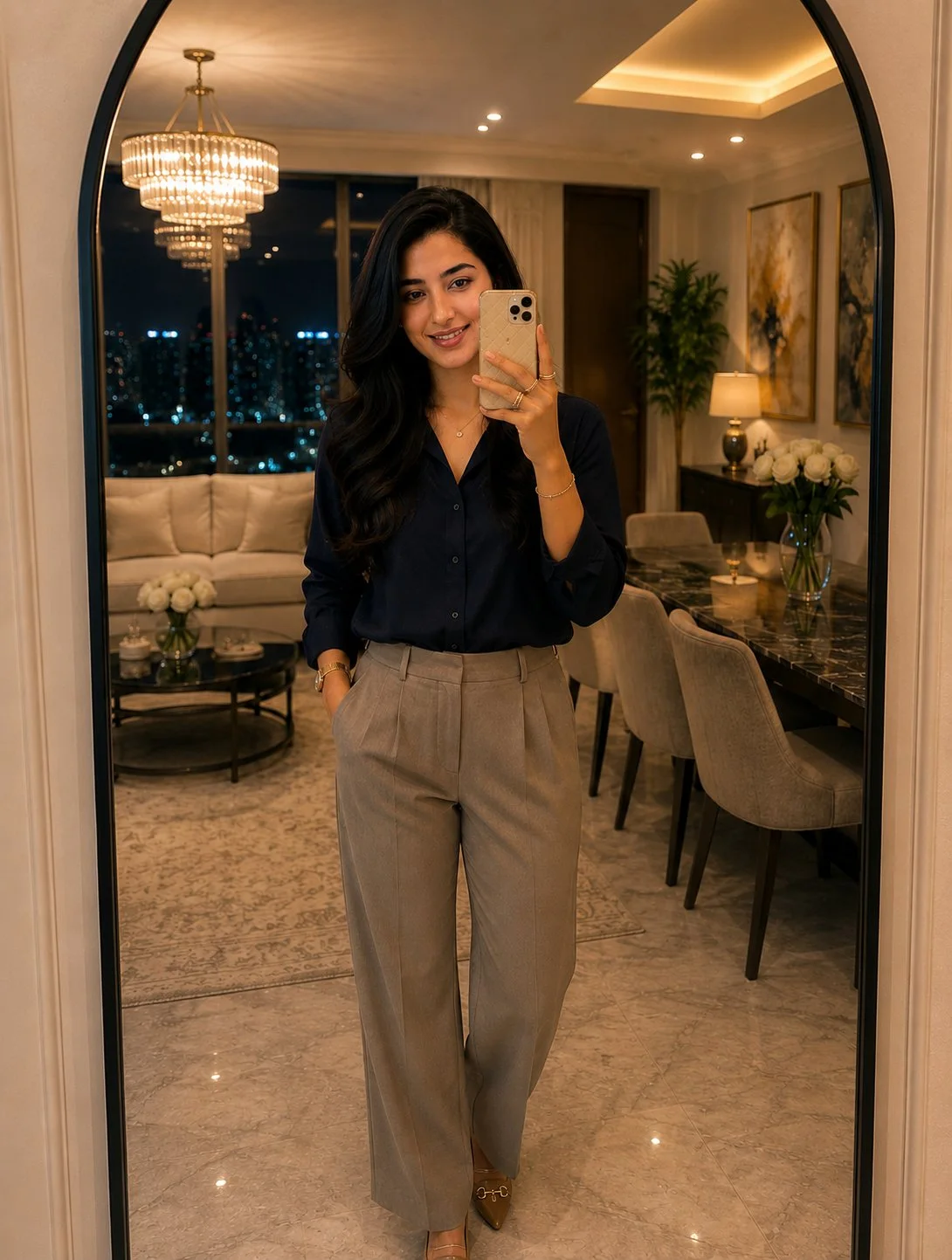
Mirror selfie in a modern hotel room
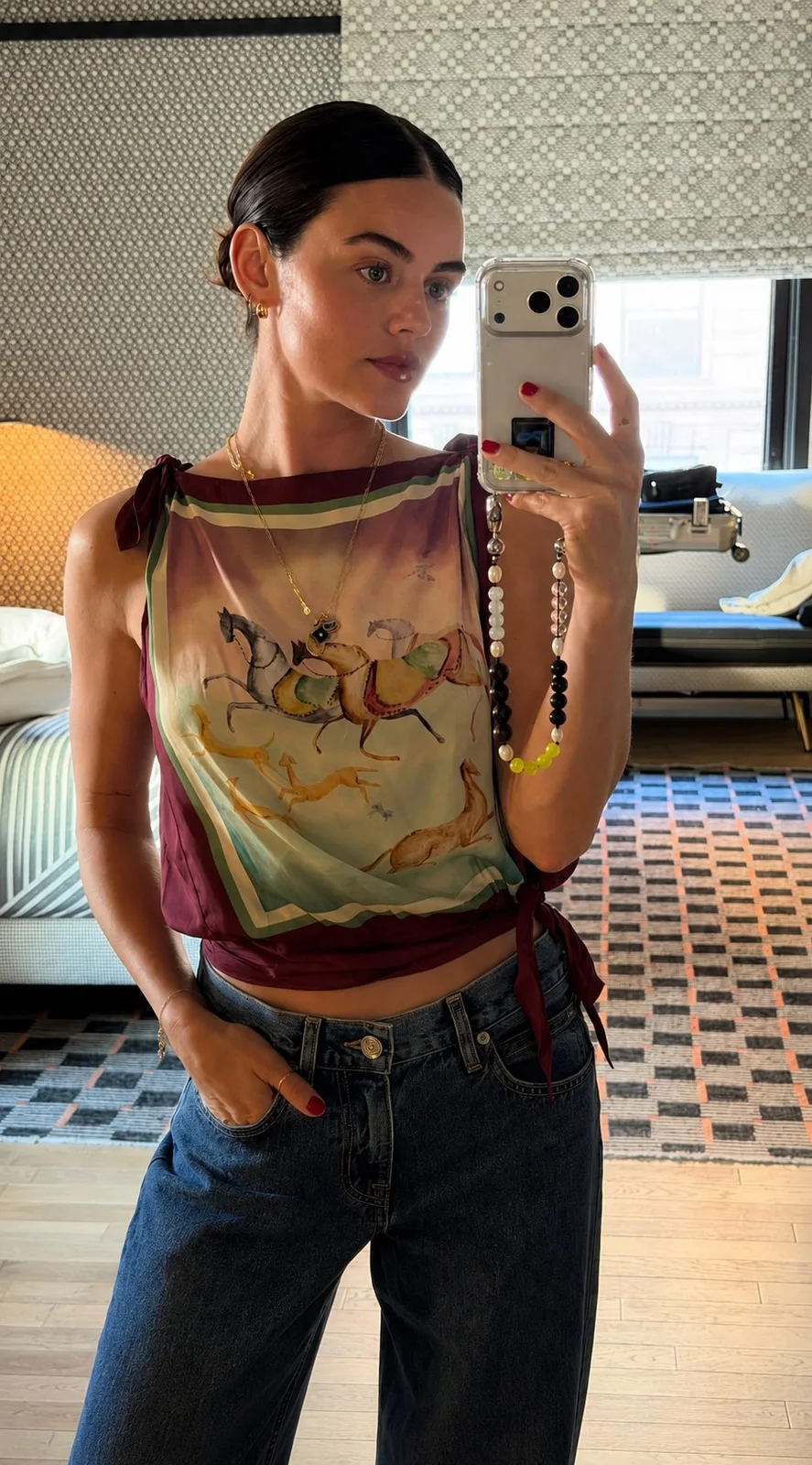
Mirror selfie in a modern hotel room
0
views
0
copies
Download
JPG · 934 × 1684
Likes
0
Views
0
Copies
0
Saved
0
Download
JPG · 934 × 1684

Prompt

Model
GPT Image 2
Mode
Text to image
Resolution
934 × 1684
Aspect
9:16

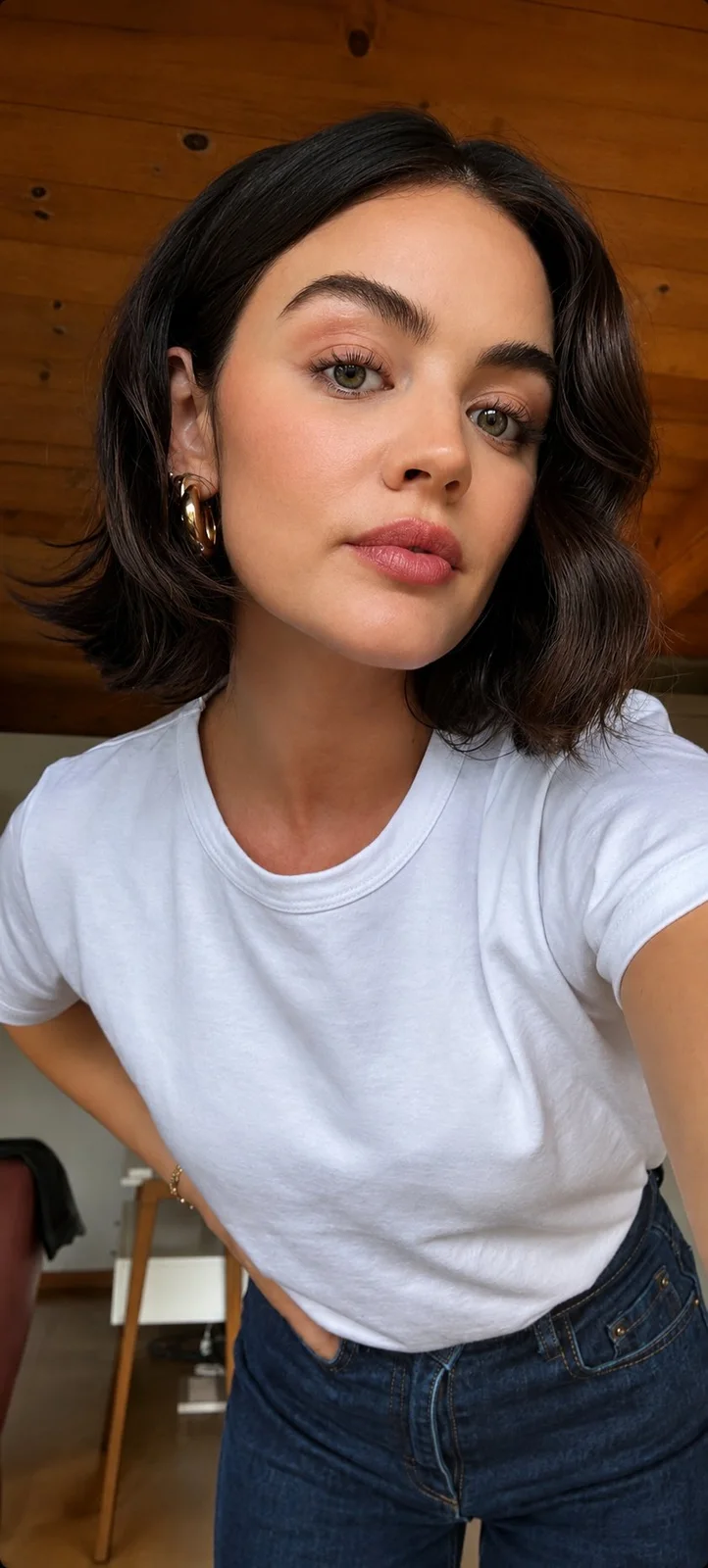
Ultra-realistic high-resolution fashion mirror selfie of a stylish young woman standing in a sophisticated modern hotel room. She has dark brown hair neatly slicked back into a low bun, natural elegant makeup, defined eyebrows, subtle rosy lips, small gold hoop earrings, and delicate layered gold necklaces. She is holding a modern smartphone in front of her face, partially covering it, with a decorative beaded phone strap hanging from the case. She wears a vintage-inspired sleeveless silk scarf-style top featuring an intricate equestrian horse-print design, with muted burgundy, olive green, cream, and warm brown tones, tied elegantly at the waist. Pair it with relaxed dark-wash wide-leg denim jeans and minimal accessories. The hotel room has a refined contemporary interior, patterned textured walls, a large mirror, upholstered furniture, soft daylight entering through windows, a neatly arranged bed and subtle luxury details in the background. Natural candid mirror-selfie composition, realistic skin texture, authentic fabric details, accurate hands and phone proportions, soft natural daylight, subtle reflections, sophisticated editorial fashion photography, cinematic depth of field, realistic shadows, high dynamic range, finely detailed textures, professional photography, 50mm lens look, f/2.0, ultra-photorealistic, 8K, crisp focus, natural color grading, no cartoon or CGI appearance.

About this prompt

A woman takes a candid mirror selfie in a modern hotel room, wearing a burgundy and cream horse-print silk top with wide-leg dark denim. The prompt suits fashion outfit or lifestyle selfie references.

Prompt breakdown

AI breakdownClick a part to highlight it in the prompt

Click a part to highlight it in the prompt

How to use this prompt

Three steps from this page to your own image.

  1. 01

    Copy the prompt

    Copy the text as it is, every detail and any text on the image included.

  2. 02

    Match the settings

    Open GPT Image 2 on a platform that offers it and use the same settings: text to image, 934 × 1684, 9:16.

  3. 03

    Make it yours

    Change the subject or the style, or let Studio adapt it for you.