Skip to content
prompset

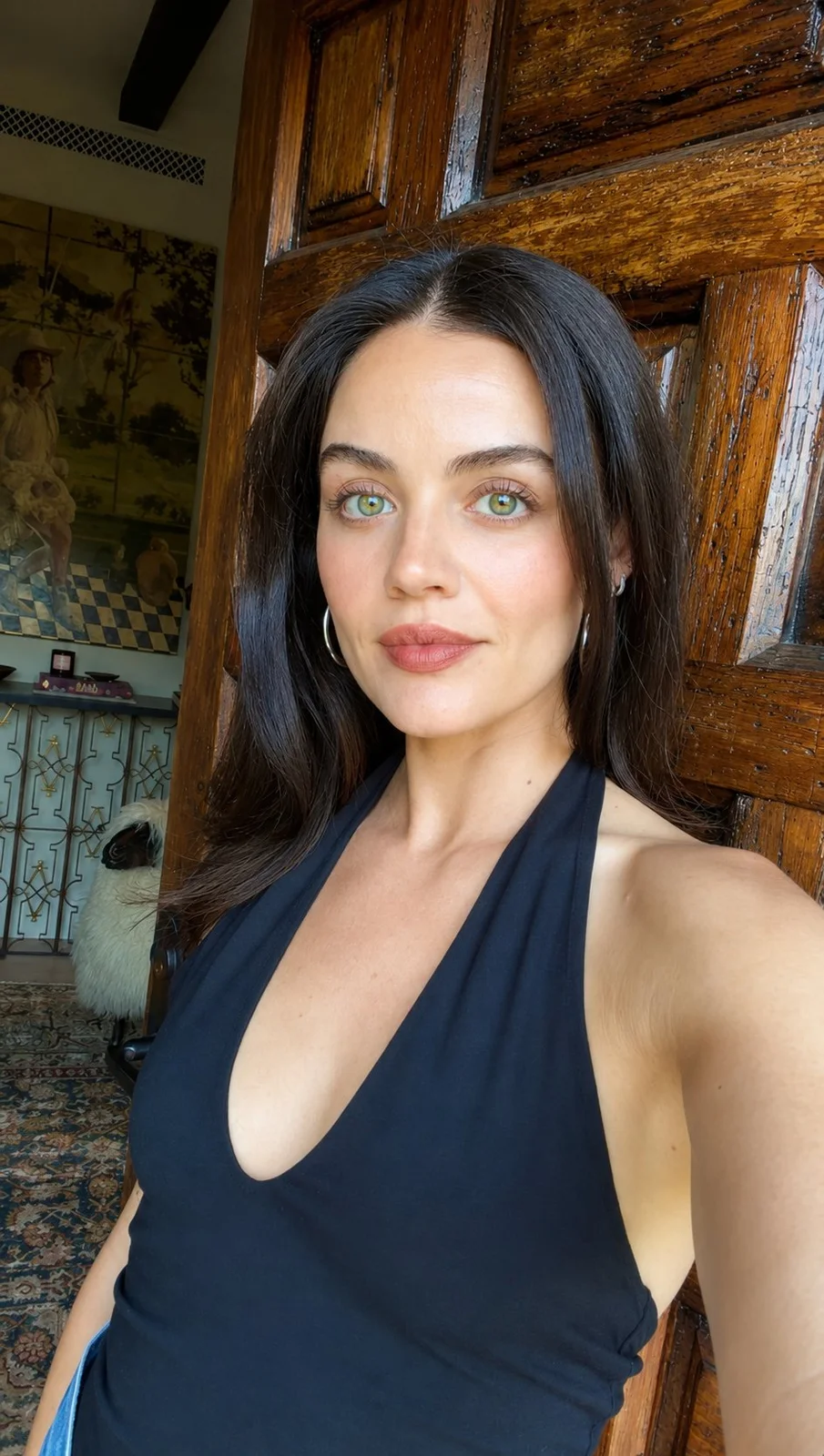
Close-up selfie beside a weathered wooden door
Close-up selfie beside a weathered wooden door
0
views
0
copies
Download
JPG · 943 × 1668
Likes
0
Views
0
Copies
0
Saved
0
Download
JPG · 943 × 1668

Prompt

Model
GPT Image 2
Mode
Text to image
Resolution
943 × 1668
Aspect
9:16

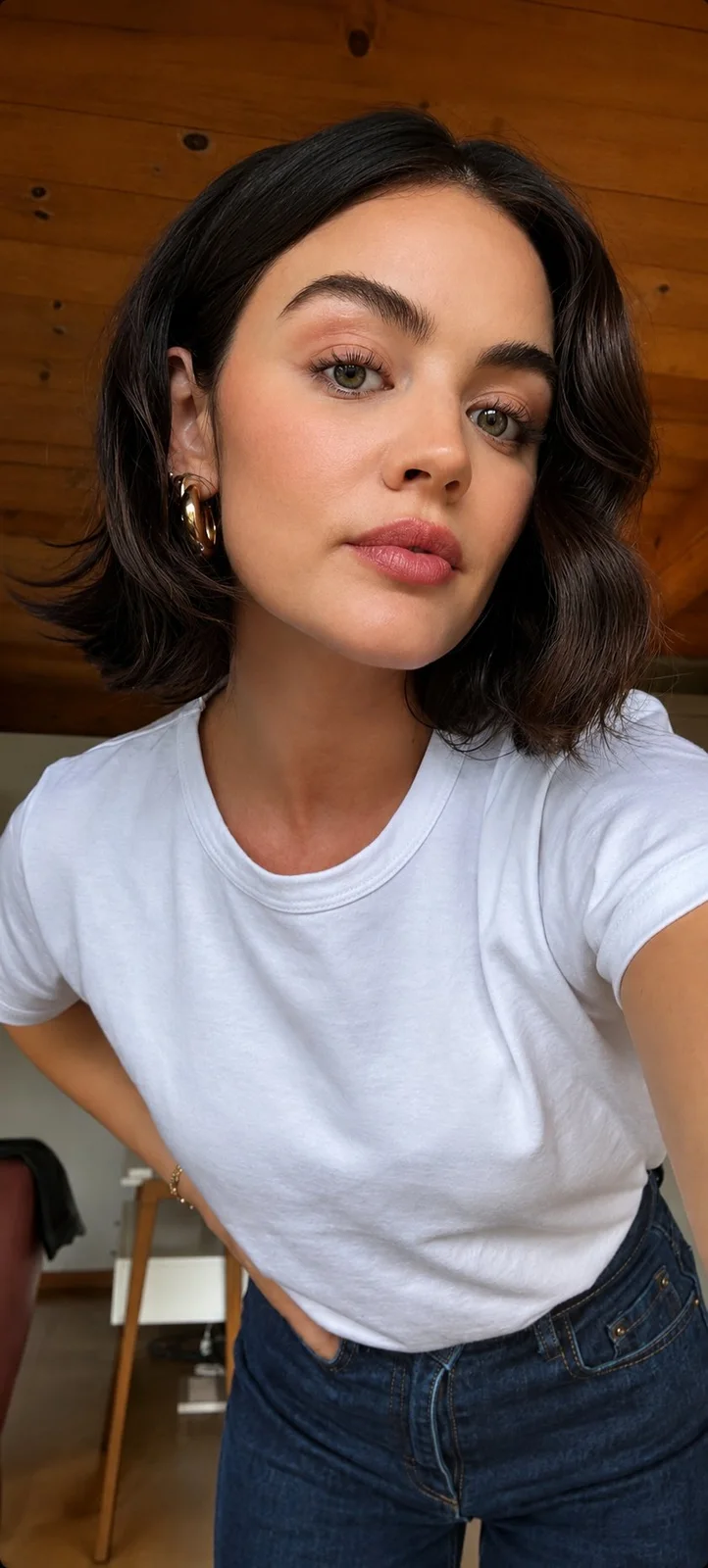
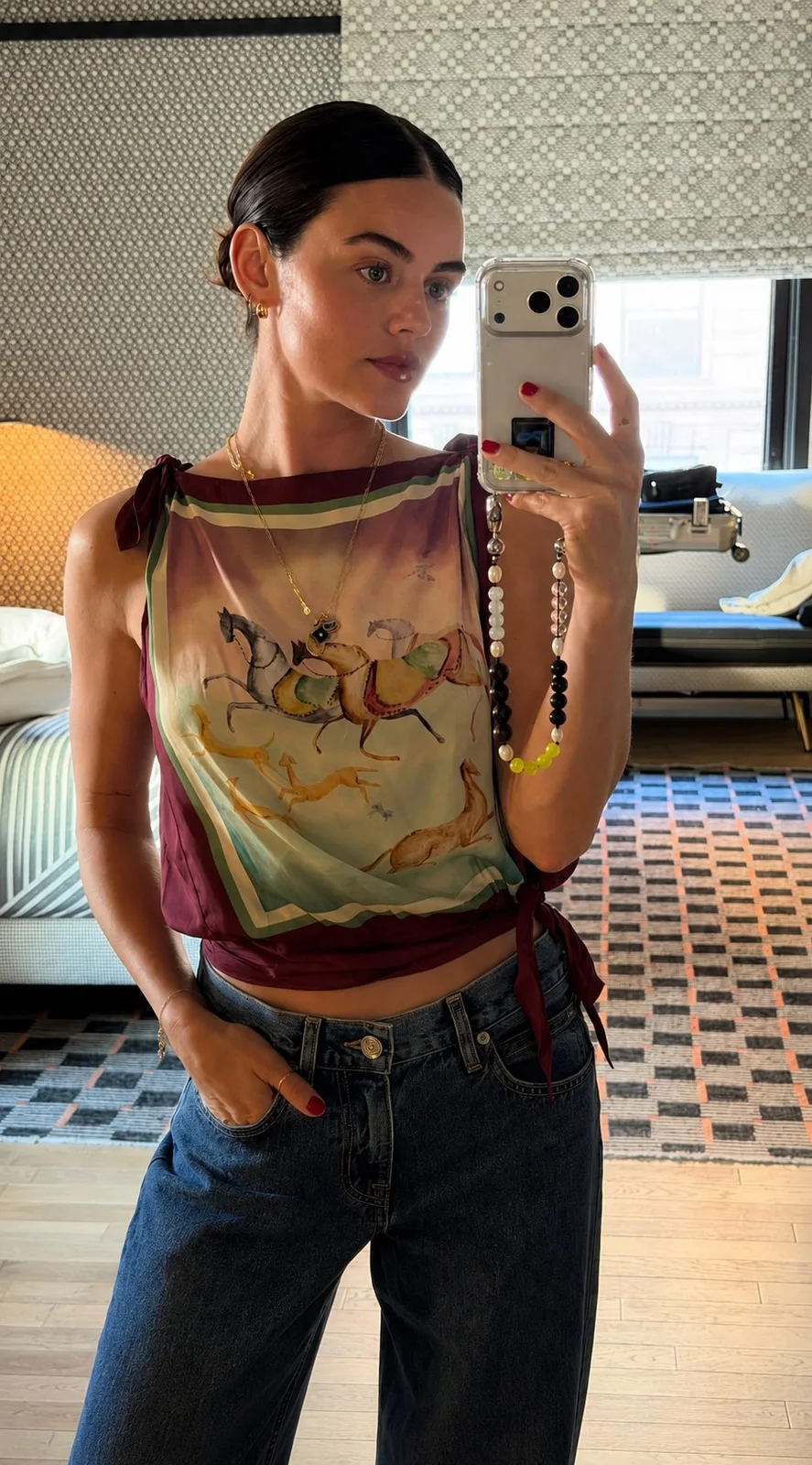
Ultra-realistic close-up selfie portrait of a young adult woman standing in a rustic, elegant interior beside a beautifully weathered dark wooden door. She has long, naturally wavy dark brown hair parted in the center, striking light green eyes, natural eyebrows, subtle makeup, soft pink lips, small silver hoop earrings, and a calm, confident expression. She is wearing a simple dark navy sleeveless top. Warm natural daylight illuminates her face from the front, creating soft realistic shadows and detailed skin texture. Behind her is a richly textured wooden doorway with visible grain, an artistic vintage wall mural, patterned flooring, and tasteful antique-style interior decor. Smartphone selfie perspective, slightly wide-angle lens, natural proportions, realistic facial details, authentic skin pores and fine hair strands, shallow depth of field, cinematic yet natural lighting, high dynamic range, realistic colors, professional photography quality, ultra-detailed, photorealistic, 8K resolution. No text, no watermark, no artificial CGI appearance.

About this prompt

A close-up phone selfie of an adult woman in a halter top, standing beside an old wooden door in a rustic room with a painted mural behind her. The prompt suits lifestyle or travel selfie imagery and realistic portrait references.

Prompt breakdown

AI breakdownClick a part to highlight it in the prompt

Click a part to highlight it in the prompt

How to use this prompt

Three steps from this page to your own image.

  1. 01

    Copy the prompt

    Copy the text as it is, every detail and any text on the image included.

  2. 02

    Match the settings

    Open GPT Image 2 on a platform that offers it and use the same settings: text to image, 943 × 1668, 9:16.

  3. 03

    Make it yours

    Change the subject or the style, or let Studio adapt it for you.