Skip to content
prompset

Steam train passing through gilded painting frames
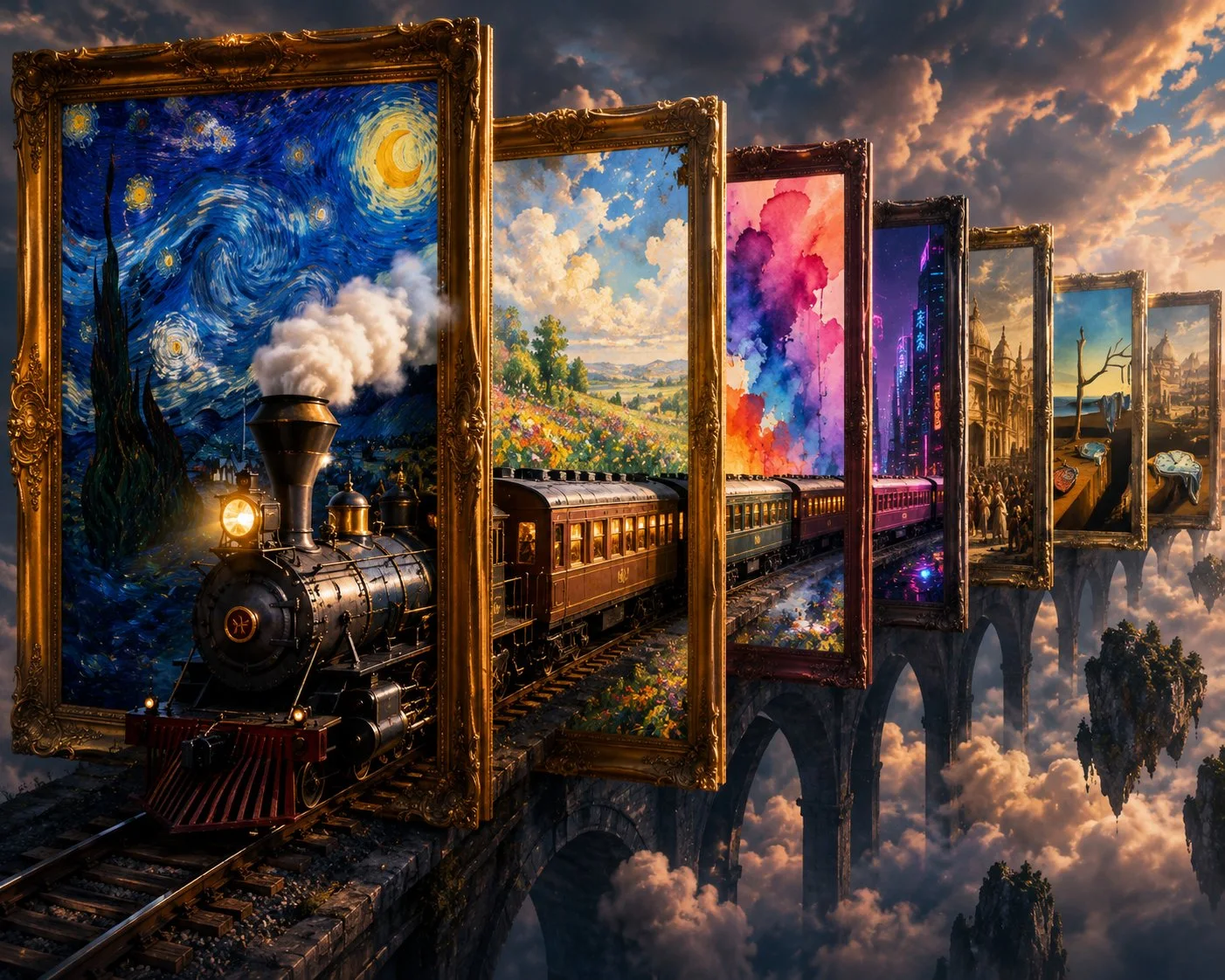
Steam train passing through gilded painting frames
0
views
0
copies
Download
JPG · 1402 × 1122
Likes
0
Views
0
Copies
0
Saved
0
Download
JPG · 1402 × 1122

Prompt

Model
GPT Image 2
Mode
Text to image
Resolution
1402 × 1122
Aspect
5:4

A surreal cinematic fantasy scene of a magnificent vintage steam train traveling along an impossibly high stone bridge suspended above an endless sea of clouds. Instead of tunnels, the train passes through a sequence of colossal floating gilded picture frames, each frame opening into a completely different artistic universe. The first is a dreamy watercolor countryside, the next an impressionist flower valley, then a glowing cyberpunk metropolis, a Renaissance royal city, a surreal melting-desert landscape, an Art Deco skyline, and finally an abstract galaxy made of liquid paint. As each carriage crosses a frame, it instantly transforms to match that world's art style before changing again in the next. Massive floating islands, golden sunset light, volumetric clouds, dramatic atmosphere, cinematic perspective, intricate locomotive details, magical realism, impossible architecture, masterpiece composition, ultra-detailed, HDR, Unreal Engine quality, 8K, award-winning concept art, vibrant colors, breathtaking scale.

About this prompt

The image shows a steam train on a high stone bridge above clouds, passing through a row of gilded frames that each open onto a different painted world. The prompt suits fantasy concept art, surreal book covers, or art-history-themed visuals.

Prompt breakdown

Made by AI · Click a part to highlight it in the prompt

Made by AI · Click a part to highlight it in the prompt

How to use this prompt

Three steps from this page to your own image.

  1. 01

    Copy the prompt

    Copy the text as it is, every detail and any text on the image included.

  2. 02

    Match the settings

    Open GPT Image 2 on a platform that offers it and use the same settings: text to image, 1402 × 1122, 5:4.

  3. 03

    Make it yours

    Change the subject or the style, or let Studio adapt it for you.