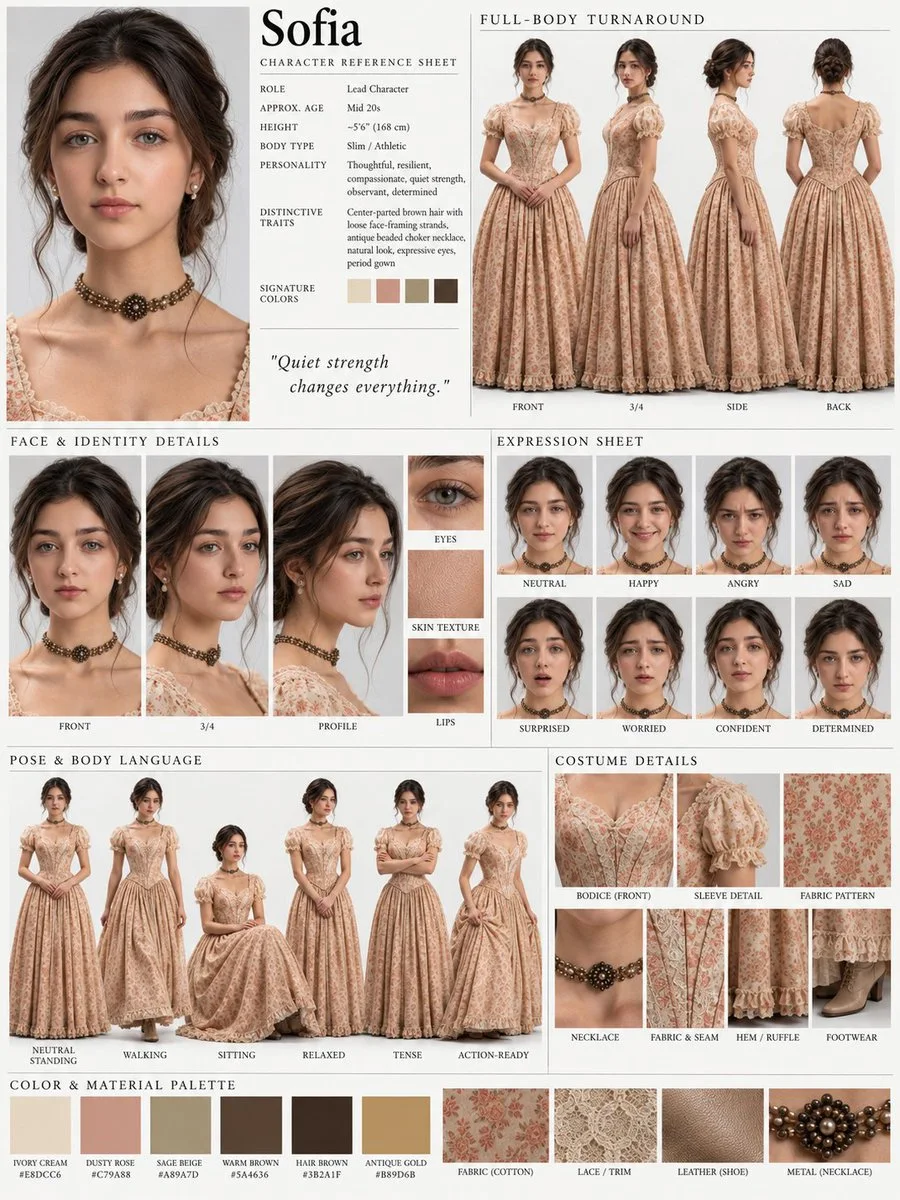
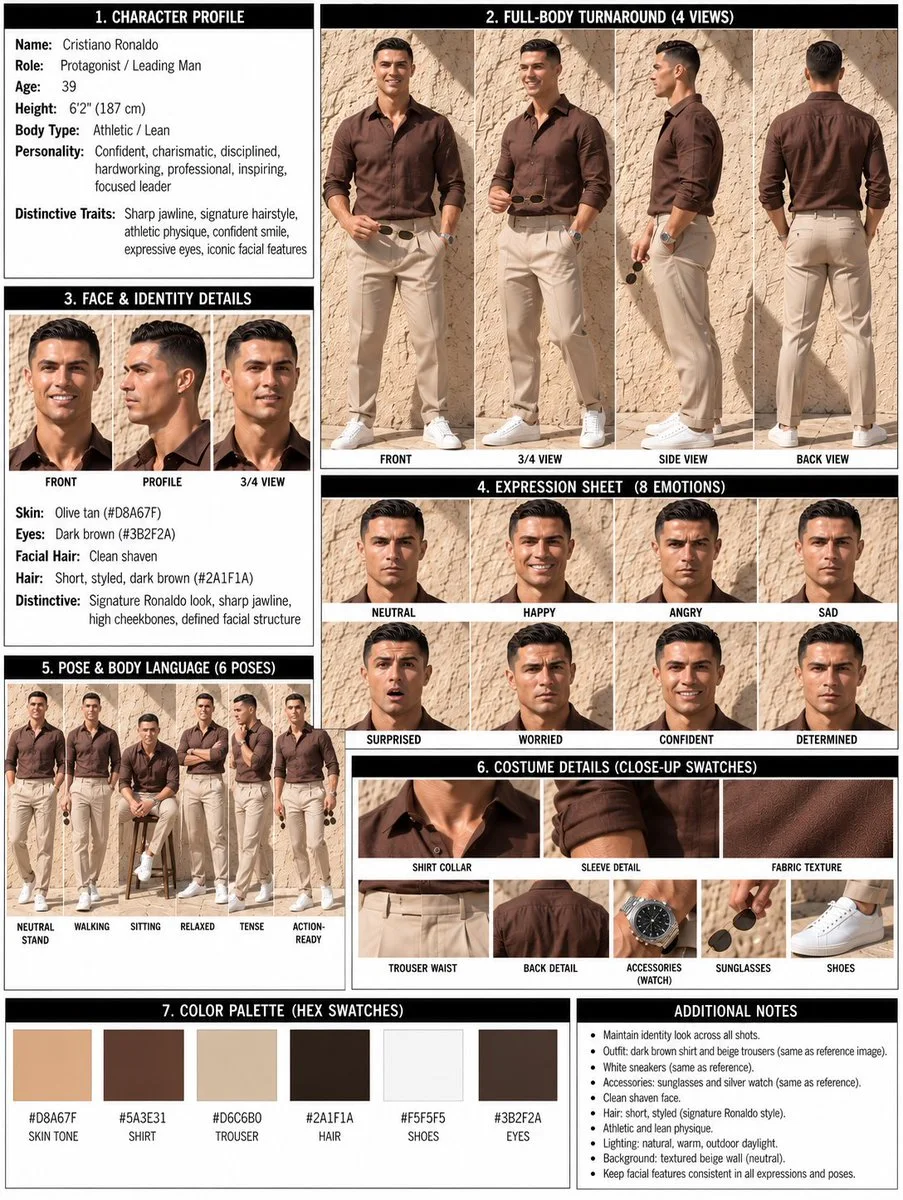
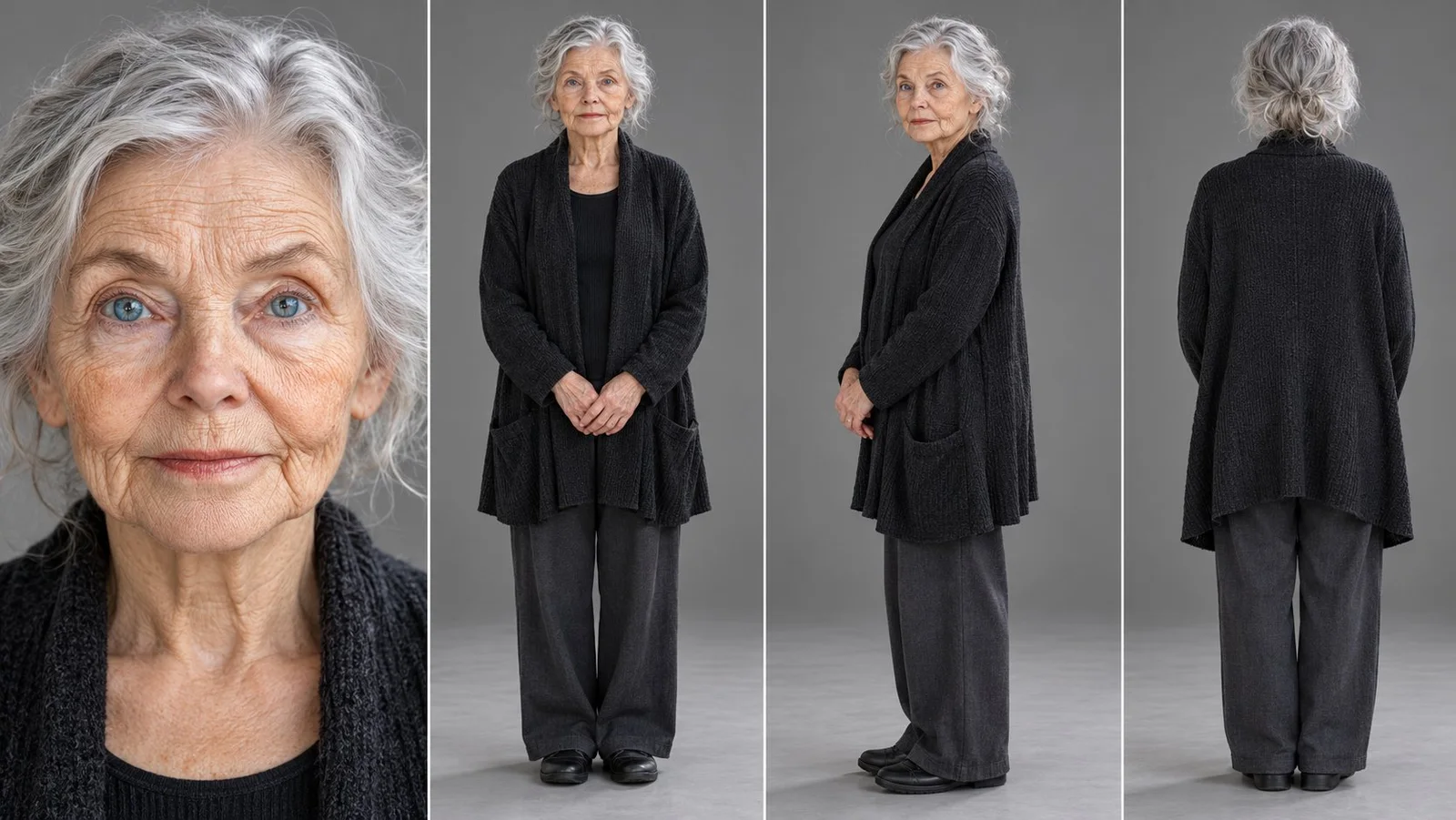
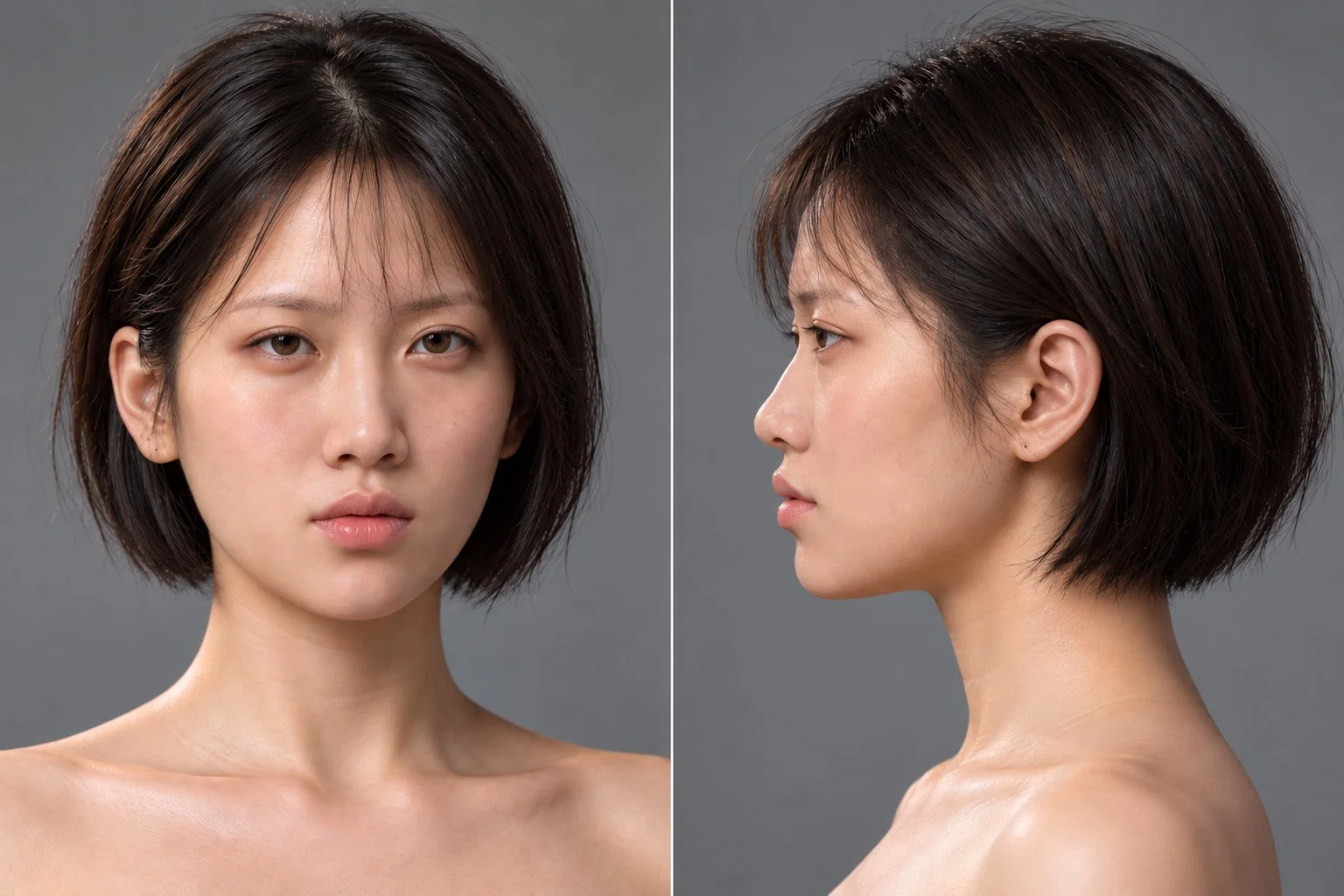
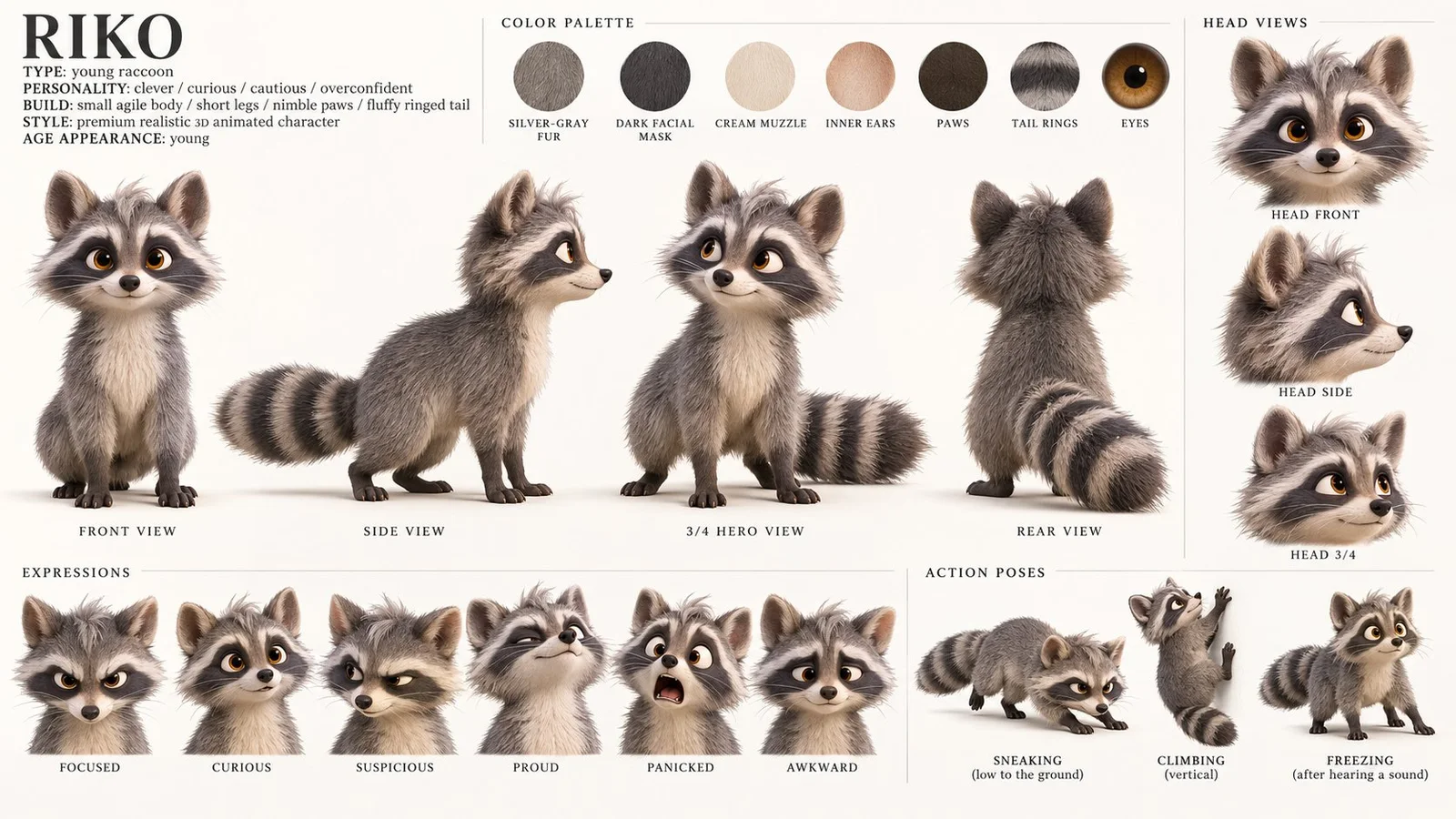
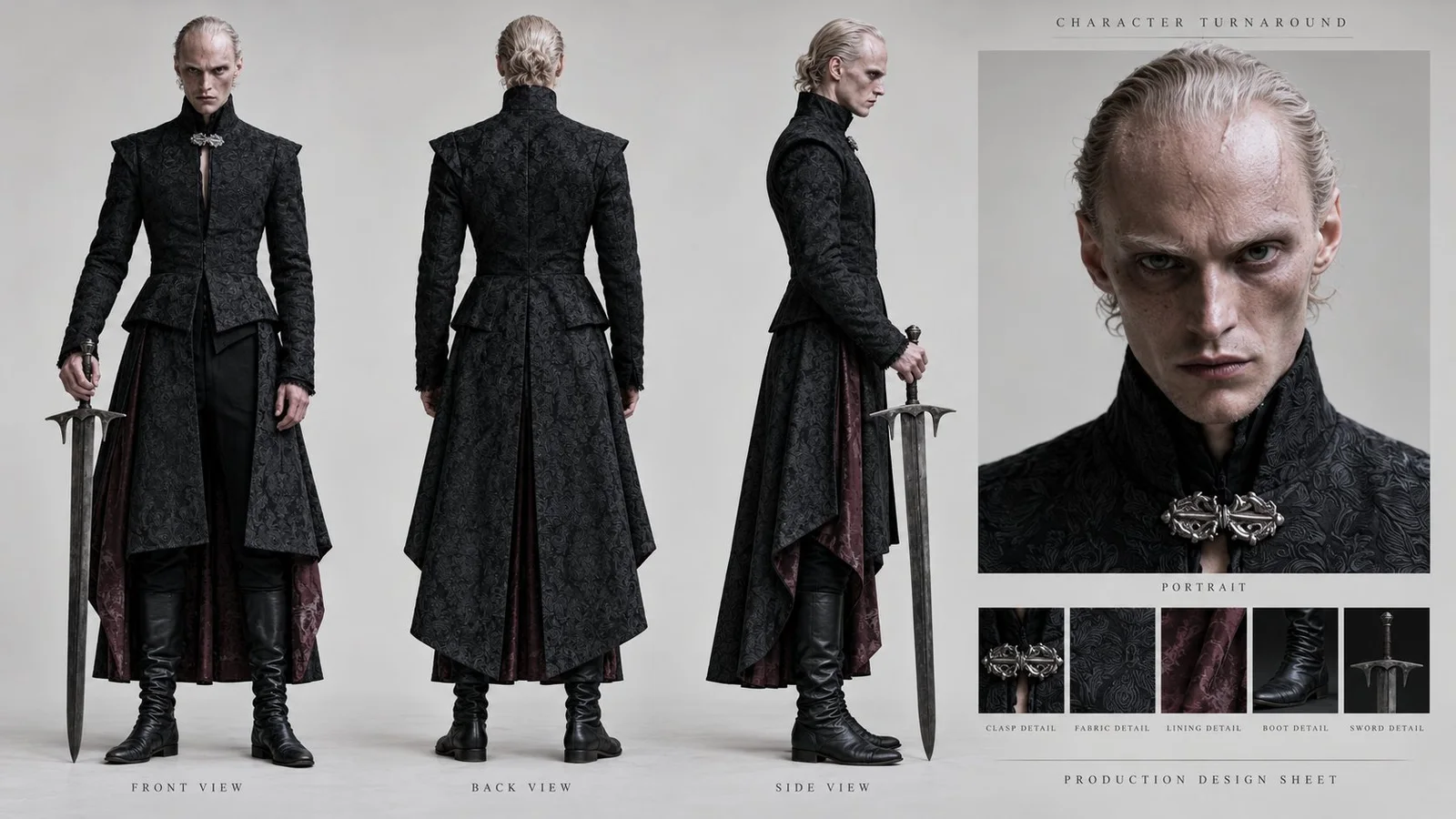
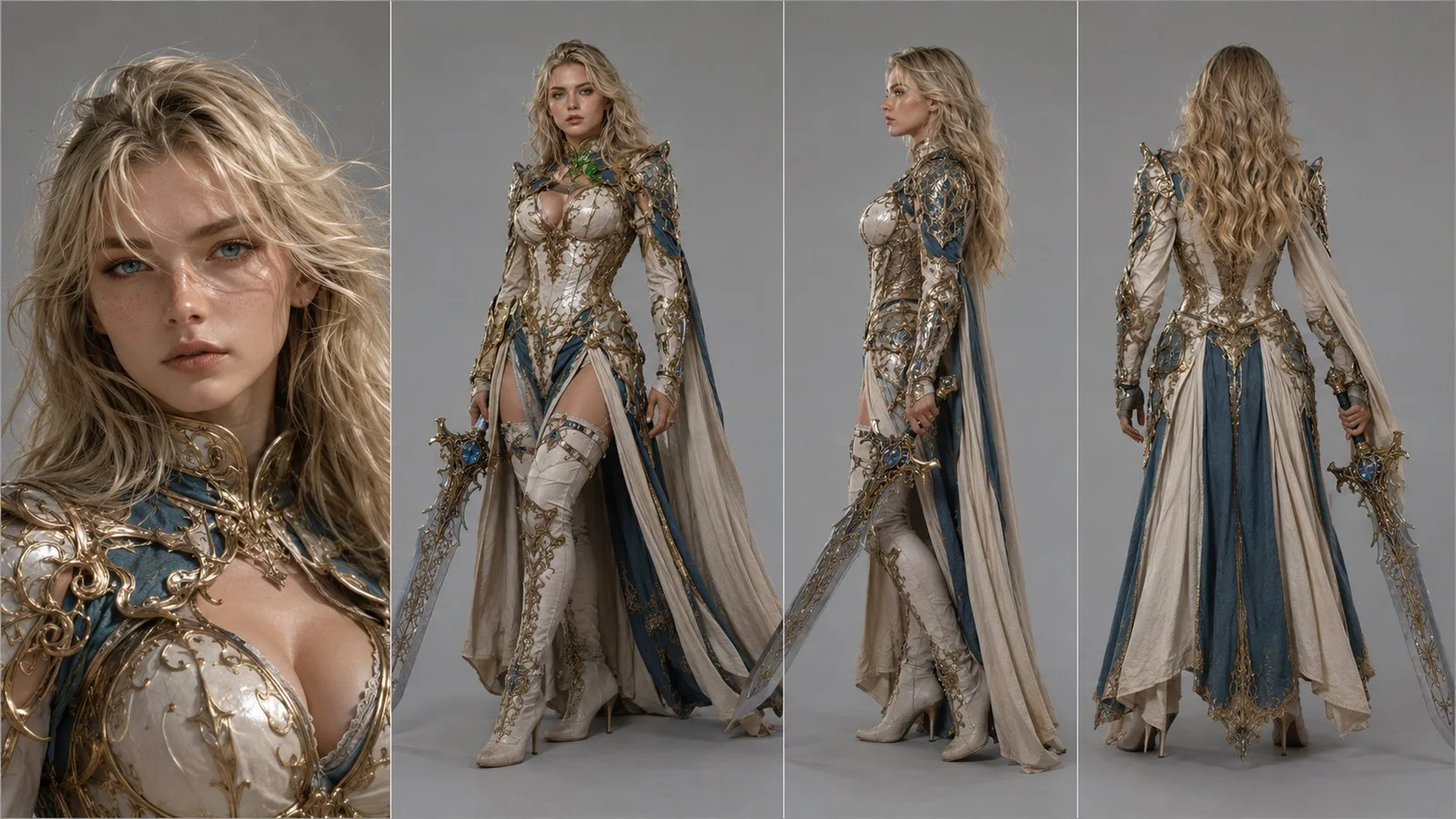
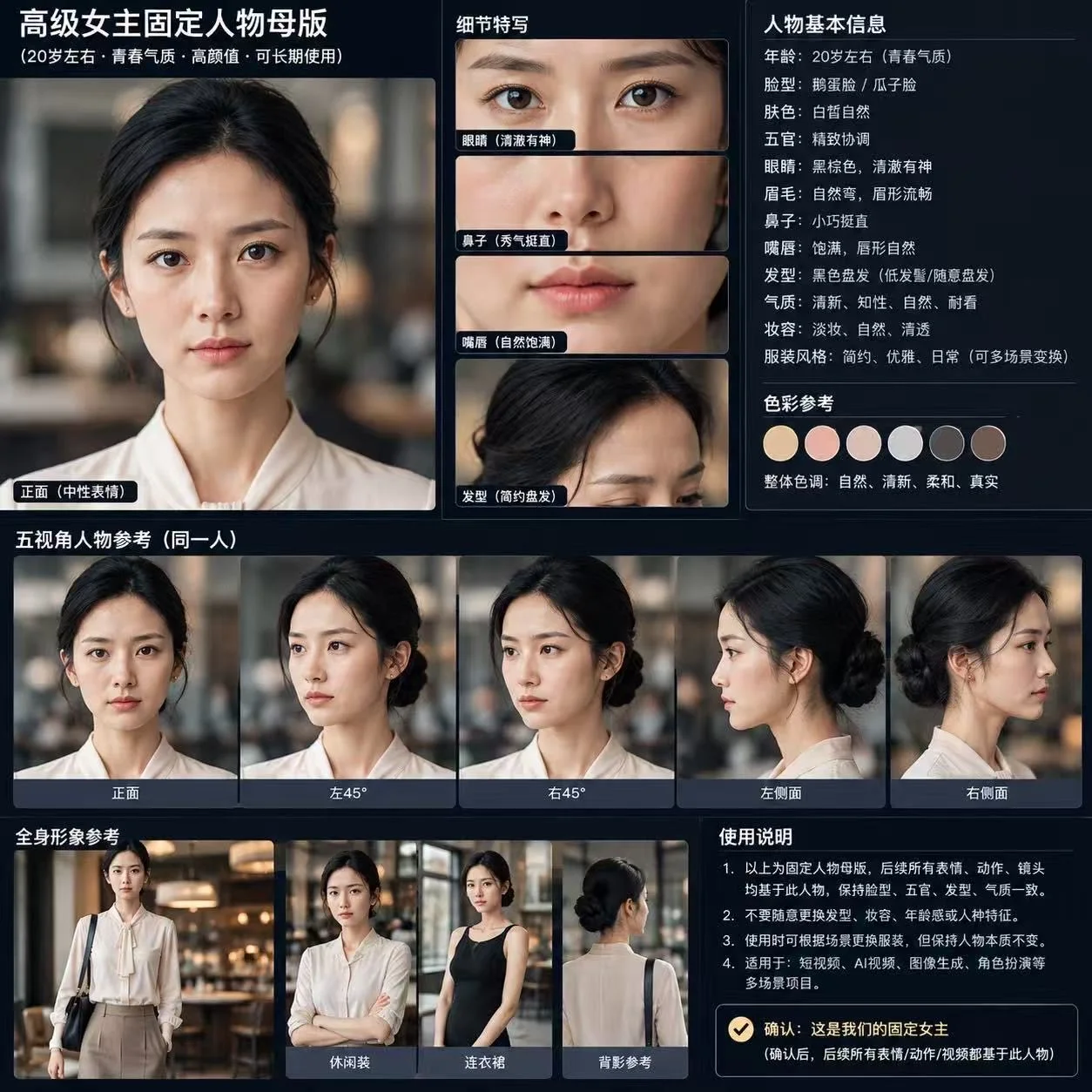
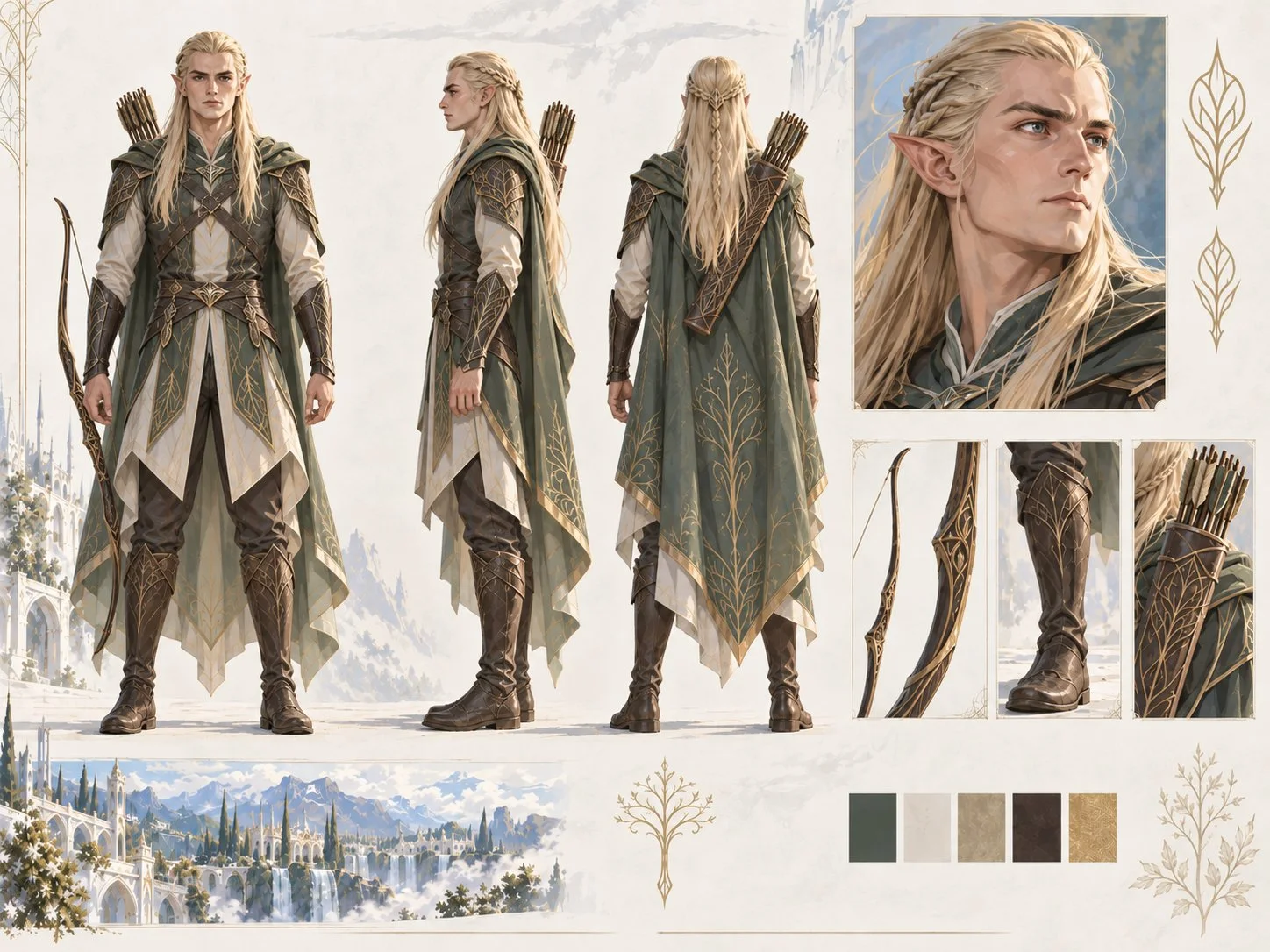
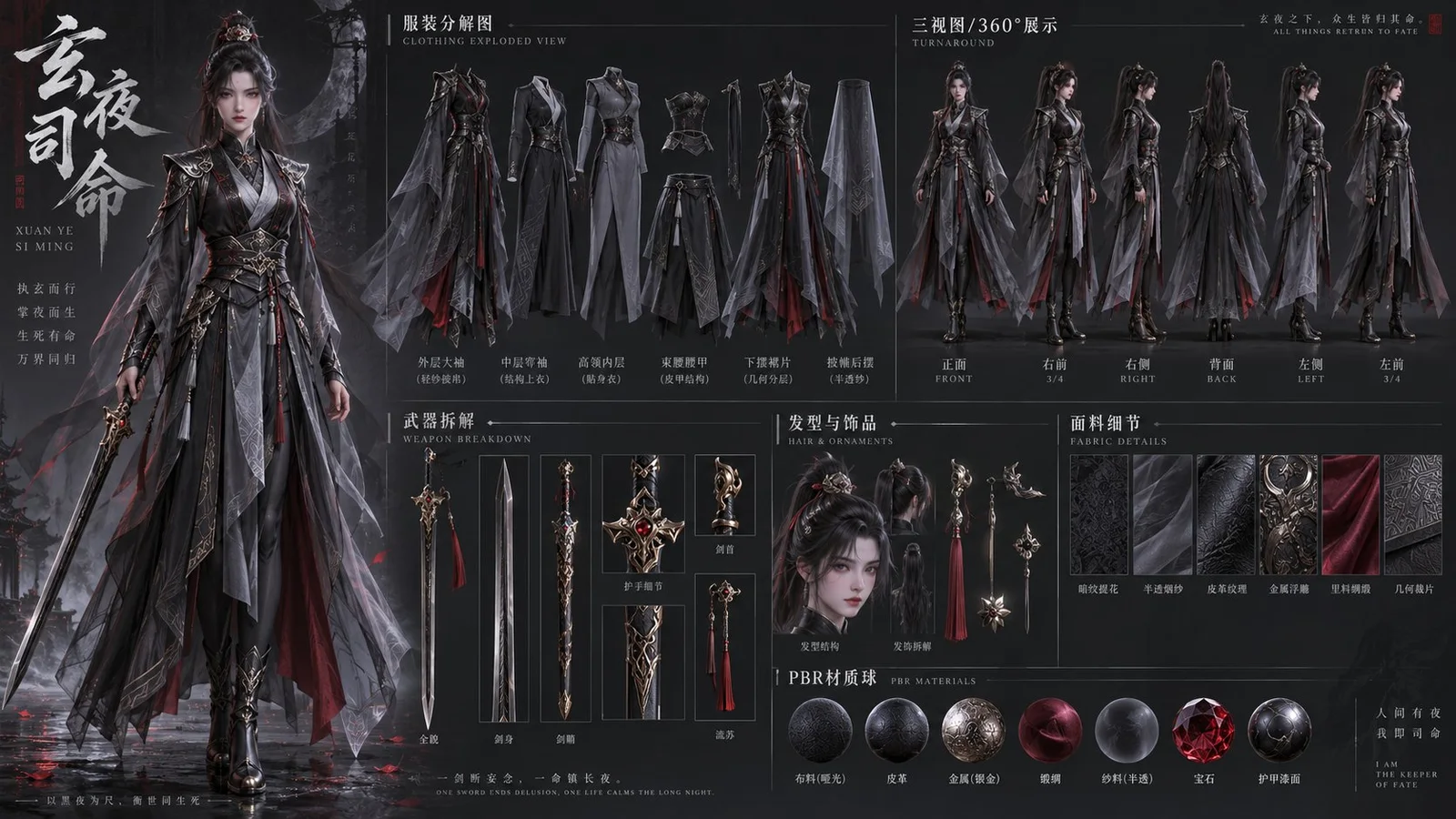
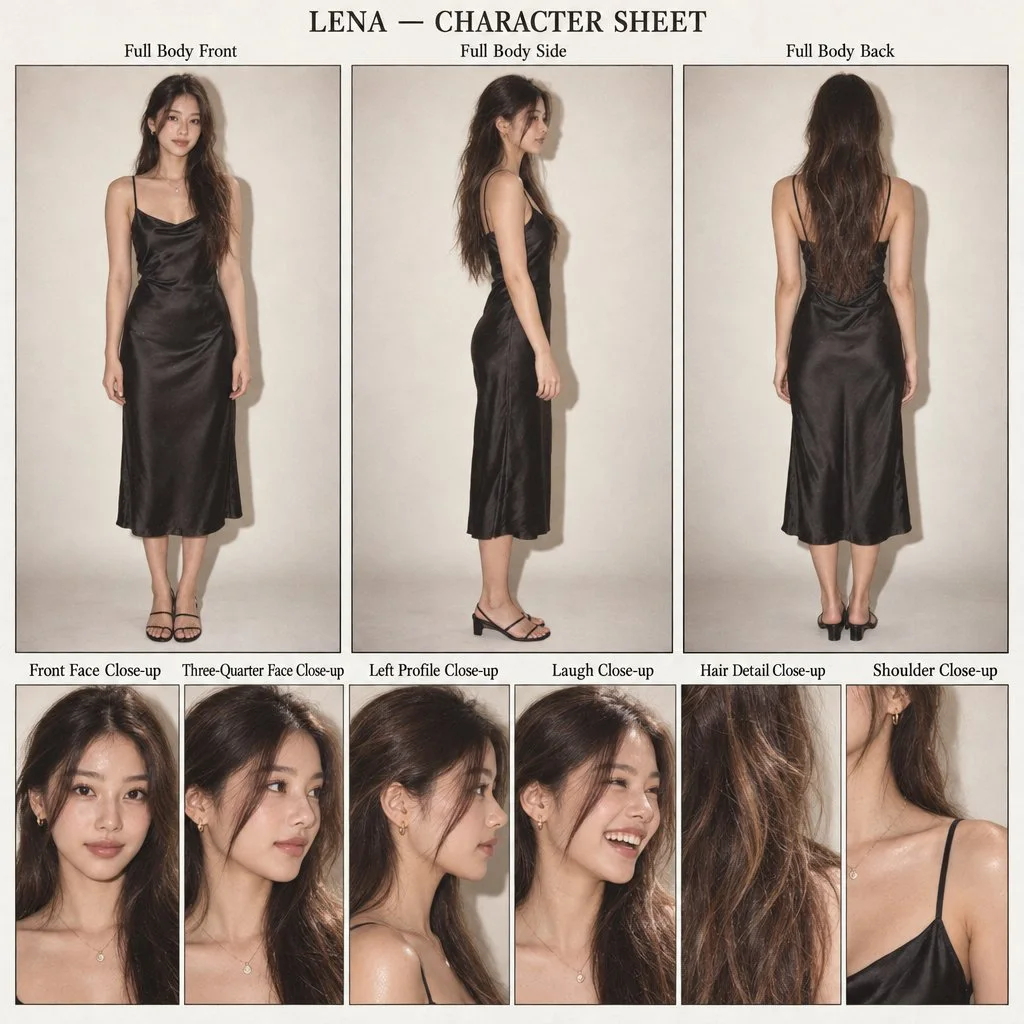
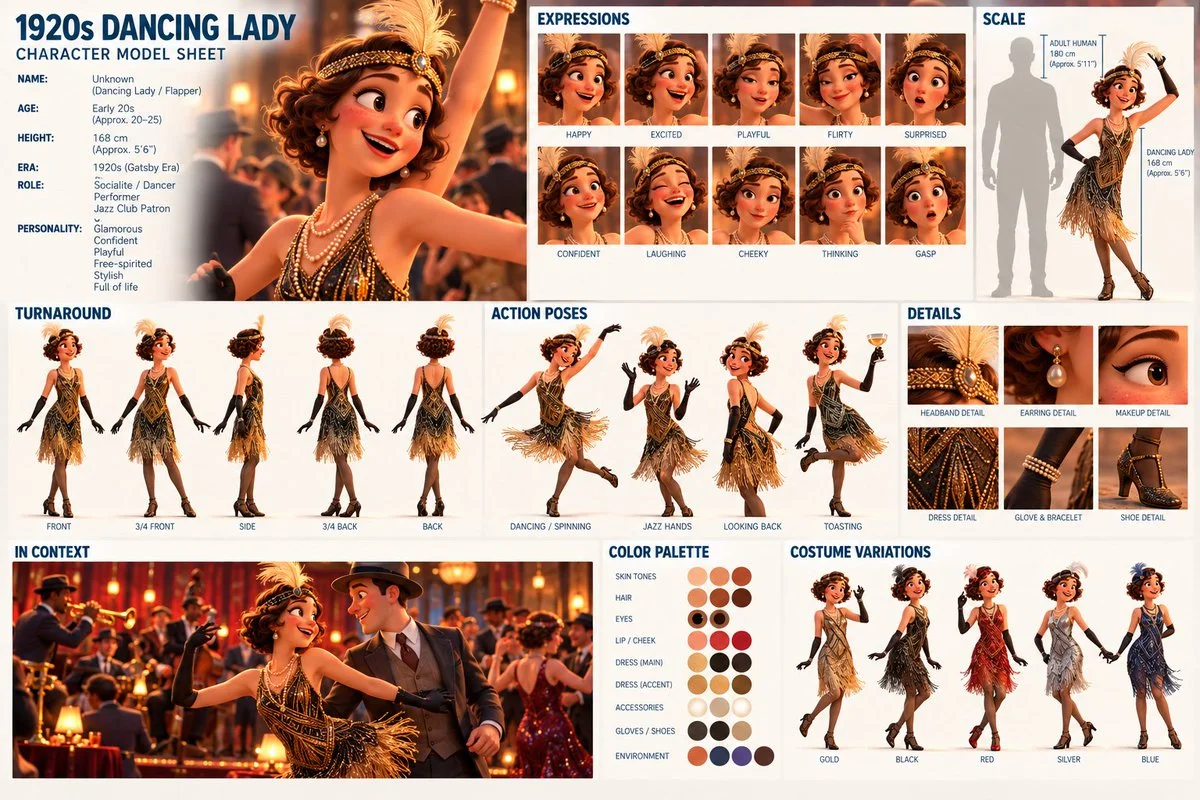
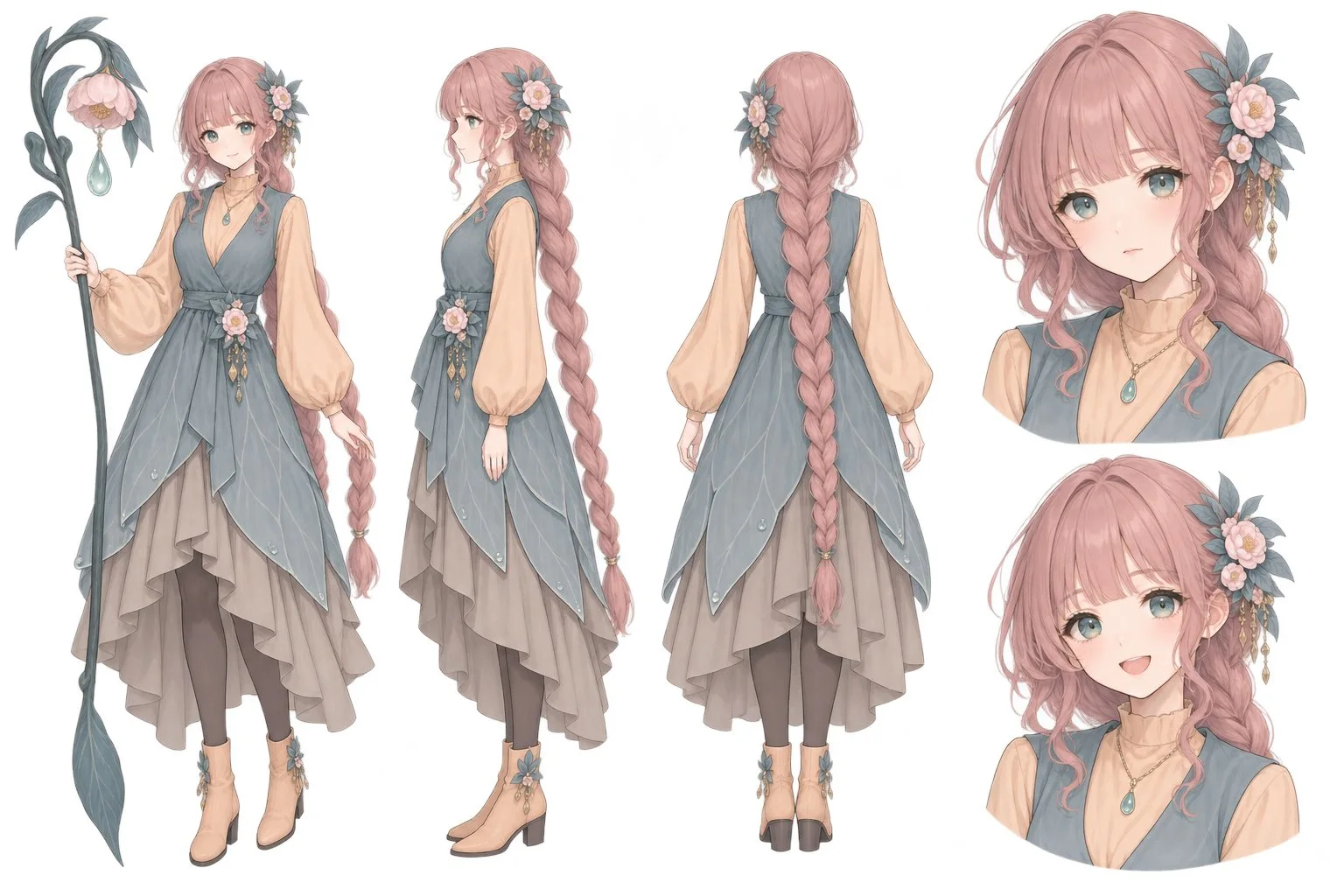
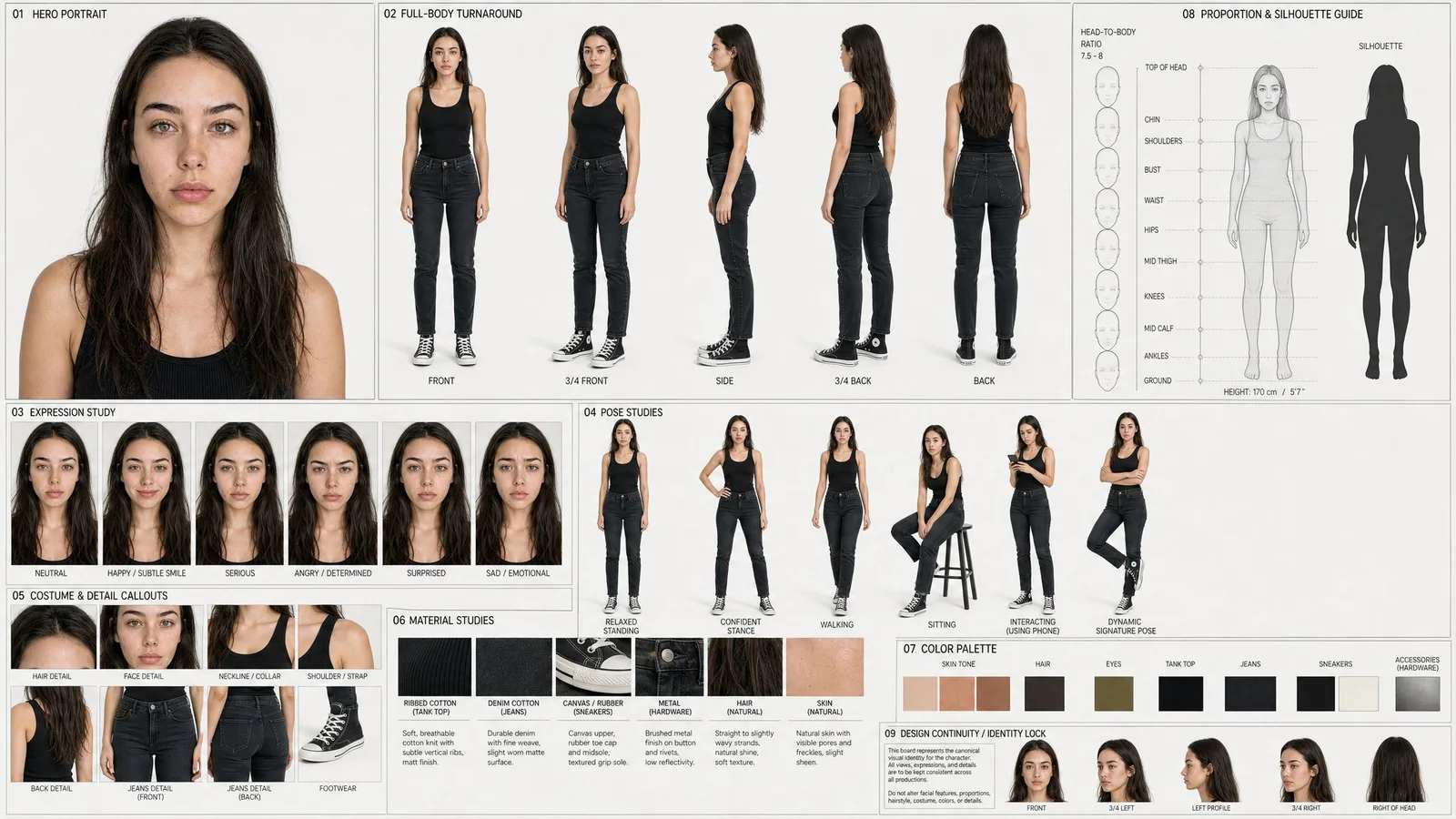
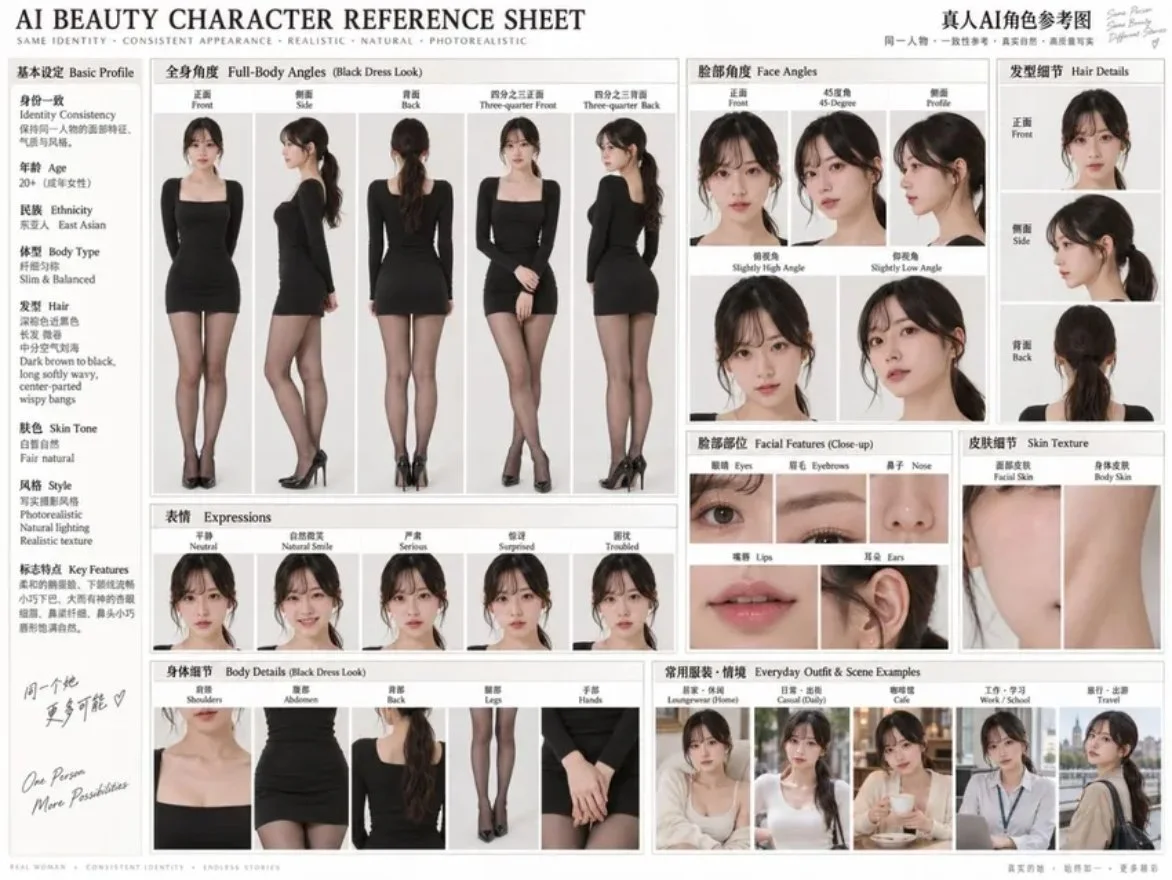
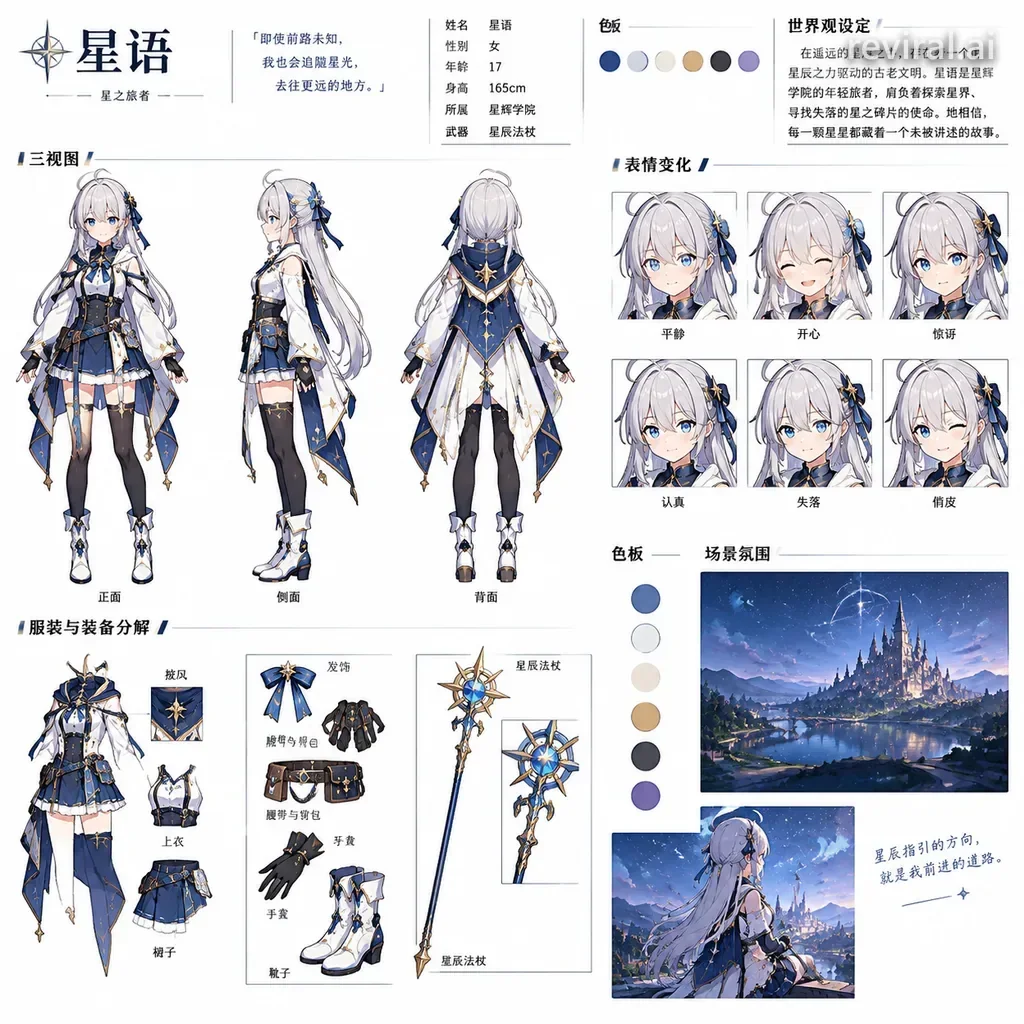
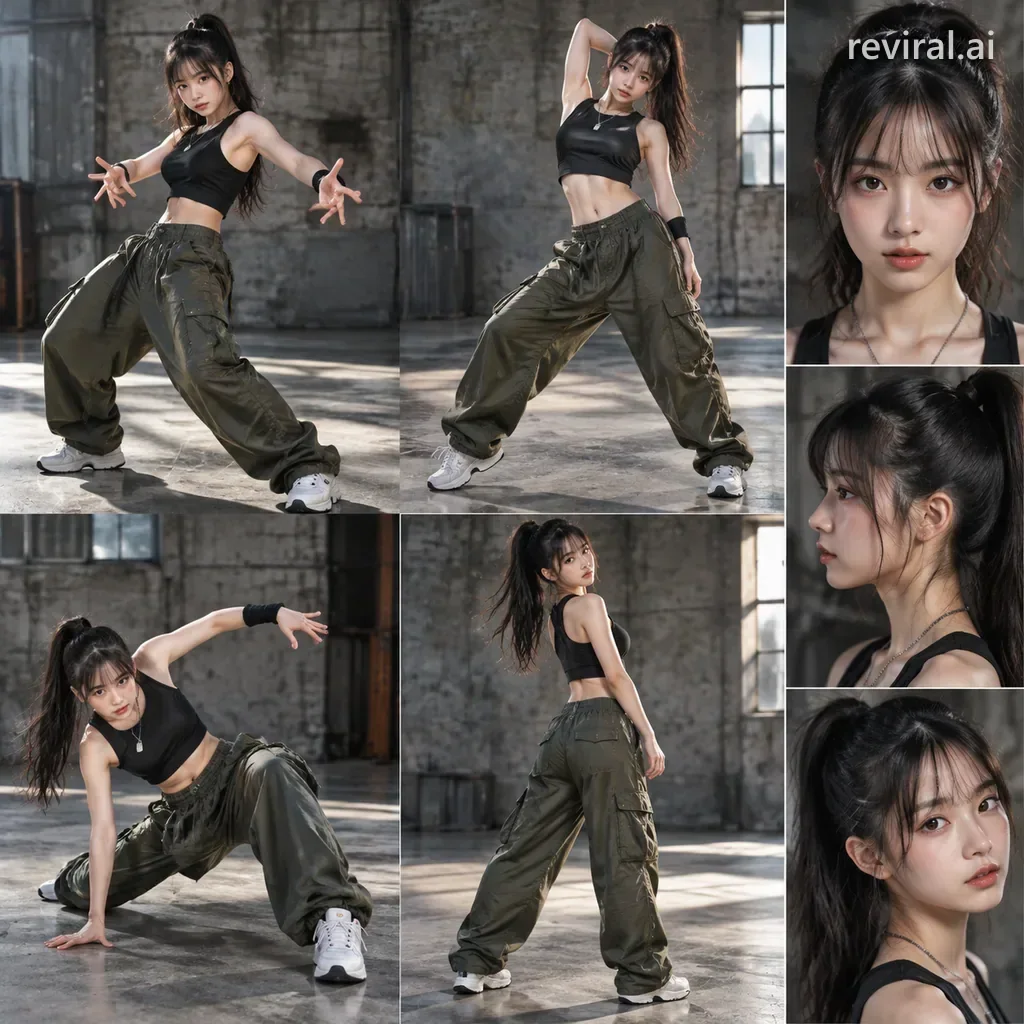
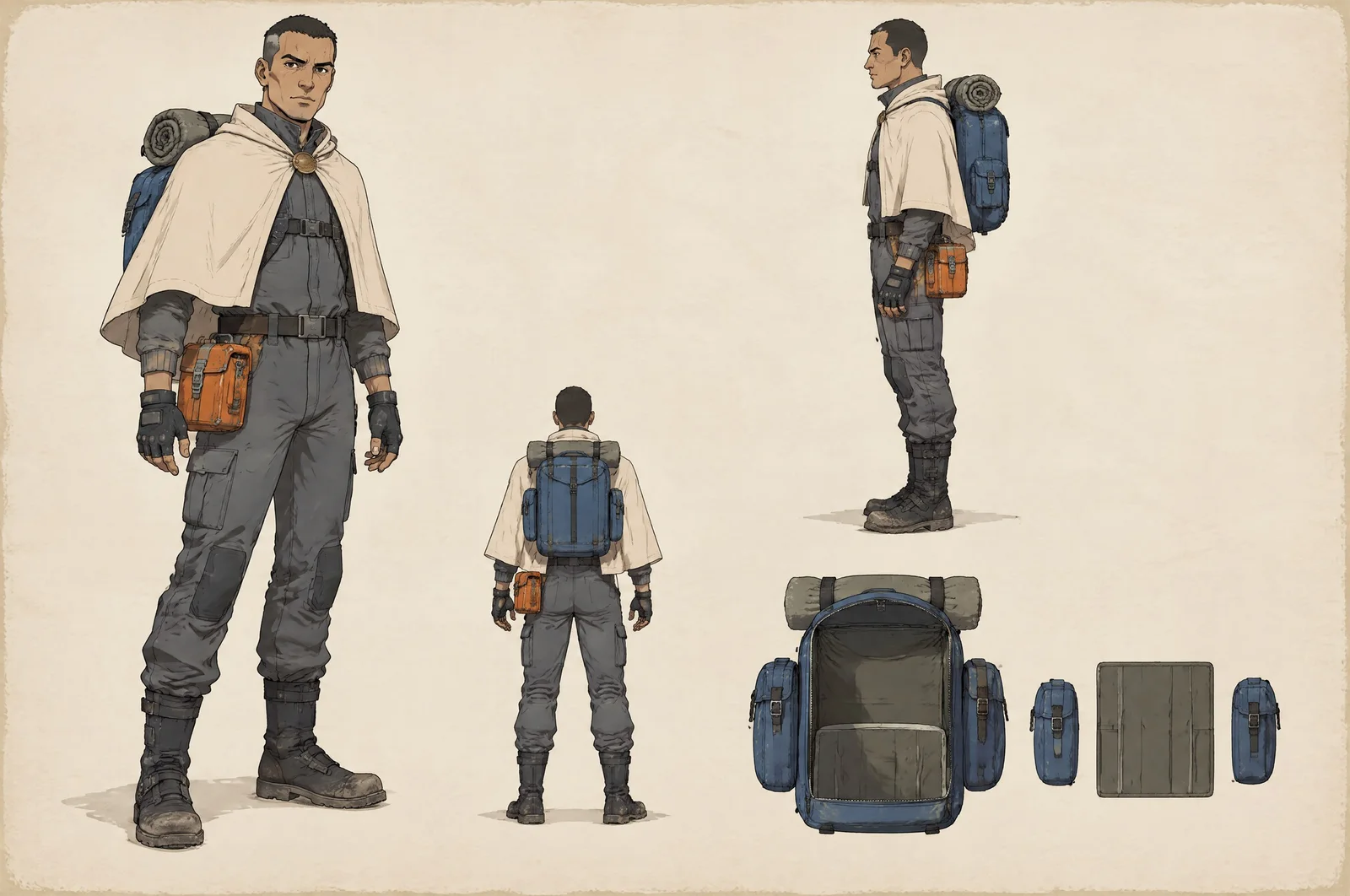
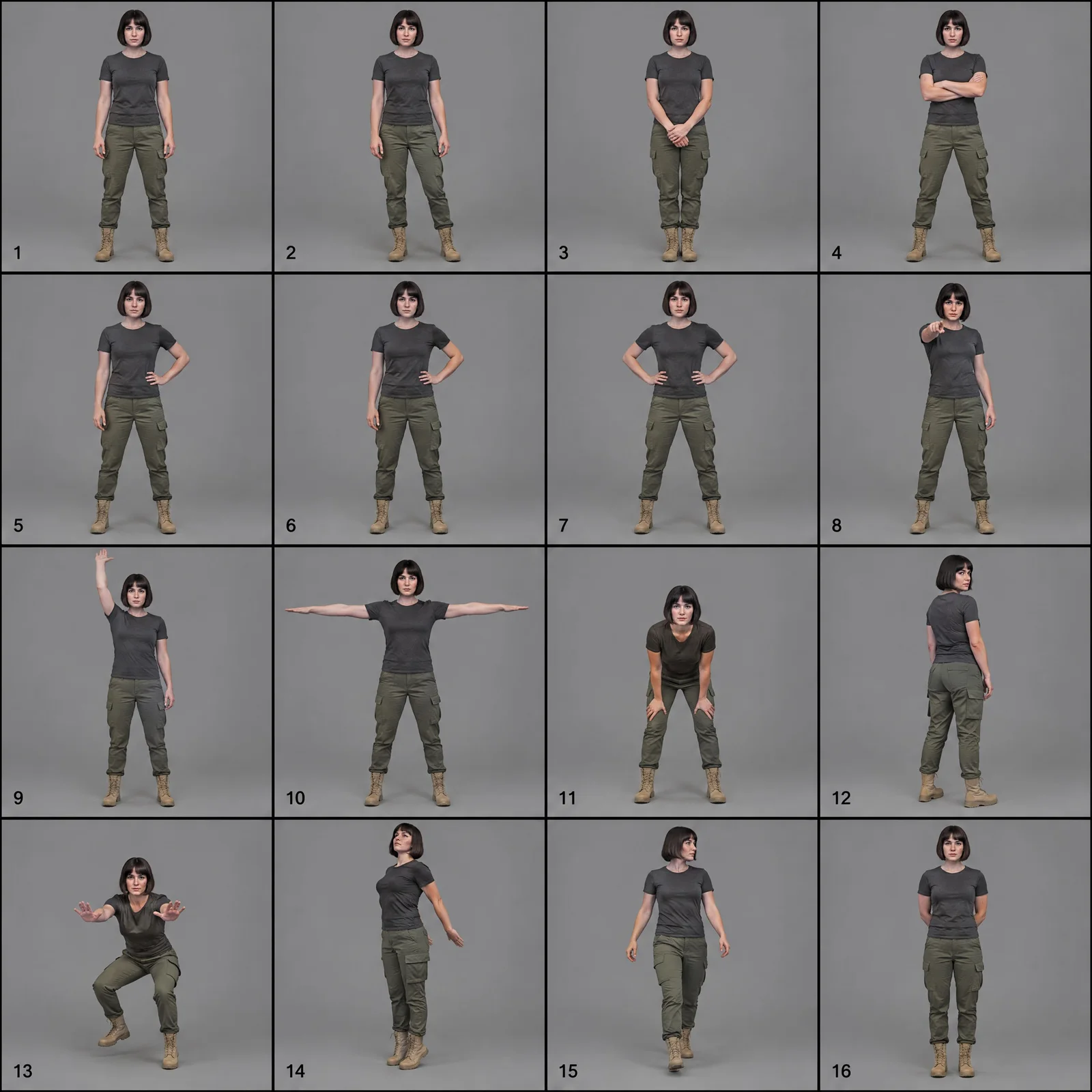
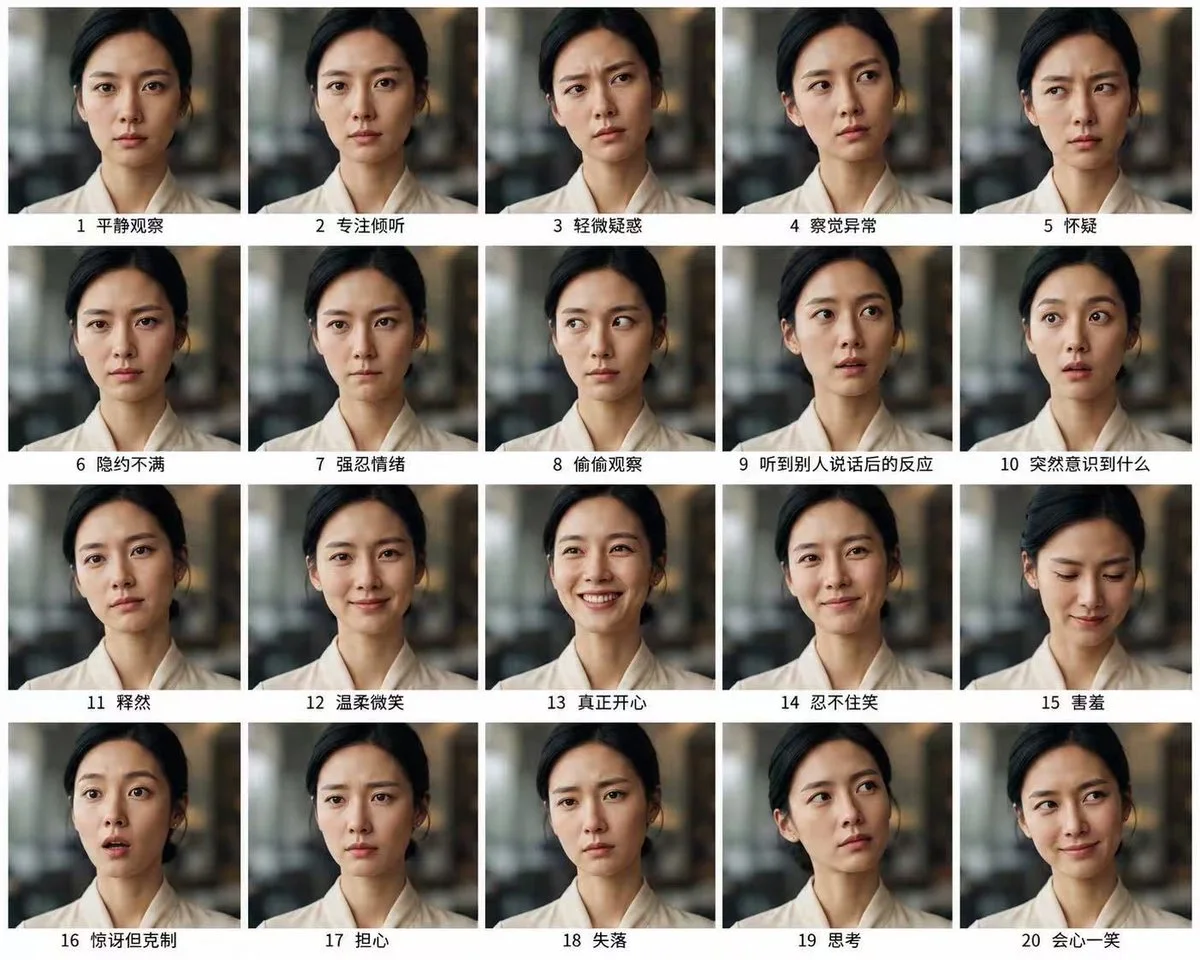
Use the uploaded CHARACTER REFERENCE SHEET as the exact MASTER image. Use the uploaded REFERENCE PHOTO ONLY for the person's facial identity. Replace ONLY the character's face/identity with the person from the reference photo. Preserve the reference person's recognizable facial features, face shape, eyes, nose, lips, skin texture, and natural identity. Adapt the face naturally to every angle and expression shown in the character sheet. IMPORTANT — DO NOT CHANGE ANYTHING ELSE. Keep the MASTER CHARACTER SHEET exactly the same: Same Victorian-style floral dress, same dress color, fabric, lace, sleeves, neckline, seams and ruffles; same necklace and earrings; same hairstyle and hair arrangement shown in the character sheet; same body shape and proportions; same full-body poses; same front, 3/4, side and back views; same facial expression layouts; same costume-detail panels; same color/material palette; same background; same lighting; same composition and panel layout; same typography and labels; same overall image quality and realism. Do NOT copy the reference person's clothes, body, pose, accessories, background, or hairstyle. Only transfer the facial identity from the REFERENCE PHOTO. Change the character name from "Ella Beatty" to: SOFIA. Keep all other character-sheet information unchanged unless it directly needs to be adjusted for visual consistency. Make the face replacement seamless and photorealistic, with accurate facial proportions, natural skin texture, realistic lighting, and consistent identity across every portrait, expression, pose, and turnaround view. FINAL RULE: REFERENCE PHOTO = FACE/IDENTITY ONLY. MASTER CHARACTER SHEET = EVERYTHING ELSE. Do not redesign or recreate the character sheet. Preserve the original sheet and modify only the requested face identity and the character name "Sofia". Second task: Use the uploaded TARGET IMAGE as the exact master image. Use the uploaded REFERENCE IMAGE only for the person's identity: face, facial features, hairstyle, hairline, hair texture, beard/facial hair, skin tone, and overall identity. IMPORTANT: Do NOT copy the reference person's clothing, outfit, accessories, body pose, background, or composition. Replace the face and identity of the person in the TARGET IMAGE with the person from the REFERENCE IMAGE. Match the reference person's face, hair, beard/facial hair, and identity naturally and accurately to the target's head angle, lighting, perspective, and expression. Keep EVERYTHING ELSE from the TARGET IMAGE exactly unchanged: same clothing/outfit, same shirt, trousers, shoes, and accessories; same body proportions and physique; same pose and hand position; same background; same environment; same lighting and shadows; same camera angle; same framing and composition; same image quality and realism. The TARGET IMAGE clothing must remain exactly as shown in the target. NEVER use the reference person's clothes. Create a photorealistic, seamless face replacement with natural skin texture, realistic facial proportions, accurate hair/beard integration, and matching lighting. FINAL RULE: REFERENCE IMAGE = identity only. TARGET IMAGE = clothing + body + pose + background + composition + everything else. Do not change anything except the person's identity/face, hair, and facial hair according to the reference image.