Skip to content
prompset

Character sheet with face-swap identity template
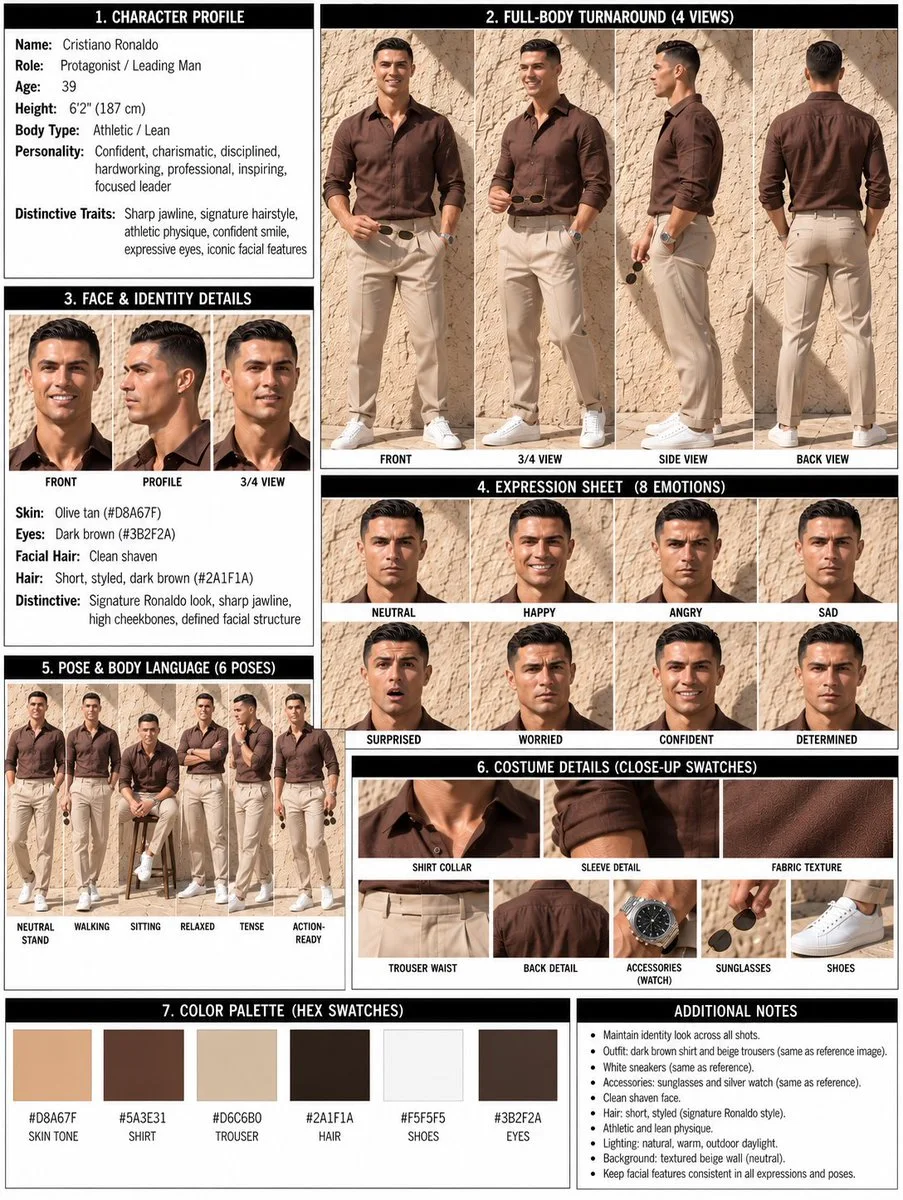
Character sheet with face-swap identity template
0
views
0
copies
Download
JPG · 903 × 1200
Likes
0
Views
0
Copies
0
Saved
0
Download
JPG · 903 × 1200

Prompt

Model
GPT Image 2.5
Mode
Image edit
Inputs
1 image
Resolution
903 × 1200
Aspect
3:4

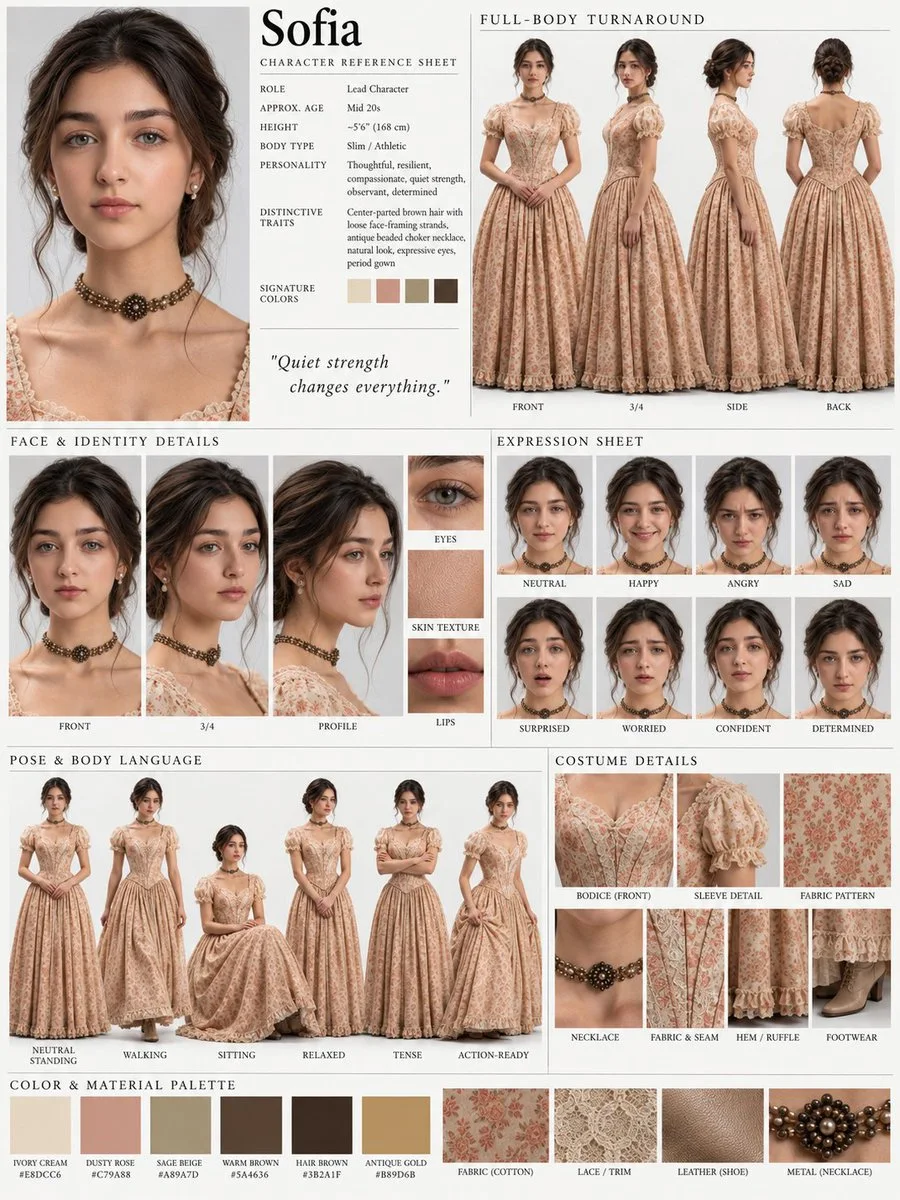
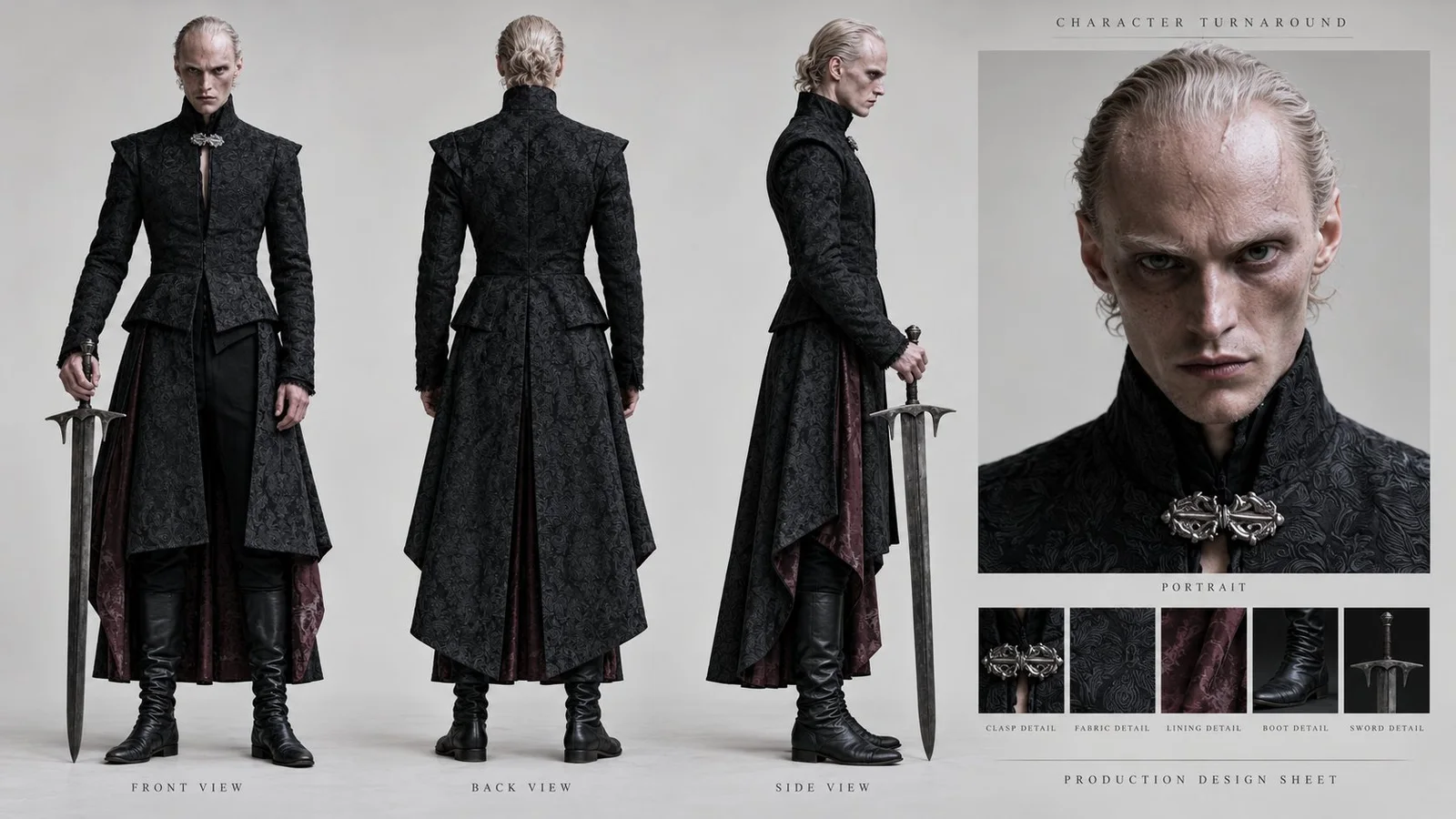
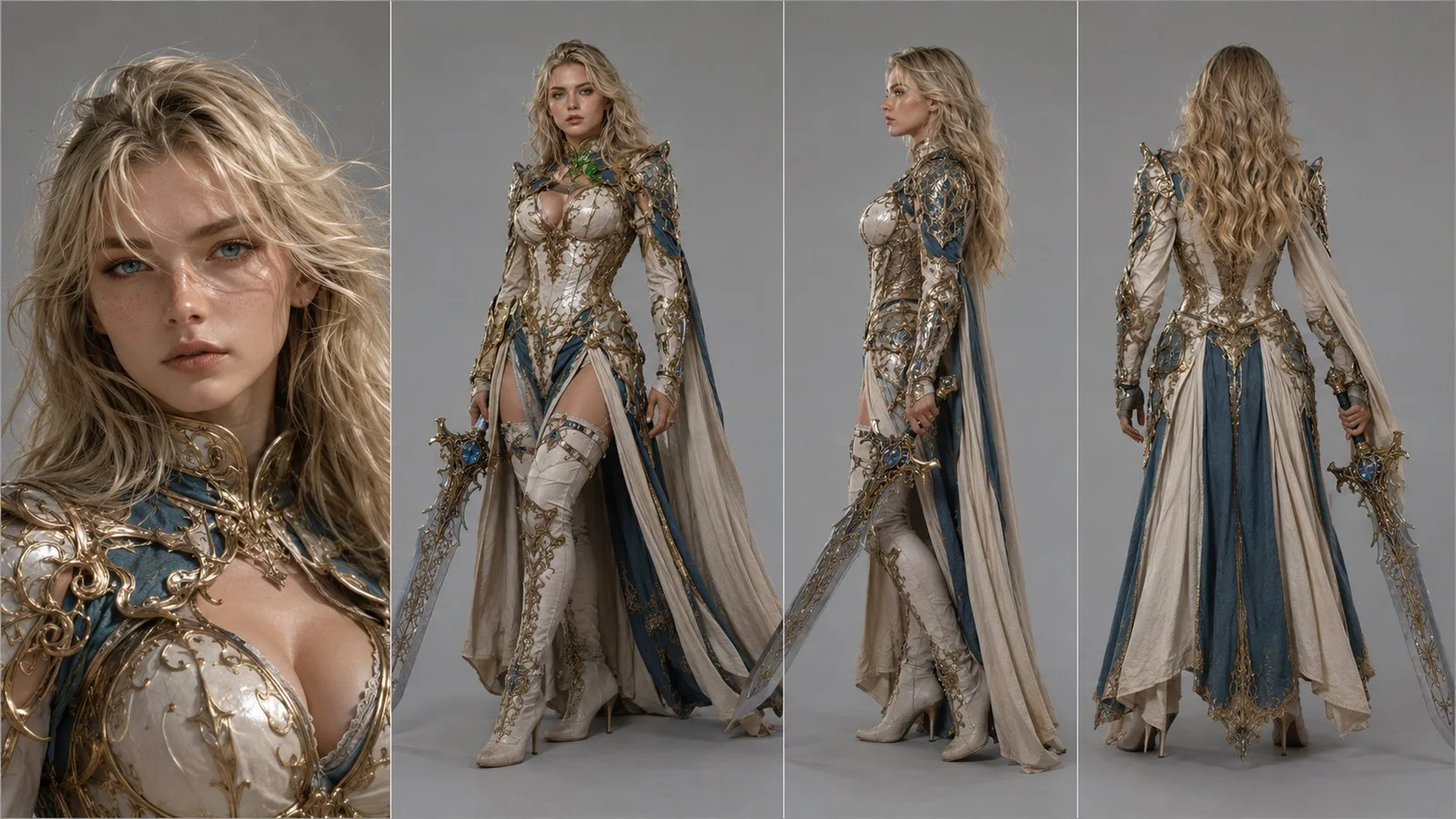
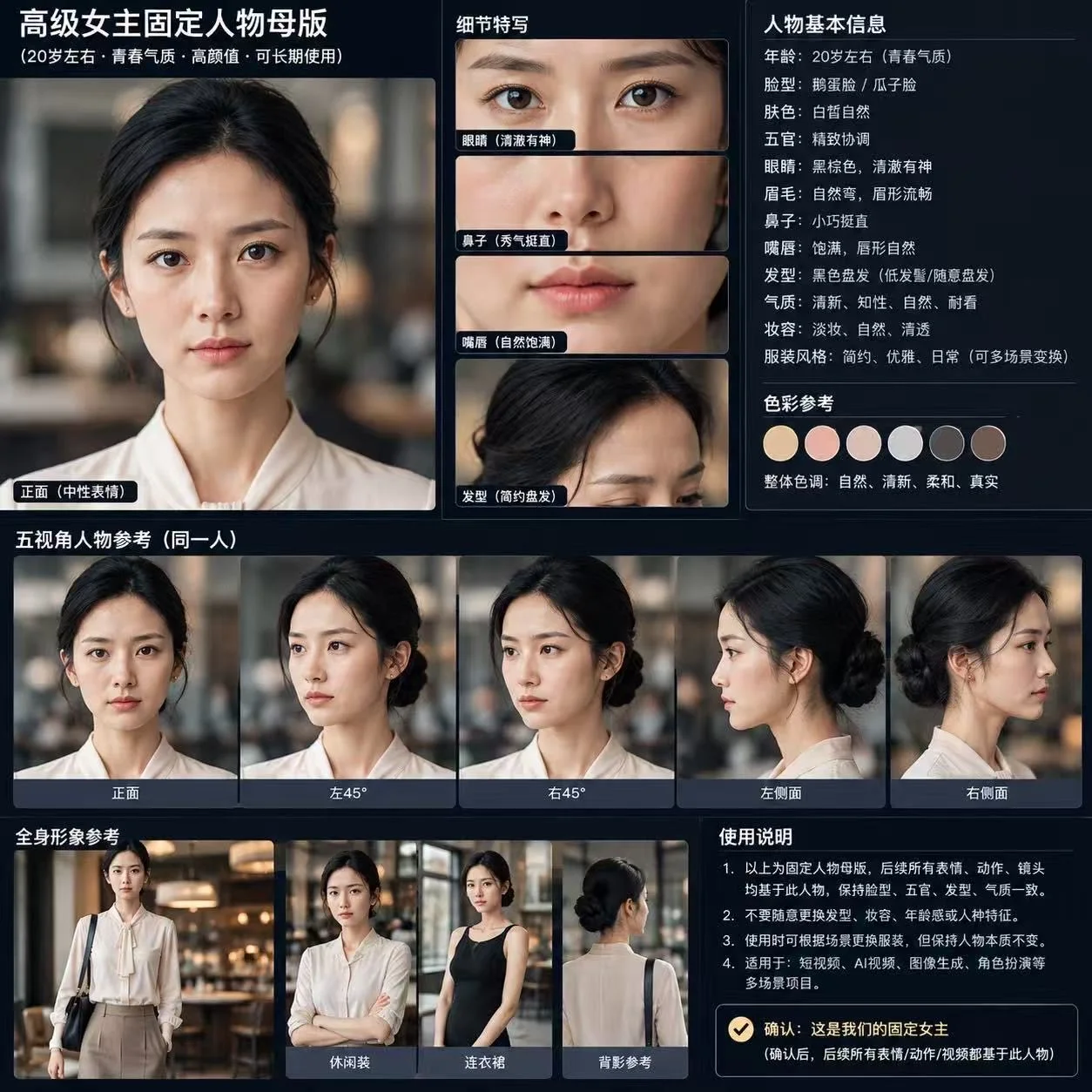
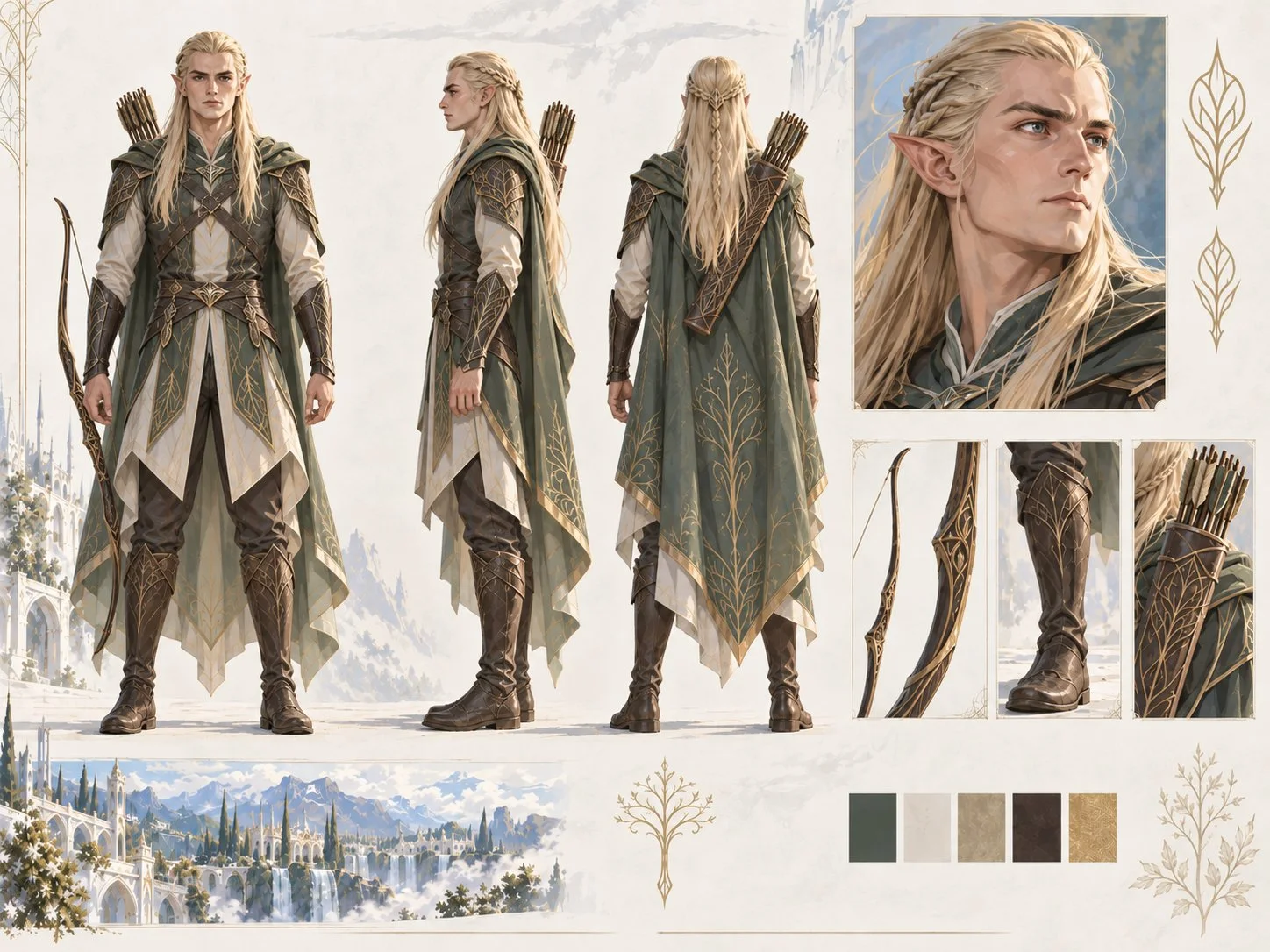
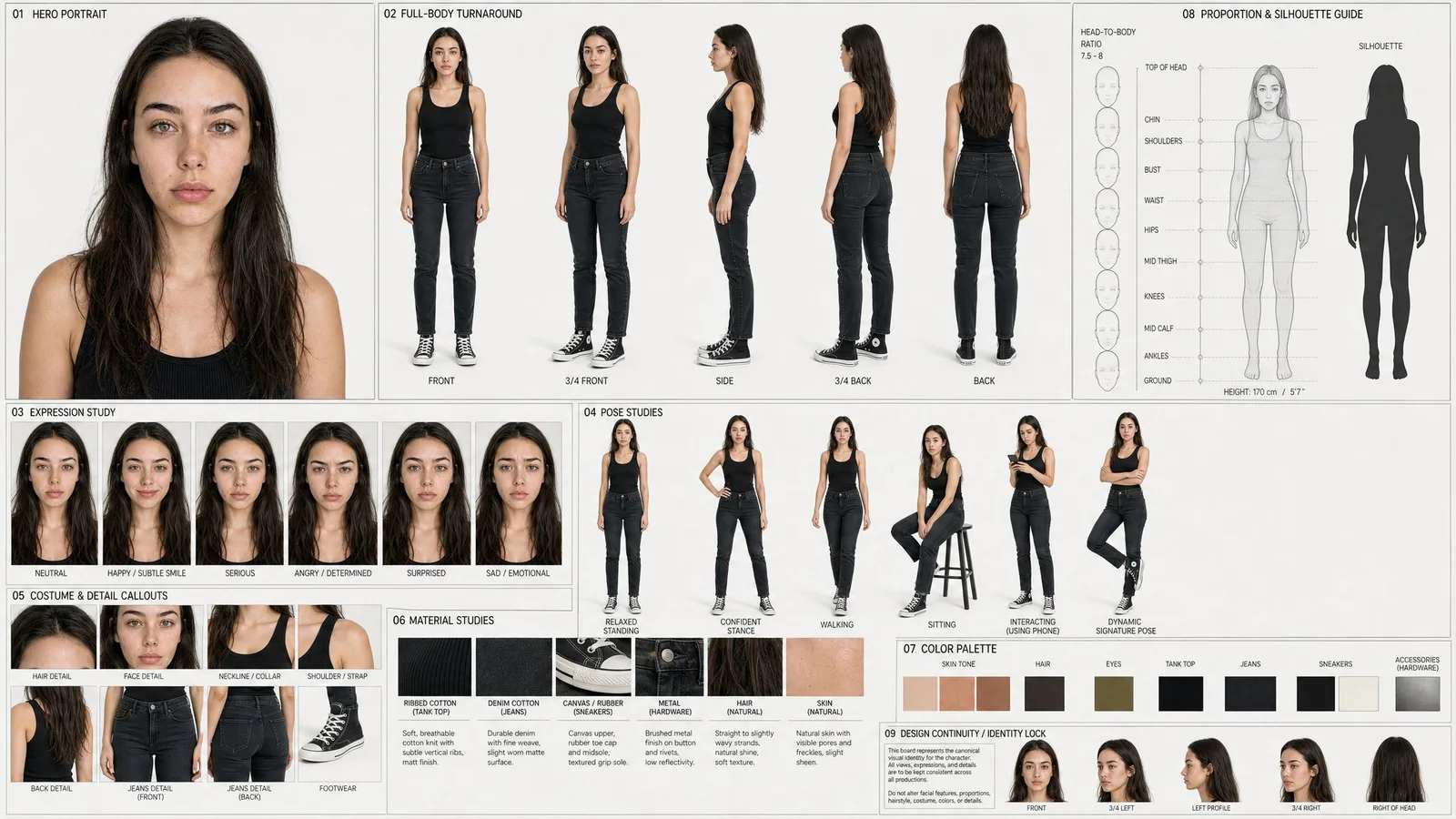
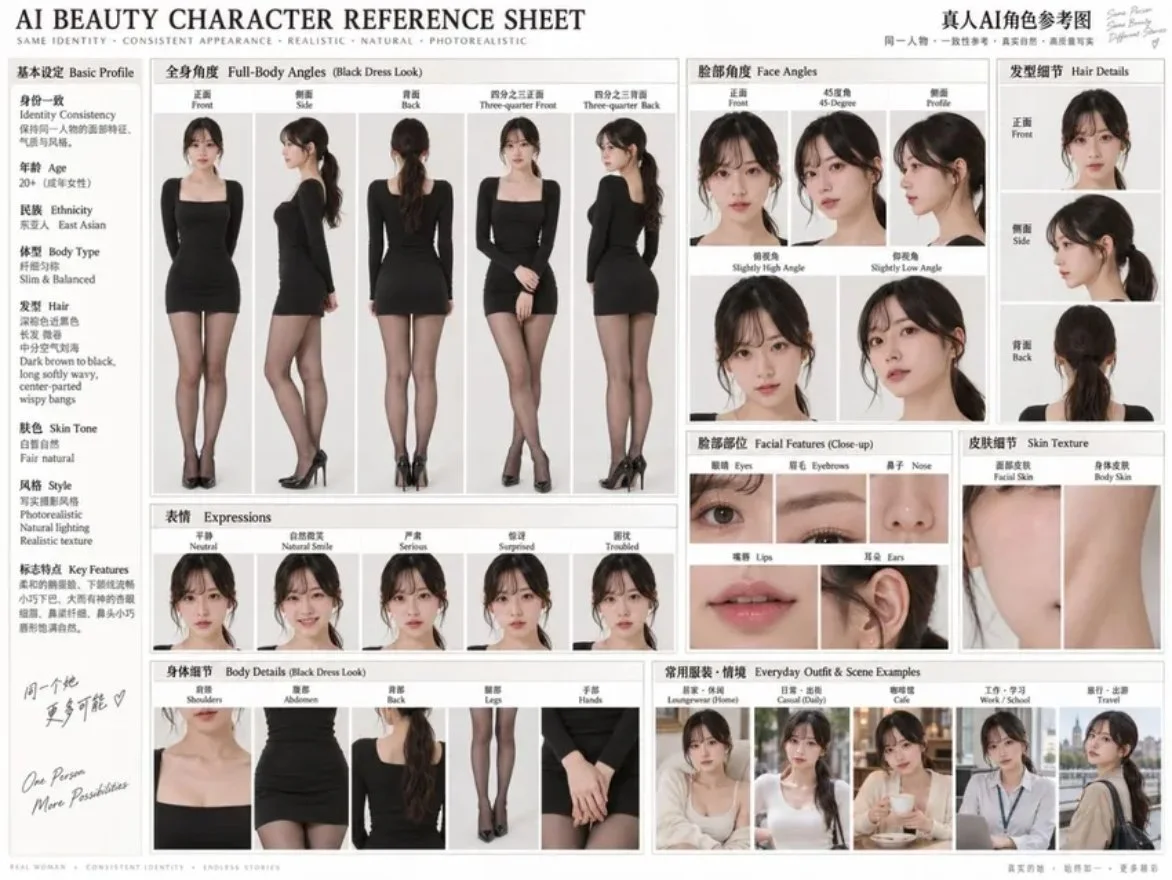
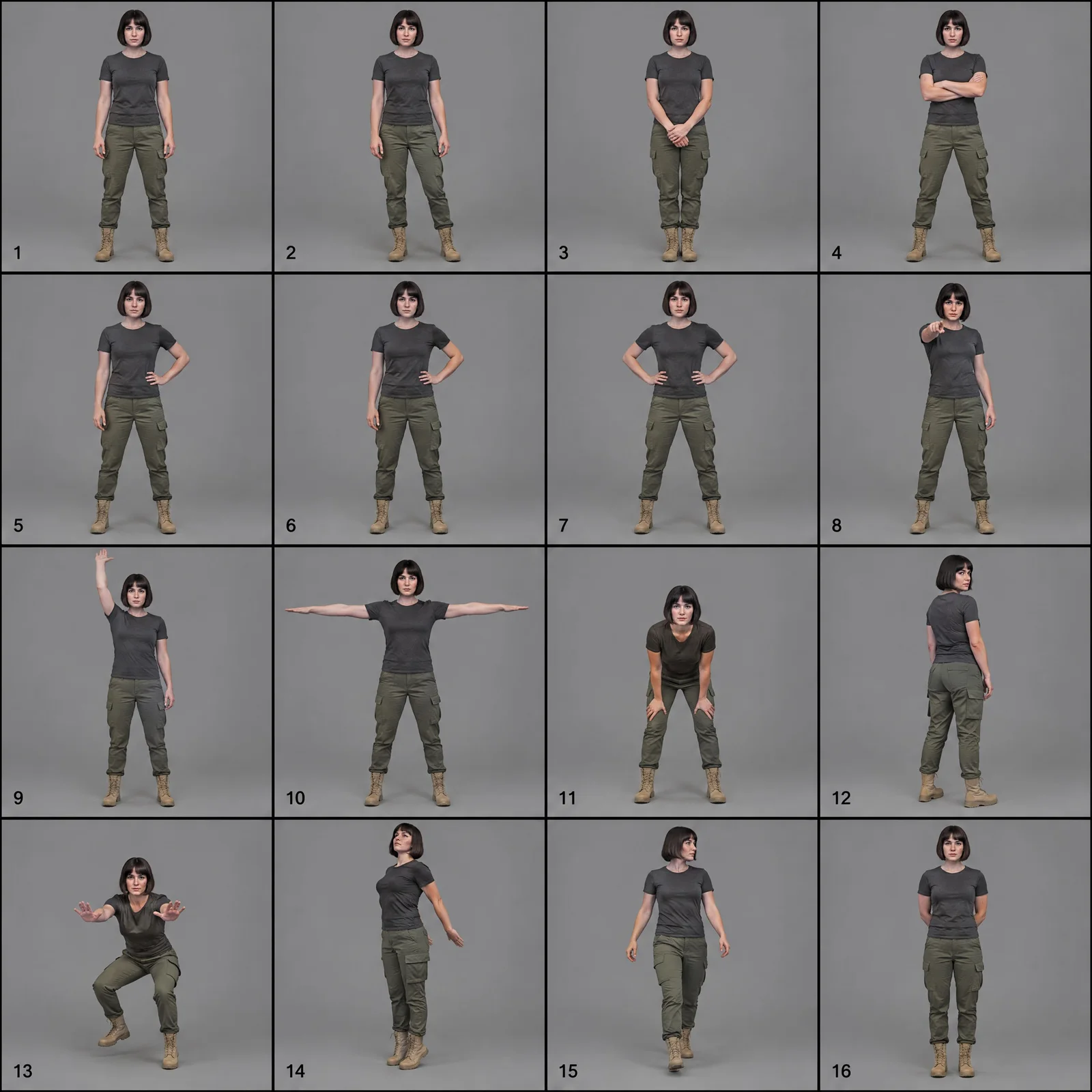
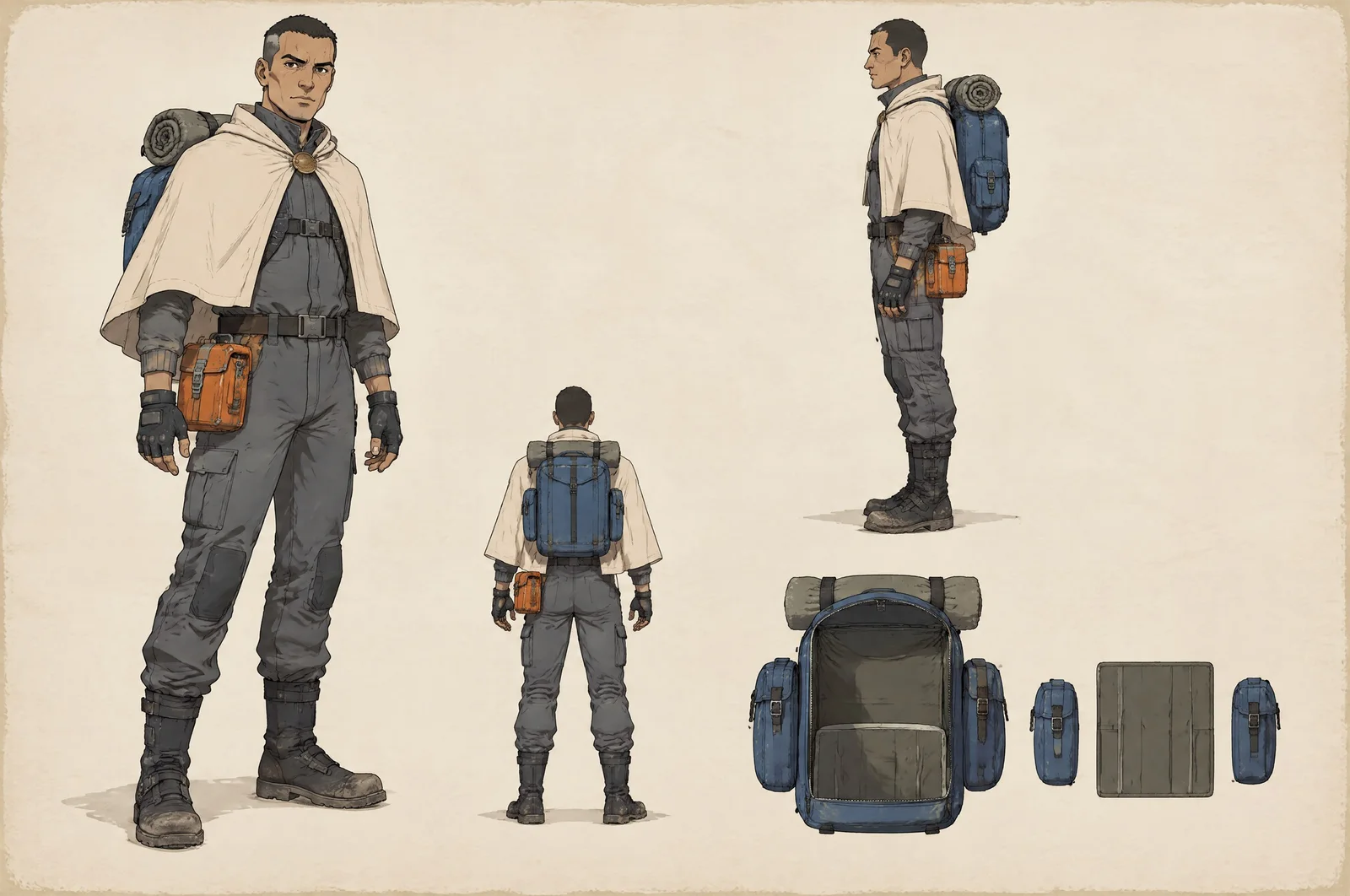
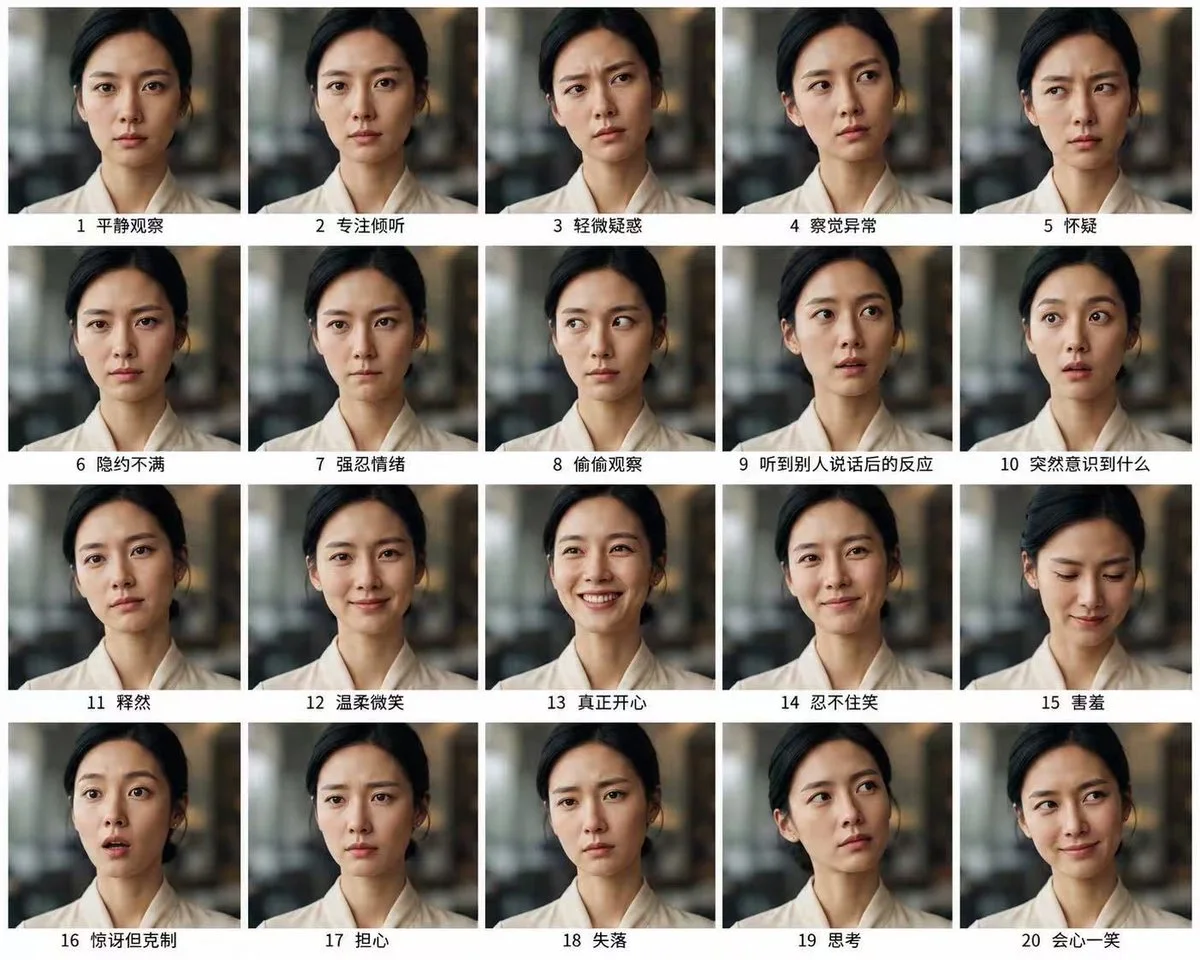
Use the uploaded CHARACTER REFERENCE SHEET as the exact MASTER image. Use the uploaded REFERENCE PHOTO ONLY for the person's facial identity. Replace ONLY the character's face/identity with the person from the reference photo. Preserve the reference person's recognizable facial features, face shape, eyes, nose, lips, skin texture, and natural identity. Adapt the face naturally to every angle and expression shown in the character sheet. IMPORTANT — DO NOT CHANGE ANYTHING ELSE. Keep the MASTER CHARACTER SHEET exactly the same: Same Victorian-style floral dress, same dress color, fabric, lace, sleeves, neckline, seams and ruffles, same necklace and earrings, same hairstyle and hair arrangement shown in the character sheet, same body shape and proportions, same full-body poses, same front, 3/4, side and back views, same facial expression layouts, same costume-detail panels, same color/material palette, same background, same lighting, same composition and panel layout, same typography and labels, same overall image quality and realism.

About this prompt

The image is a multi-panel character sheet of a man in a brown shirt and beige trousers, with turnarounds, expressions, poses and colour swatches. The prompt is a template for replacing the face with a user's photo while keeping the sheet's layout, but it describes a Victorian floral dress that does not appear in the image.

Prompt breakdown

AI breakdownClick a part to highlight it in the prompt

Click a part to highlight it in the prompt

How to use this prompt

Three steps from this page to your own image.

  1. 01

    Copy the prompt

    Copy the text as it is, every detail and any text on the image included.

  2. 02

    Match the settings

    Open GPT Image 2.5 on a platform that offers it and use the same settings: image edit, 1 image, 903 × 1200, 3:4.

  3. 03

    Make it yours

    Change the subject or the style, or let Studio adapt it for you.