Motion graphics explainer: debounce vs throttle in Node.js
Sound off
- 0
- views
- 0
- copies
Download
MP4 · 1920 × 1080 · 90 s
- Likes
- 0
- Views
- 0
- Copies
- 0
- Saved
- 0


Download
MP4 · 1920 × 1080 · 90 s
About this prompt
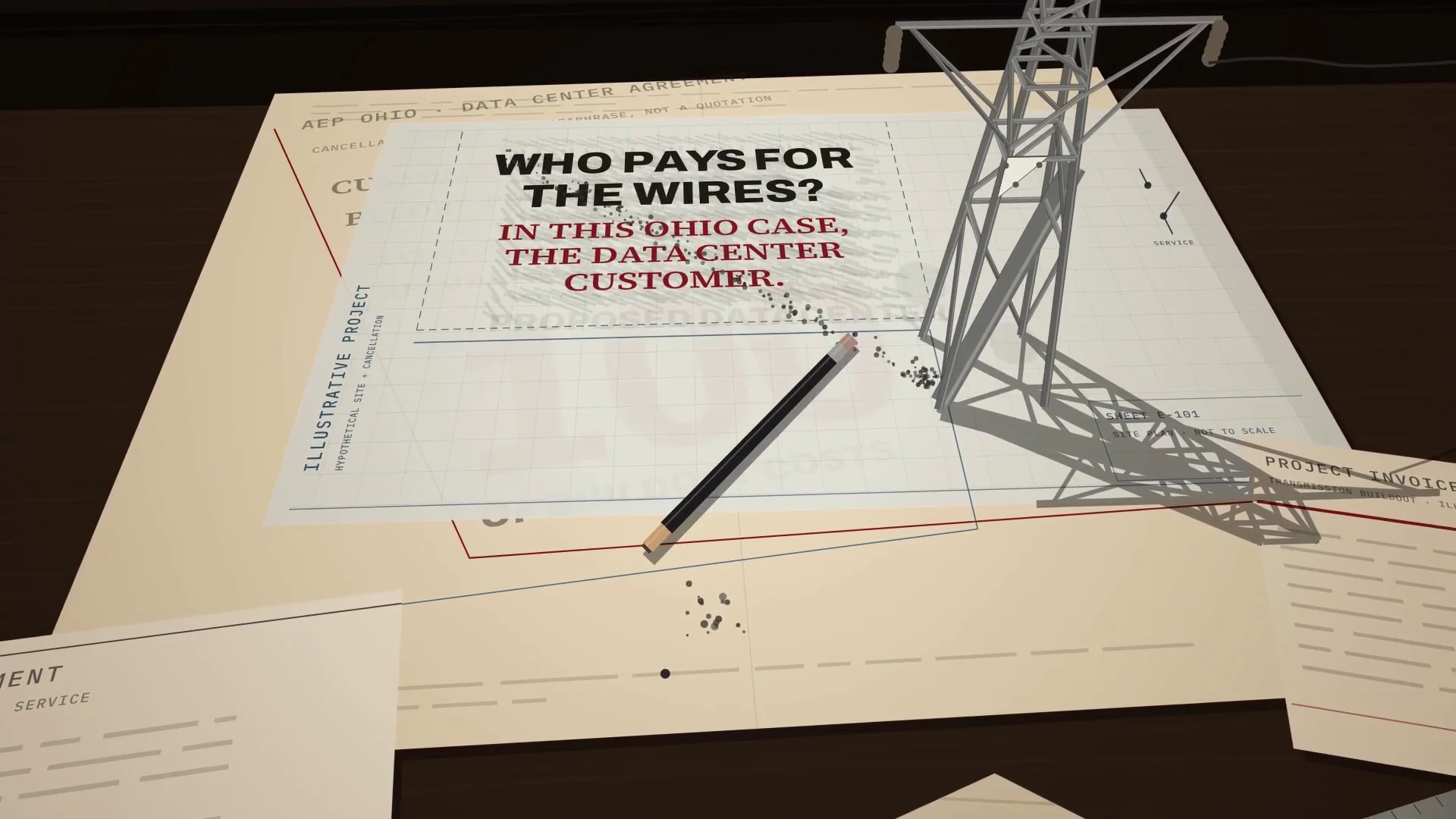
A 90-second motion graphics explainer with voiceover contrasts debounce and throttle for frontend and Node developers, tied to a Node.js core news hook. It uses side-by-side metaphors, PR code, comment bubbles, and terminal output. Useful as a developer-education or tech-news explainer template.
Prompt breakdown
AI breakdownClick a part to highlight it in the promptTap a part to highlight it in the prompt
Click a part to highlight it in the promptTap a part to highlight it in the prompt
How to use this prompt
Three steps from this page to your own video.
- 01
Copy the prompt
Copy the text as it is, timings and the sound line included.
- 02
Match the settings
Open Seedance 2.5 on a platform that offers it and use the same settings: text to video, 90 s, 1080p, 16:9, audio on.