Skip to content
prompset

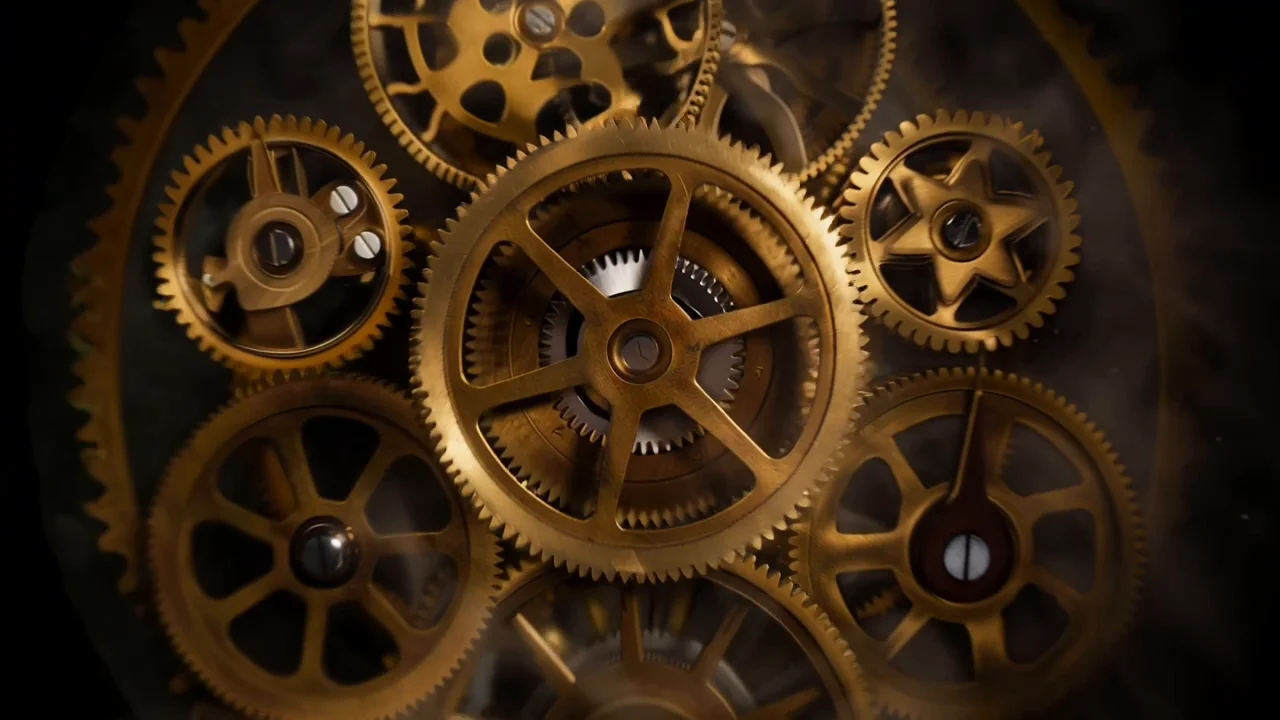
Miniature city evolves through time inside a pocket watch

Sound off
0
views
0
copies
Download
MP4 · 1280 × 720 · 10 s
Likes
0
Views
0
Copies
0
Saved
0
Download
MP4 · 1280 × 720 · 10 s

Prompt

Model
Seedance 2.5
Mode
Text to video
Duration
10 s
Resolution
720p
Format
16:9
Audio
On

{ "type": "video_prompt", "title": "THE CLOCKMAKER OF TIME", "duration": "10 seconds", "aspect_ratio": "16:9", "resolution": "4K", "style": "Ultra-photorealistic cinematic miniature diorama, intricate mechanical craftsmanship", "camera": { "style": "Macro tilt-shift photography", "depth_of_field": "Very shallow", "focus": "Sharp miniature details, realistic bokeh", "movement": "Smooth continuous motion" }, "environment": { "surface": "Dark walnut workbench with brass gears and precision tools", "world": "Living miniature civilization inside an antique brass pocket watch", "materials": "Aged brass, copper, glass and realistic miniature textures" }, "main_subject": "A giant realistic human hand controlling time inside a miniature civilization", "timeline": [ { "time": "0-2s", "scene": "An open pocket watch contains a frozen medieval city with castles and tiny villagers.", "action": "A giant hand rotates a brass winding key. An electric-blue pulse activates the golden gears, bringing the city to life.", "camera": "Extreme macro tracking shot." }, { "time": "2-4s", "scene": "The medieval civilization accelerates through centuries.", "action": "Castles unfold into Renaissance buildings. Wooden bridges become iron structures. Steam trains emerge along assembling tracks.", "camera": "Smooth clockwise orbit." }, { "time": "4-6s", "scene": "The civilization evolves into a futuristic metropolis.", "action": "Buildings telescope into glass skyscrapers. Blue transportation tracks assemble. Magnetic trains glide between towers. A glowing crystalline tower rises.", "camera": "Continuous macro push-in." }, { "time": "6-8s", "scene": "The giant fingertip touches the brass rim, reversing time.", "action": "Skyscrapers retract, tracks coil backward and buildings dissolve into golden sand, forming a glowing blue seed above the central gear.", "camera": "Smooth cinematic pull-back." }, { "time": "8-10s", "scene": "The hand closes the transparent watch cover.", "action": "The camera pulls backward, revealing the entire workbench inside a much larger antique clock. An enormous second hand sweeps across the foreground.", "camera": "Continuous macro-to-wide hero shot." } ], "lighting": { "style": "Cinematic volumetric lighting", "effects": [ "Warm amber reflections", "Electric-blue energy", "Realistic glass refraction", "Illuminated windows", "Atmospheric dust" ] }, "hand_details": { "appearance": "Photorealistic human hand", "skin": "Natural pores and wrinkles", "interaction": "Physically believable contact", "continuity": "Identical hand throughout" }, "motion": { "style": "Satisfying mechanical transformations", "physics": "Realistic gravity and gear rotation", "feel": "Cinematic ASMR", "transitions": "Seamless transformations without cuts" }, "final_frame": { "subject": "Colossal antique clock containing the miniature workbench and glowing pocket watch", "composition": "Symmetrical nested-scale illusion", "hold": "Brief cinematic hold" }, "audio": { "style": "Mechanical ASMR", "sound_effects": "Winding clicks, ticking gears, electrical resonance and deep final clock tick", "music": "Mysterious orchestral ambience", "dialogue": "None" }, "negative_prompt": [ "Cartoon visuals", "Plastic textures", "Extra fingers", "Broken anatomy", "Inconsistent watch design", "Random cuts", "Camera shaking", "Blurry subjects", "Text overlays", "Watermarks" ] }

About this prompt

A 10-second 16:9 video of a giant human hand winding an antique brass pocket watch, where a miniature medieval city evolves into a futuristic metropolis, then reverses back to a seed before the camera pulls out to reveal a colossal clock. Useful for cinematic concept reels, tilt-shift miniature effects, or time-lapse transformation visuals.

Prompt breakdown

Made by AI · Click a part to highlight it in the prompt

Made by AI · Click a part to highlight it in the prompt

How to use this prompt

Three steps from this page to your own video.

  1. 01

    Copy the prompt

    Copy the text as it is, timings and the sound line included.

  2. 02

    Match the settings

    Open Seedance 2.5 on a platform that offers it and use the same settings: text to video, 10 s, 720p, 16:9, audio on.

  3. 03

    Make it yours

    Change the subject or the style, or let Studio adapt it for you.