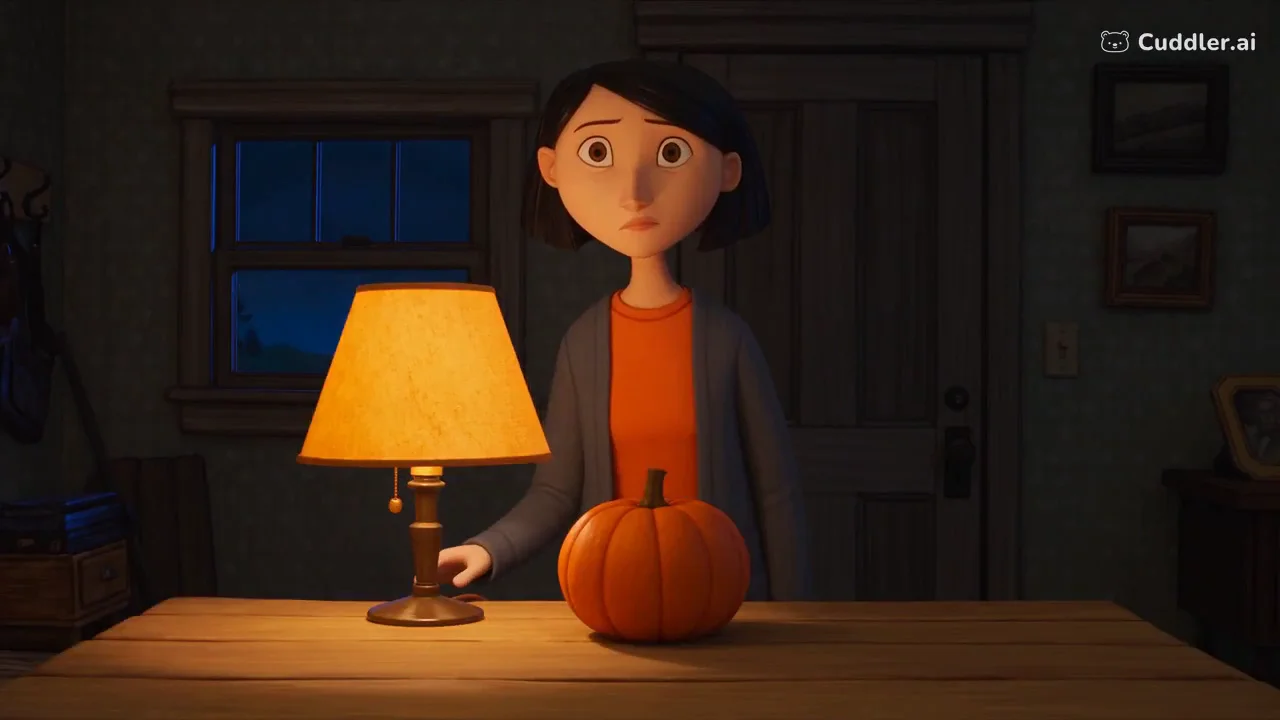
Remove a person by the window and keep the scene
Sound off
- 0
- views
- 0
- copies
Download
MP4 · 1920 × 2160 · 4 s
- Likes
- 0
- Views
- 0
- Copies
- 0
- Saved
- 0
Download
MP4 · 1920 × 2160 · 4 s


About this prompt
This video edit removes a person standing by a window and fills the gap with matching glass and twilight cityscape, keeping camera movement, a door opening, and lighting nearly unchanged. It suits object-removal tests, retouching demonstrations, and training examples for seamless video inpainting.
Prompt breakdown
AI breakdownClick a part to highlight it in the promptTap a part to highlight it in the prompt
Click a part to highlight it in the promptTap a part to highlight it in the prompt
How to use this prompt
Three steps from this page to your own video.
- 01
Copy the prompt
Copy the text as it is, timings and the sound line included.
- 02
Match the settings
Open Seedance 2.0 on a platform that offers it and use the same settings: text to video, 4 s, 1440p, audio on.