Skip to content
prompset

5-minute 2D explainer for HyperFrames with mascot

Sound off
0
views
0
copies
Download
MP4 · 1920 × 1080 · 298 s
Likes
0
Views
0
Copies
0
Saved
0
Download
MP4 · 1920 × 1080 · 298 s

Prompt

Model
Seedance 2.0
Mode
Text to video
Duration
60 s
Resolution
1080p
Format
16:9
Audio
On

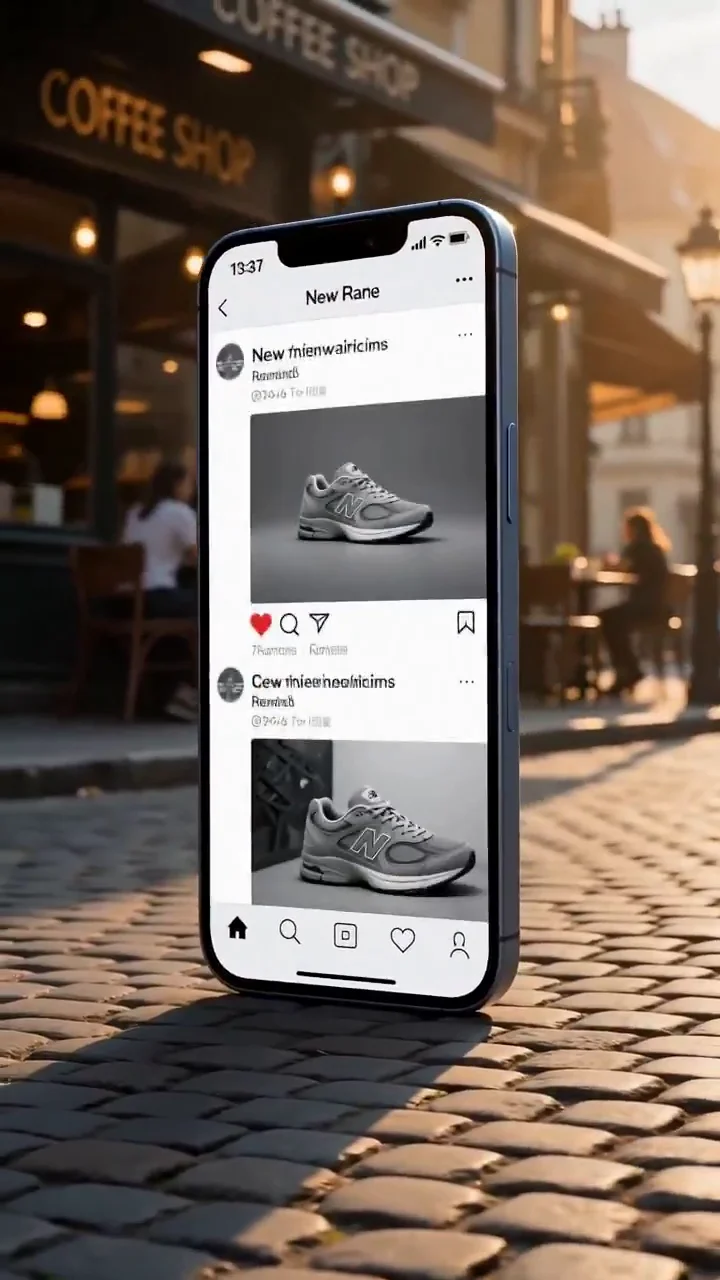
Create a full 5-minute animated explainer video about HyperFrames itself. Style & Visuals: Clean modern minimalist 2D animation, bright white background with subtle sparkle particles, smooth GSAP transitions, friendly blob-like cartoon mascot with expressive eyes, red and orange accent colors, hand-drawn title and icon styling, high-quality 16:9 format. Structure & Timing: 0–30s: "NoCode Talks presents", "CREATE FREE VIDEOS with HyperFrames", waving mascot, sparkling "$0" animation. 30–60s: "I made THIS video just by asking Claude", phone playing sample clip, benefits: no editor needed, ~2 hours total, sample video + prompt workflow. 60–90s: "Like Remotion, but much simpler", side-by-side workflow comparison. 90–130s: Use cases: product launches, data visualizations, map animations, code walkthroughs, social videos with captions. 130–160s: Setup demo, one command: npx skills add heygen-com/hyperframes, instant "You're Ready" animation. 160–200s: Best workflow: clone a video you love, download sample → prompt Claude → recreate in your brand style. 200–230s: Render process, progress indicators, "Some videos take 1–2 hours". 230–300s: Free & open-source (Apache 2.0), final CTA, setup command, mascot thumbs-up.

About this prompt

An animated explainer about the HyperFrames video tool, shot in a bright minimalist style with a waving blob mascot and red-and-orange accents. It walks through its benefits, a side-by-side comparison with Remotion, use cases, a one-command setup, and rendering, ending with a call to action. Useful as a template for software explainer videos.

Prompt breakdown

AI breakdownClick a part to highlight it in the prompt

Click a part to highlight it in the prompt

How to use this prompt

Three steps from this page to your own video.

  1. 01

    Copy the prompt

    Copy the text as it is, timings and the sound line included.

  2. 02

    Match the settings

    Open Seedance 2.0 on a platform that offers it and use the same settings: text to video, 60 s, 1080p, 16:9, audio on.

  3. 03

    Make it yours

    Change the subject or the style, or let Studio adapt it for you.