Skip to content
prompset

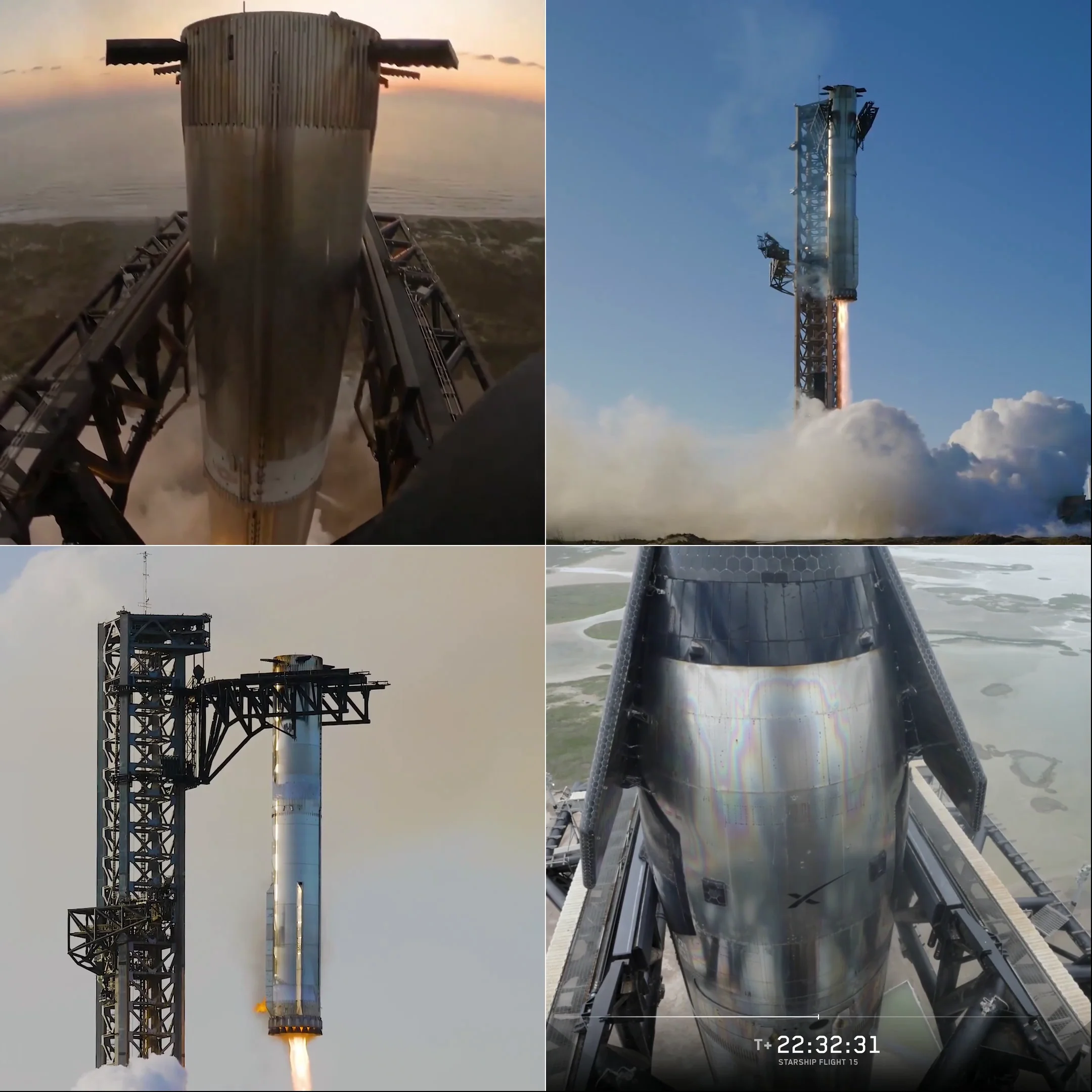
Camera orbits oil-painted Starship launch at golden hour

Sound off
0
views
0
copies
Download
MP4 · 1280 × 720 · 10 s
Likes
0
Views
0
Copies
0
Saved
0
Download
MP4 · 1280 × 720 · 10 s

Prompt

Model
Grok Imagine Video 1.5
Mode
Text to video
Duration
10 s
Resolution
720p
Format
16:9
Audio
On

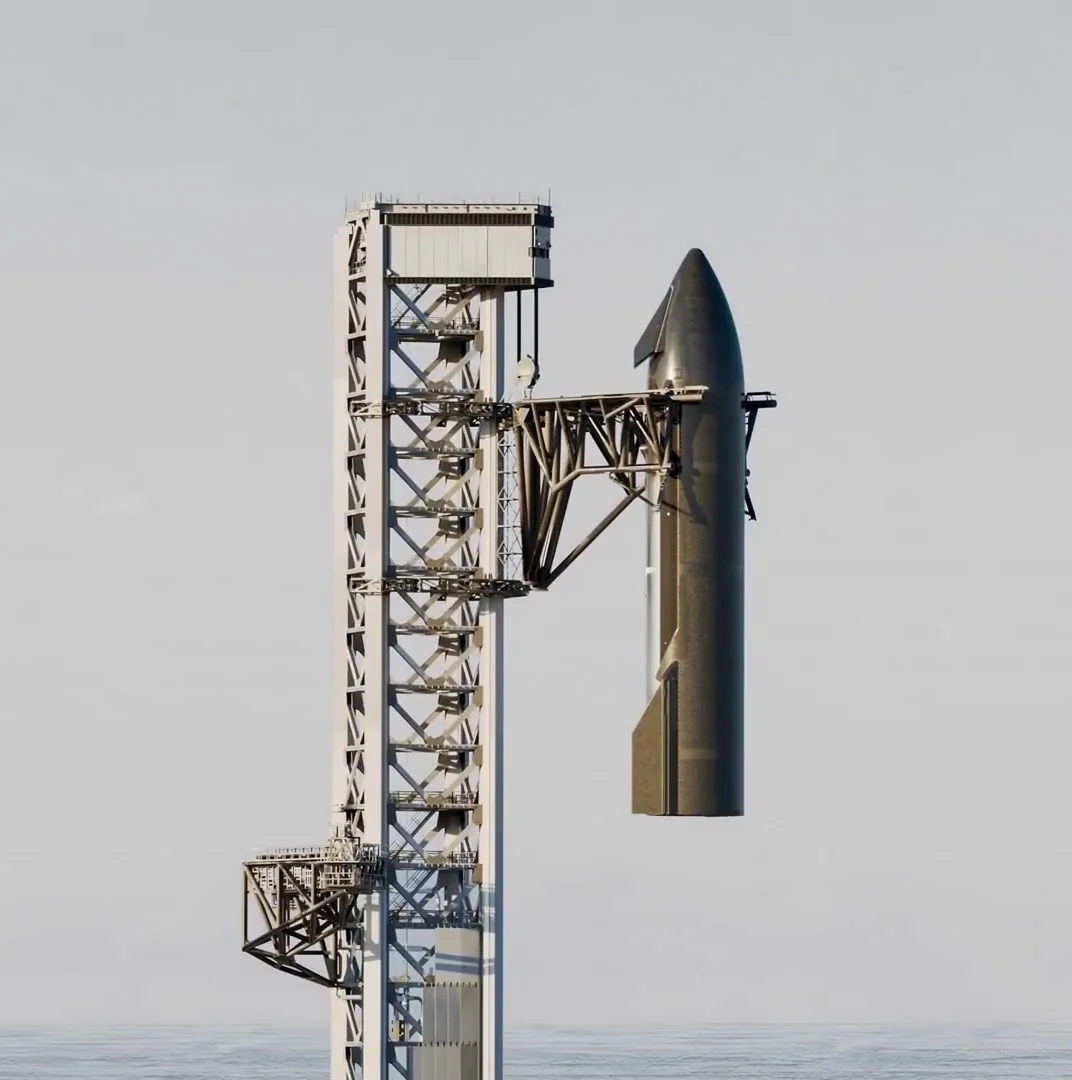
Slow cinematic camera orbit around a photoreal classical oil-painting style image of a SpaceX Starship rocket launch at golden hour. Start wide on the full upright rocket rising from a coastal marsh landscape with massive billowing smoke plumes and soft white-golden clouds against a blue sky. Smooth continuous orbital camera move circling around the rocket while progressive zoom into the tip of the rocket, then continue smoothly down the wings and fuselage. Include a dramatic bottom-up view looking straight up from underneath the intense Raptor thrusters with bright visible fire and flames roaring directly above the camera. Hold the extreme close-up bottom-up thruster view briefly, then smoothly continue the orbit and pull back out zooming out to the original wide full composition. Subtle natural motion only: light breeze, soft cloud drift, and gentle reflections in water. Strictly preserve the exact photoreal oil-paint texture, golden-hour lighting, and exact shape of the rocket figure at all times with no morphing, no warping, no double exposure, no blending of frames. Continuous smooth orbital camera path only.

About this prompt

A slow orbiting camera shot of a Starship rocket launching from a coastal marsh at golden hour, rendered in a photoreal oil-painting style. It moves from a wide view into the rocket tip, then to an extreme close-up of the thrusters, and pulls back out. Useful for launch-themed cinematic reels, art-style motion tests, or aerospace promos.

Prompt breakdown

AI breakdownClick a part to highlight it in the prompt

Click a part to highlight it in the prompt

How to use this prompt

Three steps from this page to your own video.

  1. 01

    Copy the prompt

    Copy the text as it is, timings and the sound line included.

  2. 02

    Match the settings

    Open Grok Imagine Video 1.5 on a platform that offers it and use the same settings: text to video, 10 s, 720p, 16:9, audio on.

  3. 03

    Make it yours

    Change the subject or the style, or let Studio adapt it for you.