
Nano Banana Prompts
- Nano Banana Pro
- Nano Banana 2.1
- Nano Banana 2
- Portrait
- Fashion
- Product & commercial
- Illustration
- Selfies
- 3D & characters
- Street & documentary
- Surreal & abstract
- Fantasy & concept art
- Food & drink
- Anime & manga
- Posters & typography
- Couples & Valentine's
- Infographics
- Travel
- Sci-fi & cyberpunk
- Landscape & nature
- Painting
- Architecture & interiors
- Animals
- Christmas
- Character sheets
- Cars & vehicles
- UI & mockups
- Logos & branding
- Caricature
- Stickers & icons
- Pixel art & retro
- Headshots
- Packaging
- Thumbnails
- Birthday
- Glamour
Nano Banana Portrait PromptsNano Banana Fashion PromptsNano Banana Product Photography PromptsNano Banana 2 vs Pro
13,492 prompts
Page 150 of 375 · Back to the first page
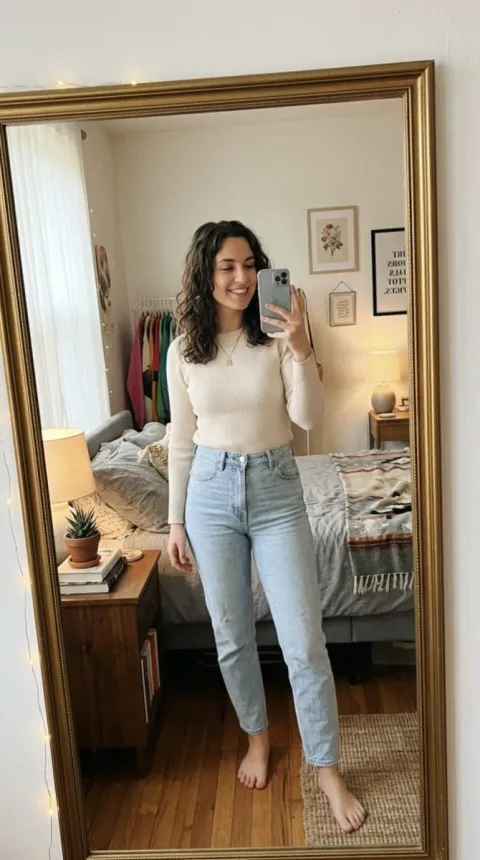 Nano Banana Pro · Selfies
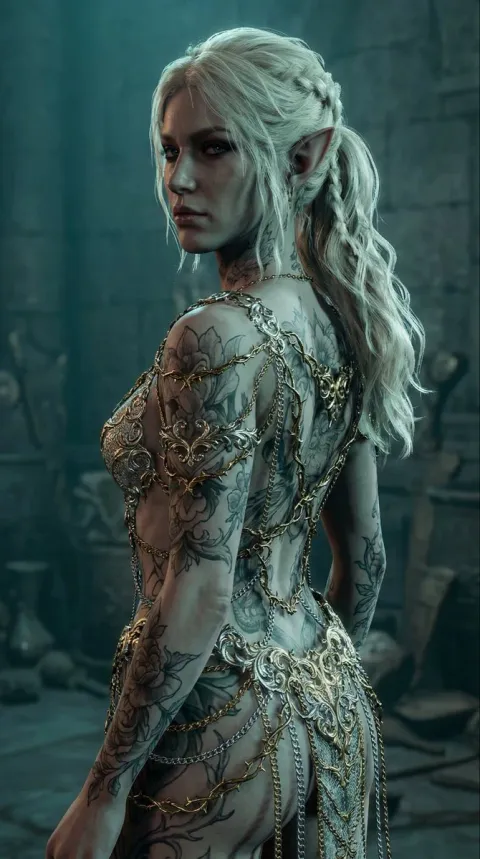 Nano Banana Pro · Fantasy & concept art
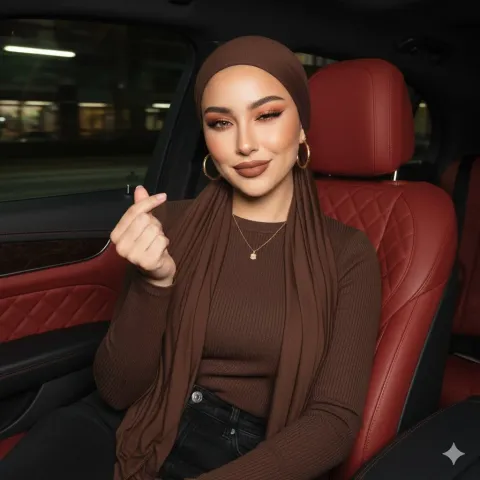 Nano Banana Pro · Portrait
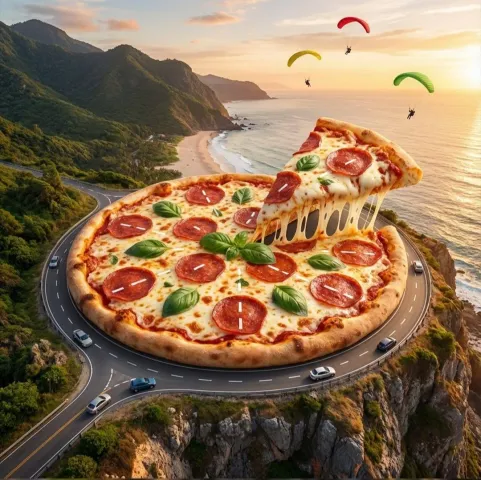 Nano Banana Pro · Surreal & abstract
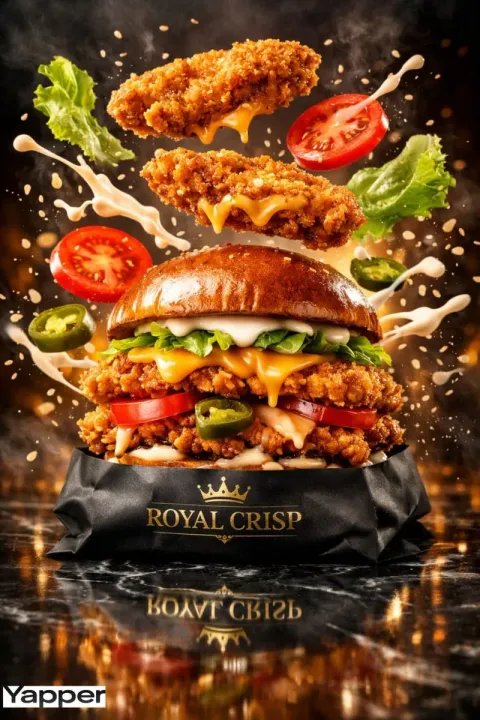 Nano Banana Pro · Food & drink
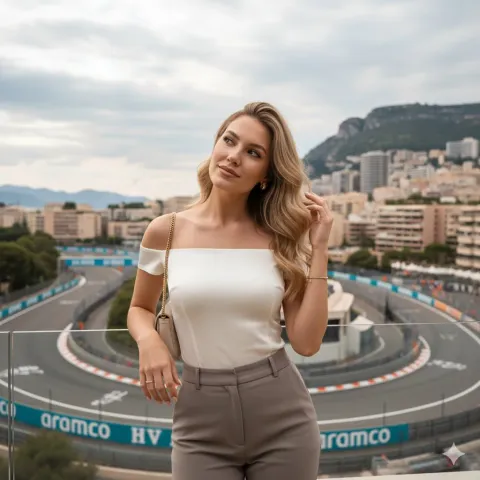 Nano Banana Pro · Fashion
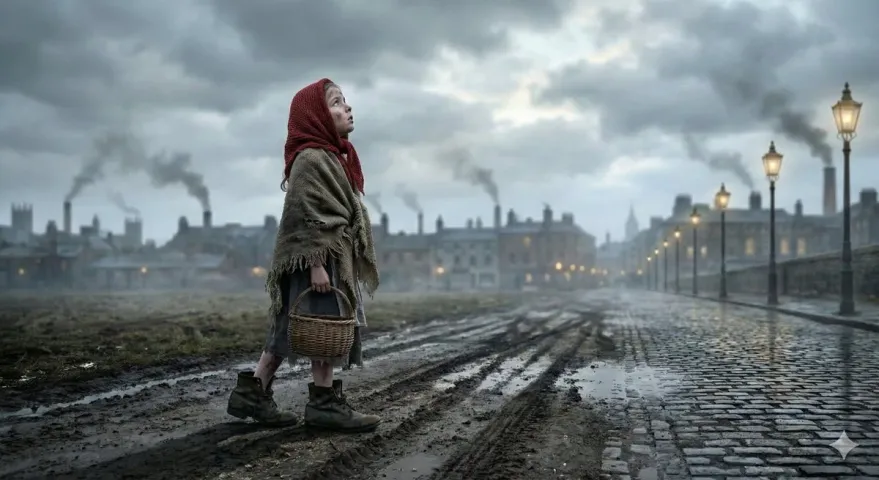 Nano Banana Pro · Street & documentary
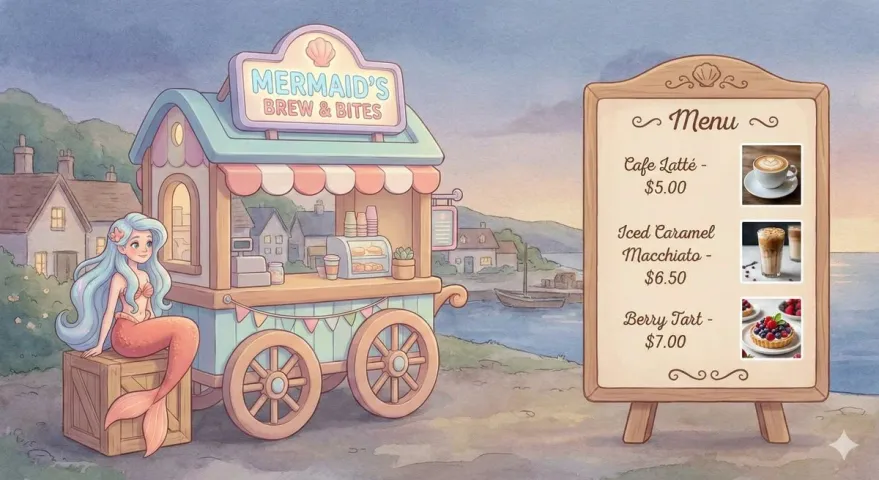 Nano Banana Pro · Illustration
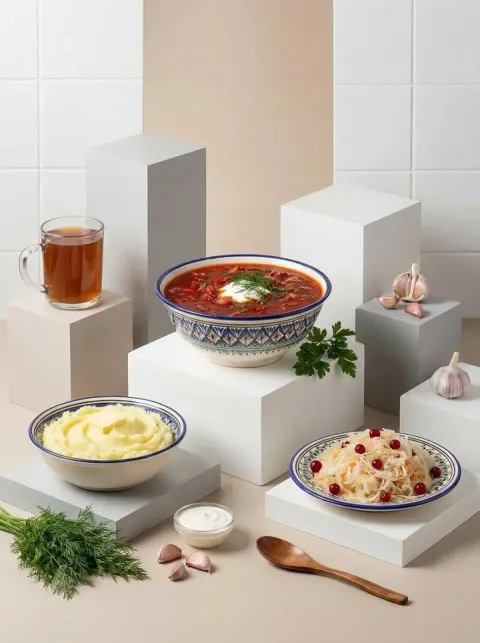 Nano Banana Pro · Food & drink
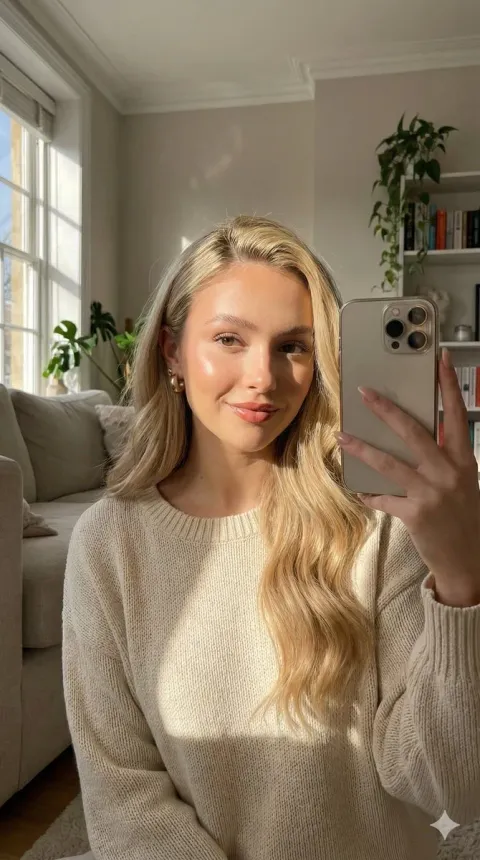 Nano Banana Pro · Selfies
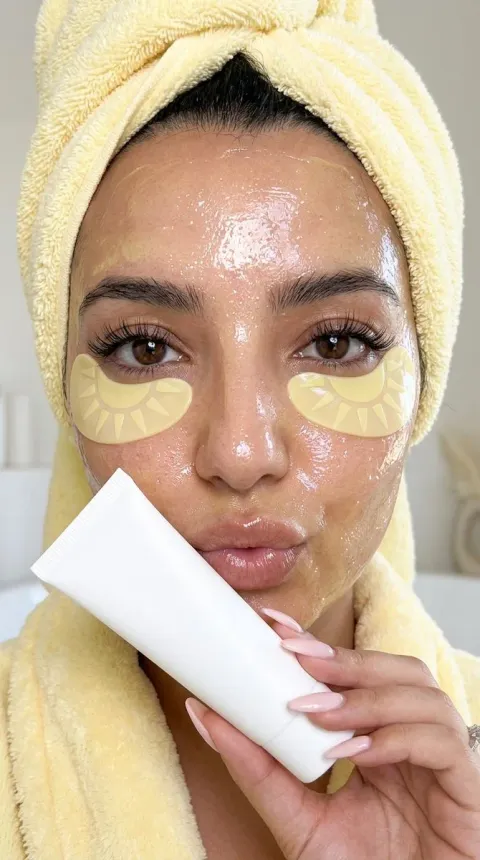 Nano Banana Pro · Product & commercial
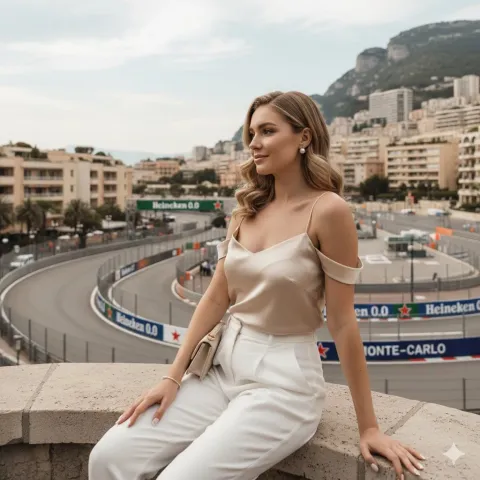 Nano Banana Pro · Fashion
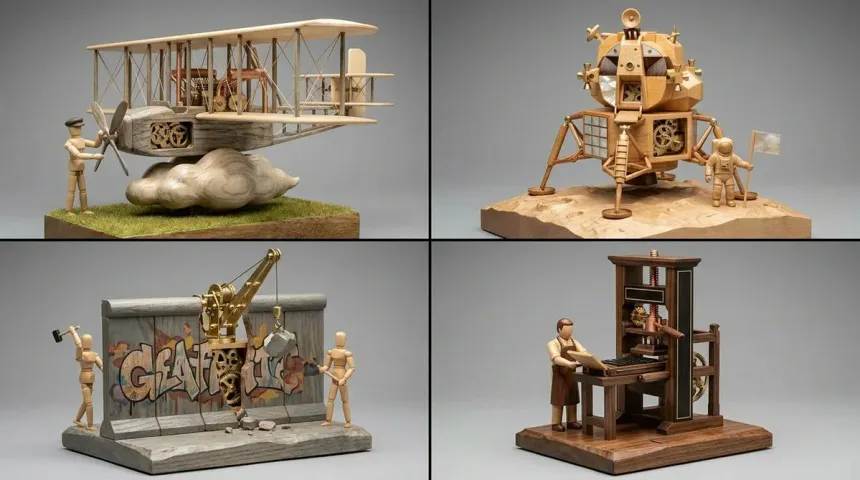 Nano Banana Pro · 3D & characters
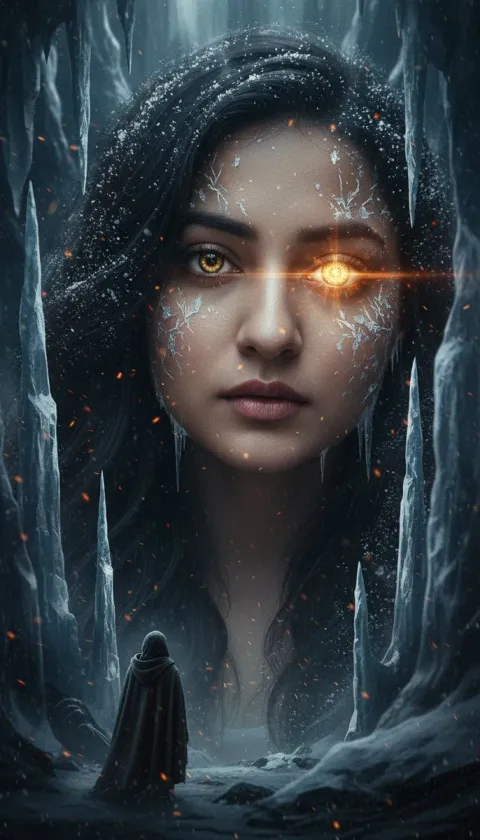 Nano Banana Pro · Fantasy & concept art
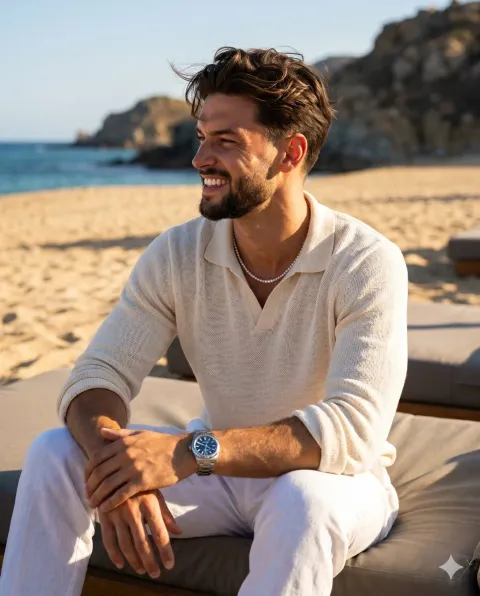 Nano Banana Pro · Portrait
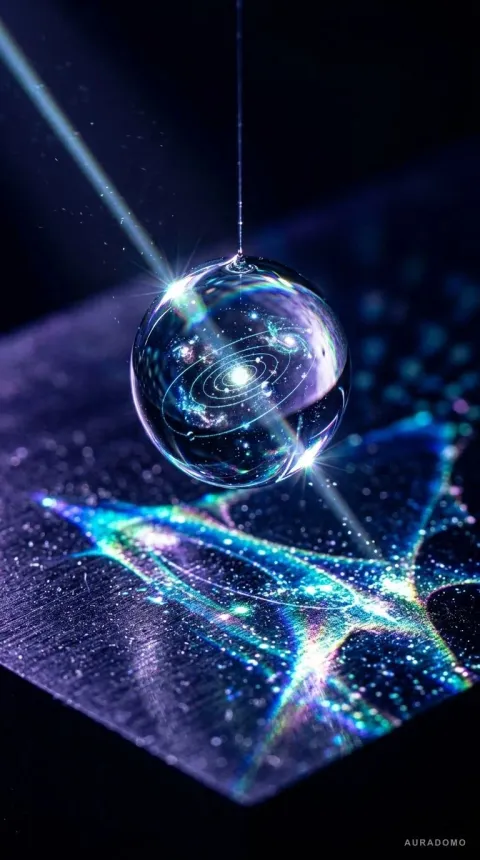 Nano Banana Pro · Surreal & abstract
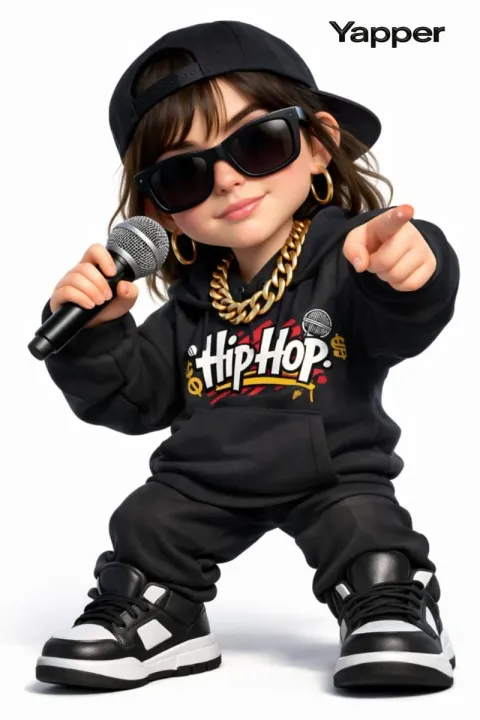 Nano Banana Pro · 3D & characters
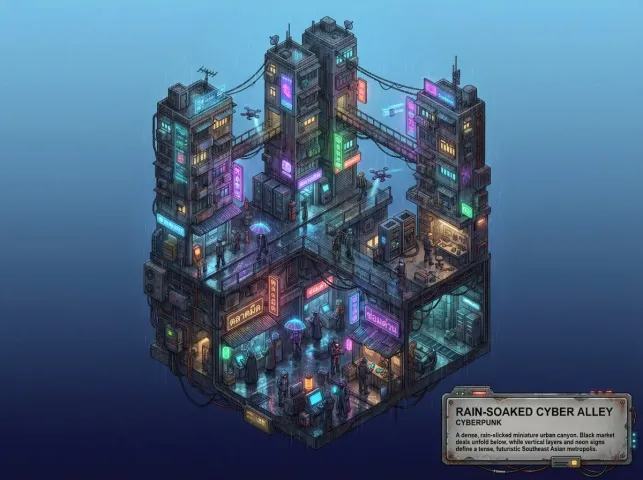 Nano Banana Pro · Illustration
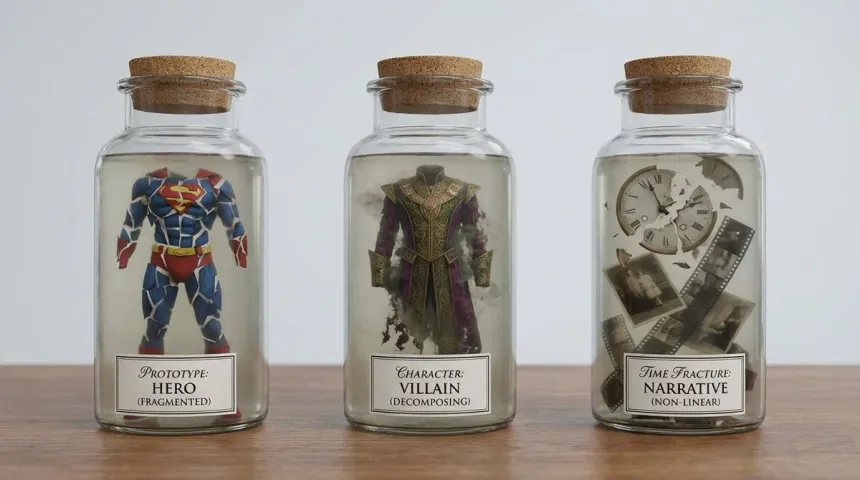 Nano Banana Pro · Surreal & abstract
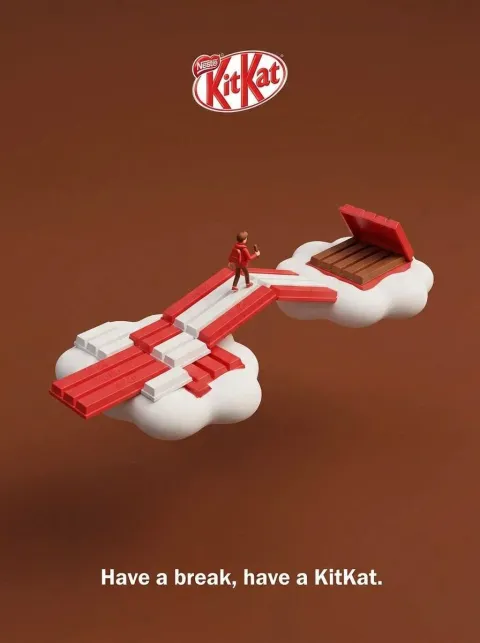 Nano Banana Pro · Product & commercial
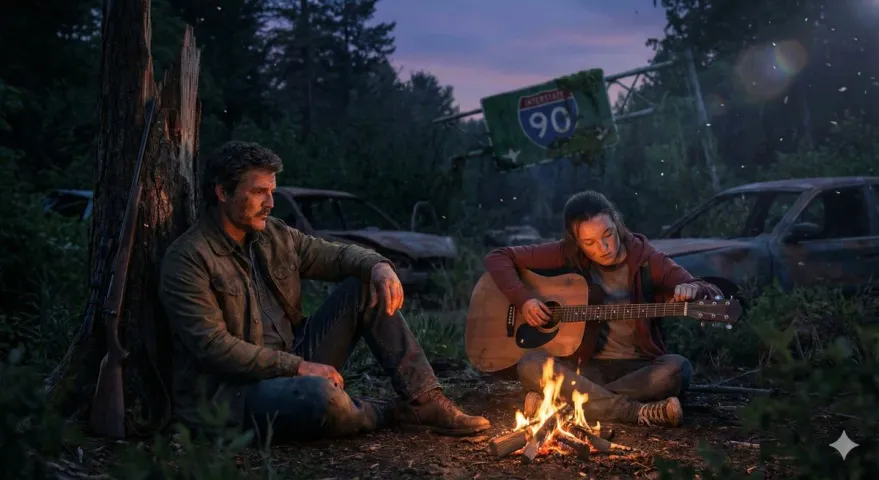 Nano Banana Pro · Fantasy & concept art
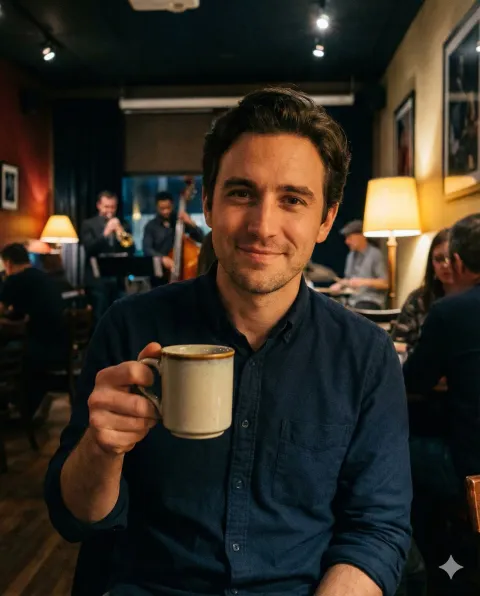 Nano Banana Pro · Portrait
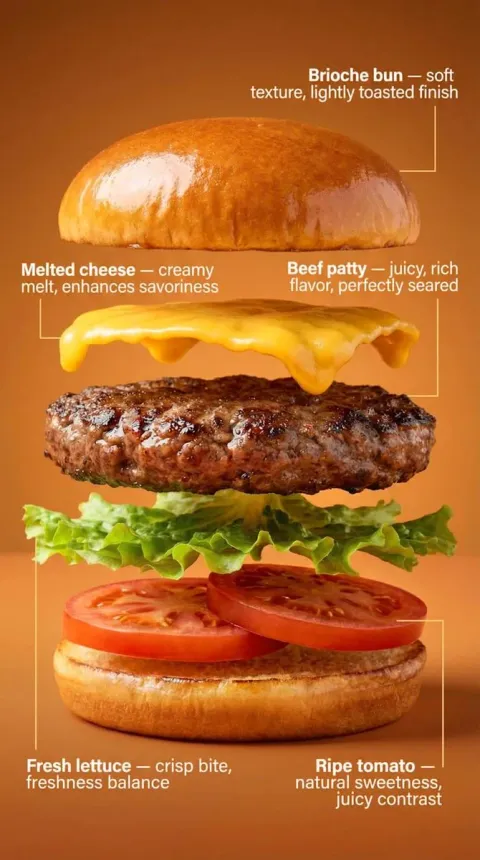 Nano Banana Pro · Food & drink
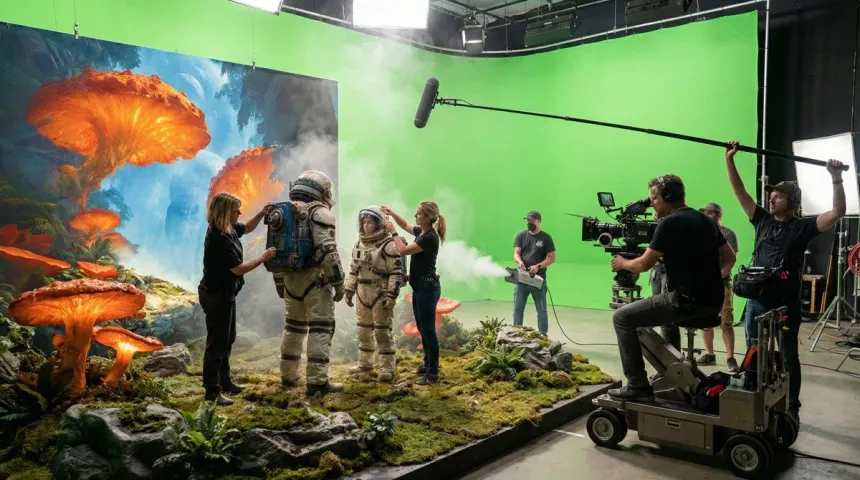 Nano Banana Pro · Street & documentary
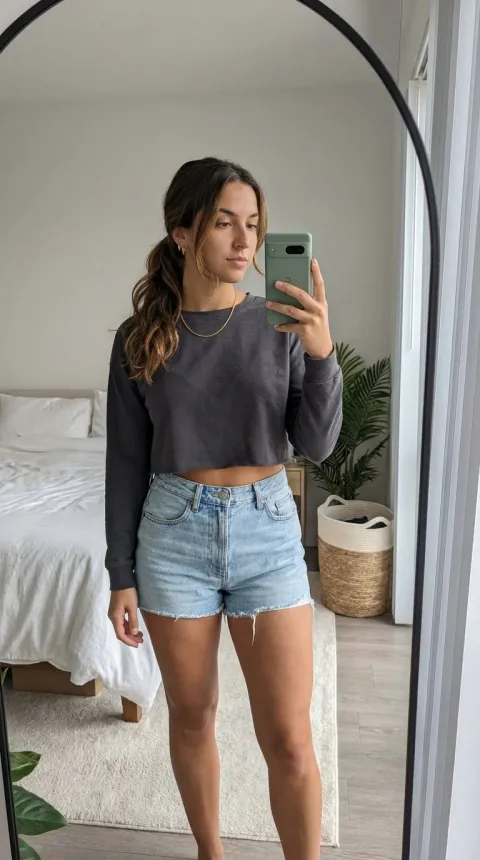 Nano Banana Pro · Selfies
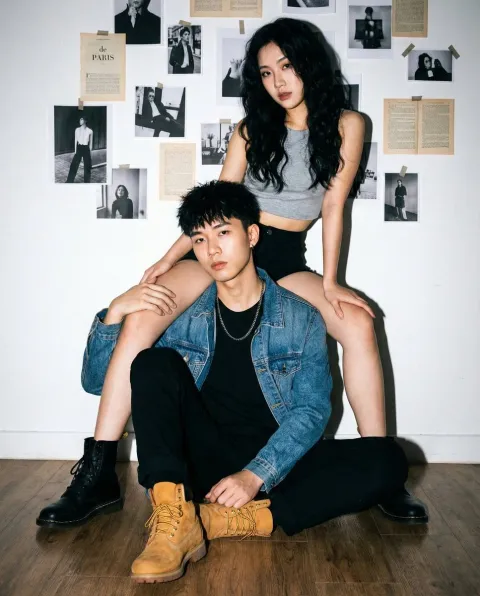 Nano Banana Pro · Fashion
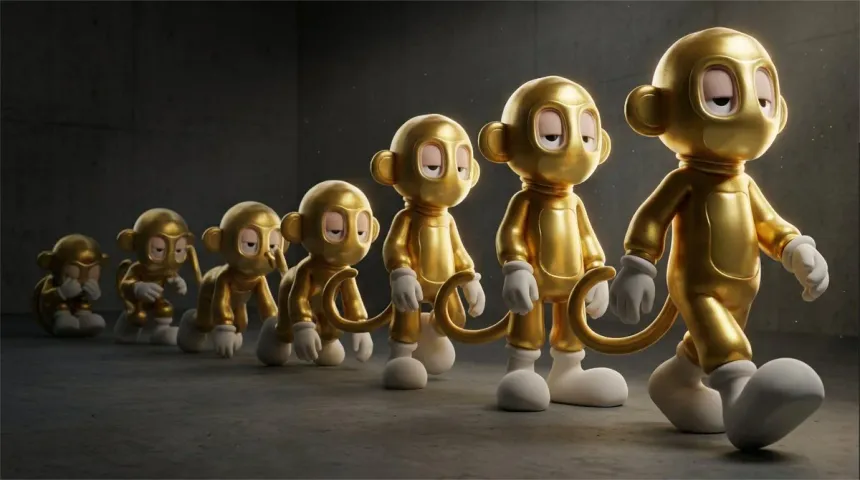 Nano Banana Pro · 3D & characters
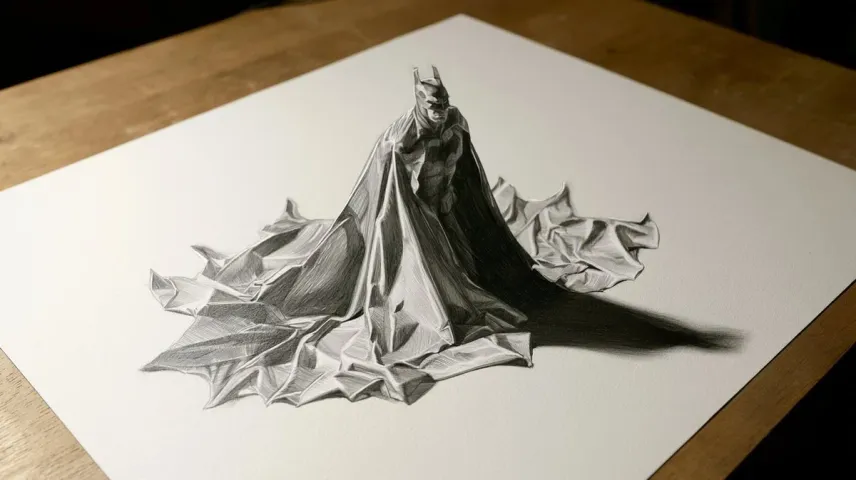 Nano Banana Pro · Illustration
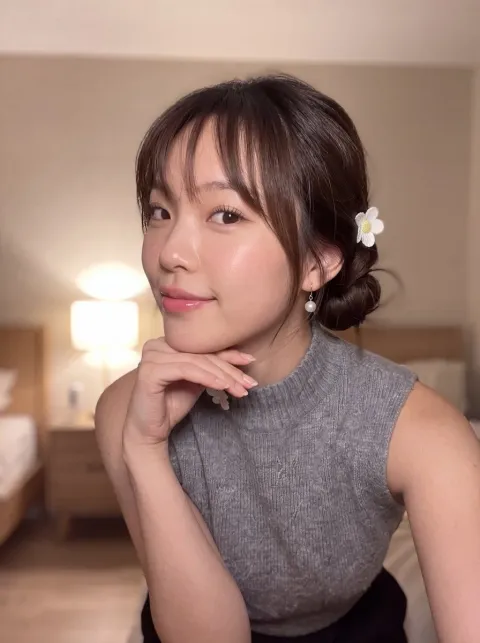 Nano Banana Pro · Selfies
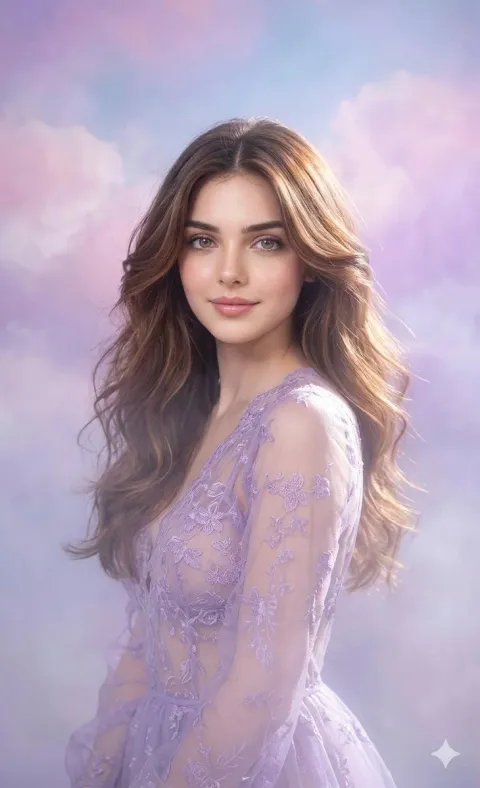 Nano Banana Pro · Portrait
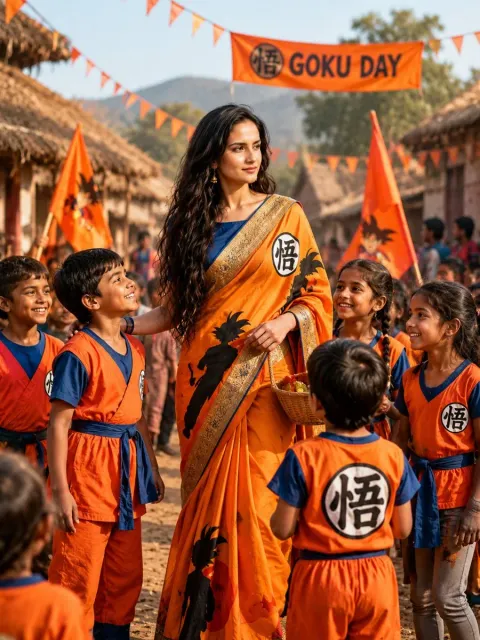 Nano Banana Pro · Street & documentary
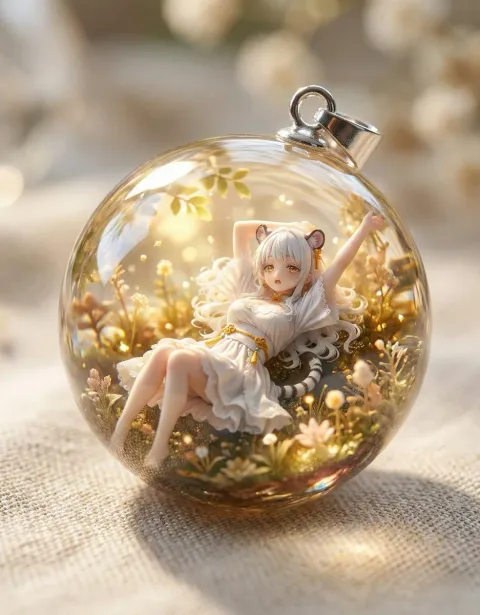 Nano Banana Pro · Product & commercial
 Nano Banana Pro · Surreal & abstract
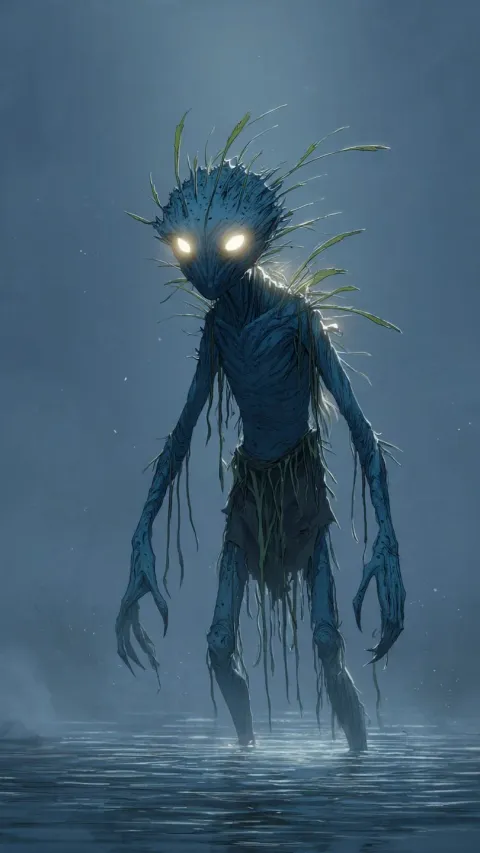 Nano Banana Pro · Fantasy & concept art
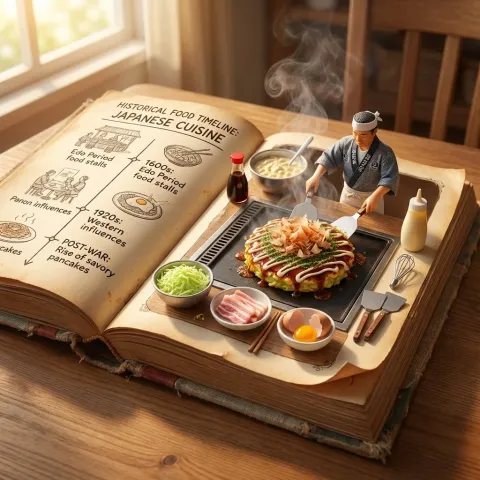 Nano Banana Pro · Food & drink
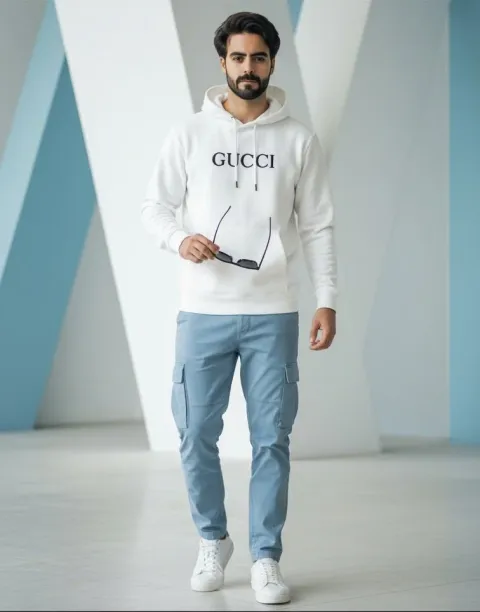 Nano Banana Pro · Fashion
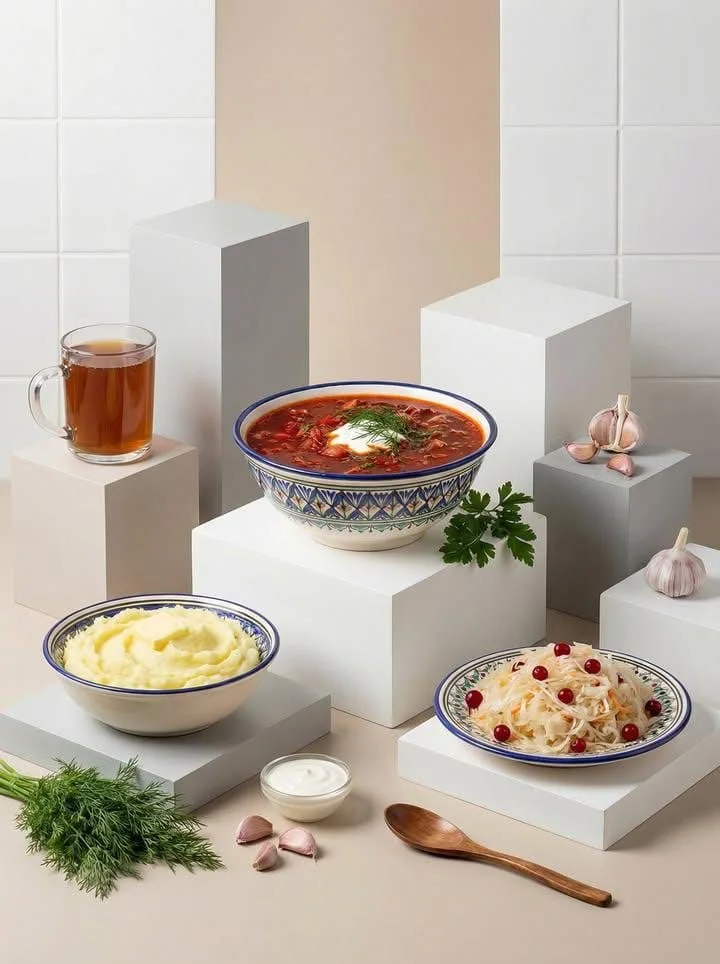
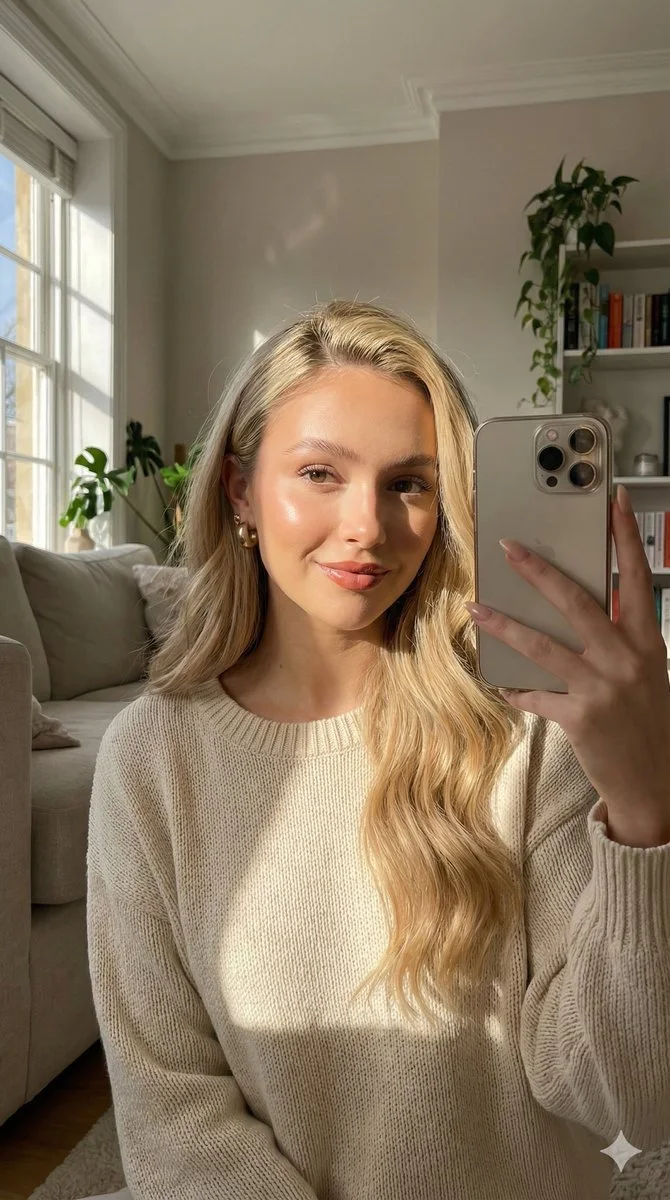
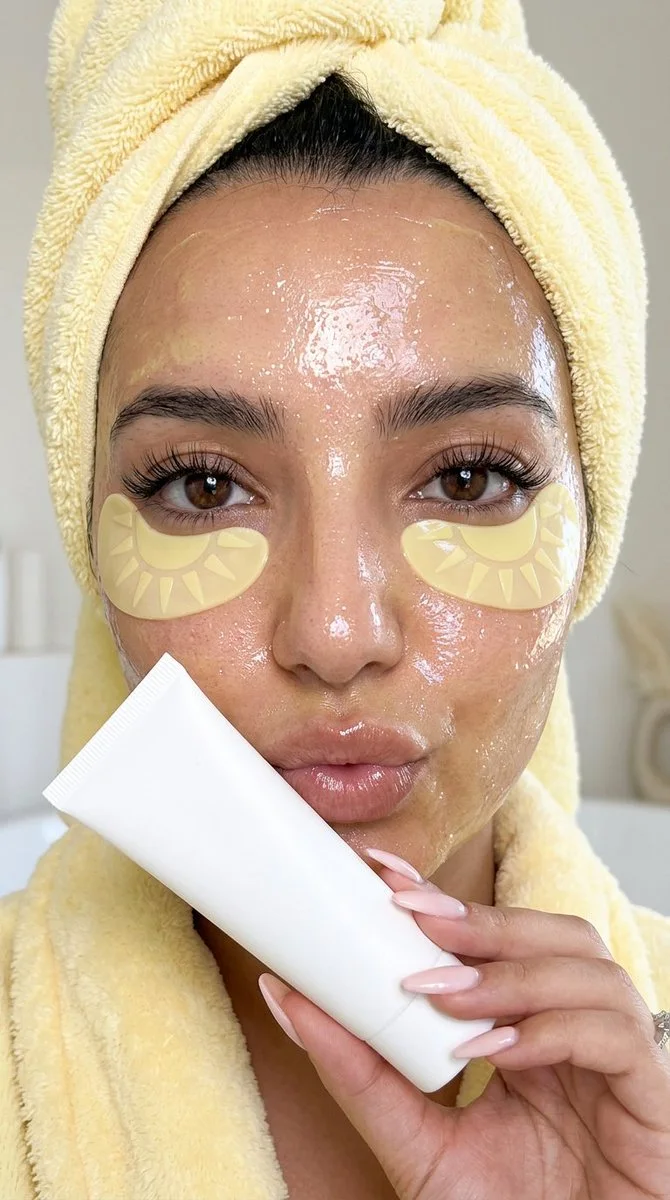
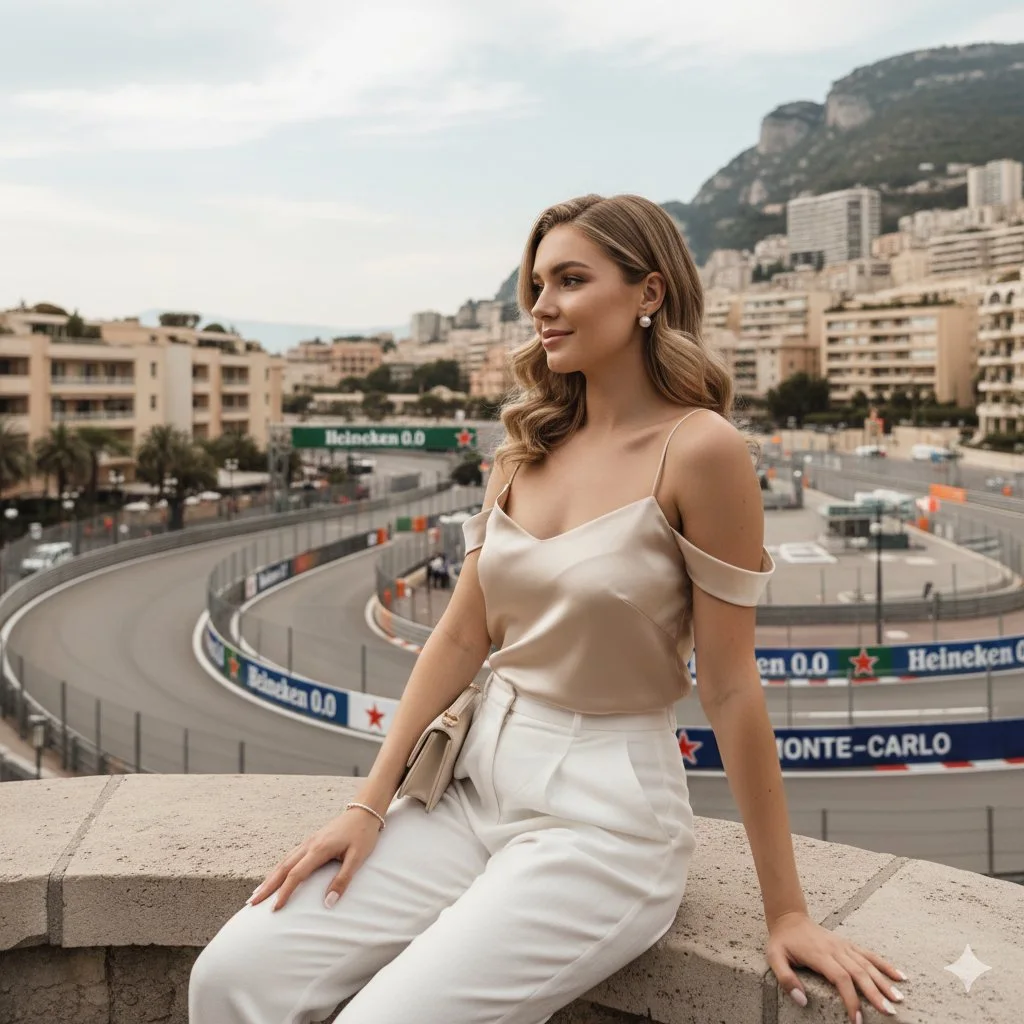
How to write Nano Banana prompts
Nano Banana is Google DeepMind's family of Gemini image models. This guide covers Nano Banana Pro (Gemini 3 Pro Image, model ID gemini-3-pro-image) and Nano Banana 2 (Gemini 3.1 Flash Image, model ID gemini-3.1-flash-image). Both create and edit images from plain-language prompts. Google calls Nano Banana 2 its go-to generalist model and points to Pro for high-fidelity work that needs maximum factual accuracy.
What's new in Nano Banana 2.1
Nano Banana 2.1 (model ID gemini-nano-banana-2.1) is Google's update to Nano Banana 2, available since 6 October 2026. Google says it keeps Nano Banana 2's speed and cost while improving quality, prompt adherence, character consistency and text rendering. Prompts are written as for the rest of the family.
- Resolution: 1K (the default), 2K or 4K; there is no 512px size.
- Thinking: a new medium level, the default, between minimal and high. Use high for complex scenes.
- Wide formats: Google fixed the tiling artifacts of 1:4, 4:1, 1:8 and 8:1 at 2K and 4K. Name the format in the prompt too.
- Text: better rendering and layout. Put every exact word in quotation marks and say where it goes.
- References: up to 14 images, keeping up to 4 characters and 10 objects consistent. Give each image a role.
What Nano Banana is good at
- Text inside images, such as posters, logos and cards. Google says Pro has the best text rendering in the family.
- Infographics and diagrams that draw on real-world knowledge, optionally grounded with Google Search.
- Photorealistic shots where you control lighting, camera angle, focus and color grading, up to 4K.
- Editing and combining up to 14 reference images while keeping characters and objects consistent.
The structure of a good prompt
Write a short narrative, not a keyword list. Google's formula is Subject + Action + Location or context + Composition + Style. With reference images, list the references, say how they relate, then describe the new scene.
- Ask for an image explicitly and say what it is for: "Create an image of a logo for a minimalist skincare brand."
- Describe the subject with concrete details on materials and textures.
- Say what is happening and where.
- Set the composition: shot type, angle and lens, such as a low-angle close-up with shallow depth of field.
- Define the light and style: lighting setup, color grading, film stock or medium.
- Add any text in quotation marks with its font and placement, and name the format, such as "a 9:16 vertical poster".
Settings
- Aspect ratio
- The default is 1:1, or the input image's ratio when editing. Both models take 1:1, 2:3, 3:2, 3:4, 4:3, 4:5, 5:4, 9:16, 16:9 and 21:9. Nano Banana 2 adds 1:4, 4:1, 1:8 and 8:1.
- Resolution
- Pro outputs 1K, 2K or 4K. Nano Banana 2 adds 512px for drafts. Both default to 1K. Nano Banana 2 Lite is 1K only.
- Thinking
- Both models reason before rendering. On Pro it is always on. On Nano Banana 2 you choose minimal (the default) or high, which Google says improves quality on complex prompts.
- Reference images
- Both accept up to 14 input images. Refer to them in plain language, such as "the first image", and give each one a role.
- Search grounding
- Off by default. Pro can use web search for real-time data. Nano Banana 2 can also use image search, but not for real people. Lite has no grounding.
- Limits
- There is no negative-prompt field and no documented seed. Each request returns one image; you can ask for more in the prompt, but the count is not always followed. No prompt length limit is documented; our guideline is about 1,200 characters.
Tips
- Name the format in the prompt as well as in the setting, for example "Aspect ratio 16:9".
- For text, put the exact words in quotes and describe the font, size and placement.
- For complex scenes, go step by step: background, then foreground, then the key object. On Nano Banana 2, set thinking to high.
- For real places or products on Nano Banana 2, turn on grounding and write "Your plan is to first search for visual references, and generate after."
- For infographics, ask for factual accuracy, give the facts in the prompt and check the result.
- Iterate with small follow-ups like "make the lighting a bit warmer".
Common mistakes
- Writing a bare keyword list instead of describing the scene.
- Negative phrasing like "no cars". Describe what you want: "an empty, deserted street".
- Relying on small text or long paragraphs. Small text is often blurry at 1K.
- Leaving the request ambiguous. If you don't clearly ask for an image, you may get text only.
Nano Banana prompt examples
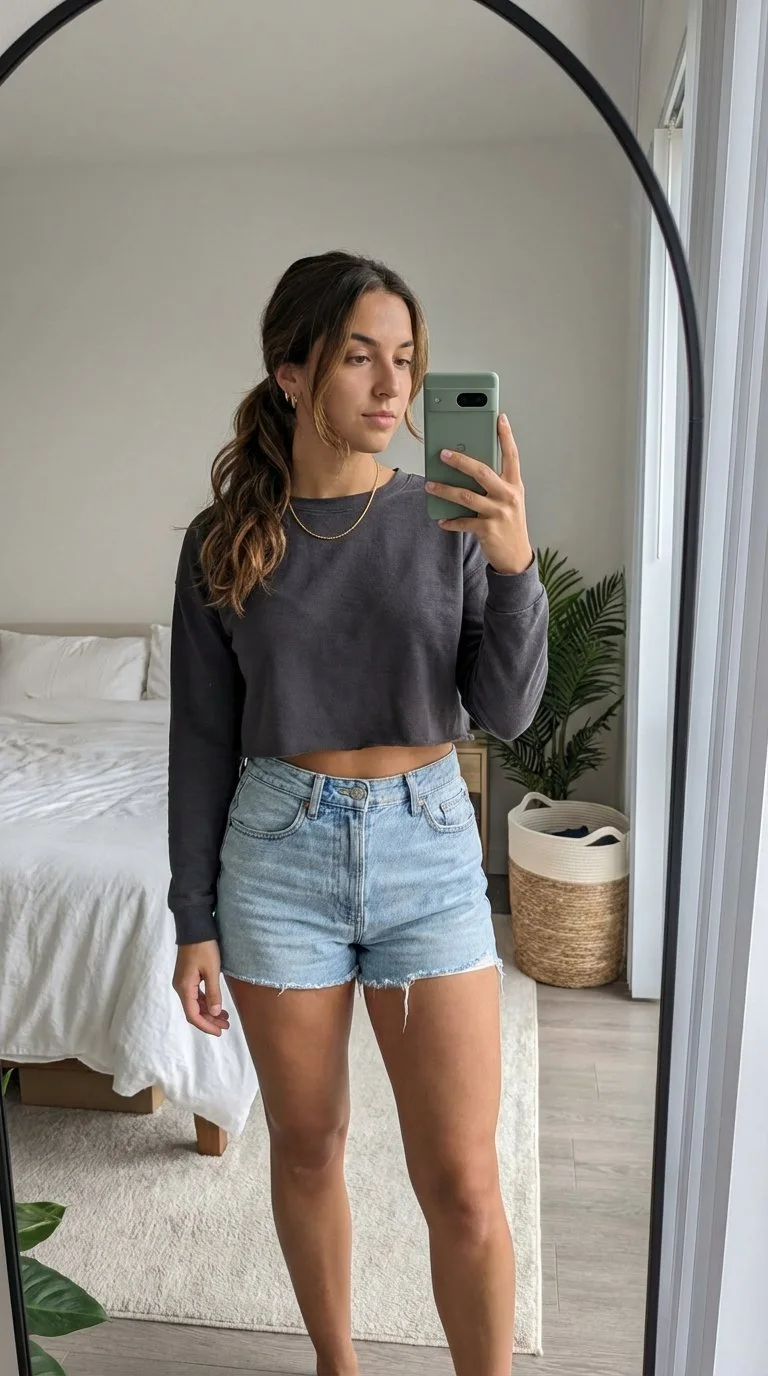
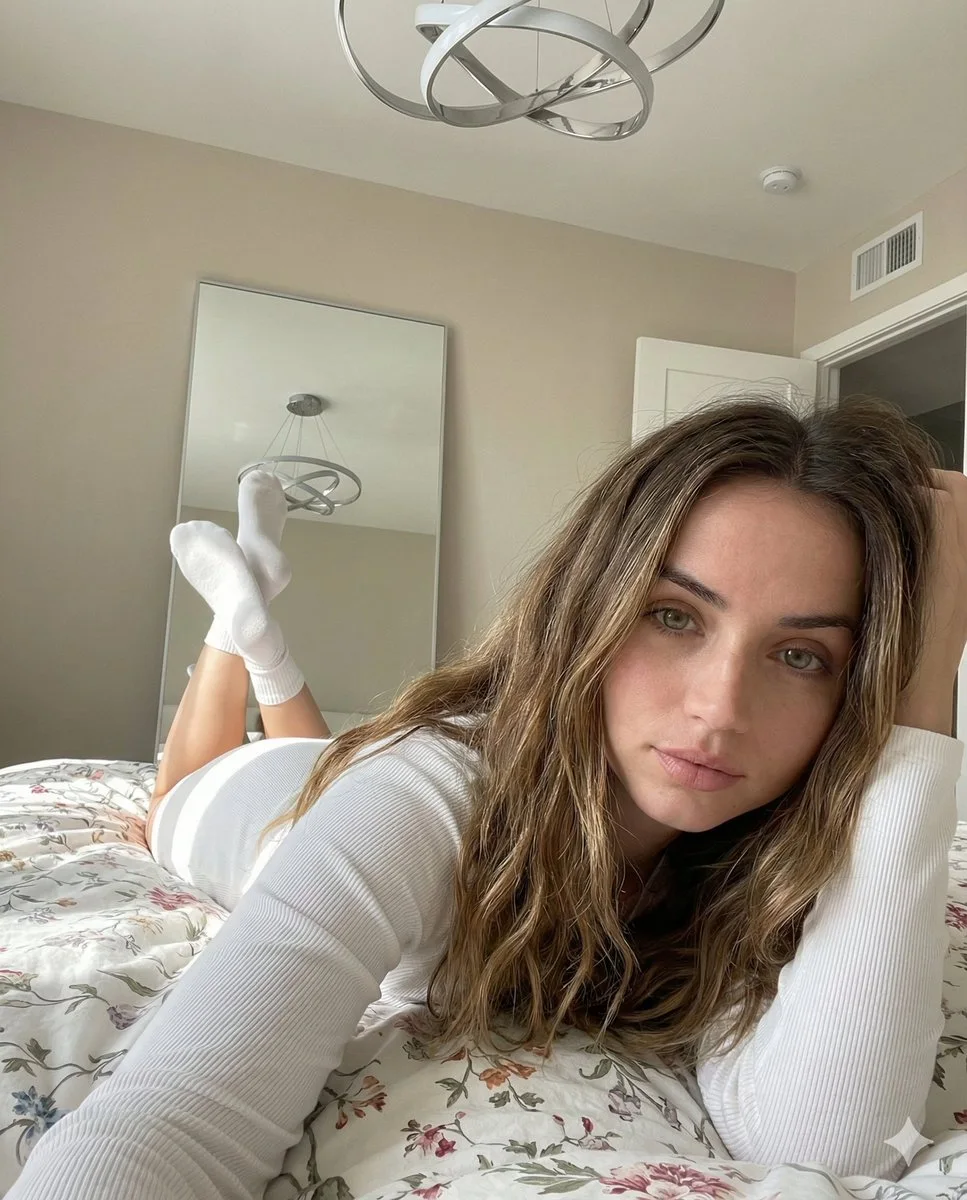
- Woman relaxing on a bed in bedroomNano Banana Pro
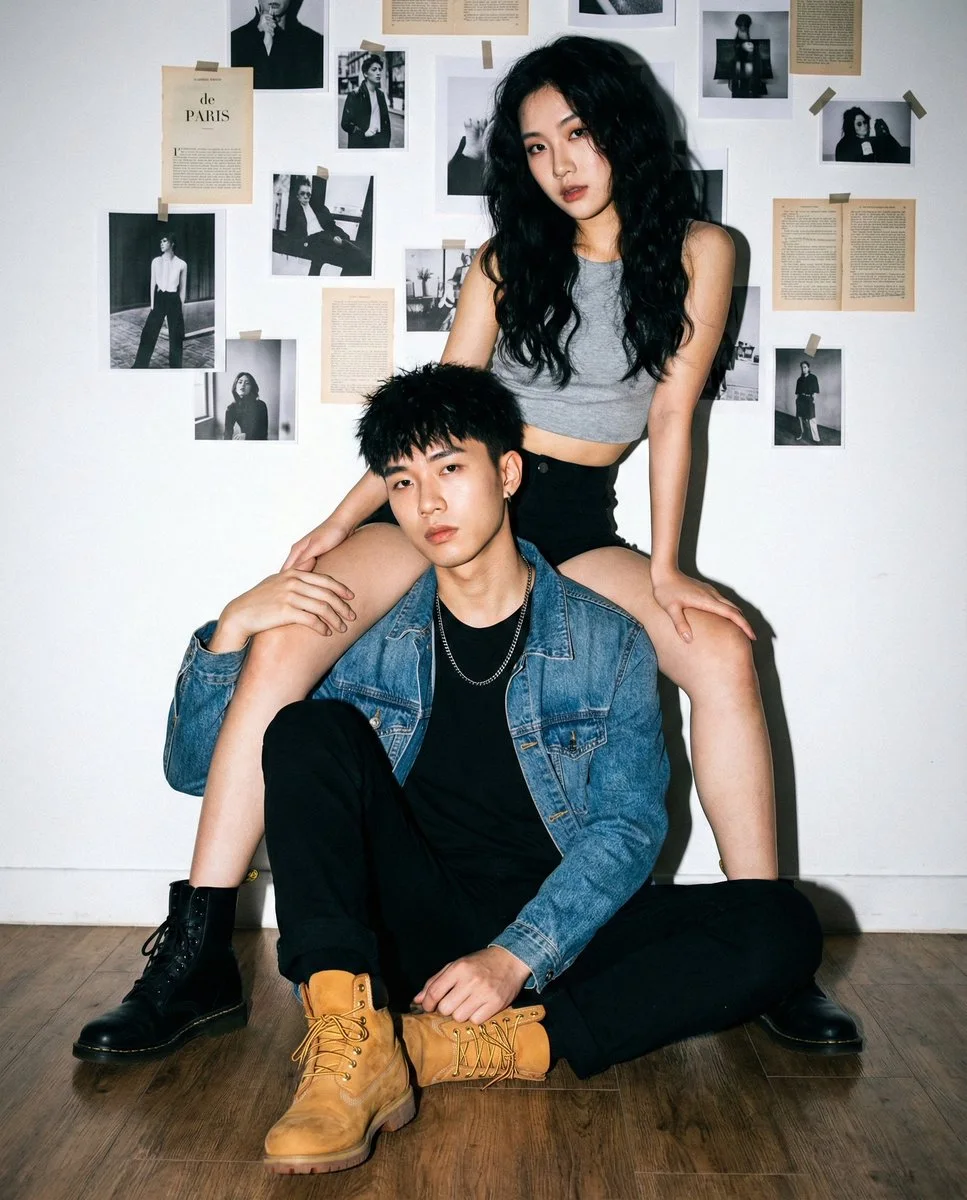
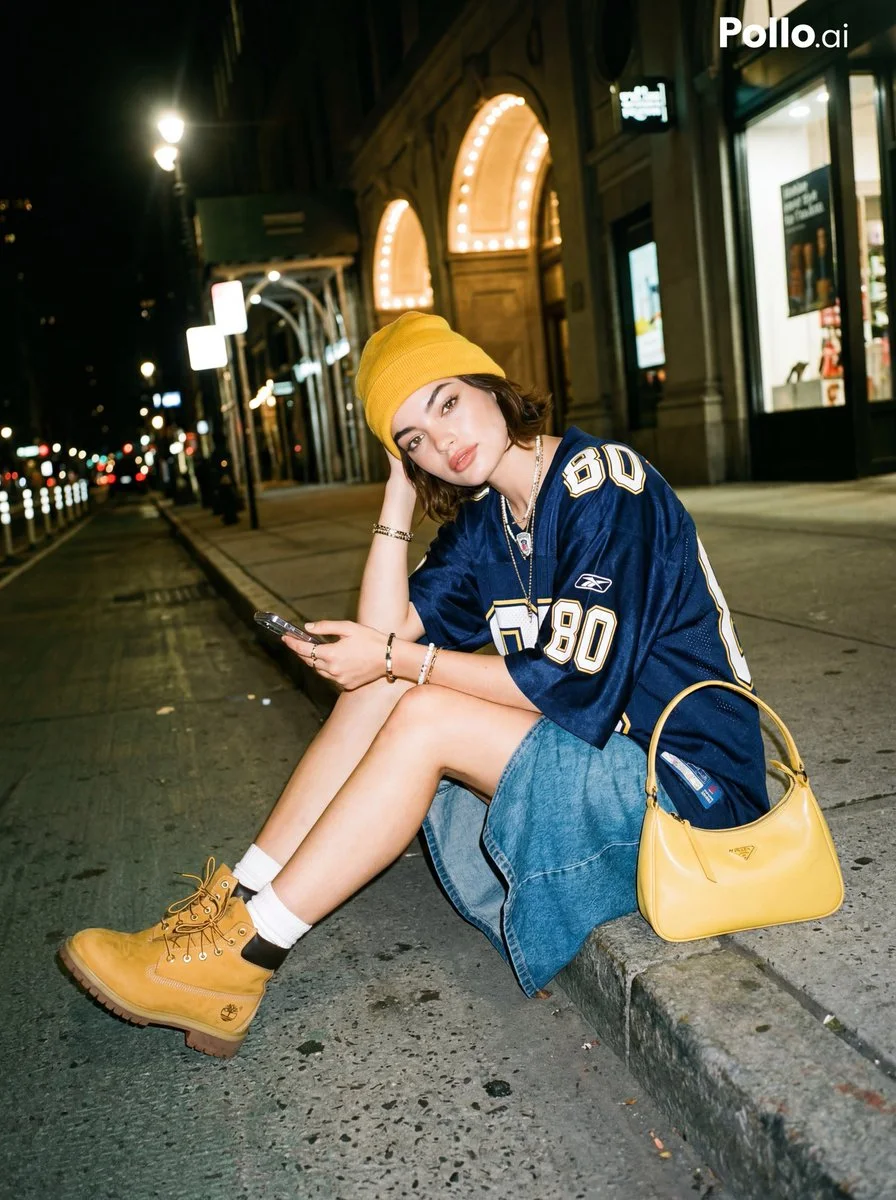
- Street style portrait on a night sidewalkNano Banana 2
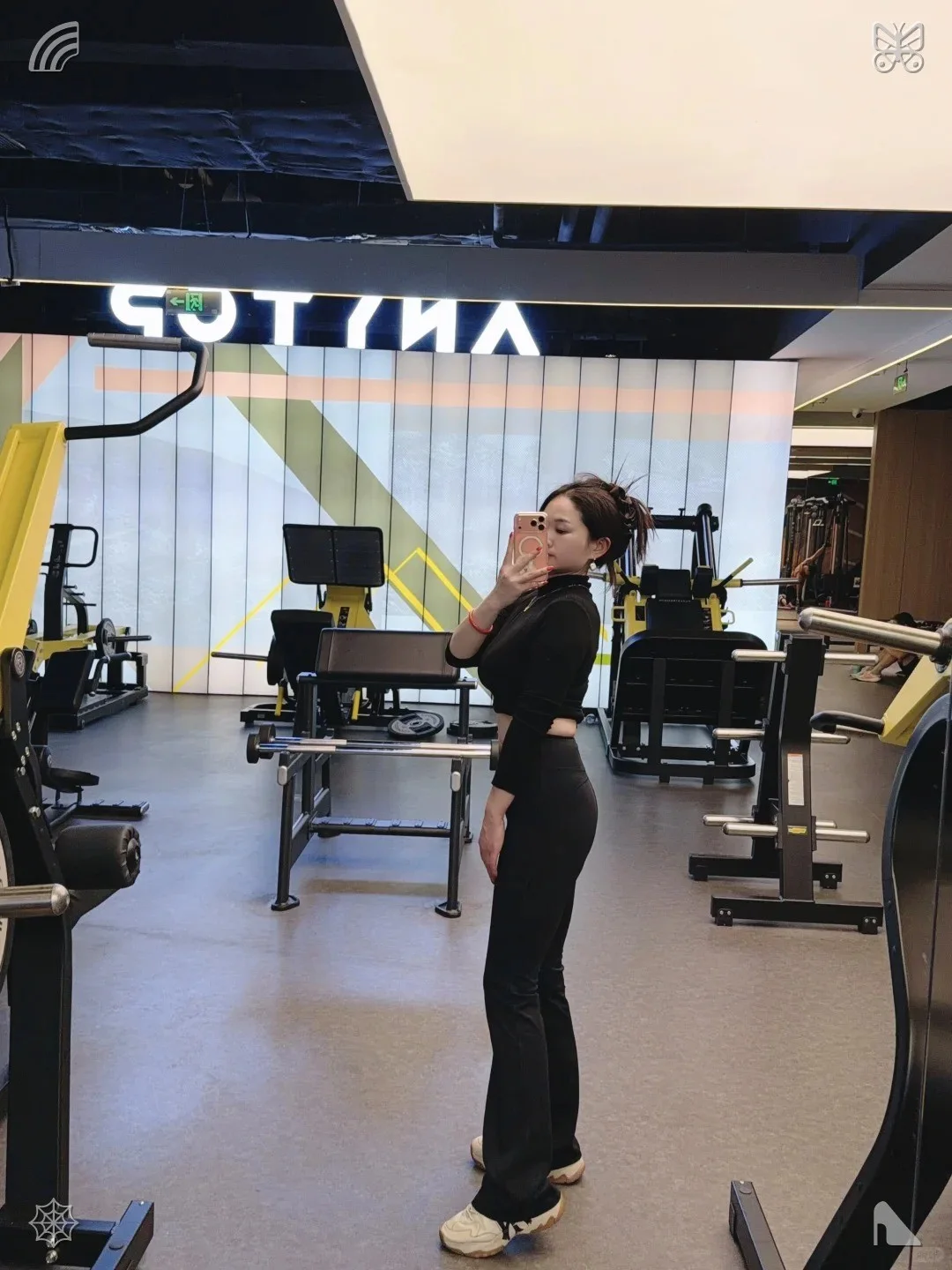
- Mirror selfie in a black crop top at the gymNano Banana Pro
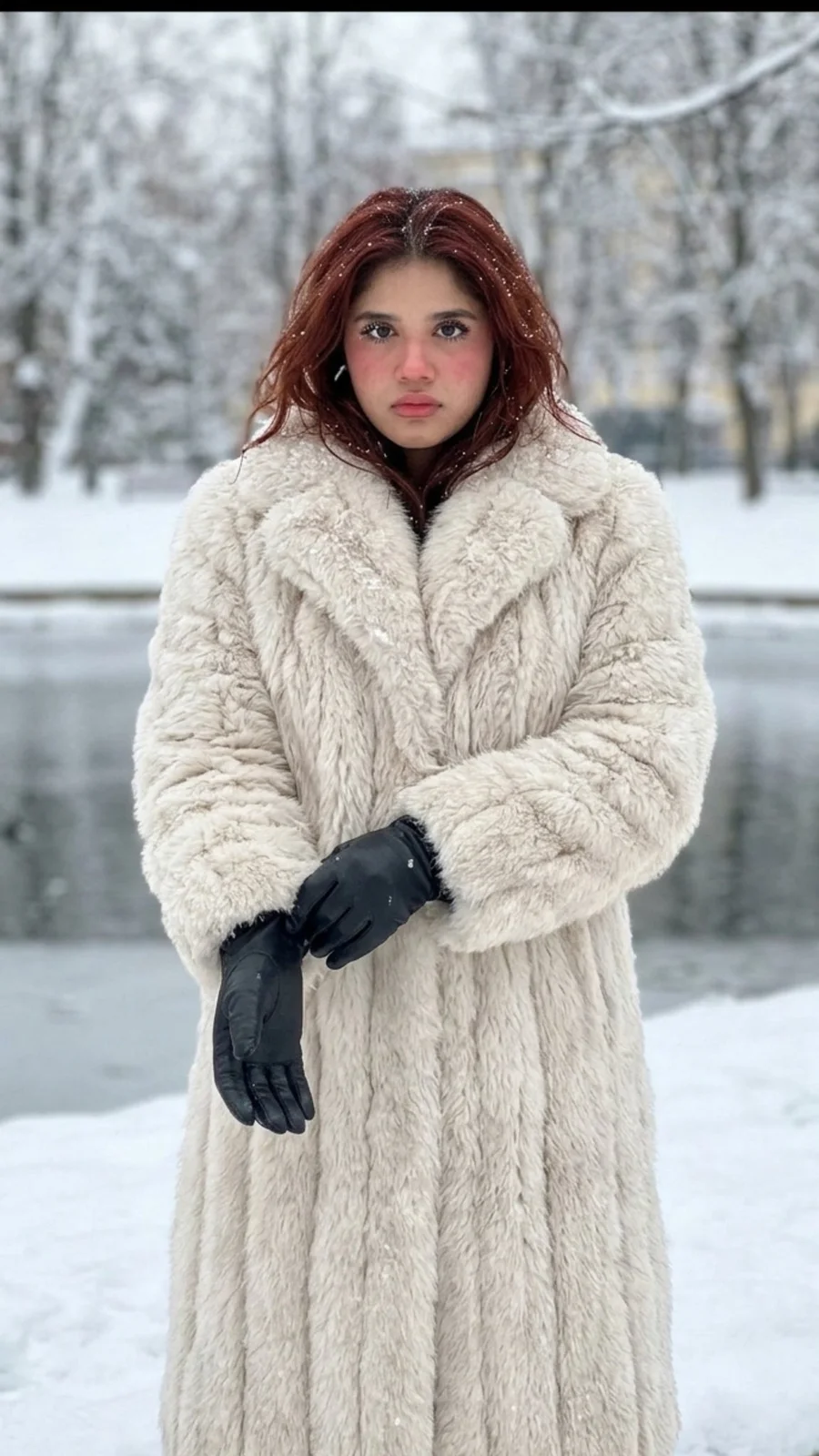
- Woman in a fur coat by a winter pondNano Banana Pro
About Nano Banana prompts
Nano Banana is Google's image model inside the Gemini app, so these prompts work when you ask Gemini for a photo. This page gathers every Nano Banana prompt in the library, from Nano Banana Pro, Nano Banana 2.1 and Nano Banana 2, each with the image it made.