Skip to content
prompset

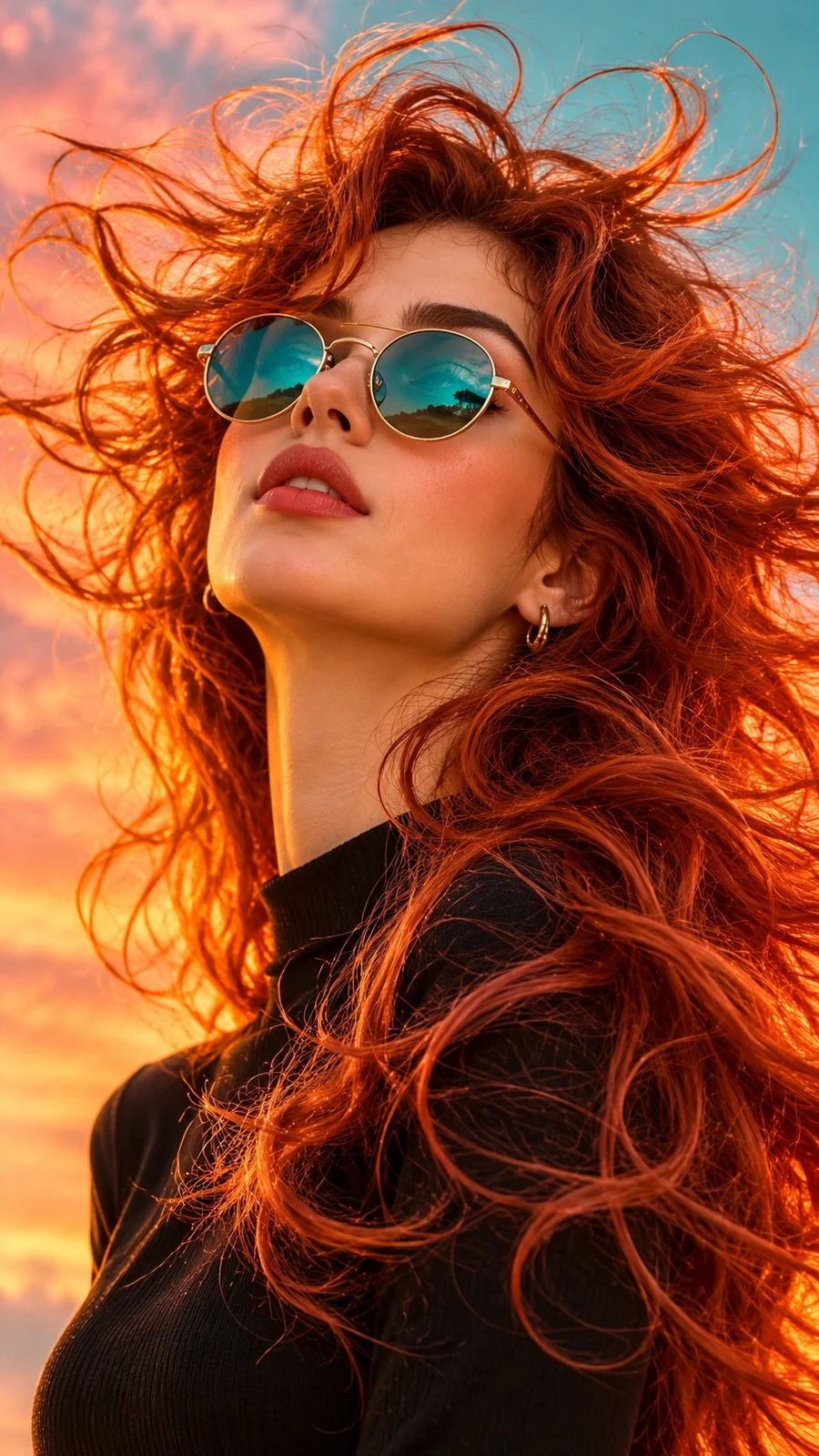
Windswept woman in teal sunglasses at sunset
Windswept woman in teal sunglasses at sunset
0
views
0
copies
Download
JPG · 941 × 1672
Likes
0
Views
0
Copies
0
Saved
0
Download
JPG · 941 × 1672

Prompt

Model
Nano Banana Pro
Mode
Text to image
Resolution
941 × 1672
Aspect
9:16

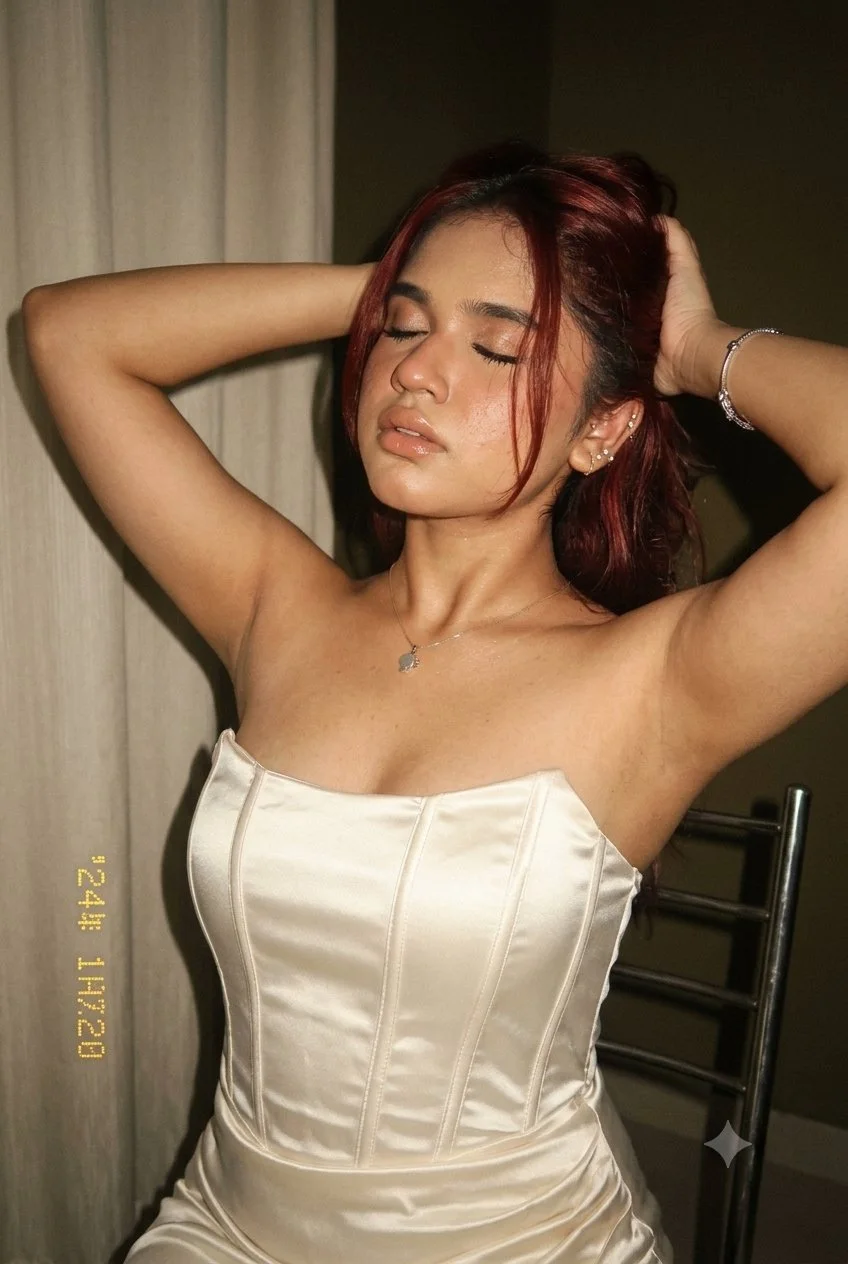
Dramatic fashion portrait of a young woman with fair, softly glowing skin, her chin tilted up and her face turned slightly to the side, with a serene, dreamy, confident expression. Her long, voluminous copper-auburn hair is caught mid-air by the wind, whipping upward and outward in wild, flowing strands with vivid coral-red and fiery orange highlights, creating a dynamic halo of motion around her head. She wears small, thin round wire-framed sunglasses with mirrored teal-turquoise lenses that reflect the sky. Makeup is minimal and natural: defined brows, soft peachy blush, and satin rose-nude lips, slightly parted. She wears a simple black high-neck top that contrasts with the vibrant hair. The background is a dreamy, softly blurred sunset sky with a gradient of pink, coral, peach, and pale turquoise. Lighting and Style: Warm golden-hour backlight with a glowing rim light through the windblown hair, soft light on the face, saturated warm-meets-cool color palette of orange, coral, and teal, fashion editorial photography with a stylized, slightly painterly digital finish, ultra-detailed individual hair strands, motion-frozen hair, shallow depth of field, shot on an 85mm lens at f/2.0, low-angle composition, vertical 9:16 aspect ratio, ultra-realistic, vibrant cinematic color grading.

About this prompt

A low-angle portrait of a woman with wind-blown copper hair and mirrored teal sunglasses against a pink and orange sunset. Useful as a reference for fashion editorial or beauty portraits that combine motion in the hair with golden-hour backlight.

Prompt breakdown

AI breakdownClick a part to highlight it in the prompt

Click a part to highlight it in the prompt

How to use this prompt

Three steps from this page to your own image.

  1. 01

    Copy the prompt

    Copy the text as it is, every detail and any text on the image included.

  2. 02

    Match the settings

    Open Nano Banana Pro on a platform that offers it and use the same settings: text to image, 941 × 1672, 9:16.

  3. 03

    Make it yours

    Change the subject or the style, or let Studio adapt it for you.