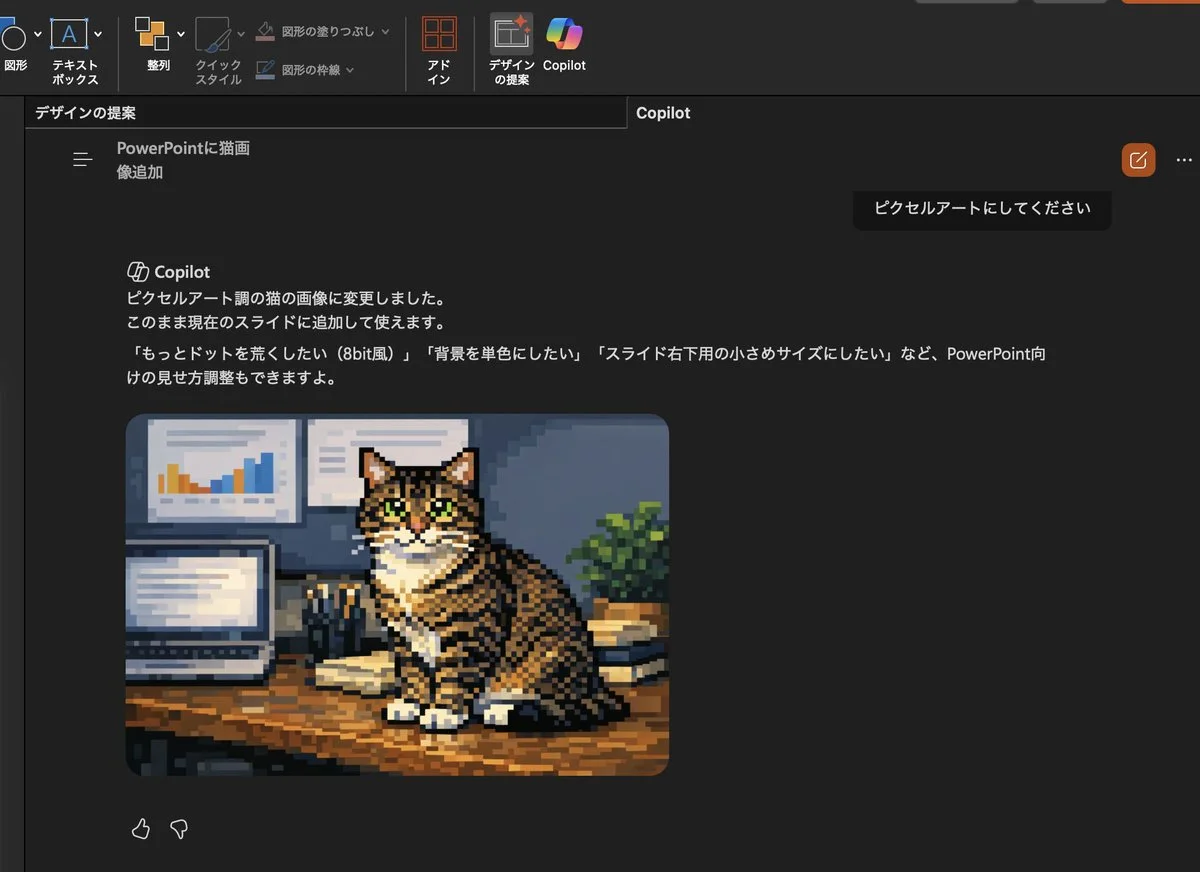
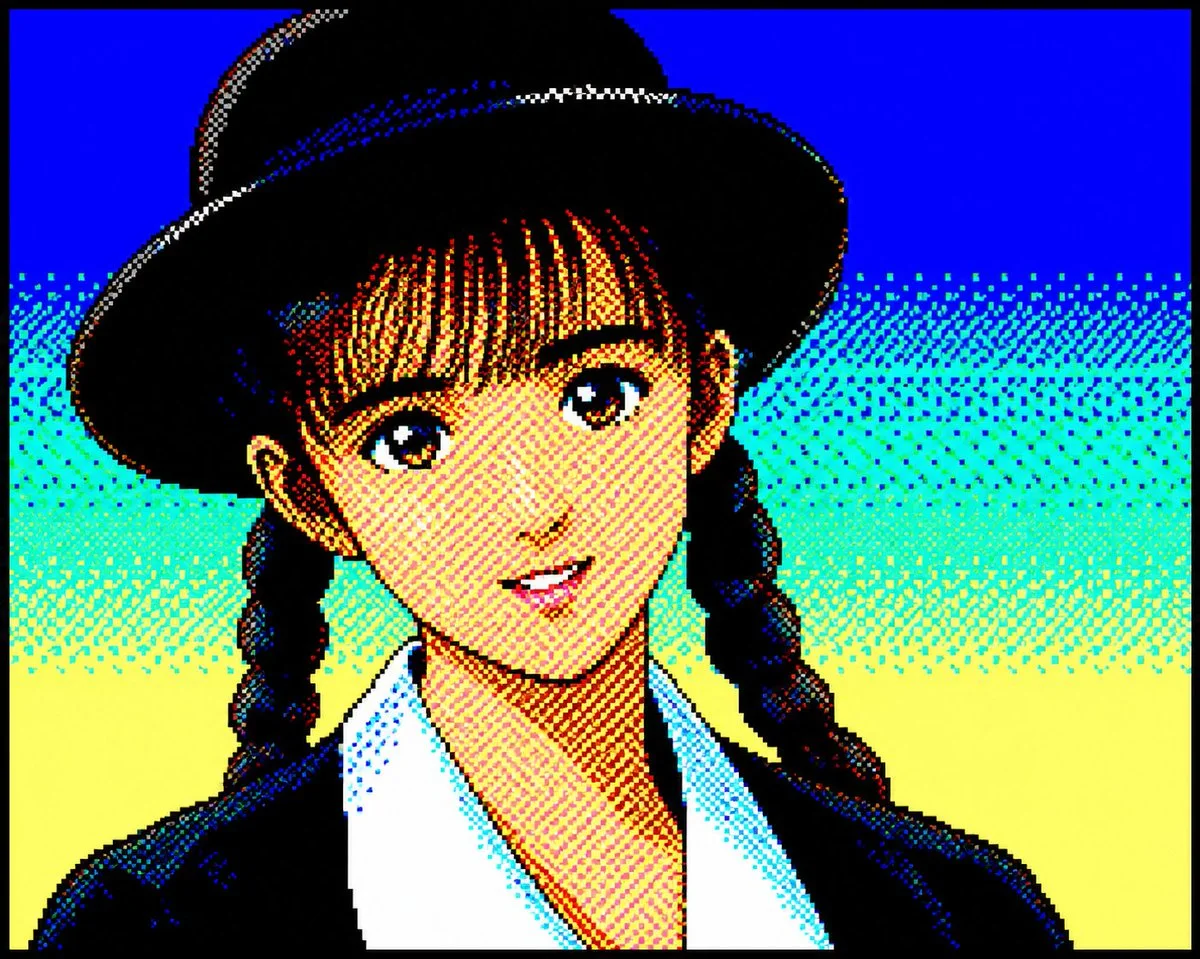
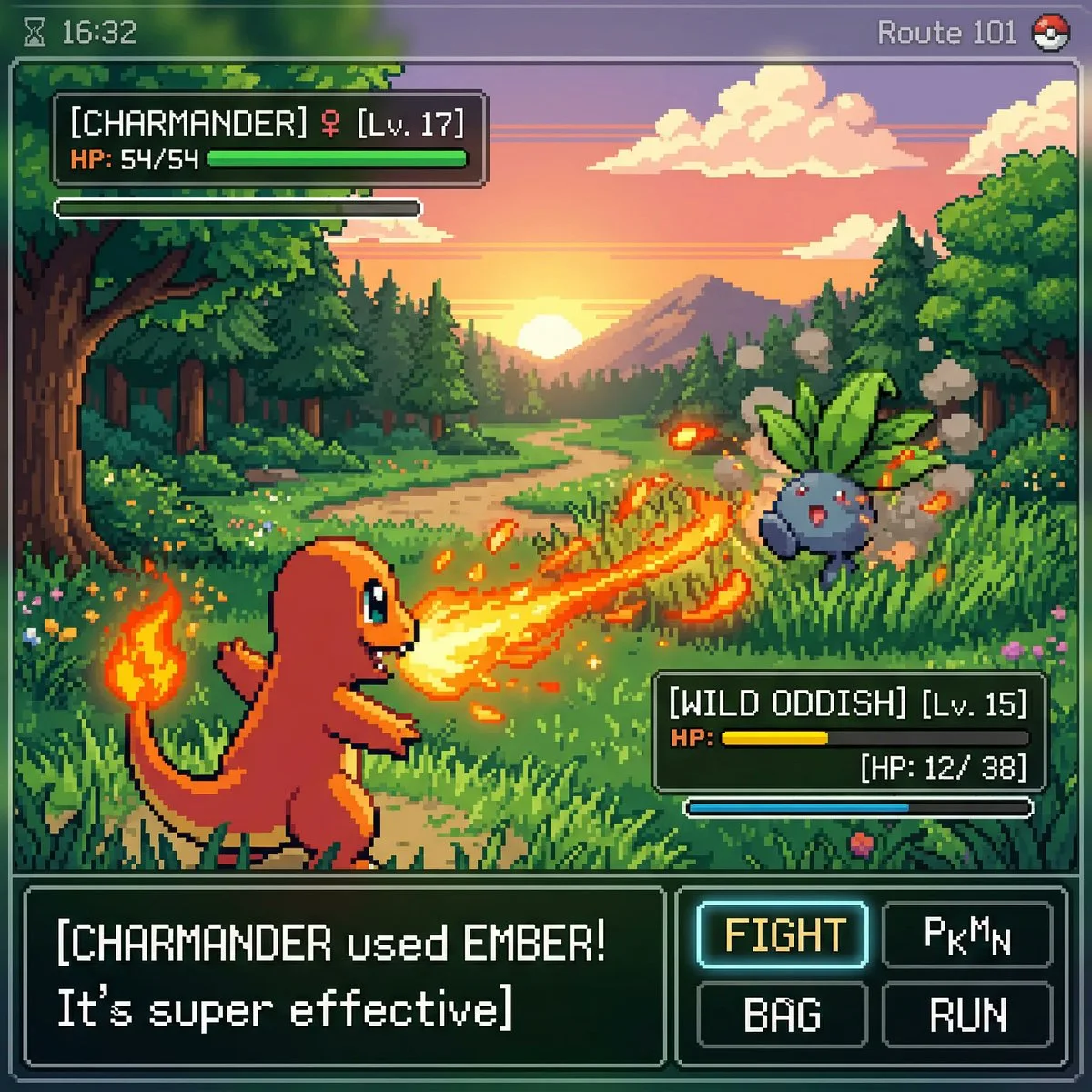
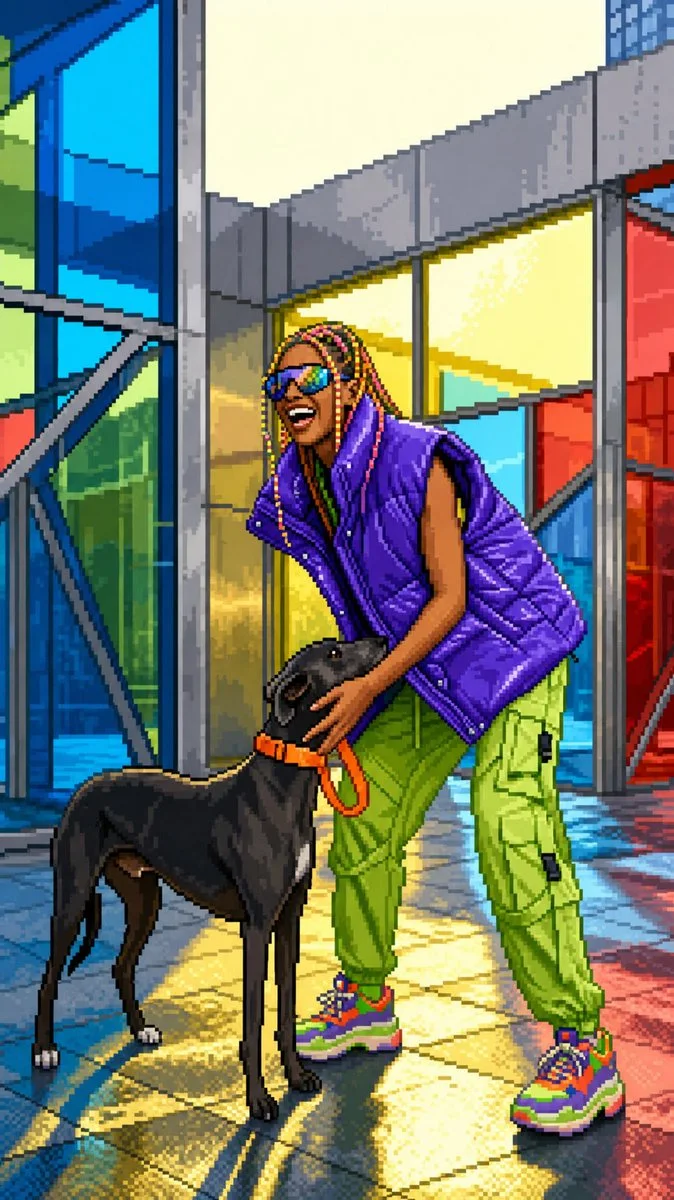
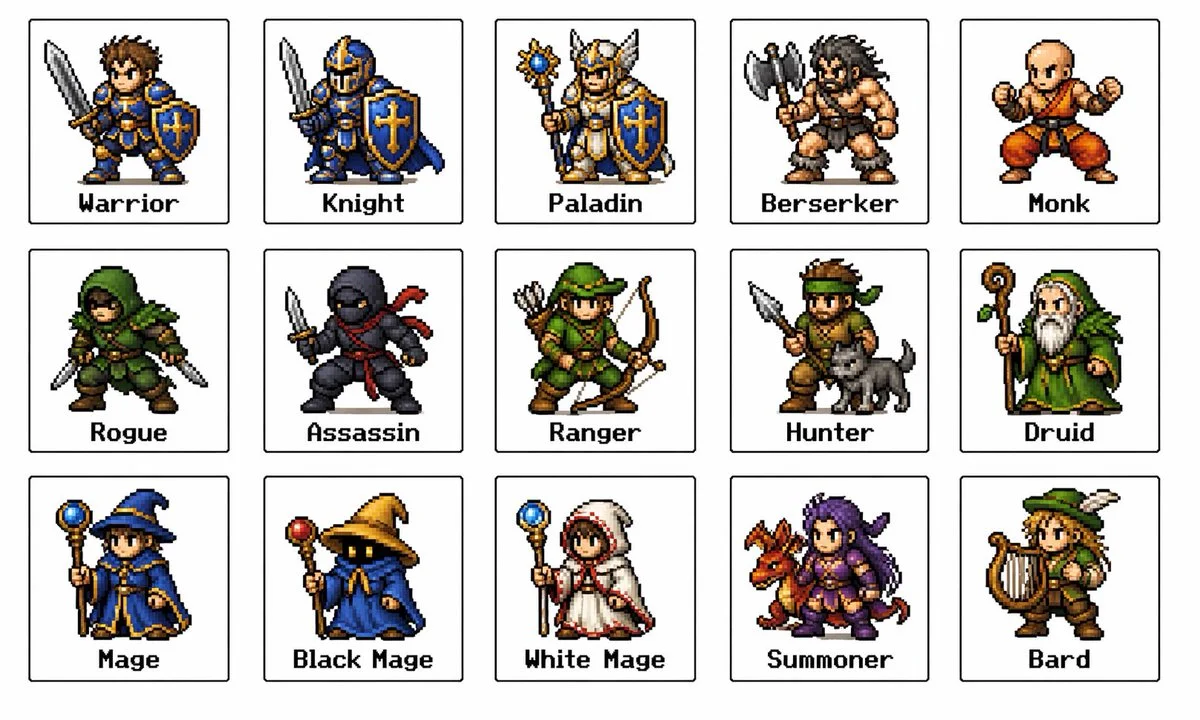
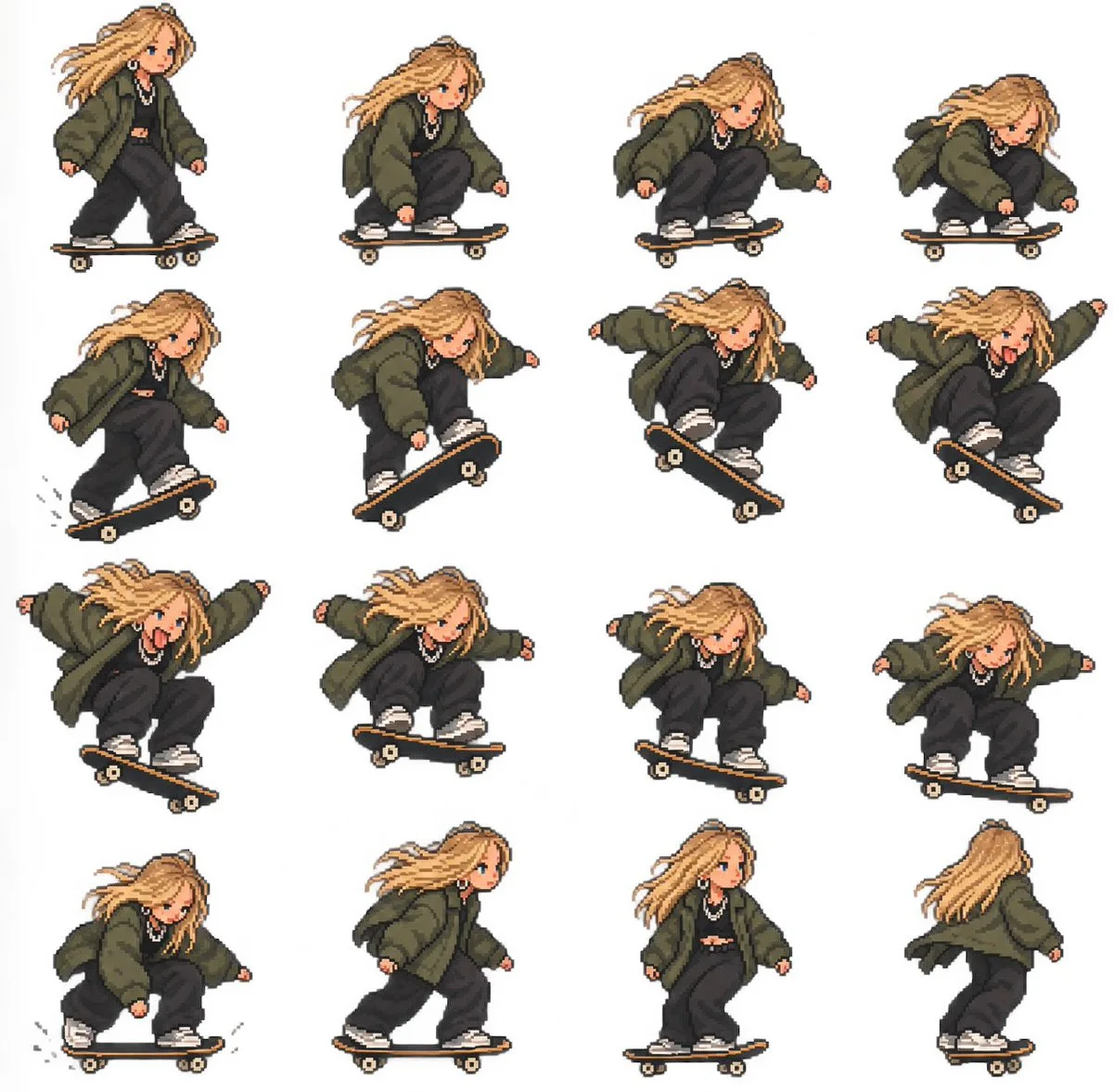
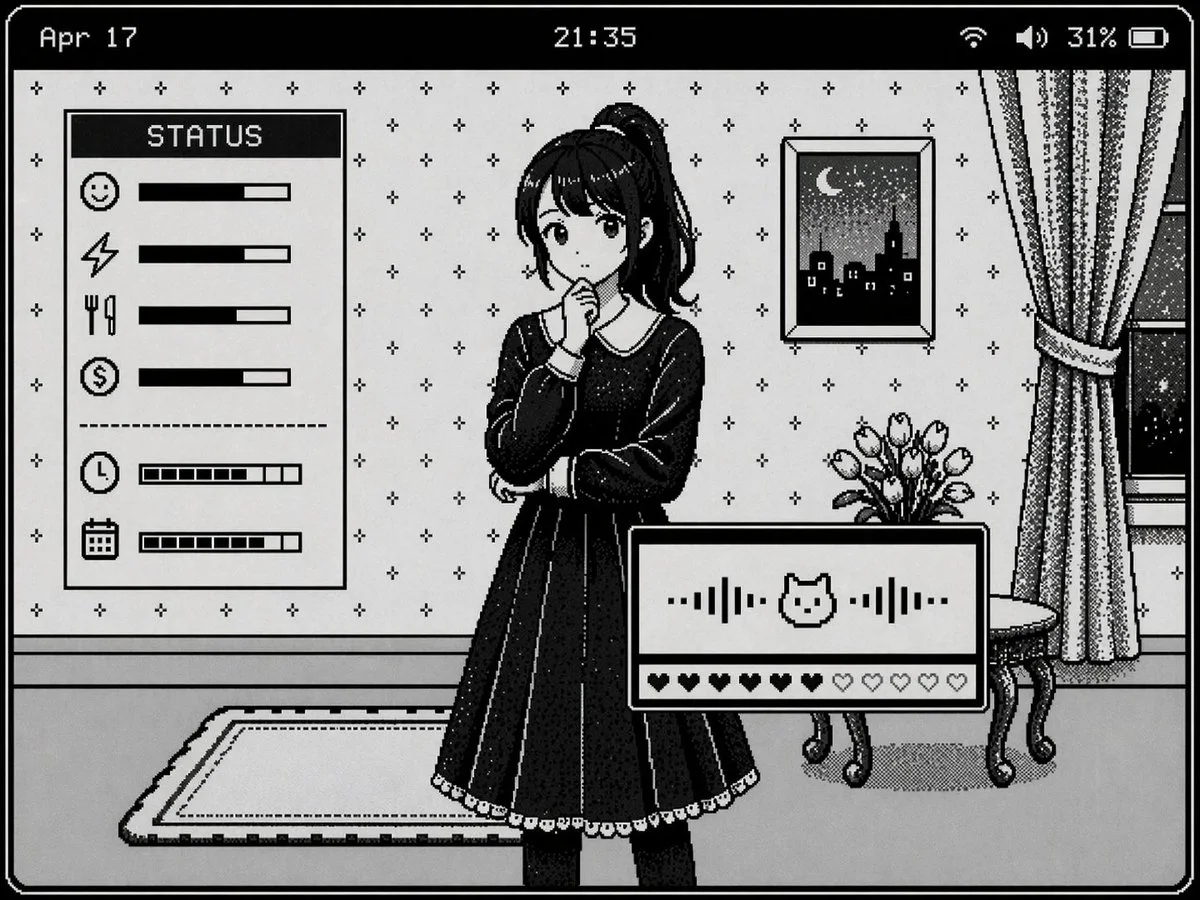
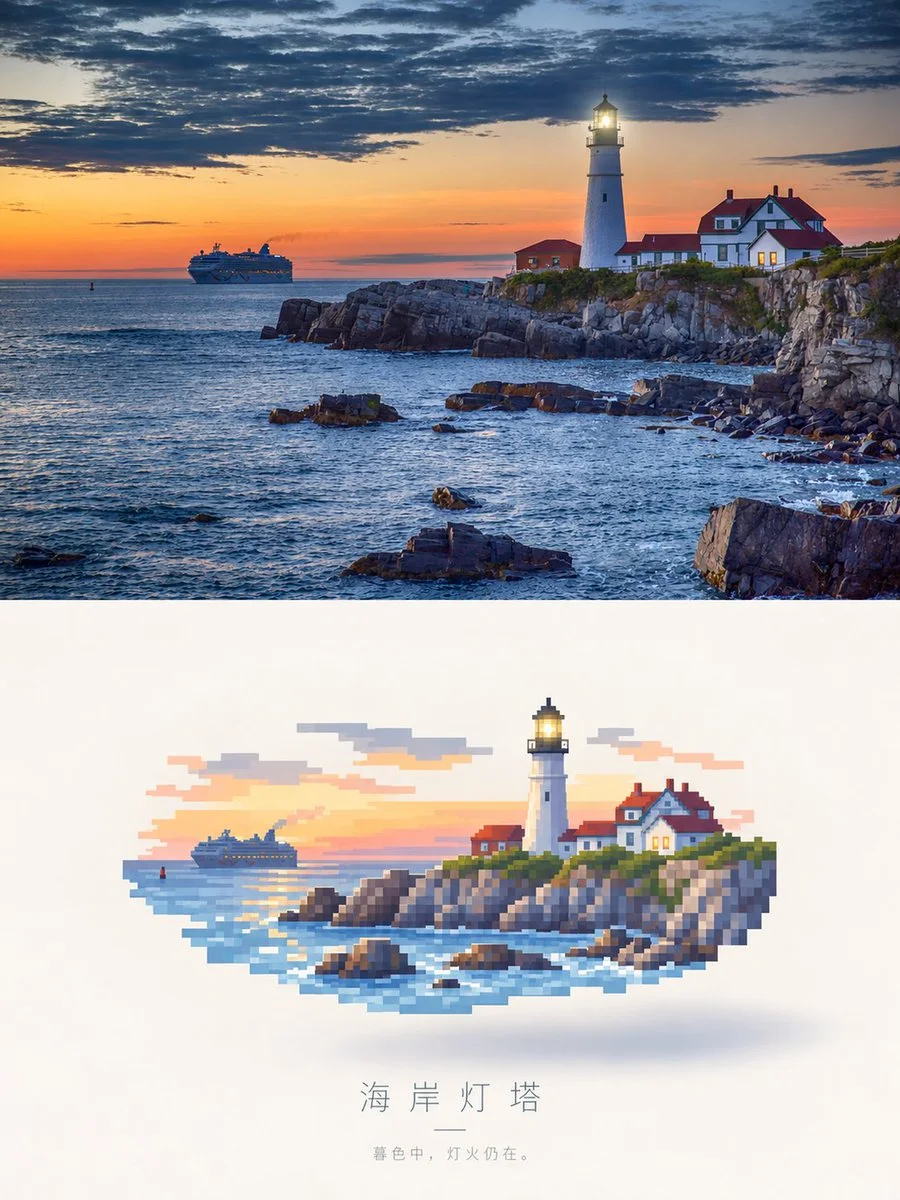
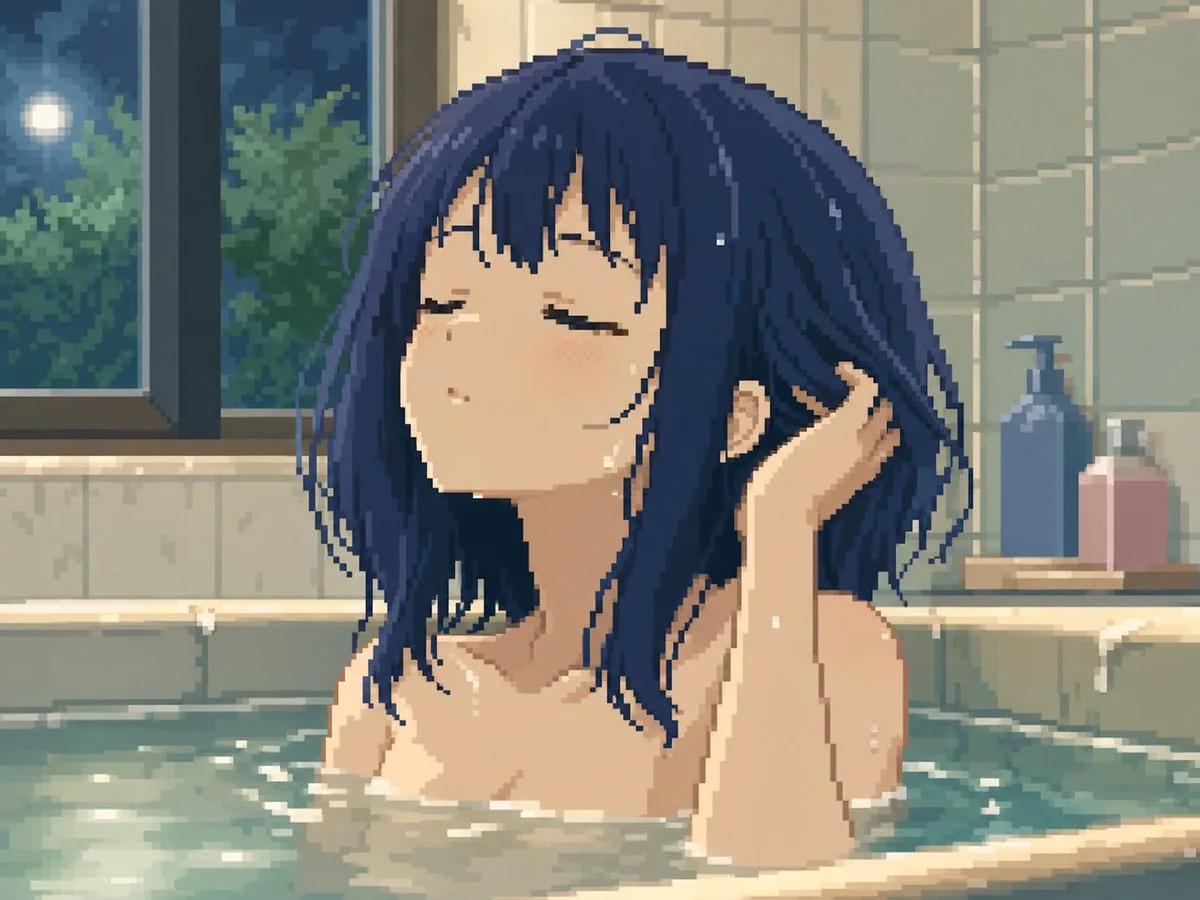
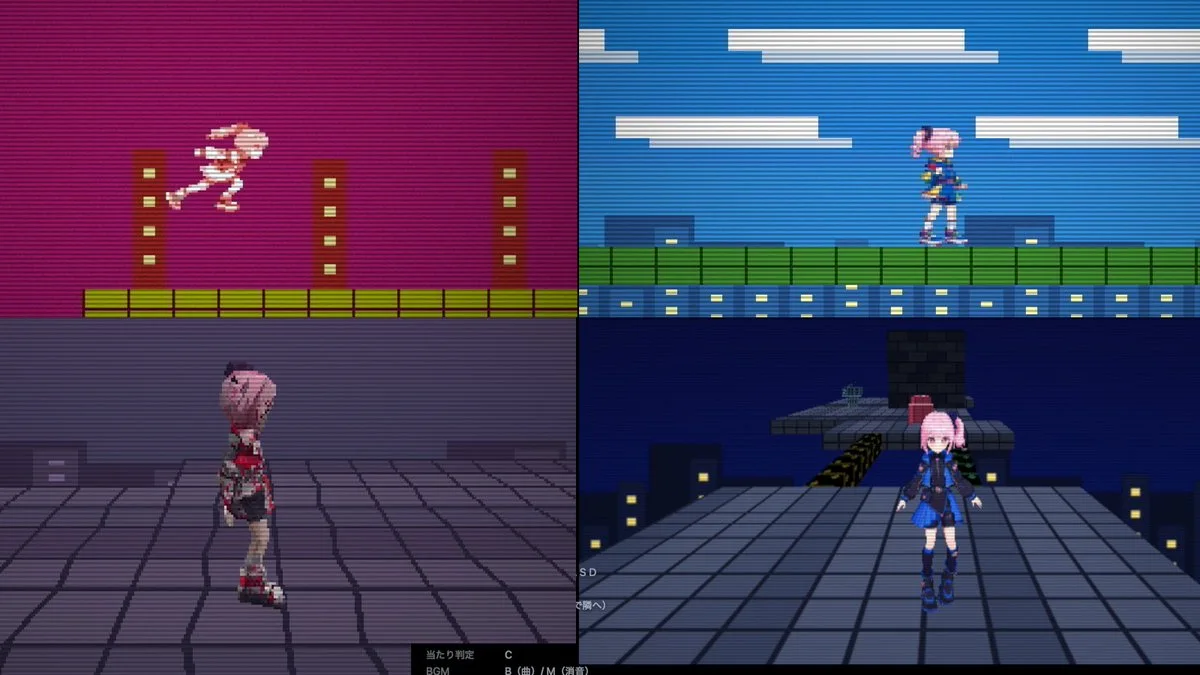
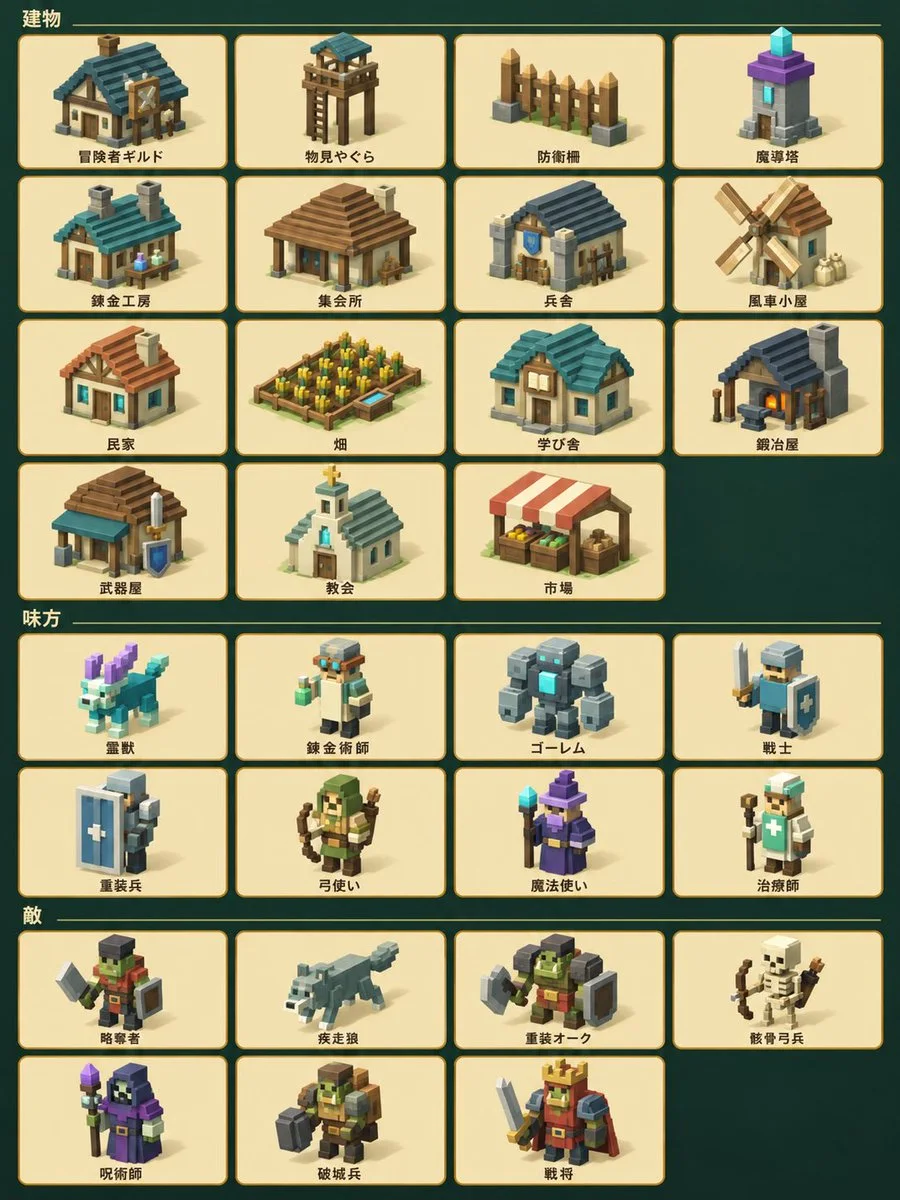
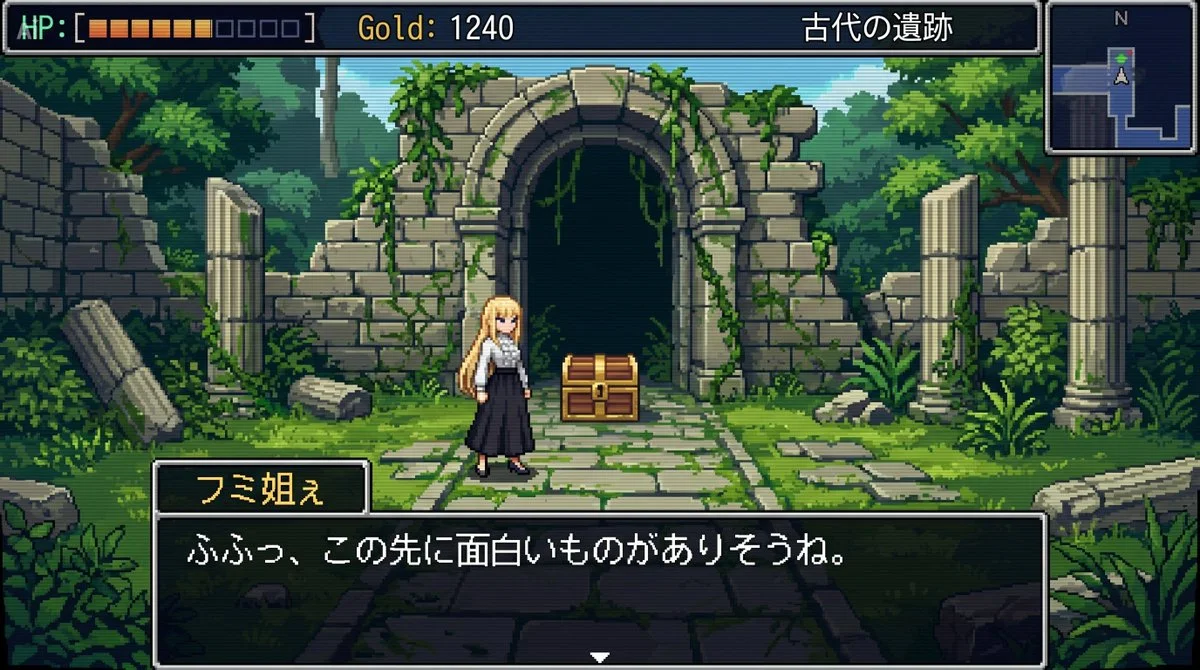
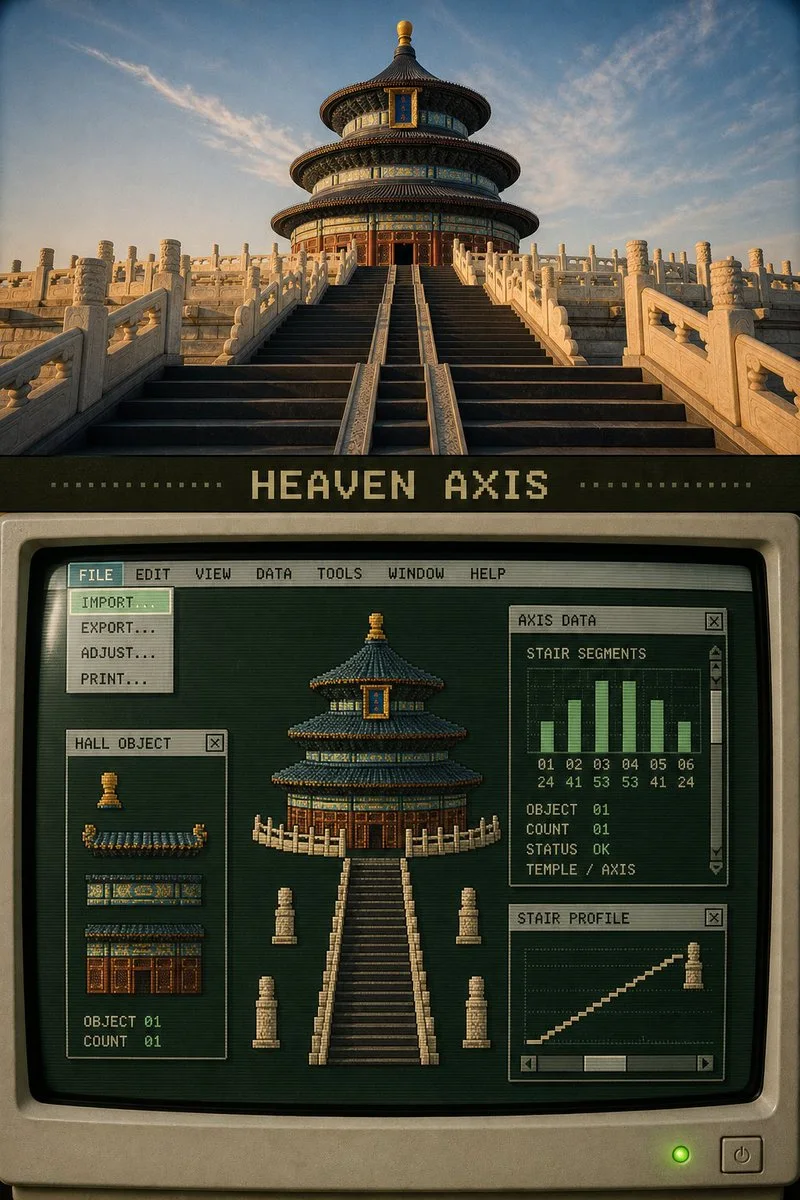
Pixel art sprite conversion of a photo
- 0
- views
- 0
- copies
Download
JPG · 1536 × 1024
- Likes
- 0
- Views
- 0
- Copies
- 0
- Saved
- 0


Download
JPG · 1536 × 1024
About this prompt
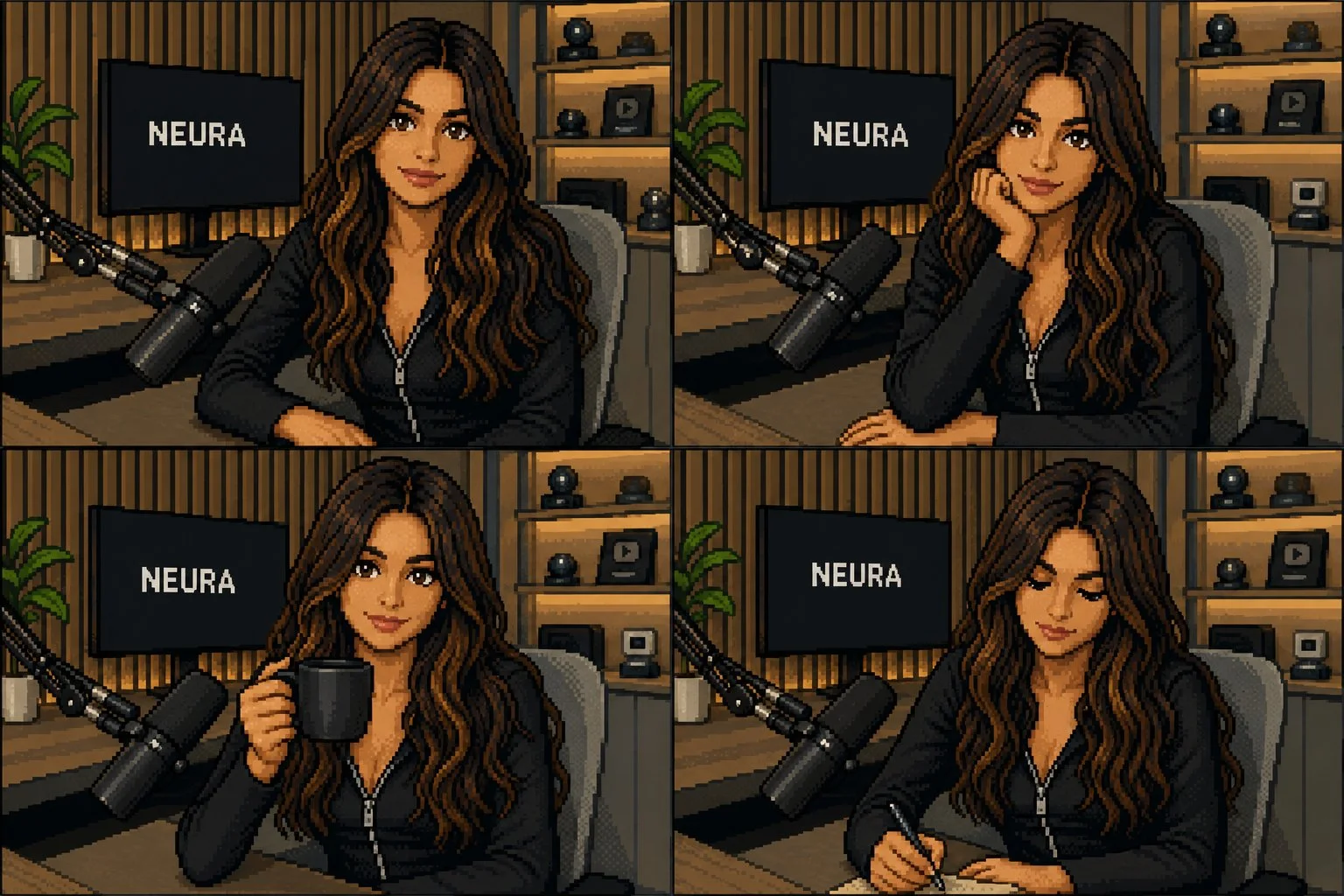
A 2x2 grid of one woman at a podcast desk beside a NEURA screen, shown in four poses (hand on chin, holding a mug, writing) and rendered as retro pixel art. The prompt is a reusable template for turning a reference photo into a 32-bit sprite while keeping its composition.
Prompt breakdown
AI breakdownClick a part to highlight it in the promptTap a part to highlight it in the prompt
Click a part to highlight it in the promptTap a part to highlight it in the prompt
How to use this prompt
Three steps from this page to your own image.
- 01
Copy the prompt
Copy the text as it is, every detail and any text on the image included.
- 02
Match the settings
Open GPT Image 2 on a platform that offers it and use the same settings: image edit, 1 image, 1536 × 1024, 3:2.