Skip to content
prompset

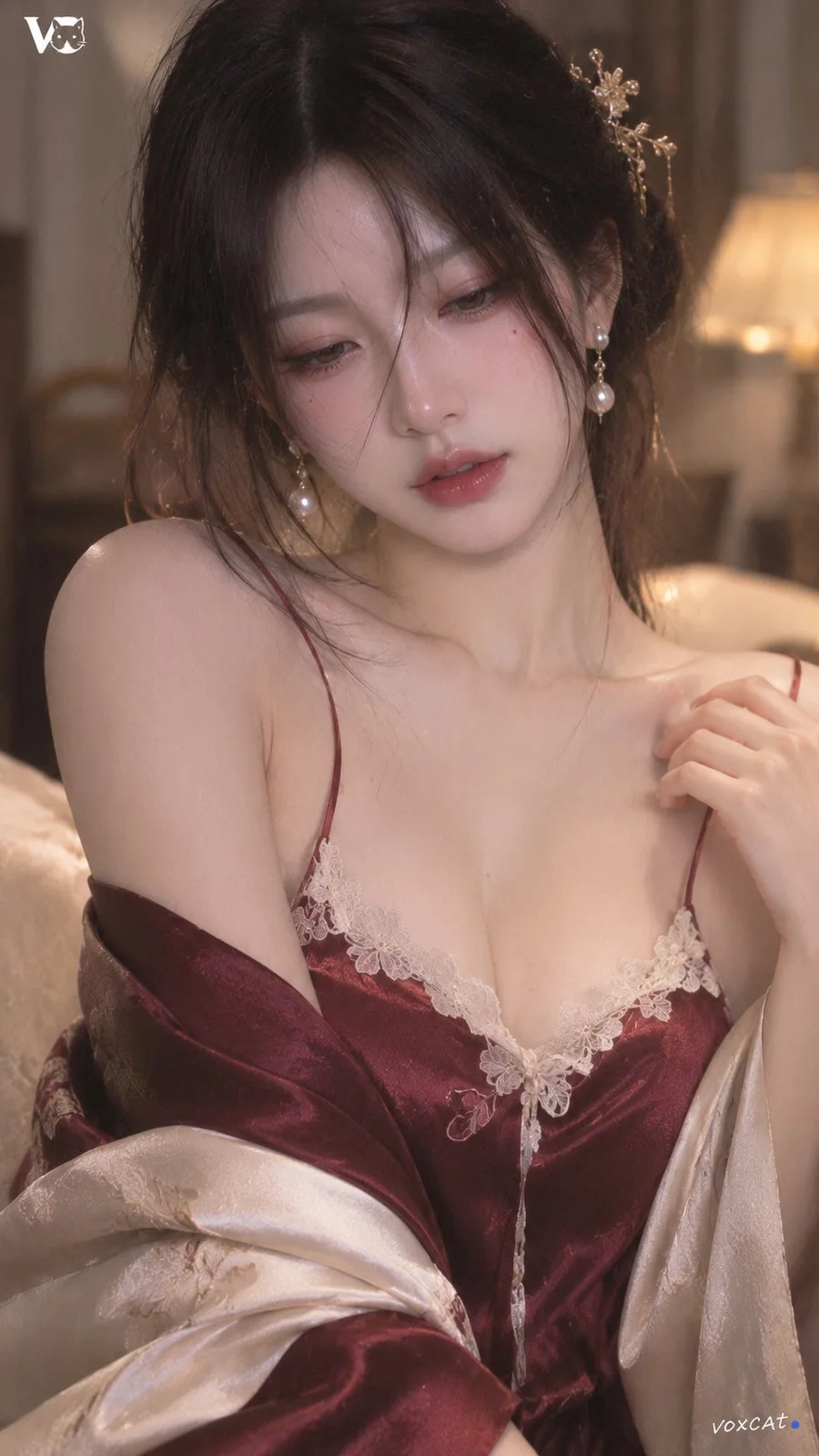
Soft porcelain beauty in silk nightdress portrait
Soft porcelain beauty in silk nightdress portrait
0
views
0
copies
Download
JPG · 941 × 1672
Likes
0
Views
0
Copies
0
Saved
0
Download
JPG · 941 × 1672

Prompt

Model
GPT Image 2
Mode
Text to image
Resolution
941 × 1672
Aspect
9:16

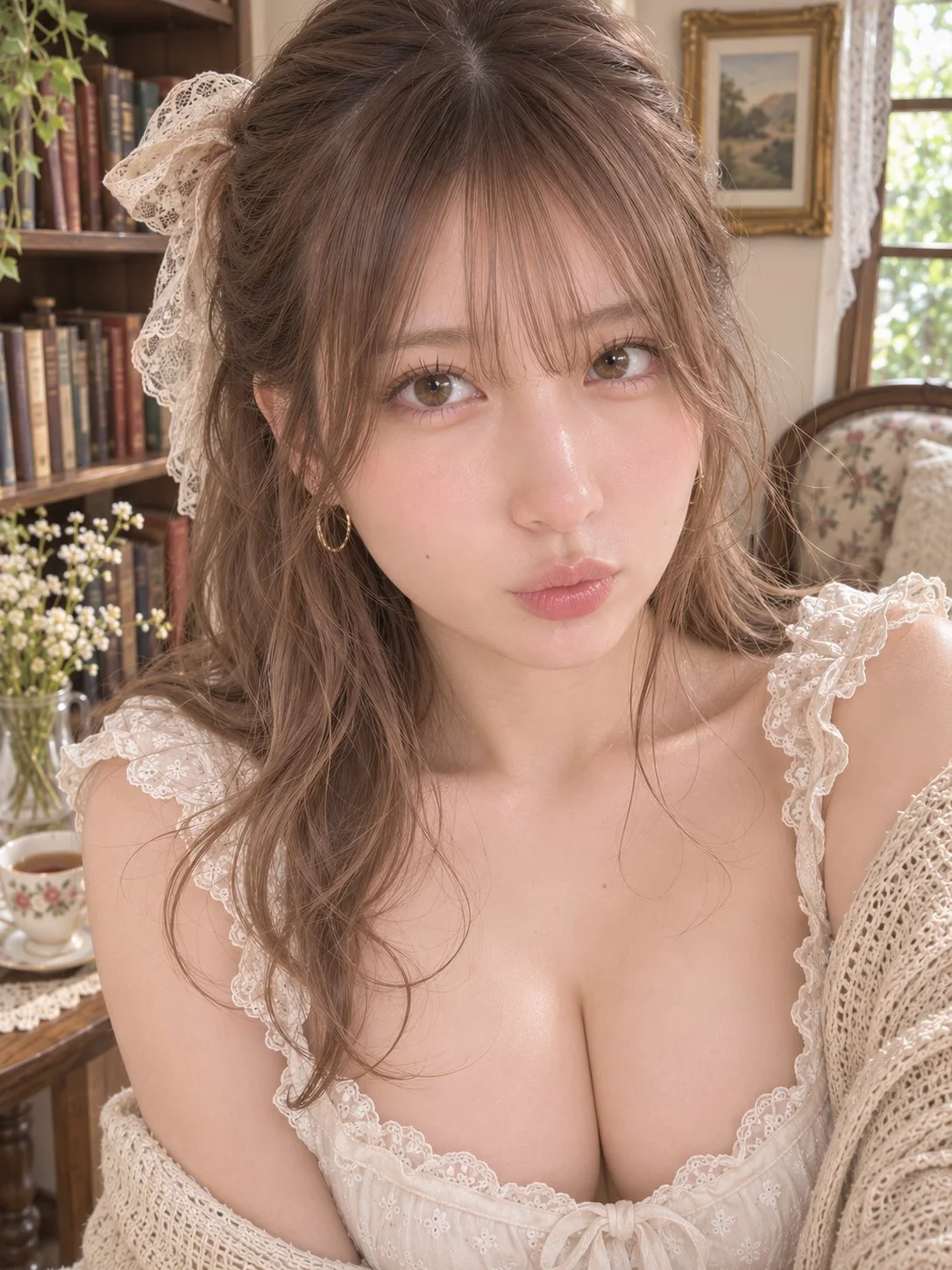
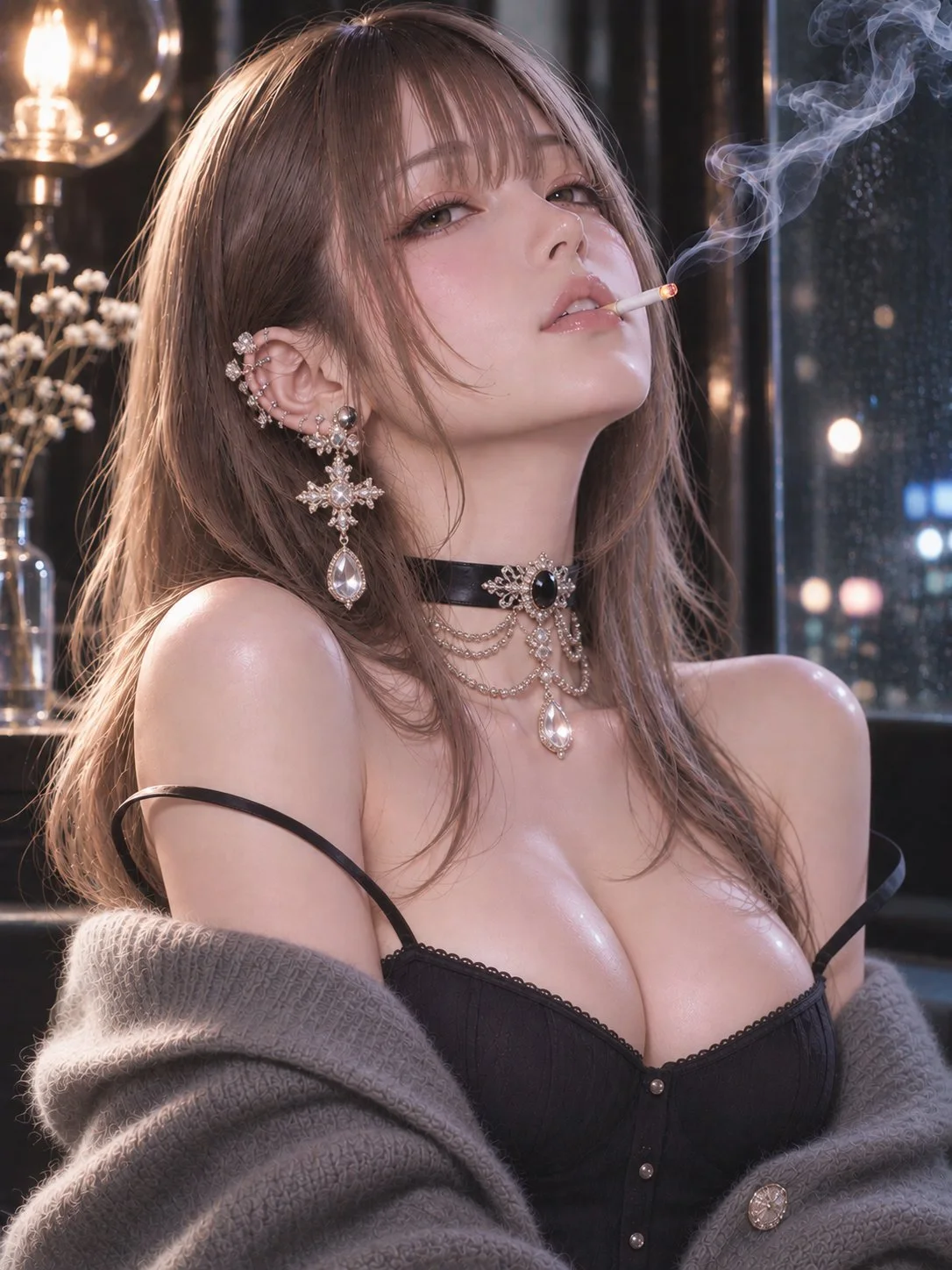
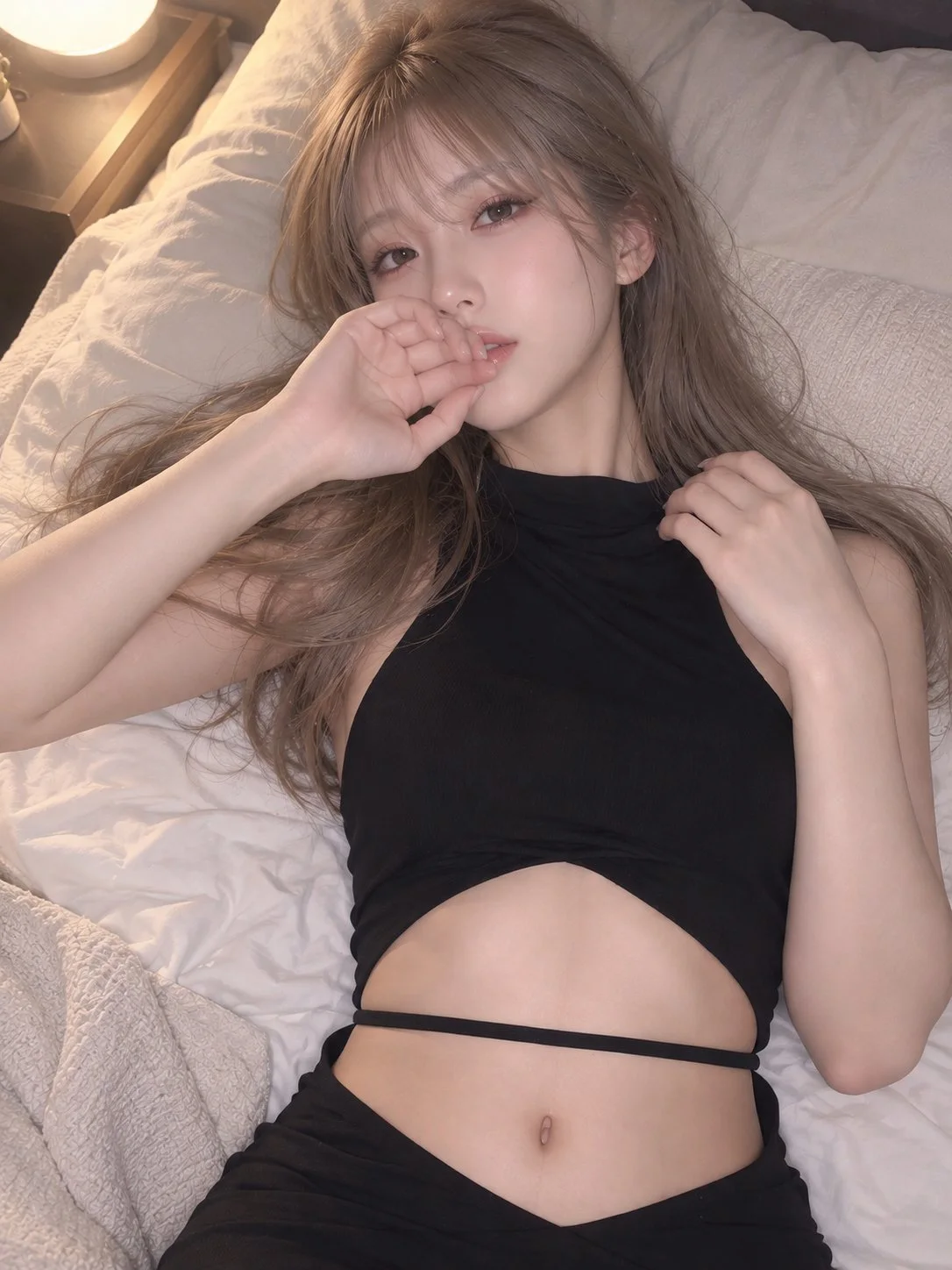
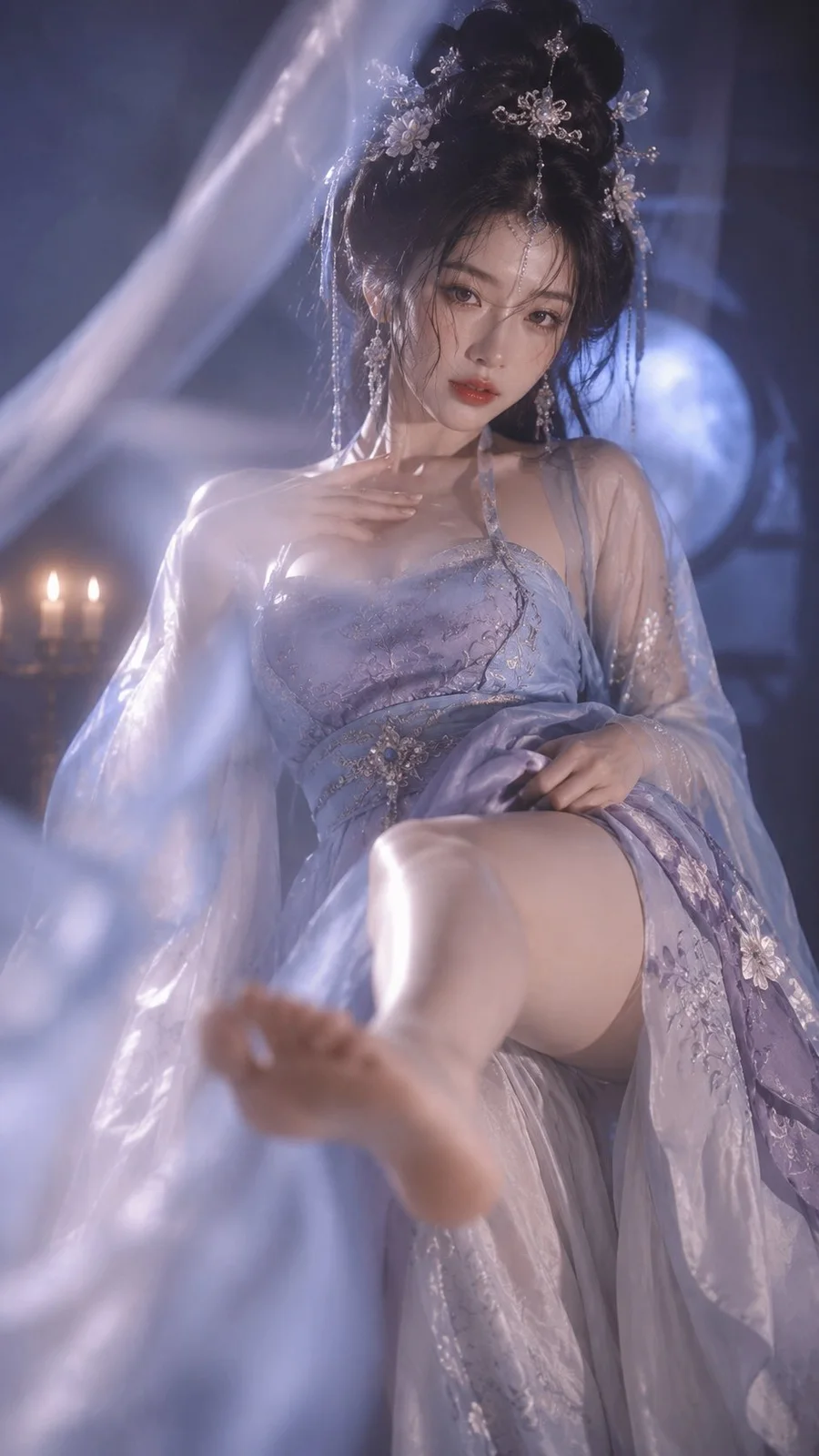
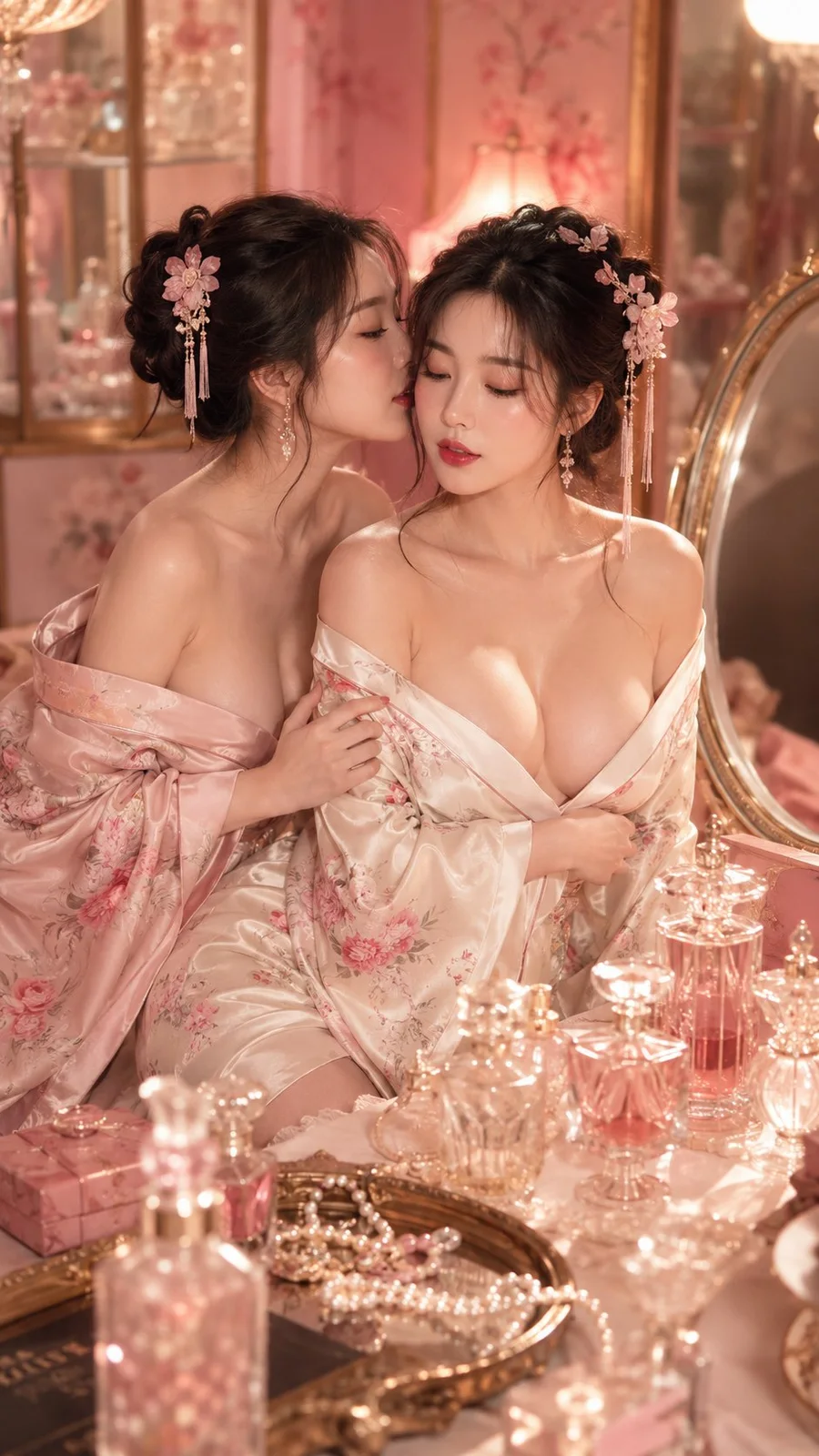
【角色】, explicitly adult real-person cosplay, retaining the character's core identity traits, Oriental refined beauty photography × Modern Homewear × Soft Porcelain Beauty. 9:16 vertical, upper-body medium close-up, front-facing and centered. Loose low bun or soft flowing hair, a few small gold hairpins, pearl earrings, strands of hair falling naturally along the sides of the face. The figure lowers her head slightly, face turned slightly to the side, eyes softly drooping, expression lazy, gentle, quiet, with a slight alluring touch. One hand lightly touches the collarbone or the strap, the other naturally gathers a half-loose robe. Warm white porcelain skin, grey-brown soft arched brows, peach-pink brown eyeshadow, fine slim eyeliner, delicate lashes, light pink blush, vermilion gradient lips, fine soft makeup. Silk thin-strap nightdress, with a half-open satin robe worn over it, revealing the shoulders, neck, collarbone and natural waistline, soft and close-fitting but not overly tight. Wine red, black, milk white, bean paste pink or champagne gold color scheme, narrow fine lace trim and a slight silk sheen, mature, lazy, refined. Low-saturation warm grey or bedroom soft-focus background, soft frontal large light source + warm side light, emphasizing the cheeks, shoulders, neck and collarbone, delicate skin texture, clear hair strands, realistic silk texture, modern digital portrait photography, high-end, ambiguous, clean.

About this prompt

The image shows an adult woman in a burgundy satin slip and cream robe, with a soft, sensual bedroom-portrait mood. The prompt suits glamour-style portrait generation with detailed lighting, fabric and makeup direction.

Prompt breakdown

Made by AI · Click a part to highlight it in the prompt

Made by AI · Click a part to highlight it in the prompt

How to use this prompt

Three steps from this page to your own image.

  1. 01

    Copy the prompt

    Copy the text as it is, every detail and any text on the image included.

  2. 02

    Match the settings

    Open GPT Image 2 on a platform that offers it and use the same settings: text to image, 941 × 1672, 9:16.

  3. 03

    Make it yours

    Change the subject or the style, or let Studio adapt it for you.