Skip to content
prompset

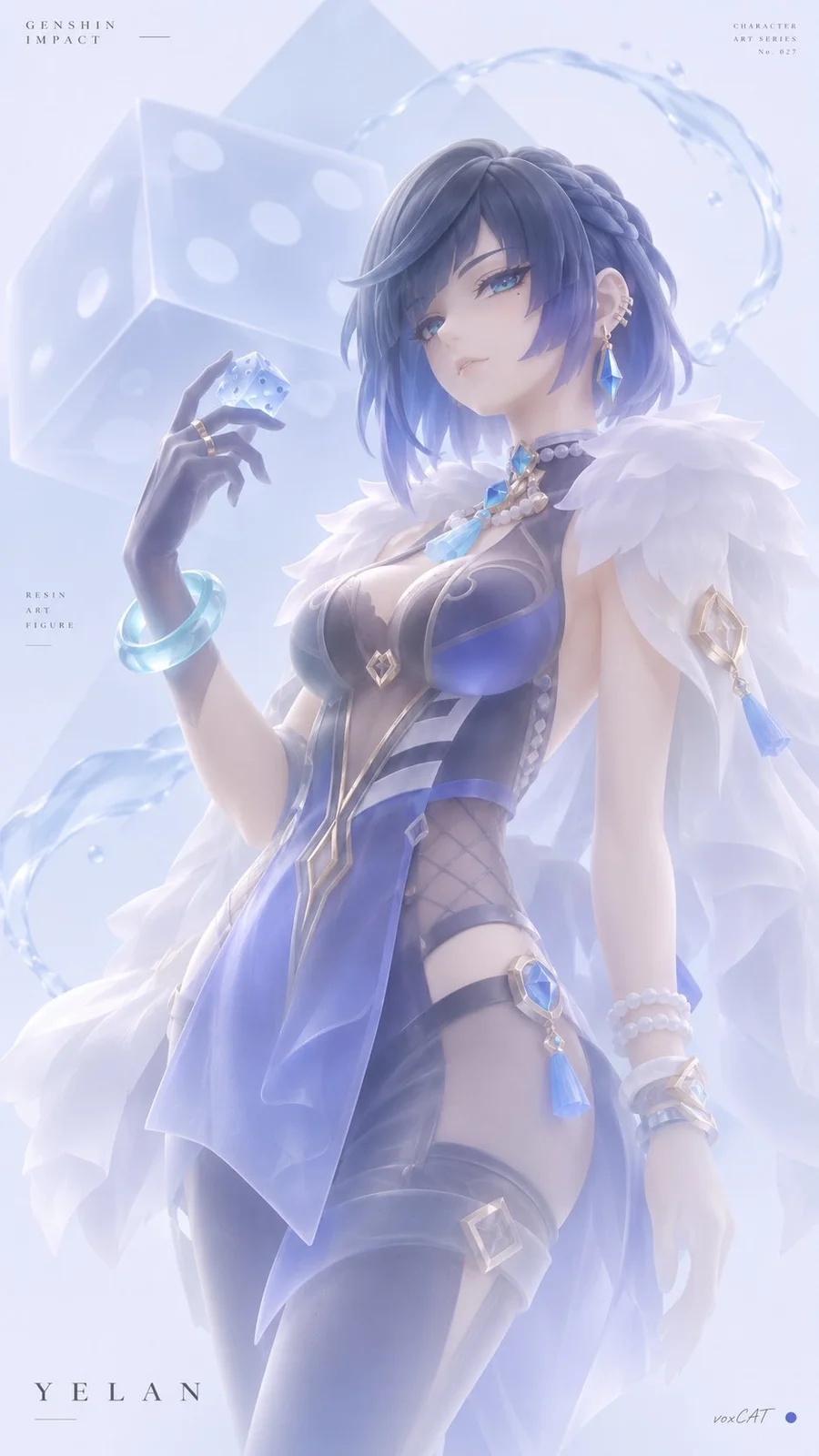
Frosted translucent resin character poster
Frosted translucent resin character poster
0
views
0
copies
Likes
0
Views
0
Copies
0
Saved
0

Prompt

Model
GPT Image 2
Mode
Image edit
Inputs
1 image
Resolution
941 × 1672
Aspect
9:16

[Character], retain the signature hairstyle, primary colours, facial features, costume structure and identity accessories, and translate them into a semi-translucent frosted resin 3D art character. Soft Frosted Character 3D × Pastel Minimalist Editorial × Translucent Resin Art. Milky white semi-translucent frosted resin shell, with the character's original colour scheme retained inside, forming a hazy, light-transmitting cloud-mist gradient; the face, eyes, hair ornaments, metal accessories and identity symbols remain clear and refined. 9:16 vertical art poster, character shown in three-quarter length, subject slightly off-centre to the left or right. The background uses the character's primary colour at high brightness and low saturation, with one huge semi-transparent geometric colour block added. Extract 1–2 signature symbols from the character's identity and enlarge them into low-opacity background graphics that echo the character's primary colours; forms such as circles, arcs, crystals, trajectories and emblems may be used. Generous negative space, soft studio lighting, milky white edge highlights and pale grey contact shadows. Only a very small amount of tiny editorial information at the top and edges, and a small English character name at the bottom. Overall dreamy, clean and soft, like a contemporary art collectible and an independent exhibition poster.

About this prompt

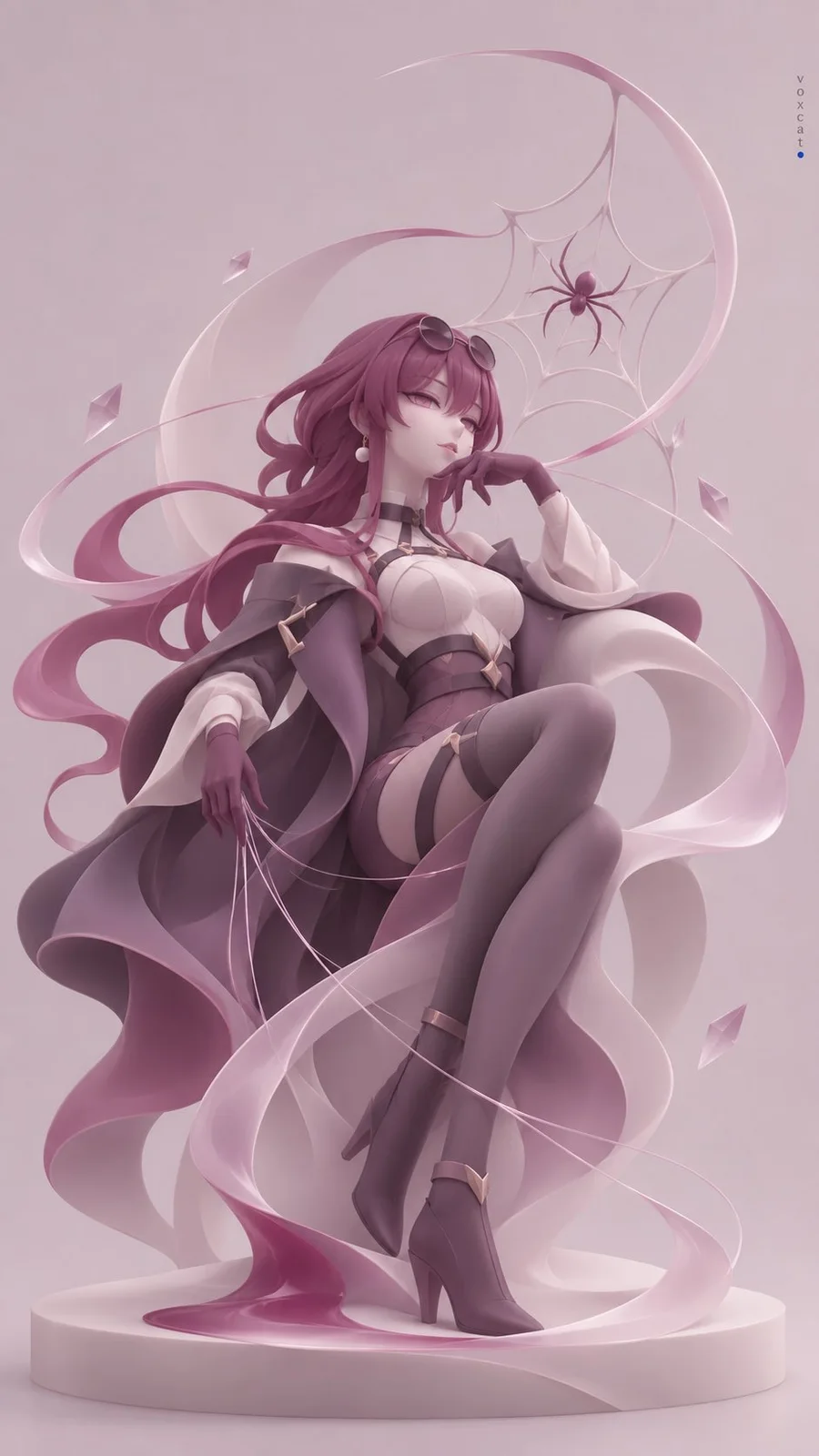
The image shows a fictional anime-style female game character in a pale, misty setting with a large translucent dice-like block and icy water swirls. The prompt is a reusable template for turning a character into a frosted resin art poster.

Prompt breakdown

AI breakdownClick a part to highlight it in the prompt

Click a part to highlight it in the prompt

How to use this prompt

Three steps from this page to your own image.

  1. 01

    Copy the prompt

    Copy the text as it is, every detail and any text on the image included.

  2. 02

    Match the settings

    Open GPT Image 2 on a platform that offers it and use the same settings: image edit, 1 image, 941 × 1672, 9:16.

  3. 03

    Make it yours

    Change the subject or the style, or let Studio adapt it for you.