Skip to content
prompset

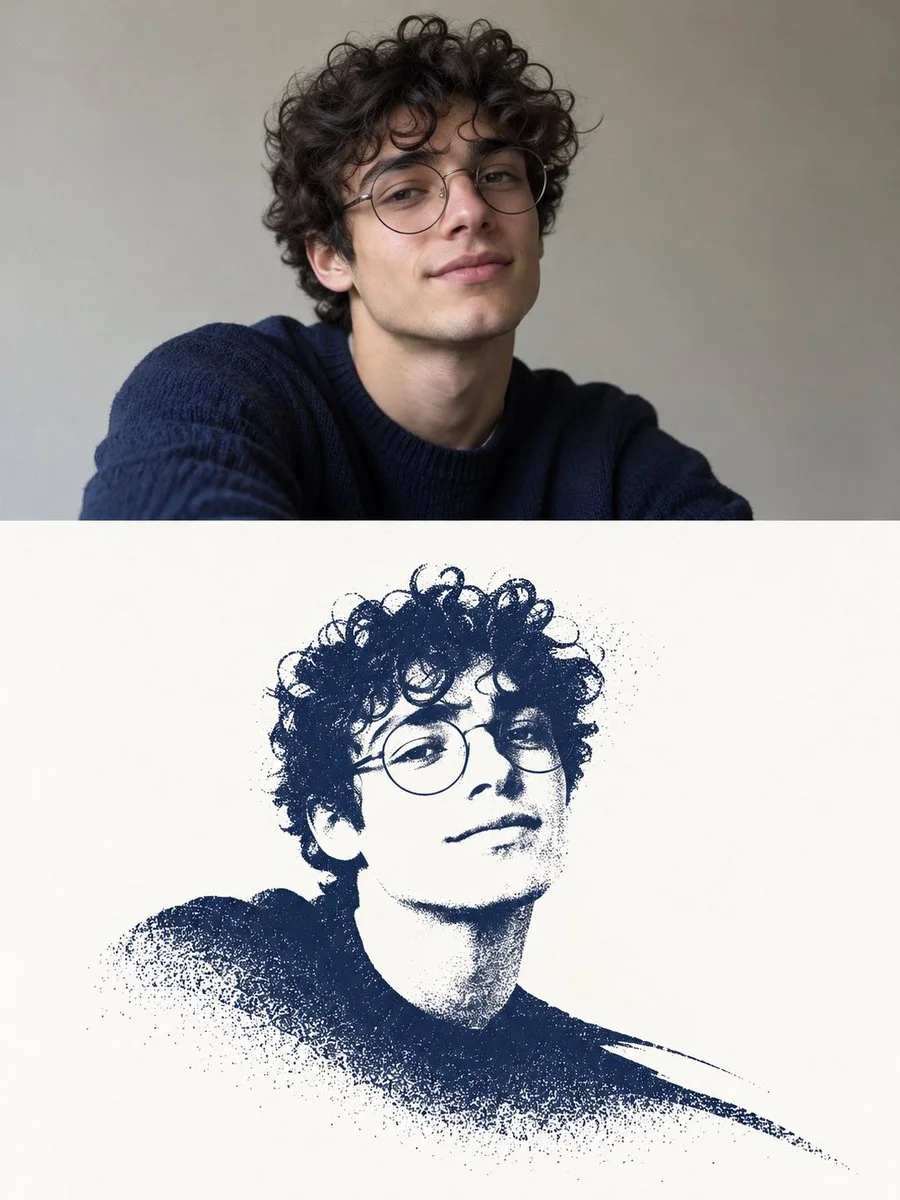
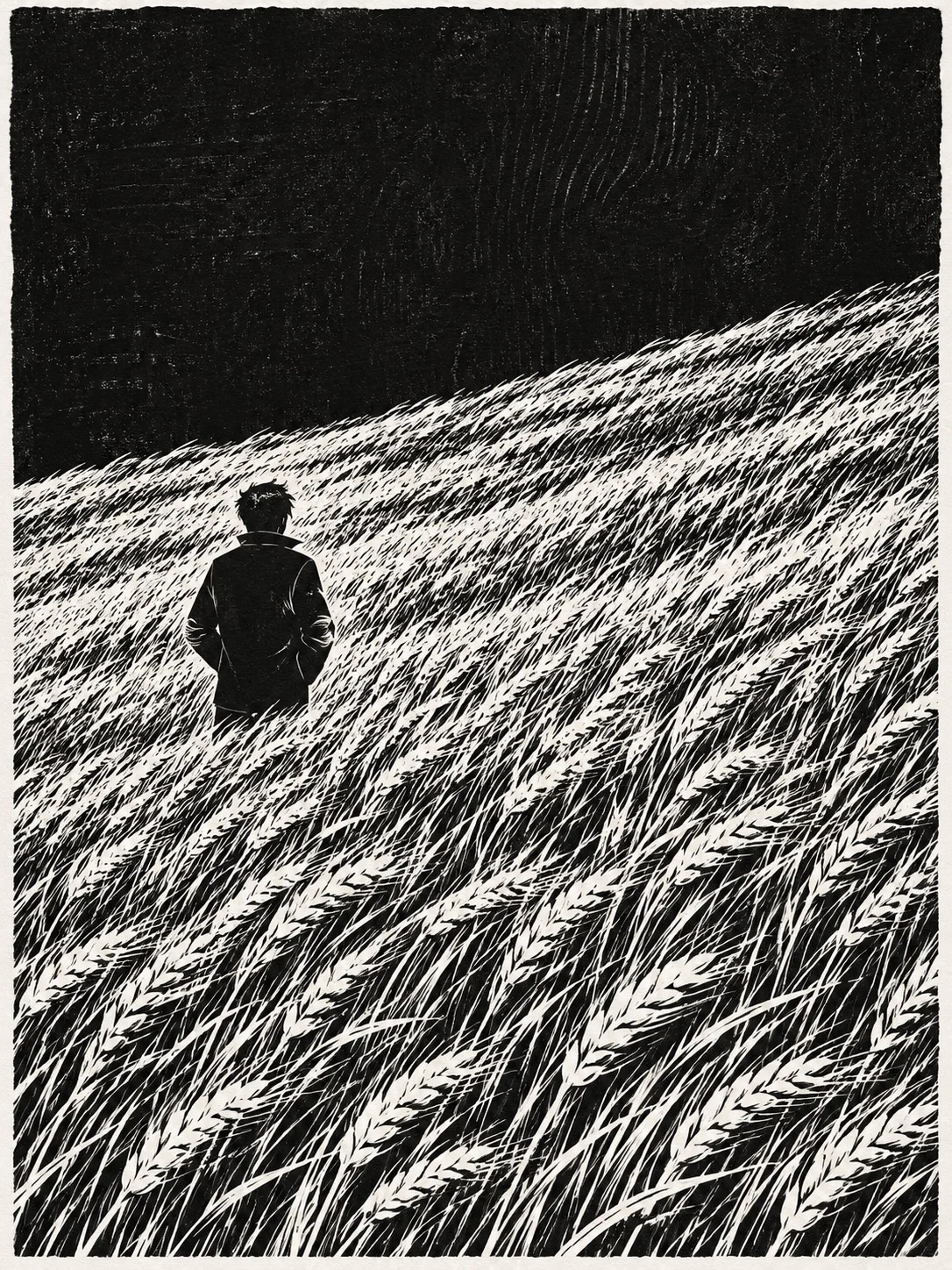
Black ink block reversal scratchboard portrait
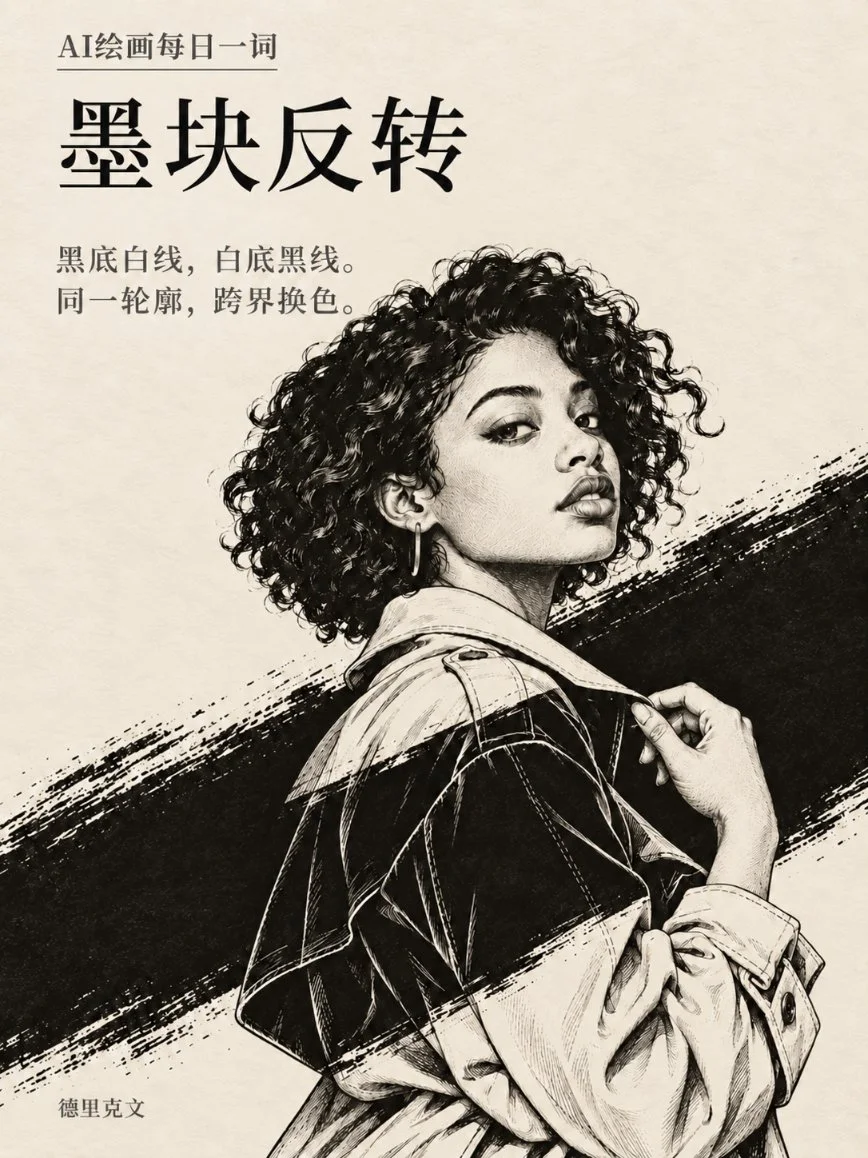
Black ink block reversal scratchboard portrait
0
views
0
copies
Download
JPG · 868 × 1158
Likes
0
Views
0
Copies
0
Saved
0
Download
JPG · 868 × 1158

Prompt

Model
GPT Image 2.5
Mode
Image edit
Inputs
1 image
Resolution
868 × 1158
Aspect
3:4

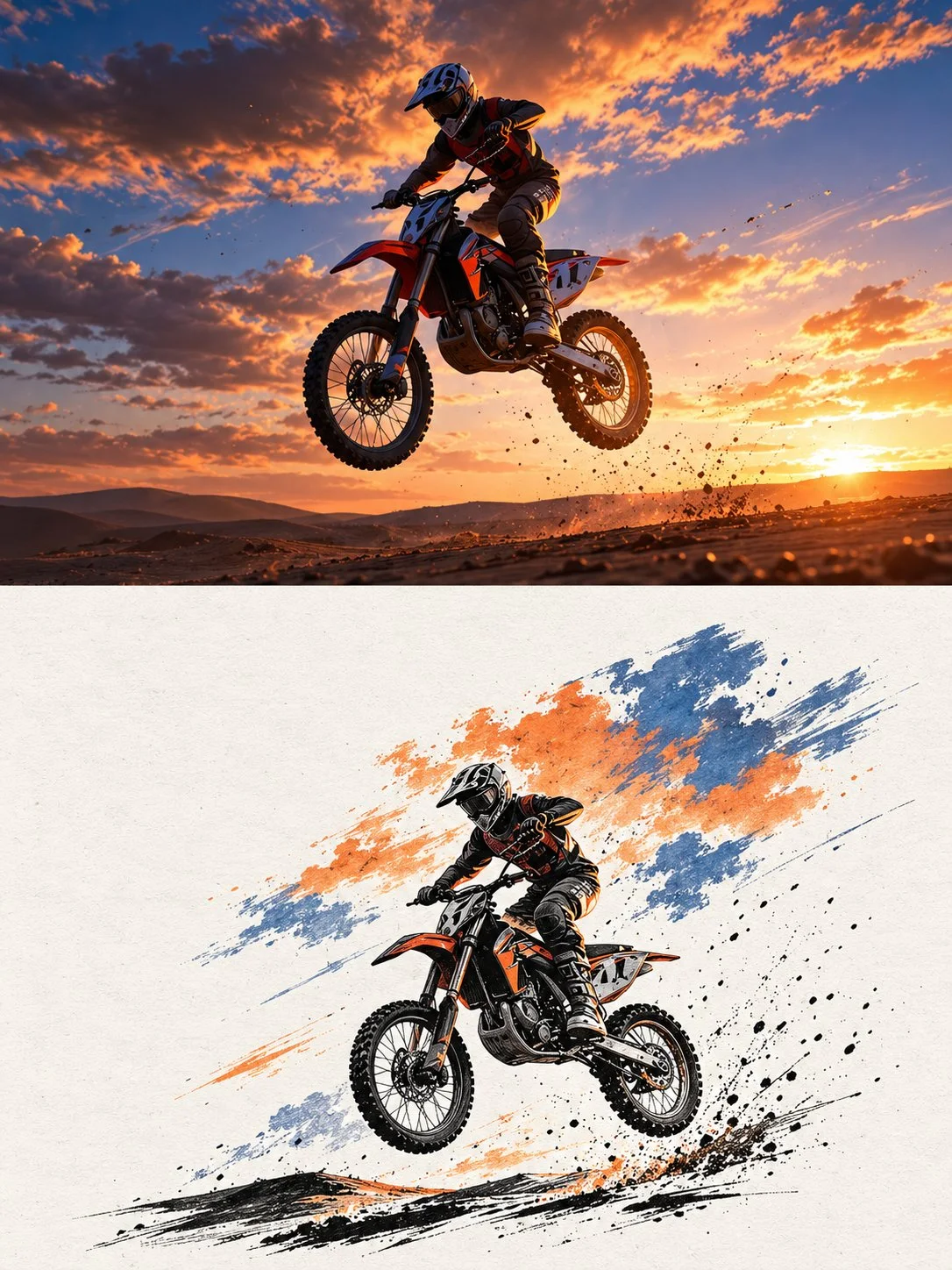
Transform the subject in the uploaded photo into a black-and-white scratchboard illustration, preserving its recognizable outline, posture and key details. Use warm off-white paper as the background, and place behind the subject a solid, dense black ink shape that is diagonal, horizontal or irregular. Its edges should keep dry-brush fringes, broken strokes and a few spots where the paper shows through. Let the same complete subject straddle the black ink shape and the off-white paper: the part lying over the black ink area is rendered with fine white incised lines, dense or sparse hatching and a few white solid areas; the part lying over the off-white paper is rendered with black ink lines and hatching. The line color switches at the boundary of the black ink, while body structure, outline and action remain continuously aligned. The black ink serves as background and must not cover or erase the subject. Organize light and shadow through the density of lines, and keep the traces of hand-scratched carving and paper grain. 3:4 vertical format, a single complete composition, with no text, no watermark, no collage and no side-by-side comparison.

About this prompt

A black-and-white scratchboard portrait of a woman with curly hair in a trench coat, split across a diagonal ink block and off-white paper. The prompt suits editorial illustration or art-technique references for mixed ink and paper rendering.

Prompt breakdown

AI breakdownClick a part to highlight it in the prompt

Click a part to highlight it in the prompt

How to use this prompt

Three steps from this page to your own image.

  1. 01

    Copy the prompt

    Copy the text as it is, every detail and any text on the image included.

  2. 02

    Match the settings

    Open GPT Image 2.5 on a platform that offers it and use the same settings: image edit, 1 image, 868 × 1158, 3:4.

  3. 03

    Make it yours

    Change the subject or the style, or let Studio adapt it for you.