Skip to content
prompset

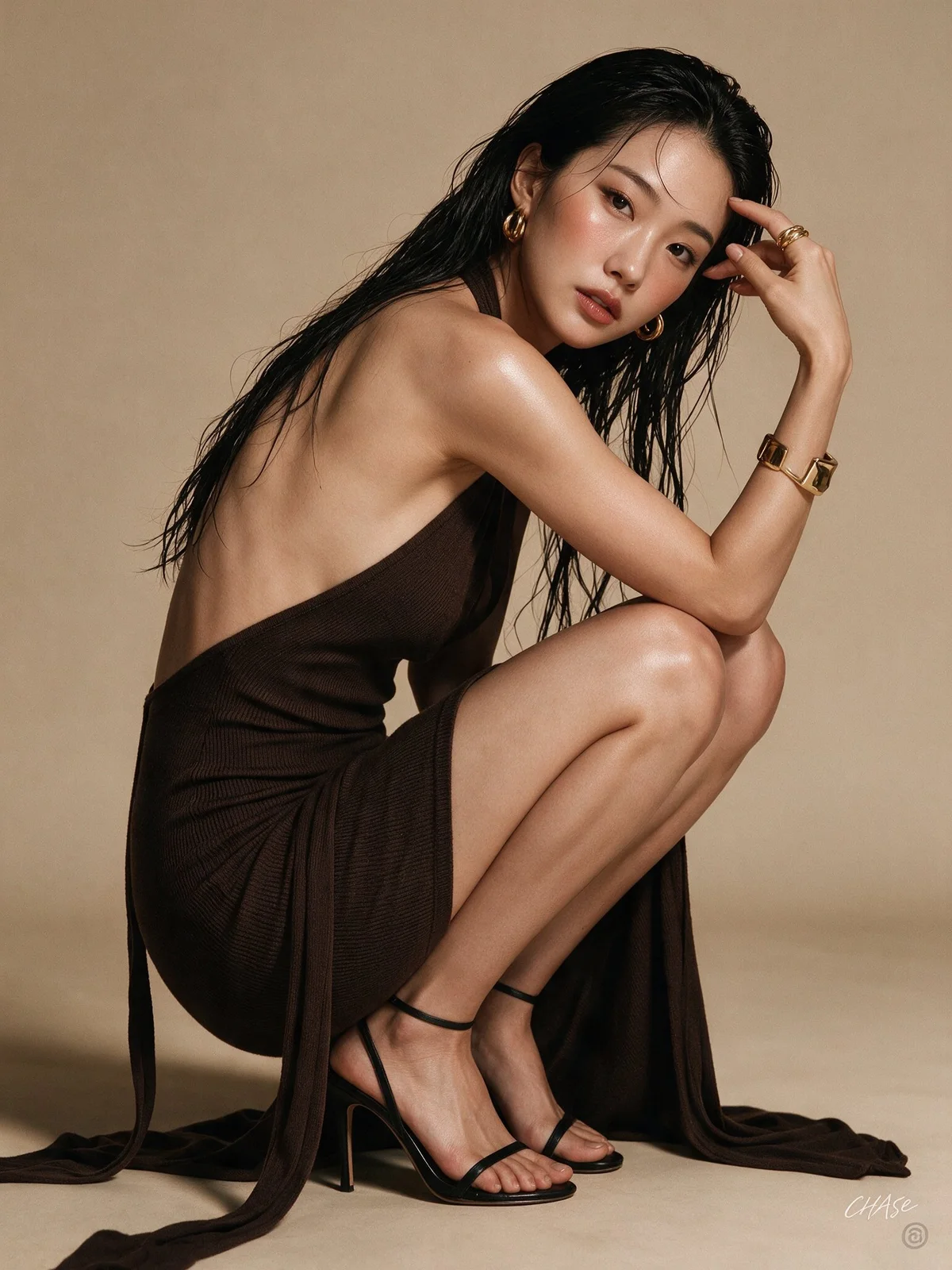
Squatting fashion editorial in a brown halter dress
Squatting fashion editorial in a brown halter dress
0
views
0
copies
Download
JPG · 1536 × 2048
Likes
0
Views
0
Copies
0
Saved
0
Download
JPG · 1536 × 2048

Prompt

Model
GPT Image 2.5
Mode
Image edit
Inputs
2 images
Resolution
1536 × 2048
Aspect
3:4

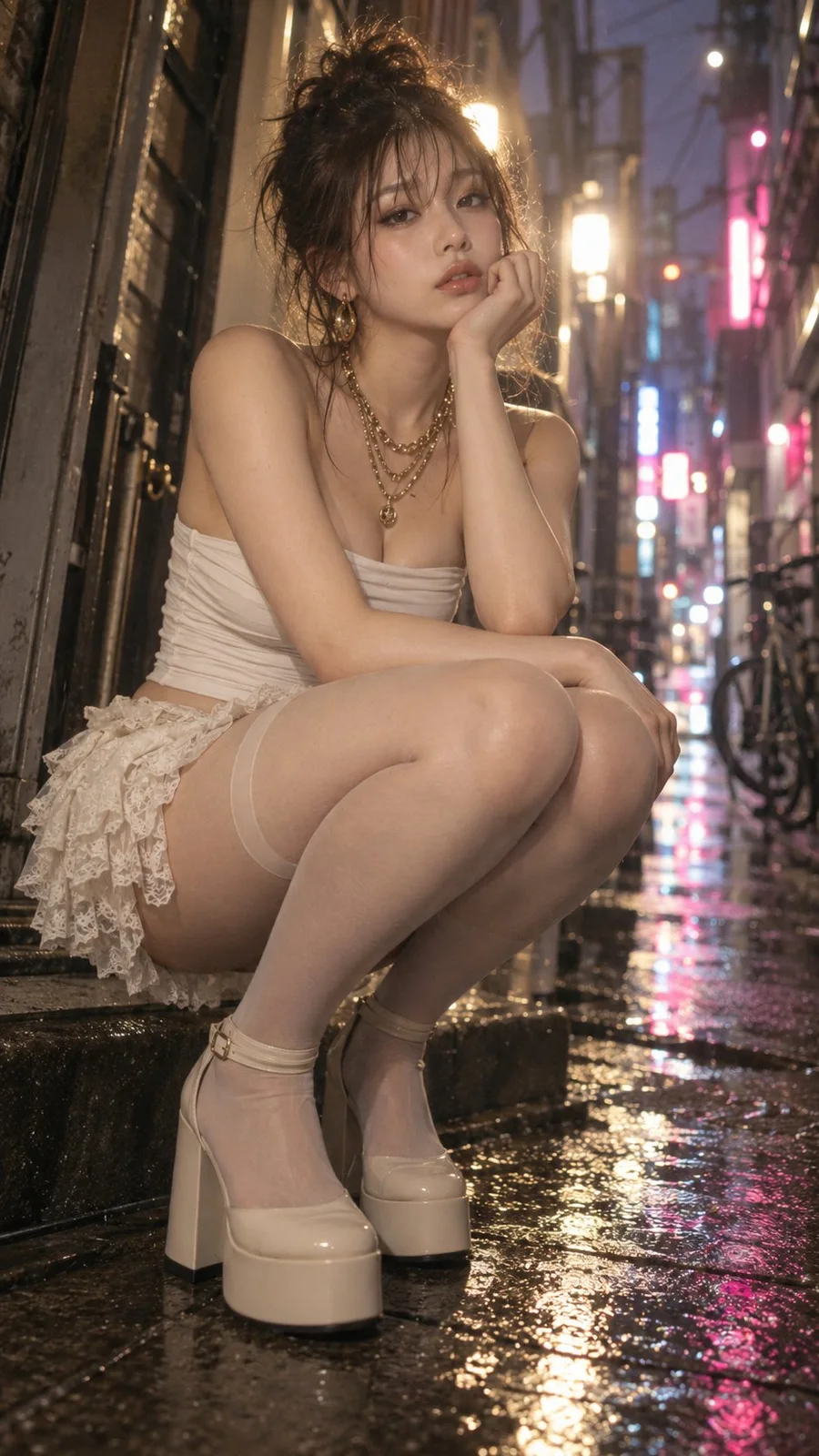
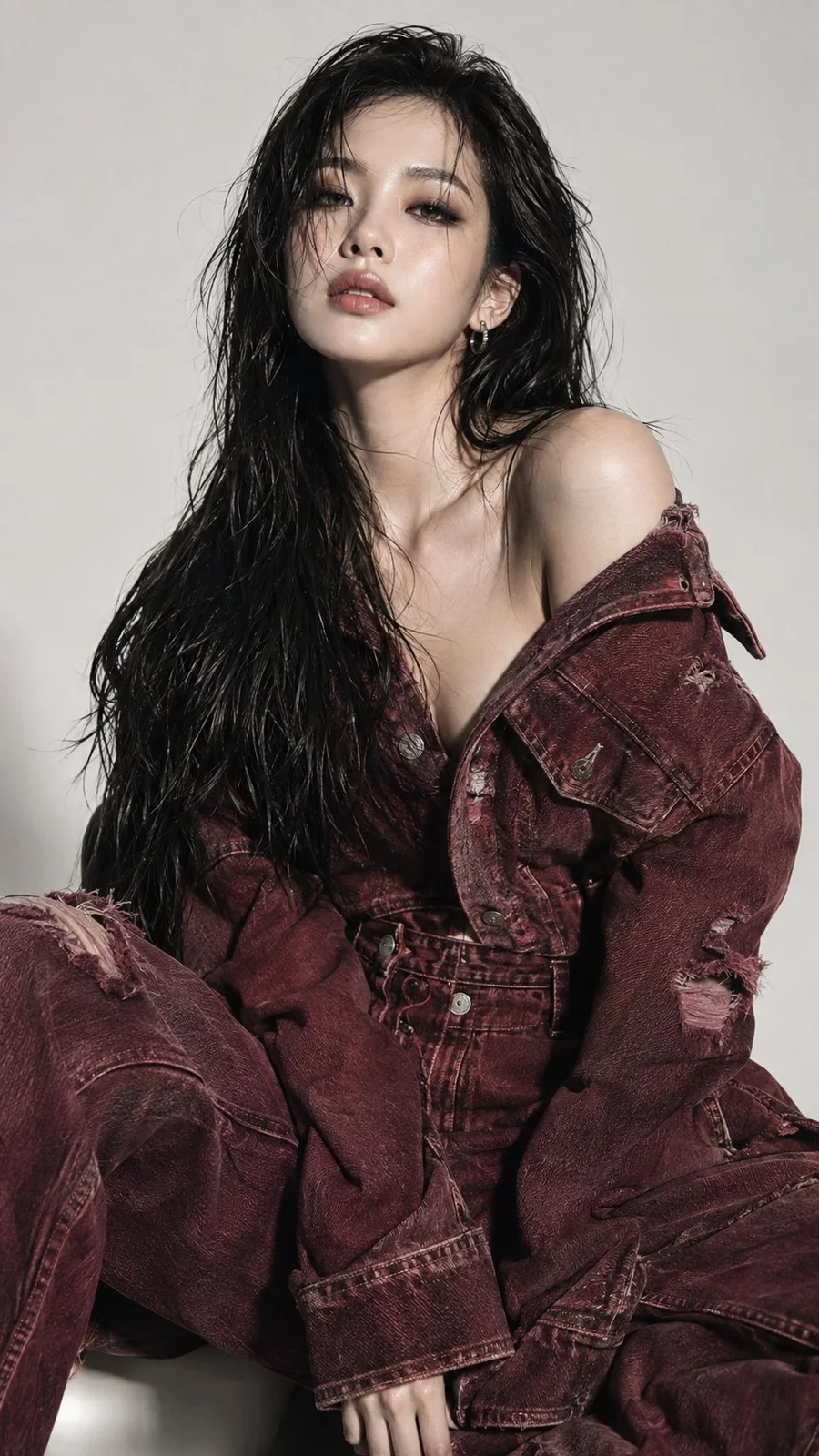
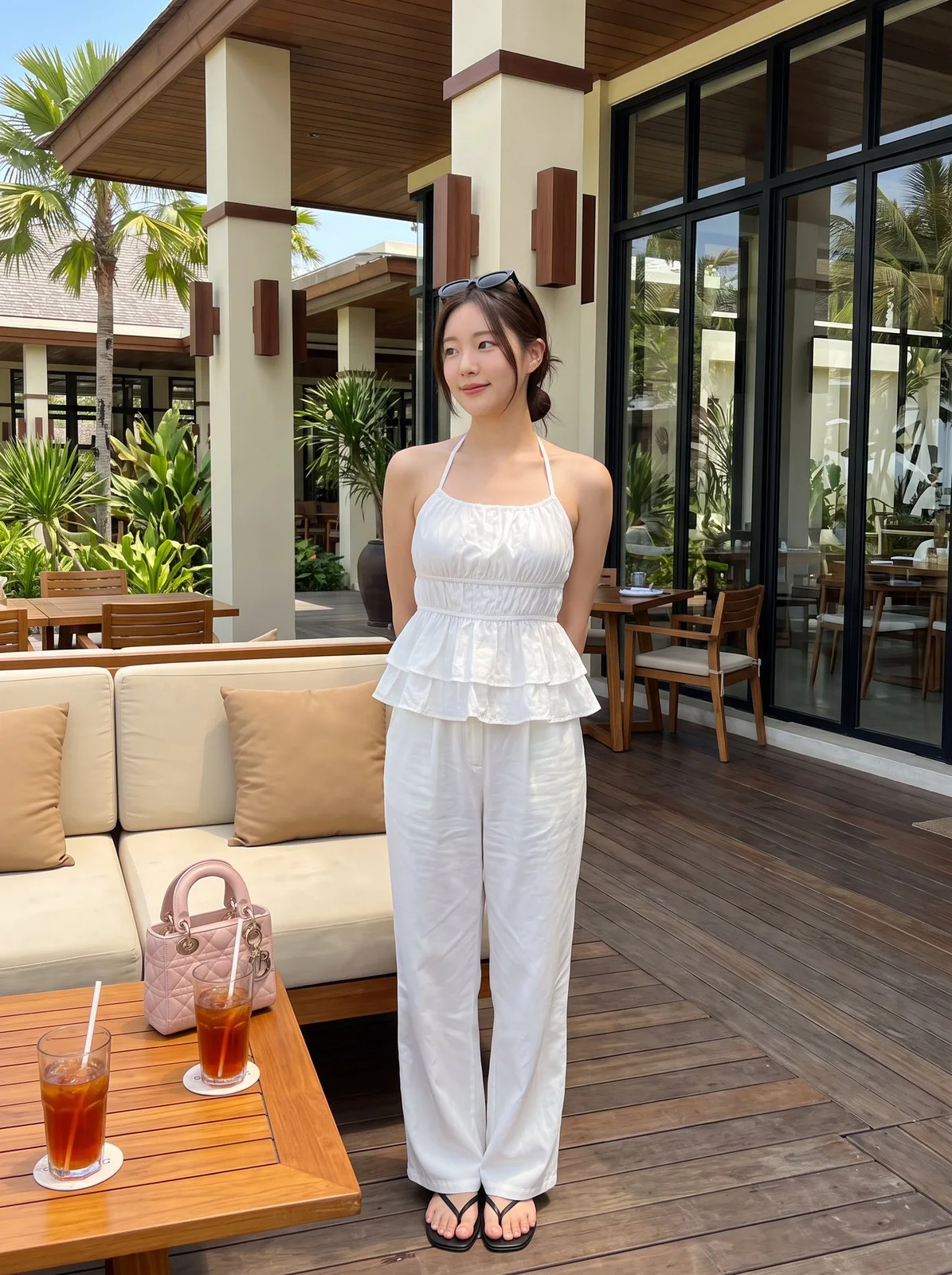
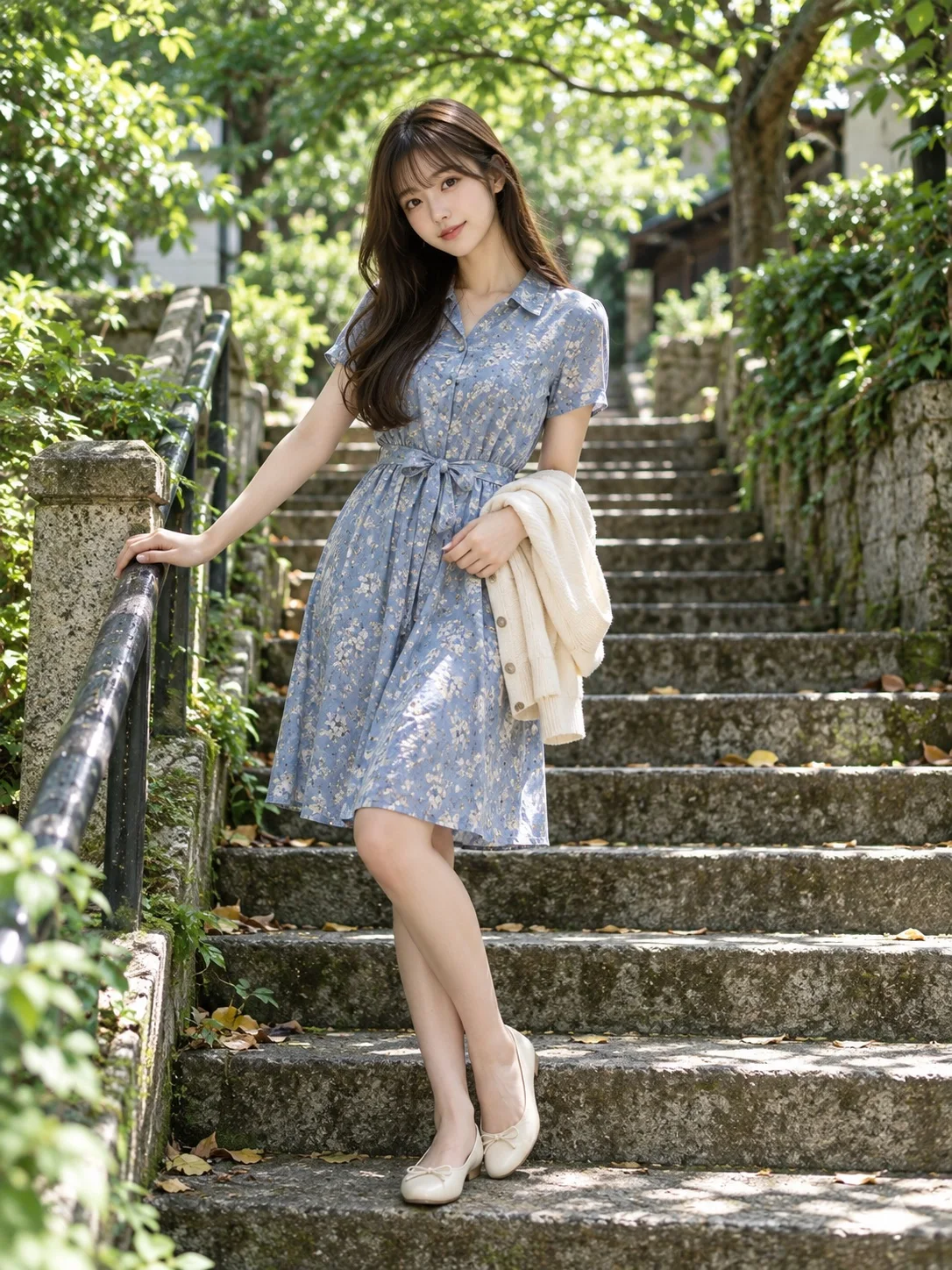
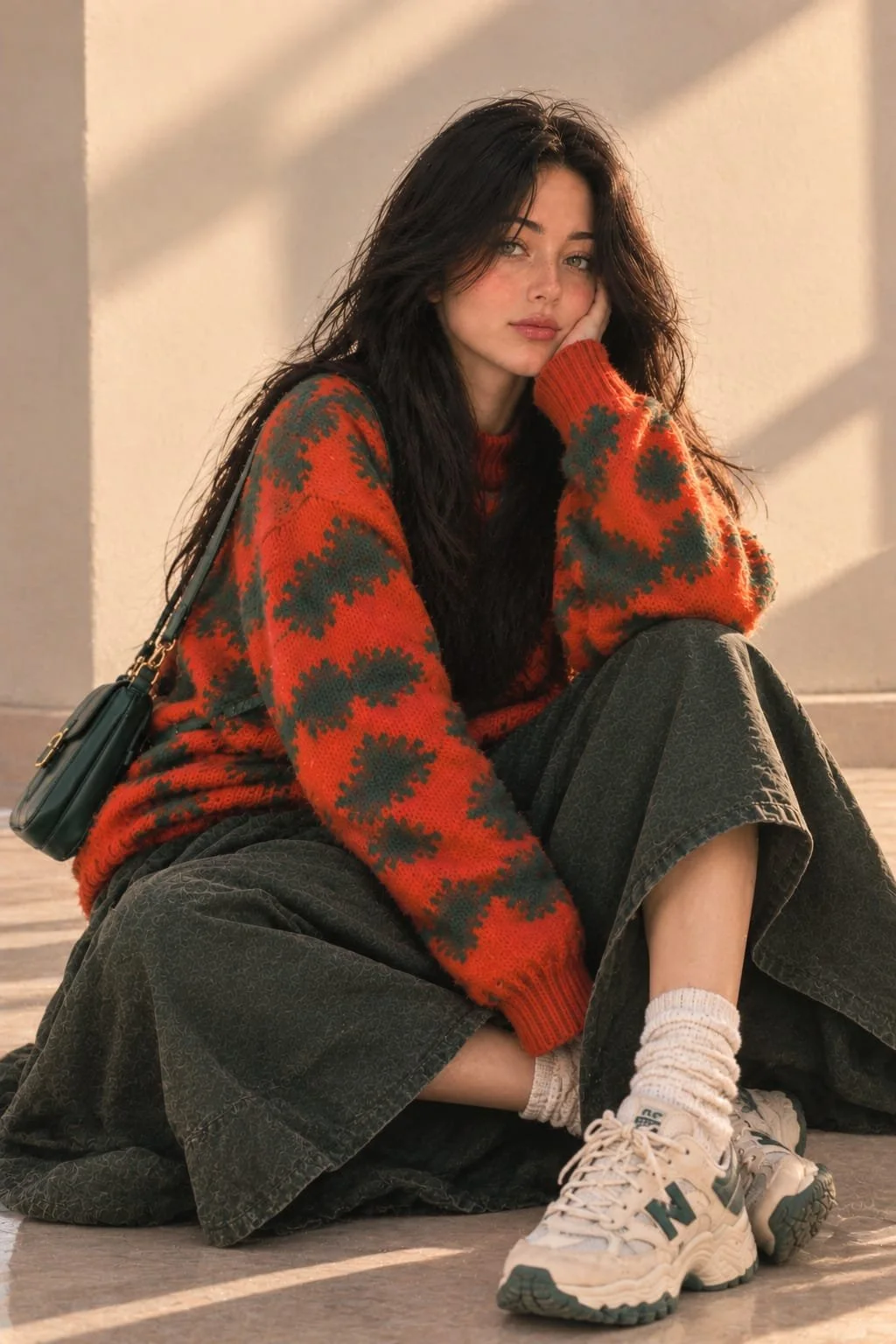
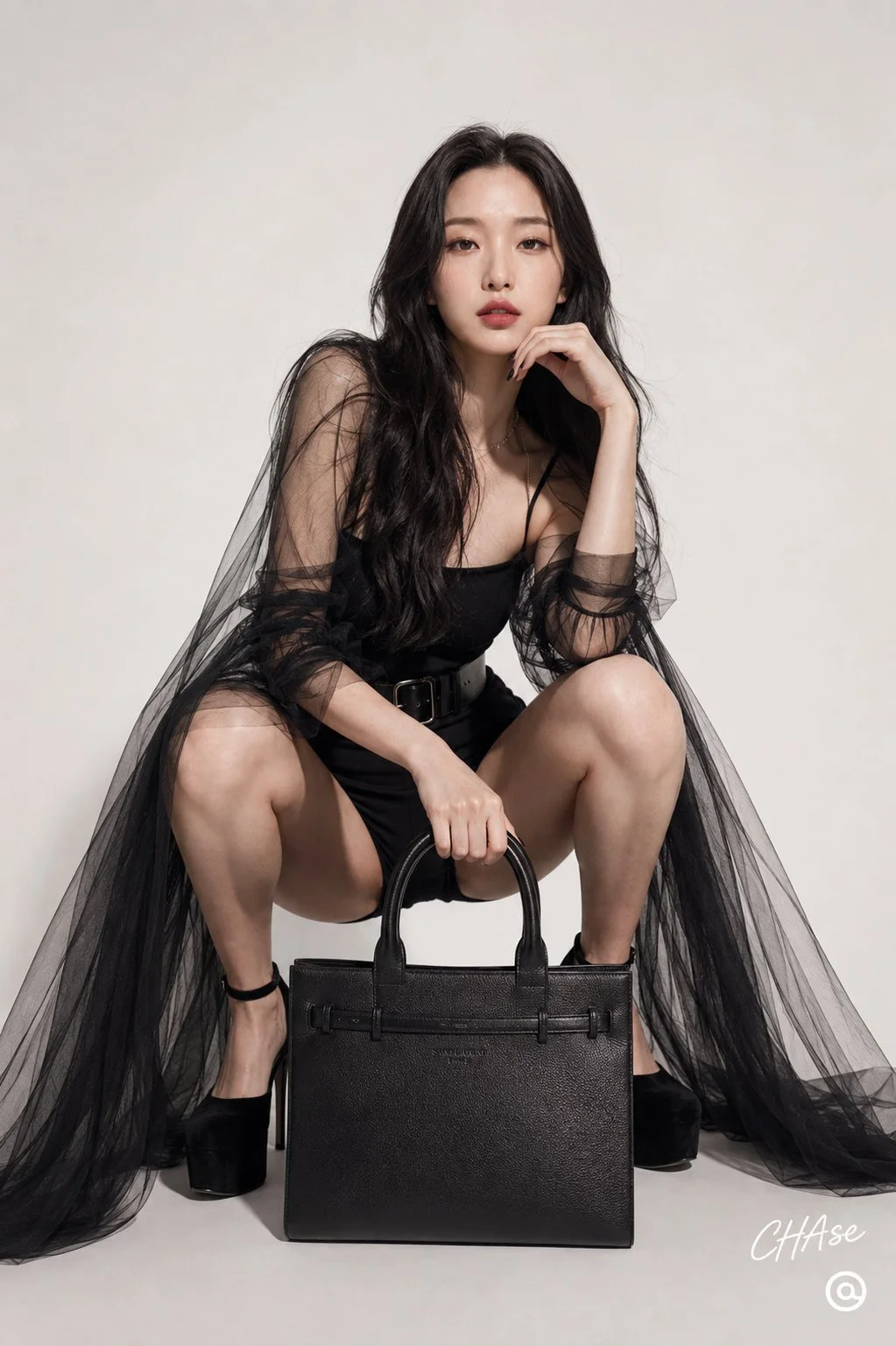
Vertical full-shot fashion editorial of a woman in a deep squatting pose against a seamless warm beige studio backdrop. She wears a deep chocolate brown ribbed knit backless halterneck maxi dress, thin black strappy stiletto sandals with raised heels, thick gold hoop earrings, bold gold twisted ring, geometric antique gold bangle, no necklace. Long slicked-back wet black hair, dewy satin skin, deep brown smoky eye makeup, bold black eyeliner, curled lashes, warm terracotta bronzer, coral cheek, nude warm peach-brown glossy lips. Left elbow rests on left knee, hand raised to temple with index and middle fingers touching; right arm hidden behind knee. Head tilted to the side, chin slightly raised, sensual languid gaze toward lens, lips slightly parted. Soft large studio softbox key light from upper right, smooth highlights on forehead, nose bridge, cheek, curved back, knees, shins; soft deep shadows beneath chin, ribs, inner thighs, floor. Warm earth tone monochromatic palette, fine magazine print grain. Shot on full-frame mirrorless, 85mm f/2.8 portrait lens, mid-low angle at chest/shoulder height, sharp focus on eyes and face, 3:4 vertical studio portrait composition. @image1 @image2 as character references.

About this prompt

A woman crouches in a brown backless knit dress against a beige studio backdrop, lit by a soft key light in a warm, editorial fashion style. The prompt suits fashion lookbooks, editorial shoots, and studio portraits built around a specific outfit and pose.

Prompt breakdown

AI breakdownClick a part to highlight it in the prompt

Click a part to highlight it in the prompt

How to use this prompt

Three steps from this page to your own image.

  1. 01

    Copy the prompt

    Copy the text as it is, every detail and any text on the image included.

  2. 02

    Match the settings

    Open GPT Image 2.5 on a platform that offers it and use the same settings: image edit, 2 images, 1536 × 2048, 3:4.

  3. 03

    Make it yours

    Change the subject or the style, or let Studio adapt it for you.